
Written by Nina
Edited on
6 July 2026
·
12:49
How do you choose a Samsung TV?
Are you looking for a new Samsung TV, but don't know which one suits you best? In this article, you can read about what to keep in mind. We talk about the resolution, the screen technologies, and the available models, for example.
How can I help you?
Our digital expert will help you, but it can sometimes make mistakes, like humans do.
Choose Samsung TV
Answer these questions and find the Samsung TV that suits you best.
- What screen size do you need?
- What screen technology do you want?
- How many details do you want to see?
- How smooth should the image be?
- Do you want a One Connect Box?
- How many HDMI connectors do you need?

What screen size do you need?
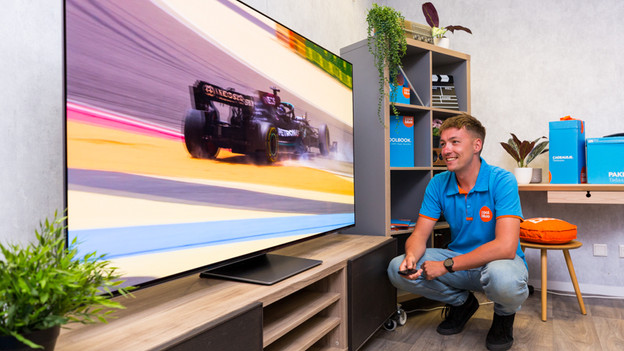
You can choose the right screen size by paying attention to your viewing distance. A screen that's too large will make things difficult to see. If you choose a screen that's too small, subtitles are hard to read and you'll miss details. Measure the distance between your sitting position and where you want to place or mount the TV. Per viewing distance, there are a few inch sizes that you can choose from. For a 3m viewing distance, go for a TV between 55 and 75 inches.

What screen technology do you want?
Each type of screen has unique properties that determine the image quality. QLED TVs use tiny Quantum Dots, so the images are brighter and more colorful. Neo QLED TVs combine this with a Mini-LED display for an even brighter image with a strong contrast. OLED TVs don't have backlight, but use pixels that light up individually for the deepest black levels. QD-OLED TVs are a combination of OLED and QLED. With these, you can enjoy the best of both worlds.
How many details do you want to see?
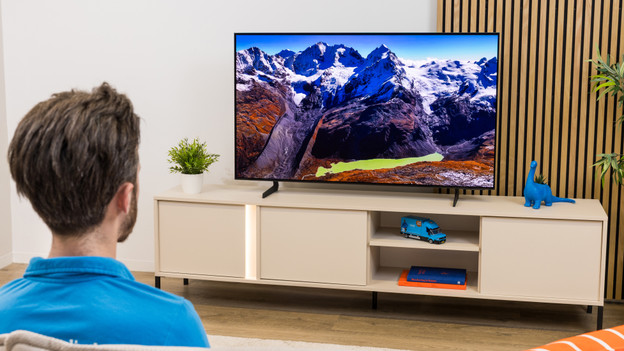
We call the TV sharpness the resolution. We indicate the amount of pixels a screen has. Per step up, the number of pixels in the screen increases. The more pixels, the sharper the image and the more details you see. Samsung has Full HD, 4K, and even 8K TVs in their assortment.

How smooth should the image be?
The refresh rate determines how many frames per second your TV displays. A higher refresh rate shows actions even more smoothly, so you won't miss a moment of a sports match or game. With a 100Hz TV, you can enjoy smooth images. This way, you can see a car or soccer ball move smoothly. Choosing a 50Hz TV? Fast-moving images may stutter, so your viewing experience is less smooth.

Do you want a One Connect Box?
With the One Connect Box, you can connect all your devices to the TV via an HDMI connector. That's why you never have too few connectors and you don't have to switch between HDMI cables. You can store your cables neatly, so you only see 1 transparent HDMI cable going to your TV. Without One Connect Box, you can't connect all your devices at the same time and you see more cables. You need to switch cables more often and they stay in sight.

How many HDMI connectors do you need?
The number of HDMI ports on your TV determines how many devices you can connect at the same time. For example, a Chromecast, soundbar, or console like the PlayStation 5 or Xbox Series X. Only have a few HDMI ports? You'll have to switch cables often. With 3 or 4 HDMI ports, you're often good to go. You'll have space for a soundbar, media player, and console.