
Written by Kayleigh
Edited on
1 October 2025
·
11:08
How do you solve an error code on your Brother printer?
If your Brother printer gives an error code, it's annoying, but can also be useful. The error code indicates what's wrong with your printer. There are letter-digit combination error codes and textual error codes. We looked into the most important error codes for you and found out what they mean and how to solve them.

Types of error codes
In the case of a problem, your Brother printer will display a specific error code. Thanks to this, you'll know what the problem is. There are 3 different ways the printer shows the error code on the display:
- error codes with 2 characters.
- error codes with 3 characters.
- textual error codes.
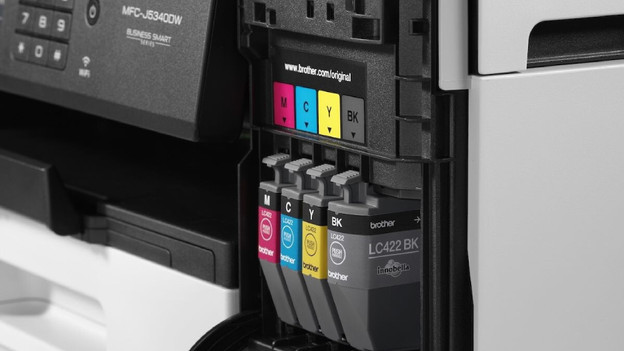
Error codes with 2 characters
The 2-character error codes have 1 letter and 1 number, or 2 letters. The error code can start with both the letter and the number.
- A2/A3/A5: the ADF or fax doesn't work properly. The paper isn't placed properly with the ADF input or the file you're trying to fax is too large. Remove the paper and try again.
- 7D: the printer drum is filthy and needs to be cleaned. How you do this differs per printer. Check the manual of your printer for this.
- CF: the toner cartridge container is full. Part of the toner powder is collected in the container and you have to empty it once every so often. Make sure you don't breathe in the powder or spill it.
- 26, 27, 28, 28: the cartridges aren't recognized. Remove the cartridges and reset the printer. Then, put the cartridges back in.
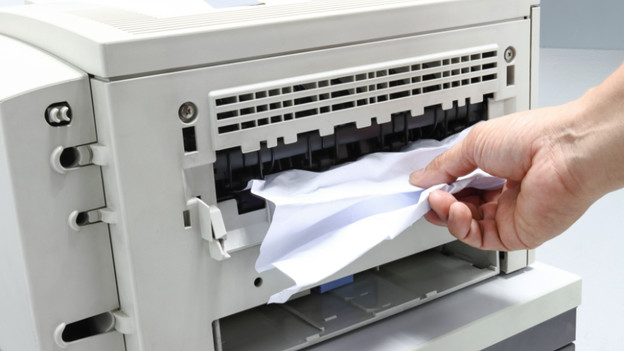
Error codes with 3 characters
The 3-character error codes have 1 letter and 2 numbers. Often, the error code starts with a letter, followed by 2 numbers.
- E50: the printer is probably too hot. Turn off the printer, let it cool off for a while, and try to print again.
- E51/E52: a problem with the laser. Sometimes, it helps to turn off the printer and turn it on again after a while.
- E54/E60: the printer detected a problem with feeding the paper or the fan has a malfunction. Turn off the printer and try again after.
- E57/E83/E88: the paper got stuck (paper jam) in a specific part of the printer. Read how to solve this below.

Textual error codes
Content In addition to the error codes with 2 or 3 characters, Brother printers sometimes also show a textual error code on the display or on your PC/laptop:
- Clean Drum Unit: this is the same error code as 7D (see 2-character error codes). Check the manual of your printer to find out how to clean the printer drum.
- Replace Laser Unit: the laser of the printer needs to be replaced. You can't replace it yourself. Does the error occur during the warranty period? Contact the Customer Service.
Article by Kayleigh
Printer Expert.
