reMarkable
reMarkable.
Noteworthy.
Compare the reMarkable Paper Pro, reMarkable Paper Pro Move, and reMarkable 2
- reMarkable Paper Pro
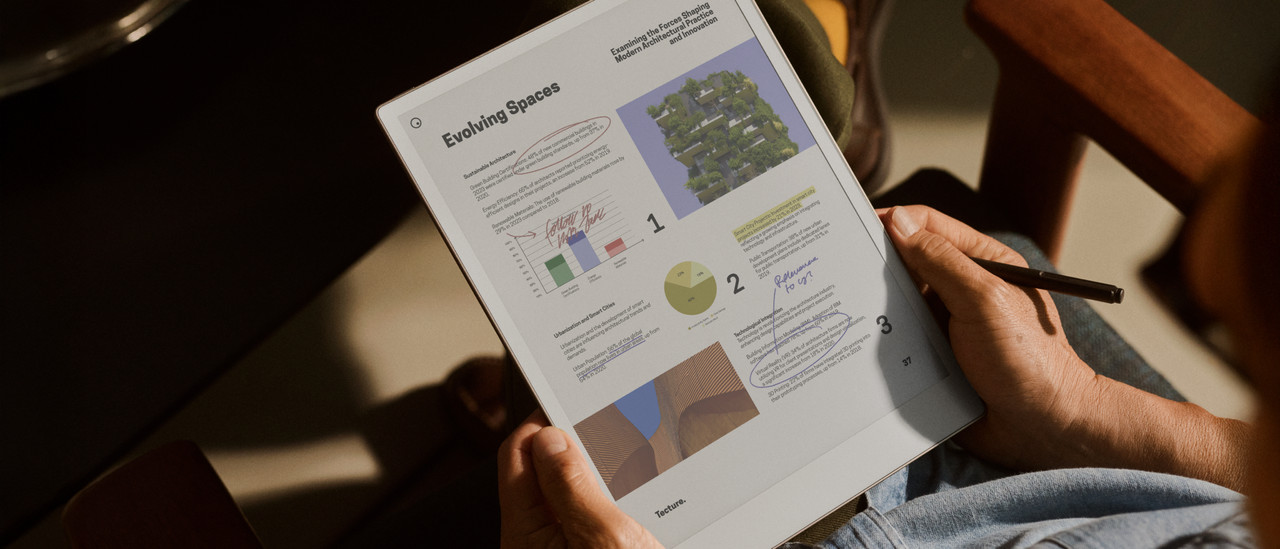
On the large screen, you have a lot of space for your documents of taking notes
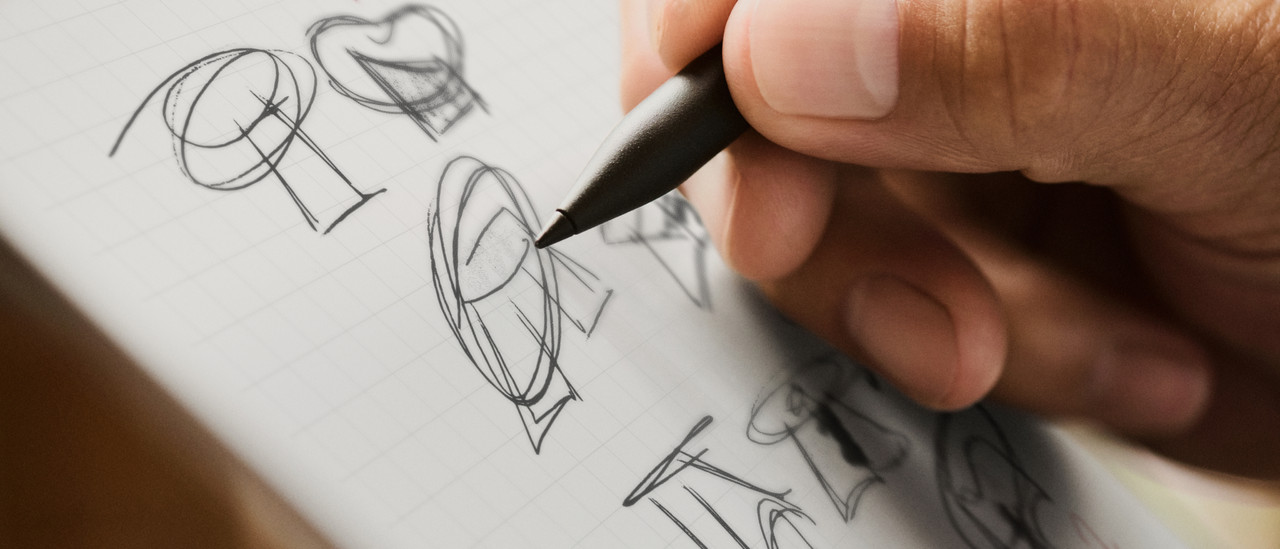
When you write it feels like you're writing on real paper
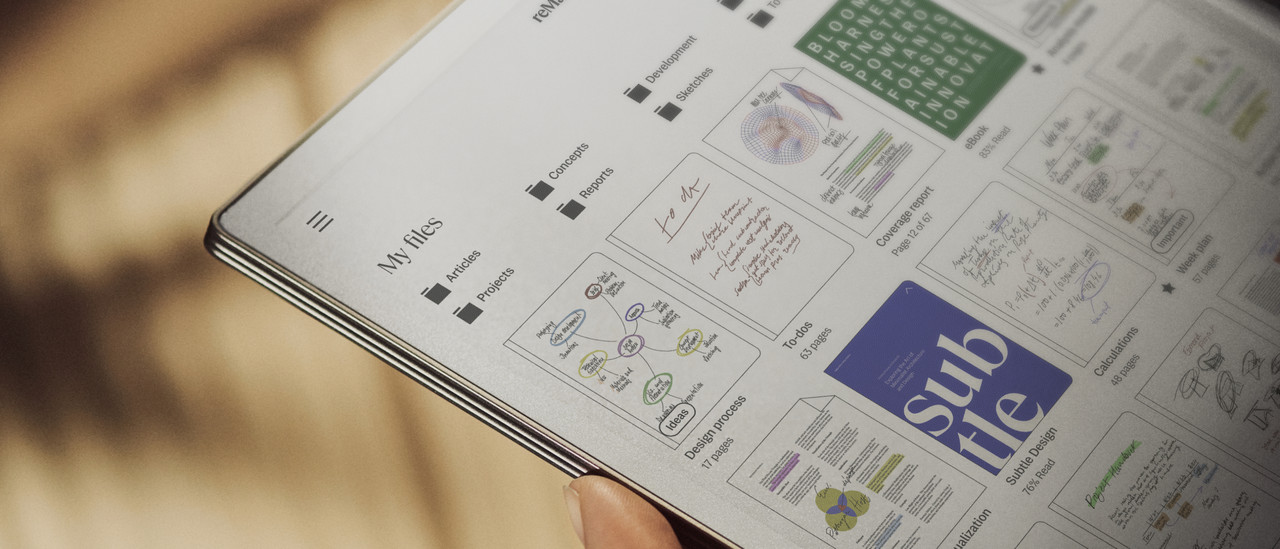
You can keep your notes organized with various labels and folders
The battery lasts for 2 weeks, so you don't have to think about charging it
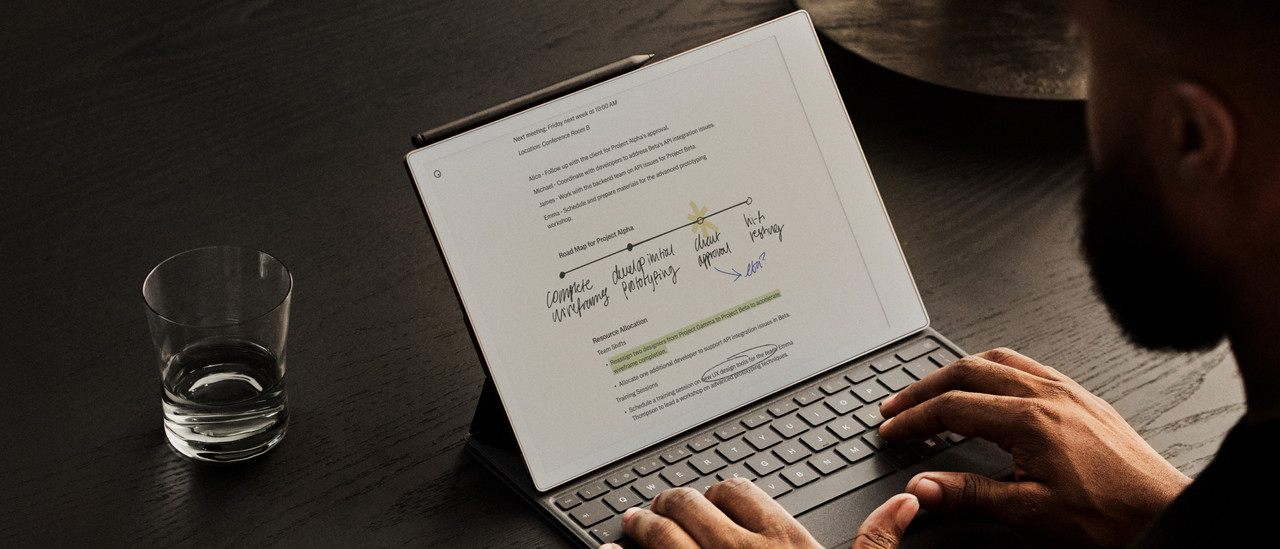
Turn written texts into typed texts
Thanks to the color screen, you can see your files and notes in color
With the adjustable backlight, you can also use the Paper Pro in the dark
From
699,-
- reMarkable Paper Pro Move
Thanks to the small size, you can easily take the Paper Pro Move with you
When you write it feels like you're writing on real paper
You can keep your notes organized with various labels and folders
The battery lasts for 2 weeks, so you don't have to think about charging it
Turn written texts into typed texts
Thanks to the color screen, you can see your files and notes in color
With the adjustable backlight, you can also use the Paper Pro Move in the dark
From
526,-
- reMarkable 2
On the large screen, you have a lot of space for your documents of taking notes
When you write it feels like you're writing on real paper
You can keep your notes organized with various labels and folders
The battery lasts for 2 weeks, so you don't have to think about charging it
Turn written texts into typed texts
You can't see colors on the black and white screen of the reMarkable 2
You don't have backlight, so you can only use it during the day or in a space with a lot of light
From
497,-
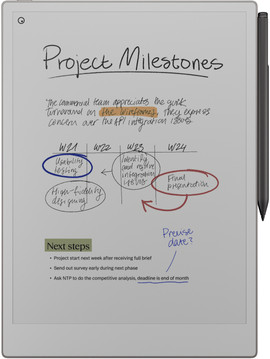

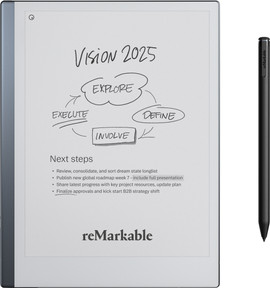
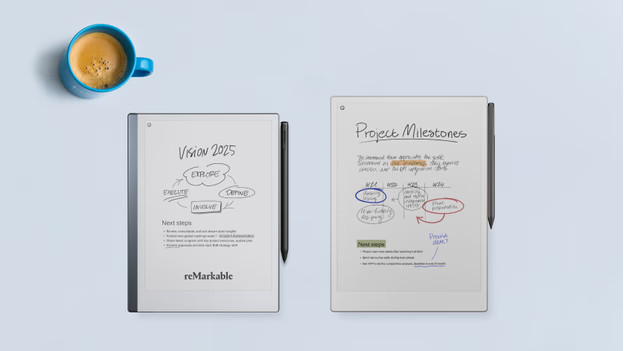
The difference between the reMarkable 2 and the reMarkable Paper Pro
The reMarkable 2 has a black and white screen and no backlight, while the Paper Pro has a color screen with backlight. Your notes and files come to life on the Paper Pro. In addition, you can also work in the dark easily thanks to the backlight on the Paper Pro. Writing on the reMarkable Paper Pro. Writing on the reMarkable Paper Pro goes almost twice as fast compared to the reMarkable 2. The digital notepads are both useful for taking notes or reading files.
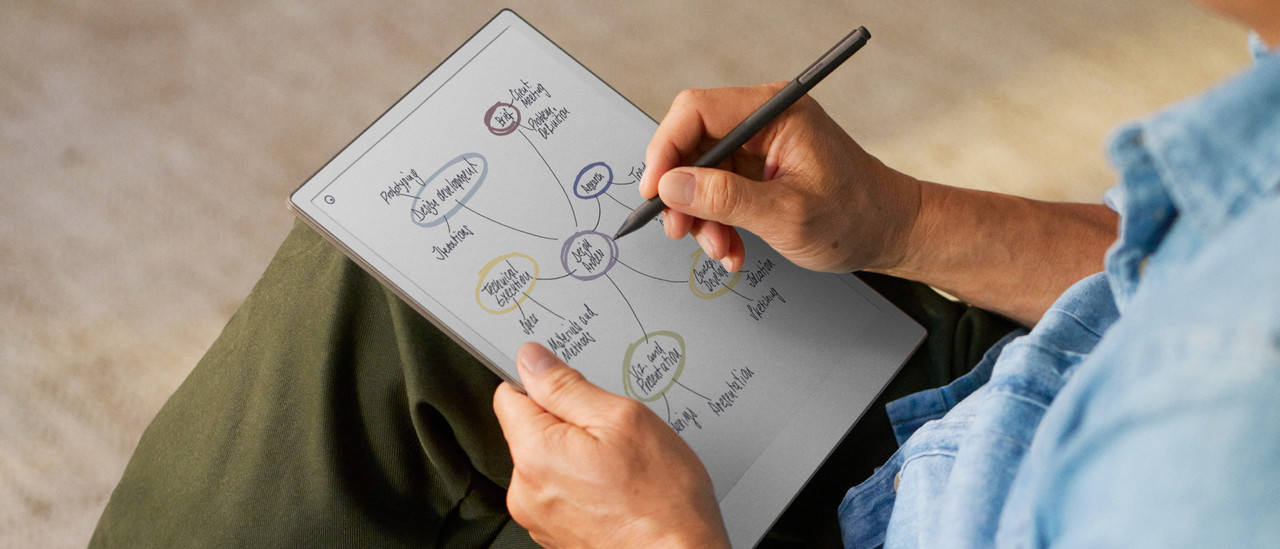
What do you use your reMarkable for?

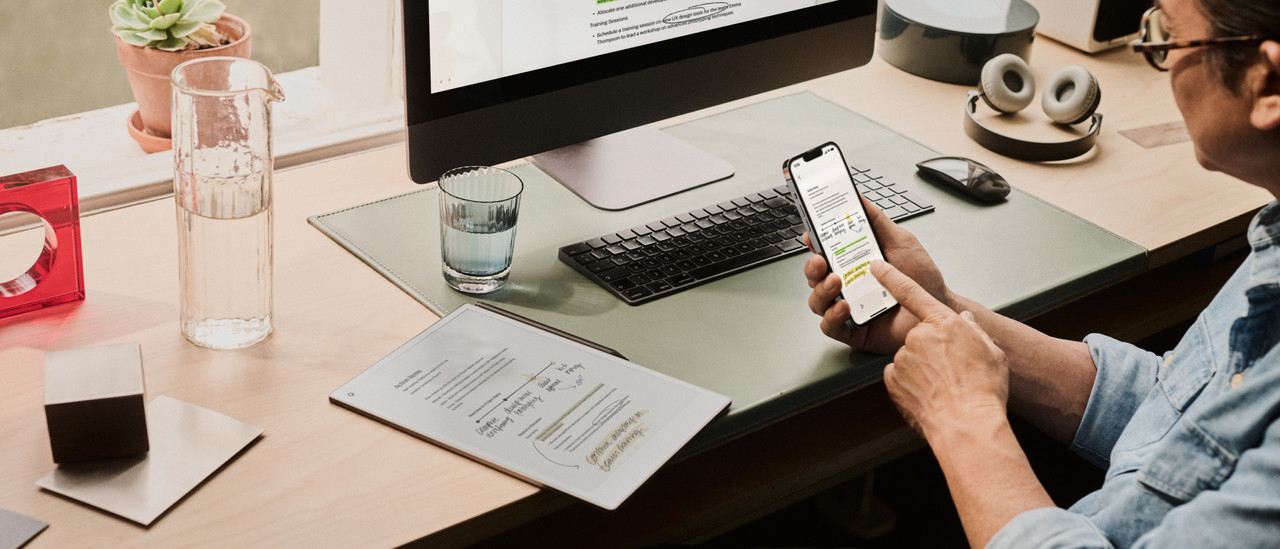
Log in as a business customer
Looking for multiple reMarkable notepads for your employees? You can quickly order larger amounts of reMarkables and easily download your invoices. Discuss all things related to orders, deliveries, warranties, and repairs with us directly. Our expert is happy to help you with your questions.
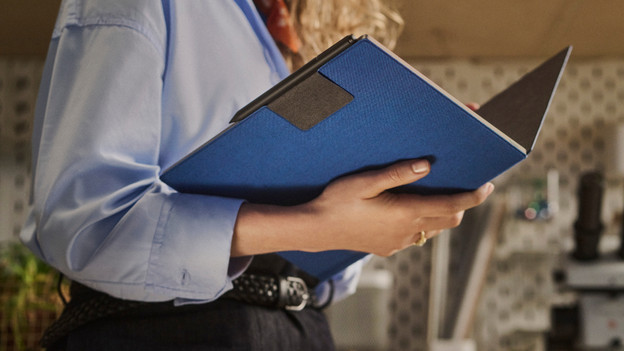
Accessories for your reMarkable
You can complete your reMarkable with various accessories. You can prevent scratches and damages on your reMarkable with a Book Folio book case. Regularly type reports or long texts? Choose the Type Folio book case with keyboard. A stylus is included with your reMarkable. It's always useful to have an extra stylus for at work or at a different location. This way, you don't have to take the stylus anywhere and you always have a spare one. You have to replace the pen tips in your stylus after 3 to 7 weeks. Buy the pen tips separately to replace your old pen tip.
Frequently asked questions
Which file types does reMarkable support?
The reMarkable 2, Paper Pro, and Paper Pro Move support various file types like EPUB, PDF, JPG, and PNG. You can also transfer Word and PowerPoint files and read them on your reMarkable.
Can you use the markers for all models?
You can't use the Marker of the reMarkable 2 for the Paper Pro and Paper Pro Move. You can use the Marker of the Paper Pro on the Paper Pro Move and the other way around.
Can you also use the reMarkable if you're left-handed?
reMarkable is also suitable for left-handed people. You can set your hand of preference when you set up your reMarkable. This means you can easily switch from left-handed to right-handed and the other way around.
Do you use the accessories with all models?
The accessories for the Paper Pro are only suitable for the Paper Pro. The same applies to the Paper Pro Move and reMarkable 2.