Written by Dounia
Edited on
22 July 2026
·
06:00
reMarkable Paper Pro vs reMarkable 2
In September 2024, reMarkable launched the reMarkable Paper Pro. This is the first digital notepad with a color screen. The write speed is faster, the screen is larger, and you have 64GB storage. You can use both the reMarkable 2 and Paper Pro to take notes, write reports, or make annotations. We'll tell you all about the differences between the Paper Pro and the 2 here.
Compare the reMarkable Paper Pro to the reMarkable 2
- reMarkable Paper Pro
Writing feels like you're writing on real paper.
Keep your notes tidy and organized.
You see your files and notes in color.
Use the Paper Pro in the dark as well, thanks to the adjustable backlight.
With 64GB storage, you can store many notes and files.
The write speed is 2 times as fast as that of the reMarkable 2.
From
699,-
- reMarkable 2
Writing feels like you're writing on real paper.
Keep your notes tidy and organized.
You can't see colors on the black and white screen.
You can only use the reMarkable 2 during the day or in a room with a lot of light, because it doesn't have backlight.
With 8GB storage, you can store some files and notes.
Writing is less fast than on the Paper Pro.
From
499,-
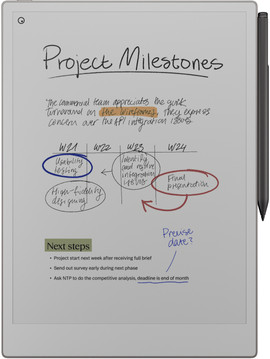
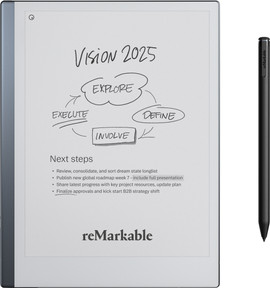
Comparison reMarkable Paper Pro to the reMarkable 2
| reMarkable Paper Pro | reMarkable 2 | ||
|---|---|---|---|
| Screen size | 11.8 inches | 10.3 inches | |
| Color screen | Yes | No | |
| Weight | 967g | 475g | |
| Backlit screen | Yes | No | |
| Storage | 64GB | 8GB | |
| File format text | PDF, PNG, EPUB | PDF, PNG, EPUB | |
| Maximum battery life | 2 weeks | 2 weeks |
Screen
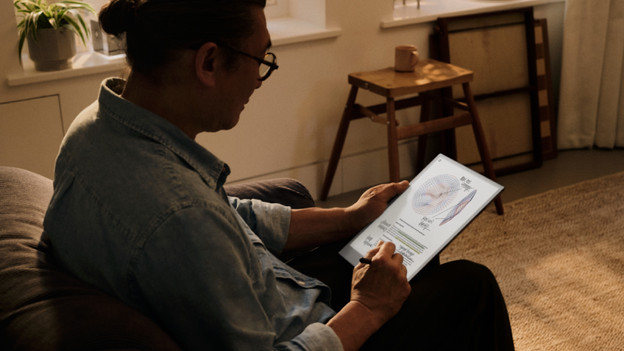
Paper Pro: color screen and backlight
The reMarkable Paper Pro is a digital notepad with a large 11.8-inch screen. On the large screen, you have enough space for annotations and notes. The color screen makes your notes really come to life. Want to continue working at night? With the adjustable backlight, you can also see the screen in the dark. Thanks to the matte finish, you can also clearly see the screen in the sun.
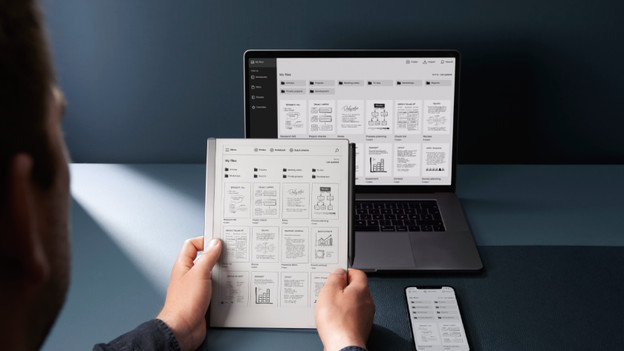
reMarkable 2: only a black and white screen
The reMarkable 2 has a 10.3-inch screen. Thanks to the smaller size, it's easier to take with you than the Paper Pro. On this screen, you can also take notes easily or read various files comfortably. The reMarkable 2 doesn't have backlight. This means you can only work on your digital notepad in rooms with enough light or during the day. The matte finish makes sure you can also read your notes well in direct sunlight.
Storage
reMarkable Paper Pro: 64GB storage
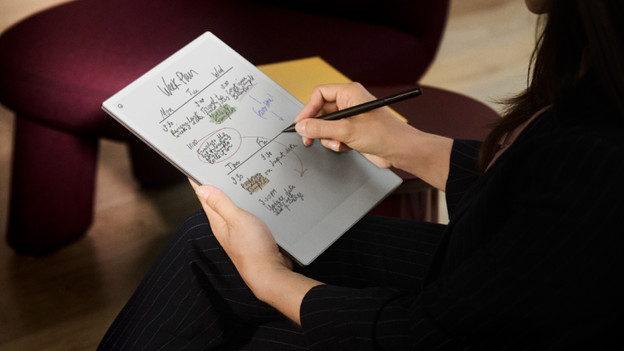
On the Paper Pro, you can store various files and notes. You can also easily upload your Word or PowerPoint files. You can't expand the memory of the reMarkable Paper Pro. With 64GB storage, you do have enough space for your notes and files. Need more storage? With reMarkable Connect provides unlimited storage space for a fee.
reMarkable 2: 8GB storage
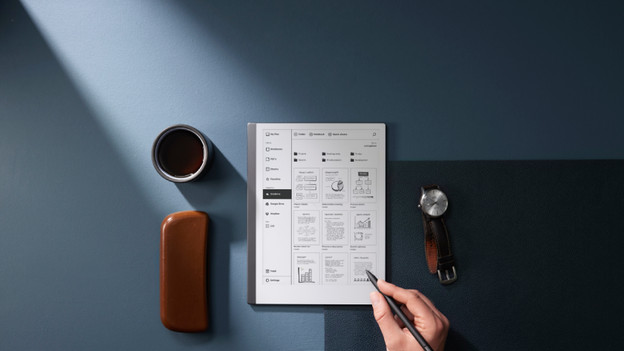
With the 8GB storage space, you can store way fewer files and notes on reMarkable 2 than on the Paper Pro. You can also upload Word or PowerPoint files to the reMarkable 2. You can't expand the storage of the reMarkable 2. Need more space? Get a reMarkable Connect subscription. That way, you never have to worry about the amount of files you can store.
Pen to screen delay (write speed)
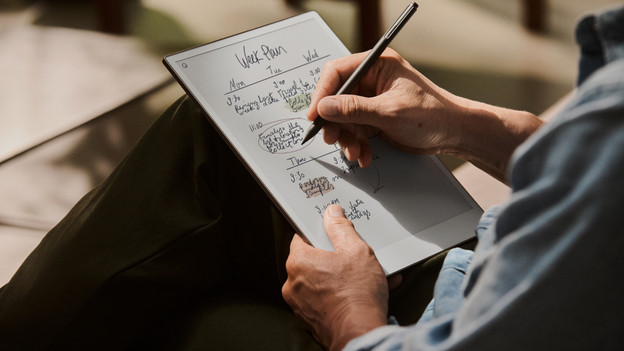
Pen to screen delay is the speed with which your written text becomes visible on the screen of your reMarkable. The lower the pen to screen delay, the faster you see the text you write on the screen. The pen to screen delay of the reMarkable Paper Pro is almost 2 times as small as that of the reMarkable 2. Writing on a reMarkable feels like you're writing on real paper.
Accessories for your reMarkable
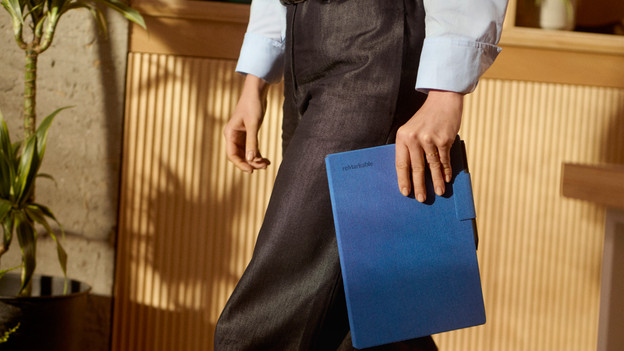
reMarkable has various bundles and accessories. The bundles consist of a cover and the reMarkable you choose. With the included cover, you prevent scratches on and damages to your reMarkable. There are also other accessories for your reMarkable, such as a Type Folio book case with a keyboard. With this cover, you can easily type long texts. You have to replace the pen tips after about 5 weeks. You can buy these pen tips separately. With an extra stylus, you always have a spare for your workplace, for example.
Conclusion
The reMarkable Paper Pro has a color screen on which notes and documents come to life. With the backlight, you can work on the Paper Pro during the day and at night. With the reMarkable 2, you can only do so during the day or in a well-lit room. The reMarkable 2 has 8GB storage, so you can store less documents than on the Paper Pro with 64GB storage.
Article by Dounia
Digital Notepads Expert.