

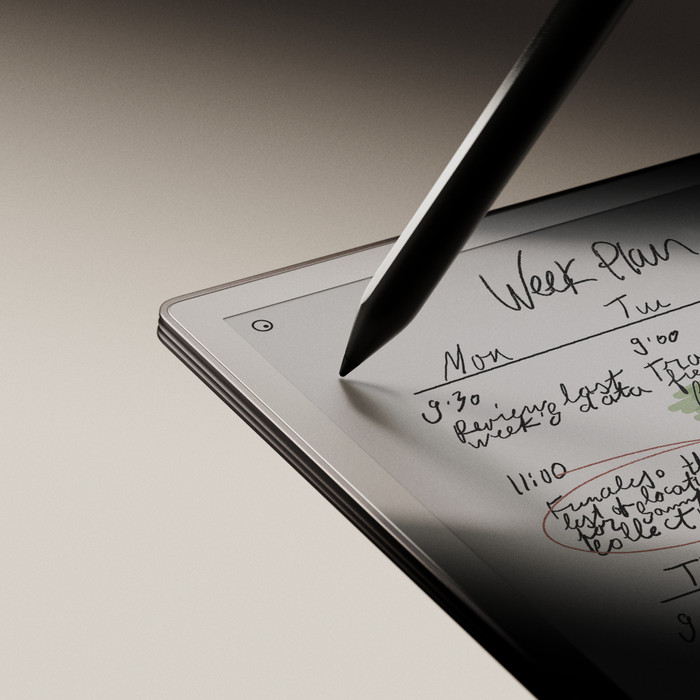
Marker Plus
Our choice for a digital notepad
Speed
Screen quality
Design
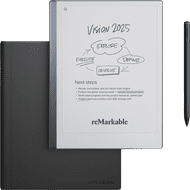
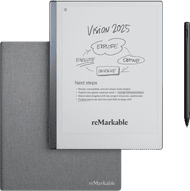
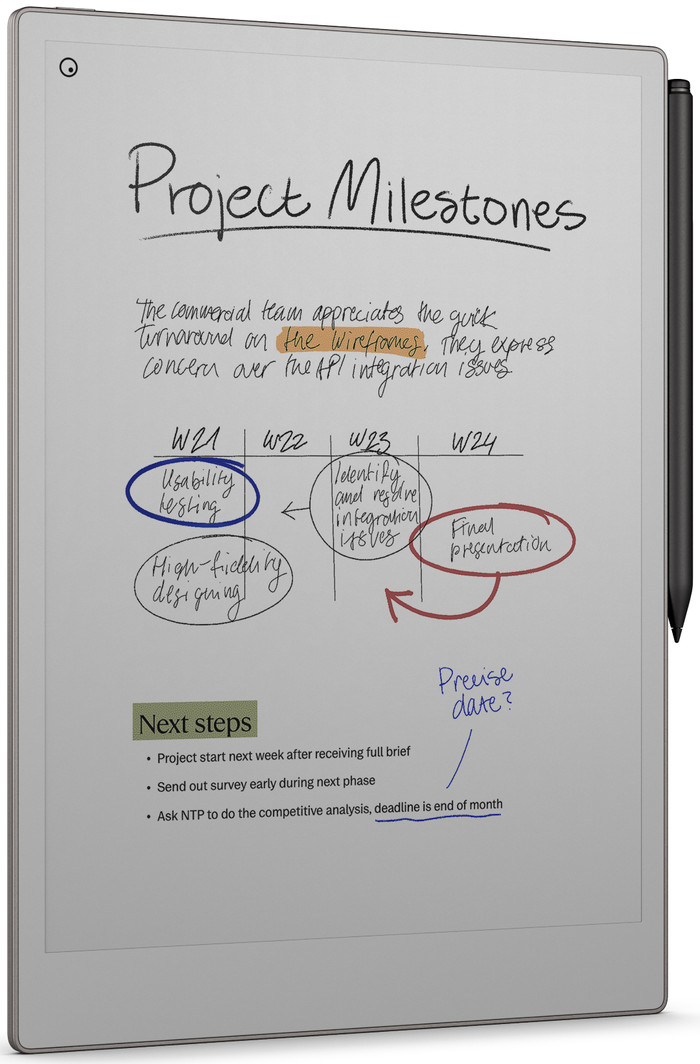
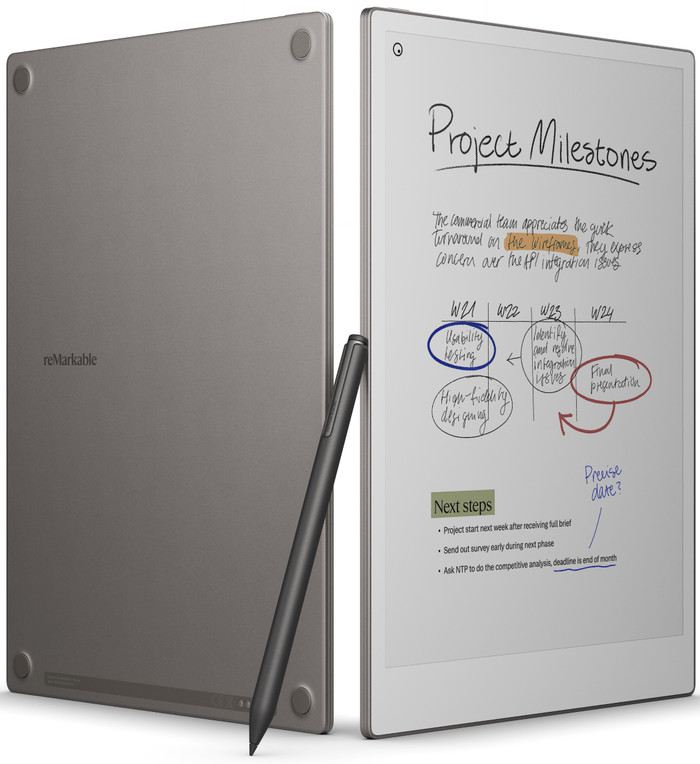
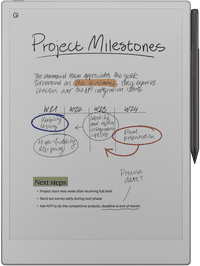
I use the reMarkable Paper Pro to take notes and sketch in color. I do have to replace the nibs on my stylus after regular use.
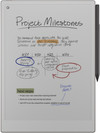
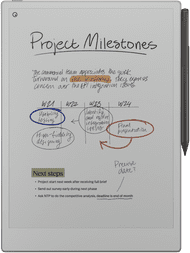
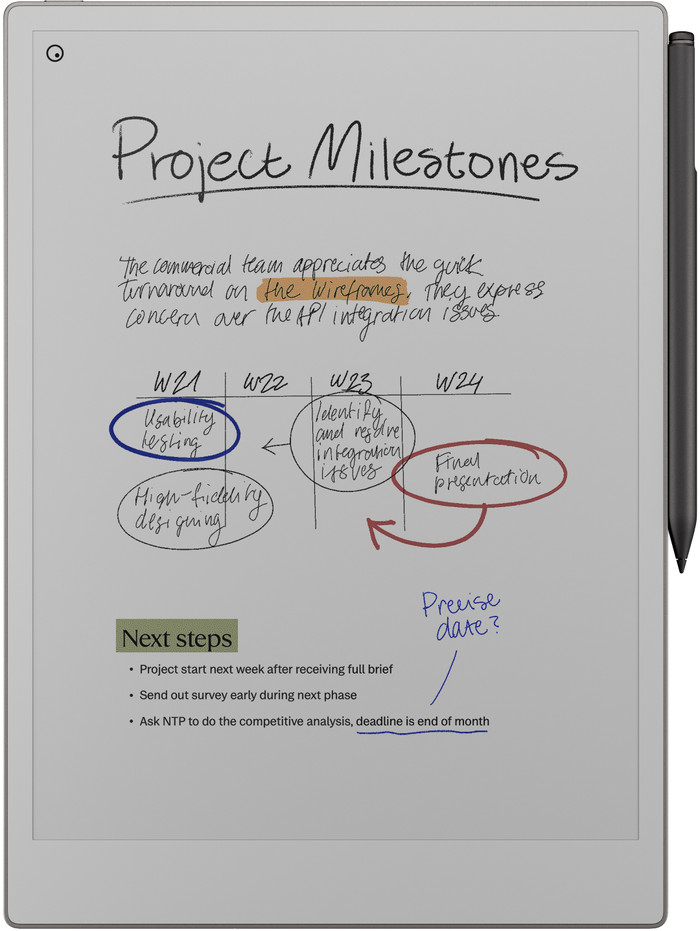
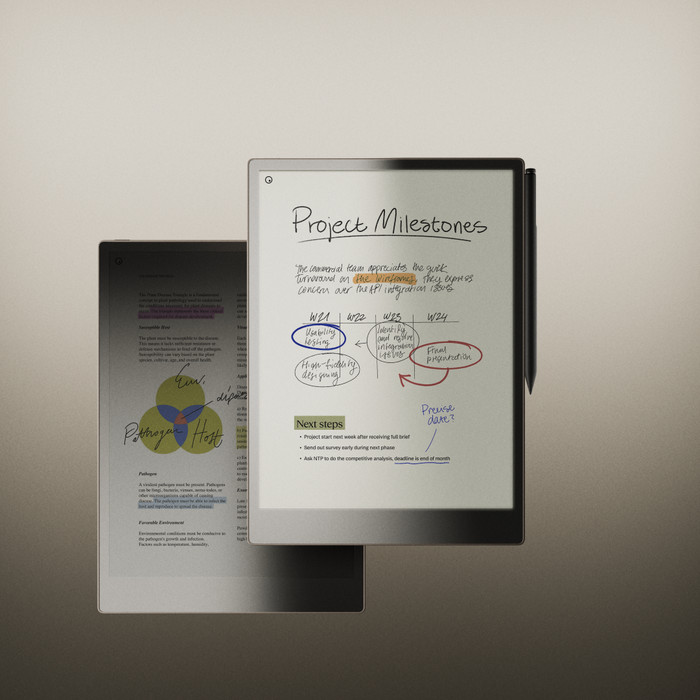
Color Screen The screen is very pleasant to look at because the colors appear so natural. It almost feels like I'm reading a magazine instead of looking at a digital screen. When I highlight text in my documents, it's helpful that I can use different colors. This helps me keep track of things.
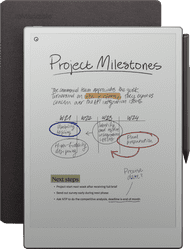
Write Faster Writing on the reMarkable Paper Pro is very fluid. As soon as I write something, my note appears instantly on the screen. Highlighting text in documents is also smooth. I enjoy taking notes on the Paper Pro because it feels like I'm writing on real paper. While writing, I press quite hard on the stylus tip, which means I have to replace the nibs more often. I do this about once every seven weeks. Luckily, six are included, so you can keep going.
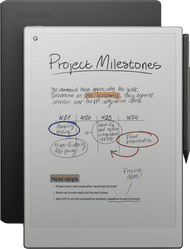
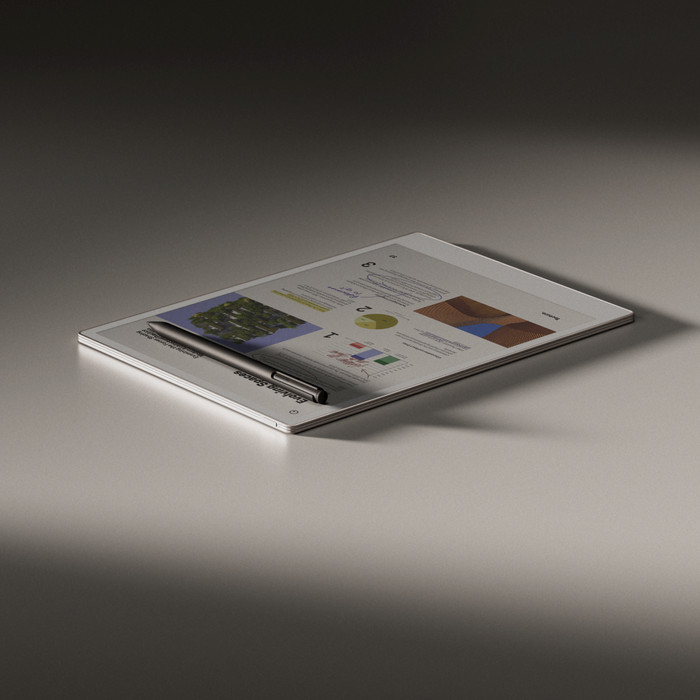
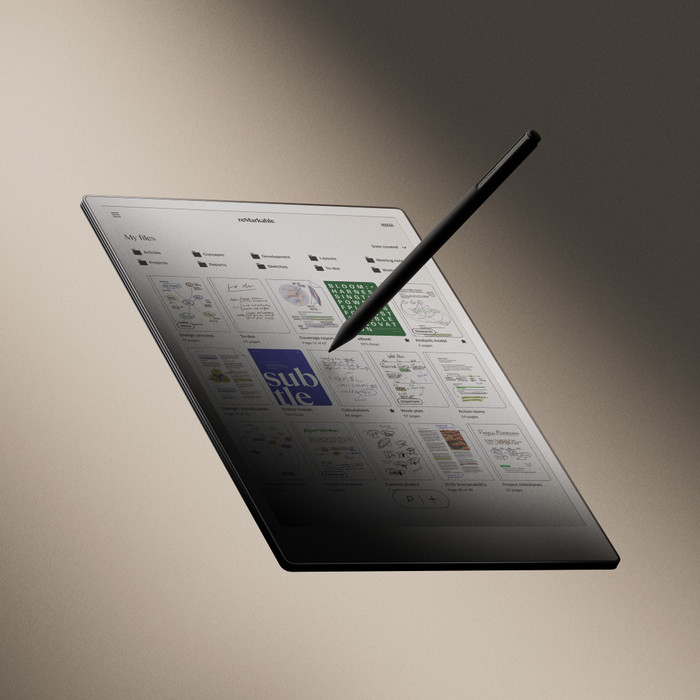
Large screen The large screen gives me plenty of room to open various documents, presentations, or notes. I can also easily zoom in and make the text or document larger or smaller. This keeps my files and notes organized, and I can always find everything easily. Various note templates are available. I often choose lined paper or a to-do list, but there are plenty of options to choose from.
Screen lights up in the dark Sometimes I want to jot down some thoughts in the evening or look at the notes I took during the day. Thanks to the backlight, I can do this at any time, even in a dark room.
Dounia. Digitale Notitieblokken Specialist.
13 February 2026
Automatically translated from Nederlands
Great for your creativity and for taking all kinds of notes.
ELIbijzinnen
27 December 2024
Automatically translated from Nederlands
I was really happy with this Remarkable, until it developed streaks on the screen after a few months of use. I sent it in for repair, and based on photos, Remarkable concluded that there was a crack in the screen. However, the screen is still completely smooth, it has always been in a leather case, and I have handled it very carefully. I am finding more and more reports like this online. A repair is impossible via Coolblue, or an external one for 500 euros. I have always been a fan of Coolblue's service, but in this case, I can only be deeply disappointed.
Ellen
13 June 2026
Automatically translated from Nederlands
Our digital expert will help you, but it can sometimes make mistakes, like humans do.
According to our digital notepad expert
See everything in color: thanks to the color screen, you can see your notes, files, and annotations in color.
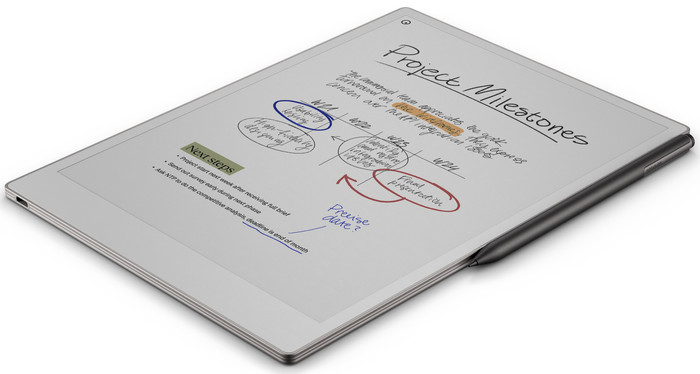
More screen space: the large screen gives you more screen space, so you can comfortably view your notes or files.
Write faster: your handwritten notes or drawings appear on the screen faster thanks to the higher write speed.
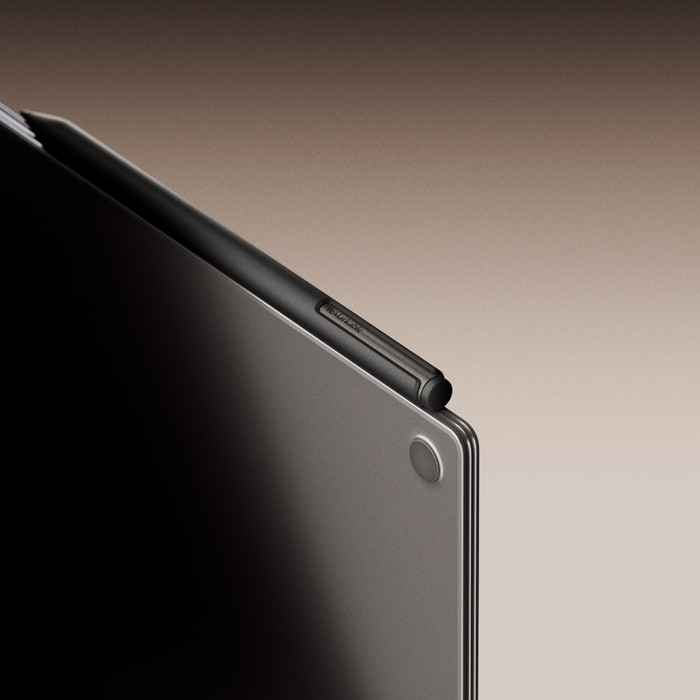
Replaceable tip: you'll need to replace the tip of your Marker Plus after a while if you use it often.
699,-
699,-
Product number | 958246 | |
|---|---|---|
Manufacturer code | RM81C-1000NW | |
Brand | reMarkable | |
Processing of your defect | Via Coolblue |
Color | Gray | |
|---|---|---|
Height | 27,41 cm | |
Width | 19,66 cm | |
Depth | 0,51 cm | |
Weight | 967 g | |
Material | Metal, Plastic |
Operating system | Brand-specific | |
|---|---|---|
Supported and protected file formats | ePub | |
Text file format | PDF, PNG, ePub | |
Suitable for model | ReMarkable Paper Pro | |
eBook store integrated | ||
Controls | Touchscreen | |
Text-to-Speech function | ||
Connect with stylus | ||
Web browser | ||
Operating system language | English | |
Dictionary | ||
Response time | 12 ms |
Screen size | 11,8 inches | |
|---|---|---|
Resolution height | 2160 pixels | |
Resolution width | 1620 pixels | |
Pixel density | 229 ppi | |
Touchscreen | ||
Color screen | ||
Backlit screen | ||
Screen type | Electronic Ink |
Memory card reader |
|---|
Total storage capacity | 64 GB | |
|---|---|---|
Internal RAM | 2000 MB |
Built-in WiFi |
|---|
Included by default | Stylus, USB cable | |
|---|---|---|
Bundle contains | Stylus |
Standby time | 3 m | |
|---|---|---|
USB port | ||
Type of USB port | USB-C |
699,-
849,-
829,-
649,-
619,-
In stock
In stock
Coolblue takes care of everything, from taking out an insurance to repairs
For almost all accidents
More coverage in case of damage than your standard warranty
No deductible
First, add your digital notepad to your shopping cart. On the next page, choose one of the Protection Plans below. You always have a 30-day return window and pay no deductible in case of damage or theft.
2-year Protection Plan
114,-
one-time2-year Protection Plan with theft cover
140,-
one-time3-year Protection Plan
173,-
one-time3-year Protection Plan with theft cover
212,-
one-time