Microsoft Surface
Versatile 2-in-1 PCs
You can easily disconnect the keyboard of the laptop to also use the laptop as a business tablet.
Because of the touchscreen screen, you can use the laptop as a tablet and take notes with your fingers.
Disconnect the screen from the keyboard and use the laptop as a tablet, for example during a meeting.
From
to960,-
1.979,-
Sleek touchscreen PCs
The Microsoft Surface Laptop has powerful parts, so you can perform demanding tasks.
Because of the touchscreen screen, you can use the laptop as a tablet and take notes with your fingers.
From
to1.099,-
1.969,-
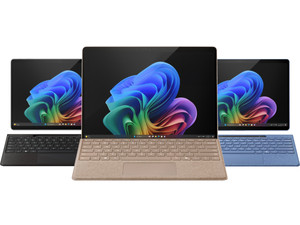
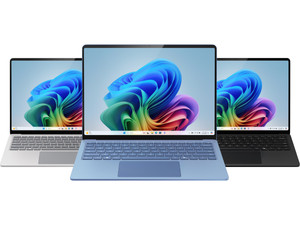
Microsoft Surface with Copilot+
With a Surface model that has Copilot+, you can use convenient AI functions to help perform your everyday work faster. Thanks to the built-in NPU chip, the battery lasts up to 23 hours. You can also perform different tasks at the same time thanks to the NPU, like photo editing in Adobe Photoshop and generating AI images. With the Recall function, you can quickly find websites and tabs you closed or chat conversations again. You can also easily take a Surface Copilot+ PC with you in your bag thanks to its low weight.
Advice on Microsoft Surface
Everything on the differences between Surface models
Read more about the differences between the Surface modelsWhat's a Copilot+ PC and what can you use it for?
You can perform business tasks faster with a Copilot+ PC thanks to the AI functions. You can read more about the advantages of a laptop with Copilot+ here.What's a Qualcomm Snapdragon processor?
With a Qualcomm Snapdragon processor, you can work in demanding programs without slowdowns. We'll explain what you can do with a Snapdragon processor.
Complete your Microsoft Surface
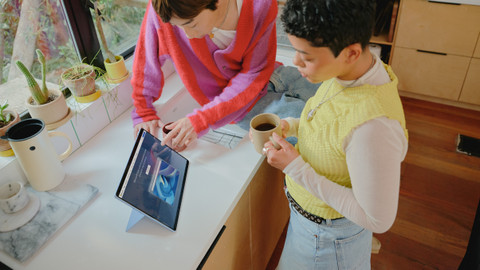
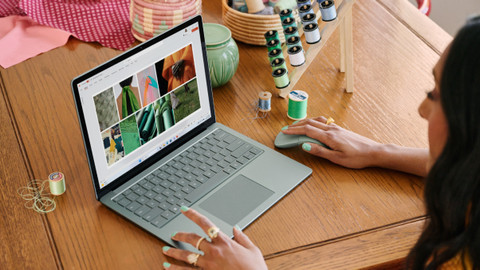
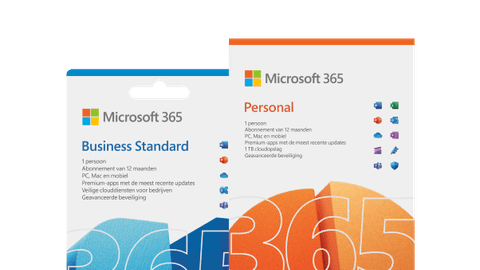
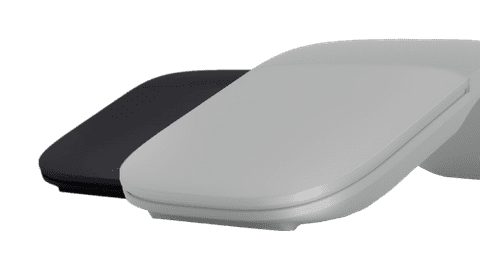
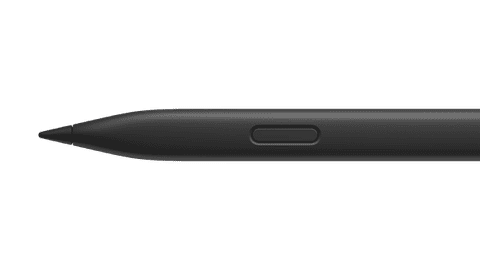
Besides a Microsoft Surface laptop, you can use multiple accessories that make your experience ever better. For example, a Touchpen to work on the touchscreen. In addition, you also need Microsoft Office to smoothly work in documents and spreadsheets. We're happy to help you complete your purchase here.
Frequently asked questions
What's a Microsoft Surface laptop?
A Microsoft Surface laptop is small, so you can easily put it in your bag and take it with you the office or a customer. These laptops also have a powerful battery, so you can work on it all day without having to charge it in between. Thanks to the touchscreen, you can use the laptop as a tablet as well.
What's a Microsoft Surface Pro?
A Microsoft Surface Pro laptop is a 2-in-1 model. You can remove the included type cover from the Surface Pro and use this laptop as a tablet. A Surface Pro has a smaller screen than a Surface laptop, so you can take it with you in your work bag more easily.
Do you need a Windows account for Microsoft Surface?
Yes, you need a Windows account for your Microsoft Surface device. You also need an internet connection when connecting your Windows account to your Surface device. You can't use Windows Hello functions without a Windows account.
How long does a Microsoft Surface battery last?
If you perform light tasks like browsing the internet or sending emails, the battery of your Surface device lasts about 11 hours. When you're using multiple Office programs at a time, the battery life is about 6 hours. The battery of your Surface device lasts almost 4 hours when performing demanding tasks.
How do you use Copilot in Windows?
Most Surface devices have a Copilot key. With this, you can open the Copilot assistant directly in a new window. You can use Copilot as a search engine for quick answers to your questions. You can also summarize long texts or make presentations with Copilot.