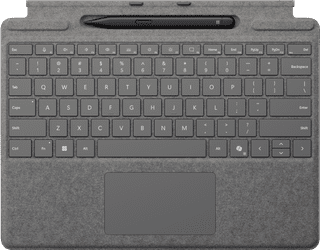
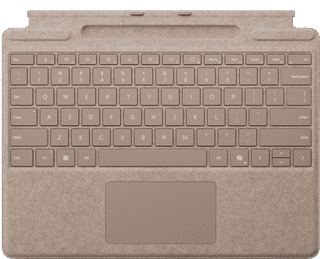
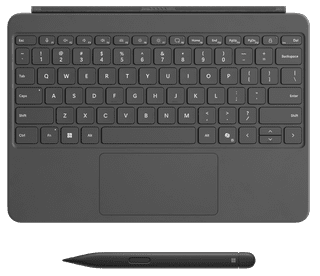
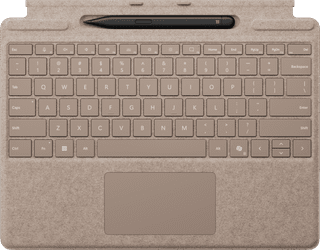
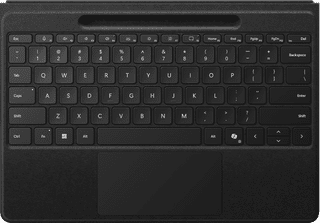
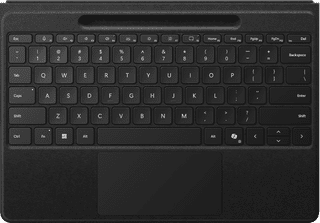
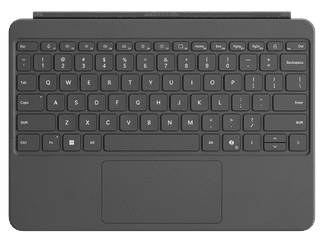
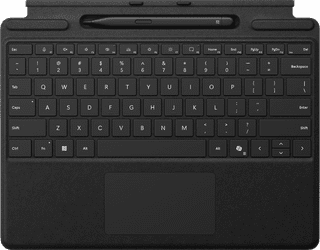
With a type cover, you can use your Microsoft Surface as a laptop and a tablet. The tablet cover covers the entire screen, so it'll remain clean and protected when you bring your Surface along to meetings. Connecting the two is very easy. You click the keyboard onto your Surface with the magnetic closure and you're ready to start typing. Thanks to the backlit keys, you can easily work on your reports or finances until late at night. Once you're finished, you can disconnect the keyboard and use the Surface as a tablet once more.
  • Microsoft Surface accessories
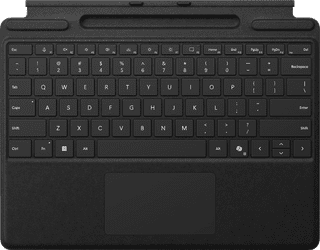
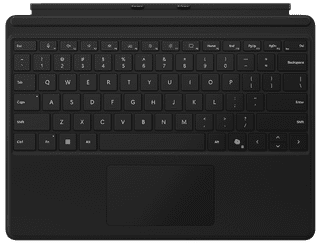
Microsoft Surface Pro Type Cover 13 inches Black QWERTY
Color black

160,-

In stock

Microsoft Surface Pro Type Cover 13 inches with Pen Slot Black QWERTY
Color black

199,-

In stock

Advertentie
Microsoft Surface Pro Type Cover 13 inches with Slim Pen Platinum QWERTY
Color gray

309,-

In stock

Microsoft Surface Pro 13 inches Type Cover with Pen Slot Sapphire QWERTY
Color blue

199,-

In stock

Microsoft Surface Pro Type Cover 12 inches with Slim Pen Slate QWERTY
Color gray

300,-

In stock

Microsoft Surface Flex Keyboard with Pen 13 inches QWERTY
Color black

529,-

In stock

Affordable Second Chance

from

361,-

Microsoft Surface Flex Keyboard for 13-inch Laptops QWERTY
Color black

409,-

In stock

Microsoft Surface Pro Type Cover 13-inch Laptops with Slim Pen Sapphire QWERTY
Color blue

309,-

Temporarily sold out