I'd been looking for a new, high-quality monitor for my gaming PC for a while, one that also supported DisplayPort over USB-C, so I could use it as a work monitor with my MacBook Pro (and while charging).
Image quality:
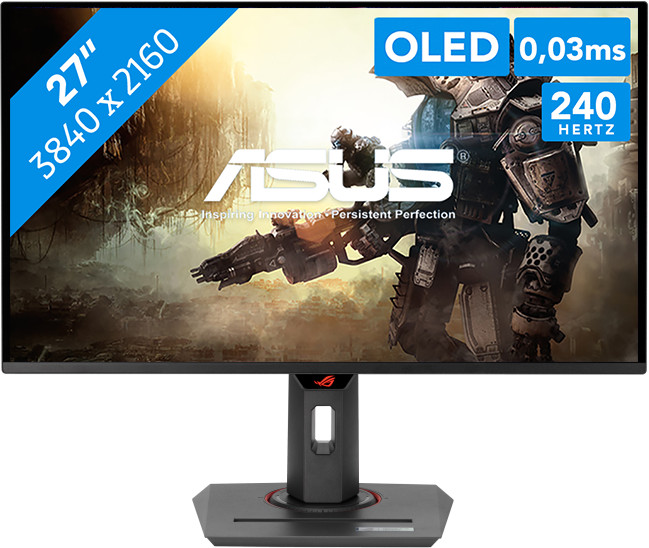
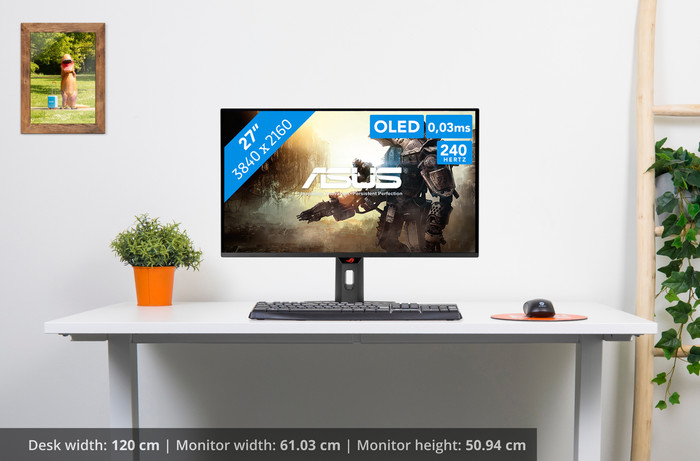
I've had an LG OLED TV for years and would never go back to an LCD. This monitor features a 4K OLED display with a 240Hz refresh rate (also via USB-C from my MacBook Pro). Blacks are truly black with this OLED. The screen is truly glossy. My monitor is used in the living room, which has large south-facing windows, and the reflections are better than I originally expected. In the evening, the screen is even more vibrant with super-bright colors. The 178-degree viewing angle is also perfect.
KVM switch:
I connected my keyboard, mouse, and speakers directly to the display. A USB cable, along with a DisplayPort cable, runs from the monitor to my PC, and a USB-C cable to my MacBook Pro. You can enable automatic KVM functionality in the settings. When the USB-C input is selected, everything seamlessly transfers to my MacBook Pro, and vice versa when I want to work on my PC.
OLED features:
The monitor has several built-in features to protect the OLED panel from image burn-in. These include screen shifting, logo detection, and taskbar detection to regularly shift/refresh these pixels (I didn't notice anything myself, even though I had all these features enabled). There's also a built-in proximity sensor with an adjustable distance. So, if you leave the set distance or stop moving, the screen automatically turns off after the set period. When you return to your seat, the screen automatically turns back on. I still need to experiment with this a bit, as I've noticed my screen turning off several times while working if I don't move enough.
Display stand:
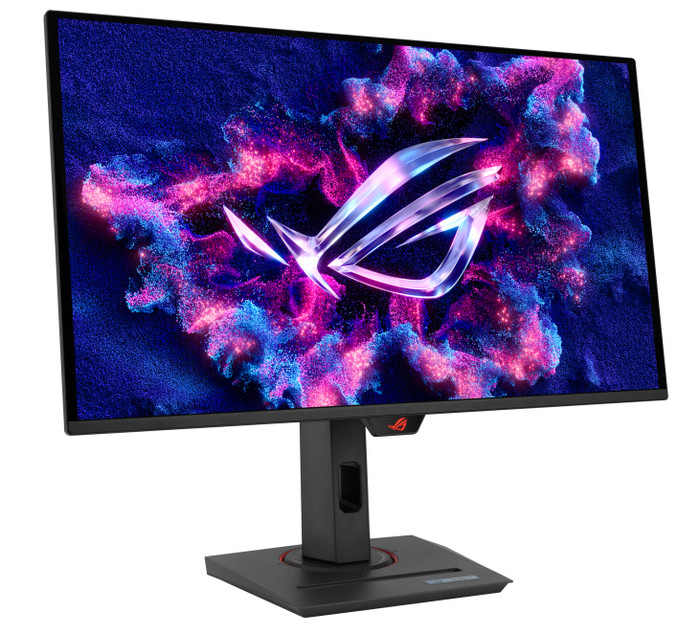
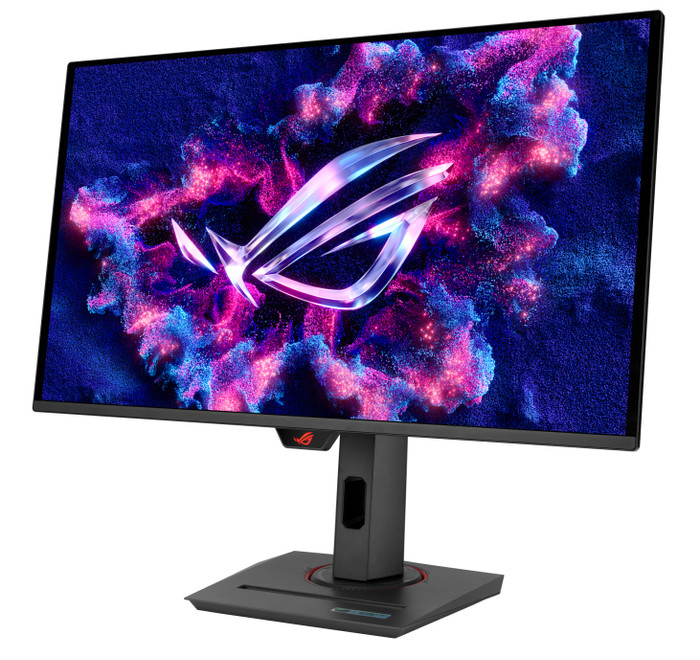
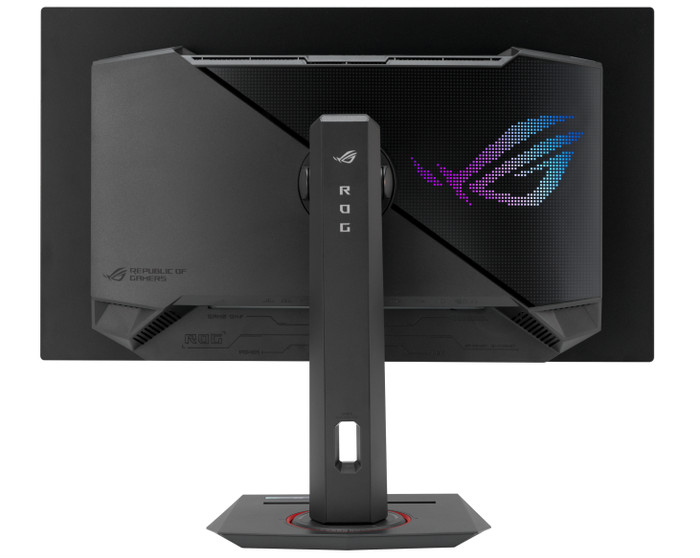
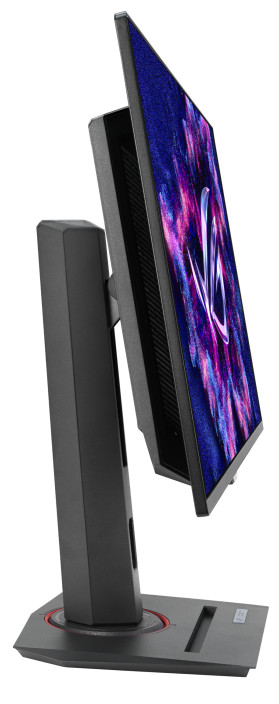
There's a stand for your smartphone, for example (iPhone 16 Pro with a case fits). There's an opening in the stand to route cables, but the downside is that they're too visible. The connections are also on the bottom, making it a bit harder to conceal the cables. This can be solved by using a angled cable/connector or by bundling the cables more tightly towards the back. The stand can also be replaced with the included VESA mount.
Subtle RGB:
When the monitor is on, you see a subtle RGB glow on the back of the monitor, reflecting off the wall.
Conclusion:
After much comparison, I'm happy I chose this monitor. The added value for me was the DisplayPort over USB-C with 90W PD, as it allows me to connect my MacBook Pro with a single cable. Not many OLED displays support this. Personally, I'm not so impressed with the design. It's really geared towards gamers, but I would have preferred a more neutral design.