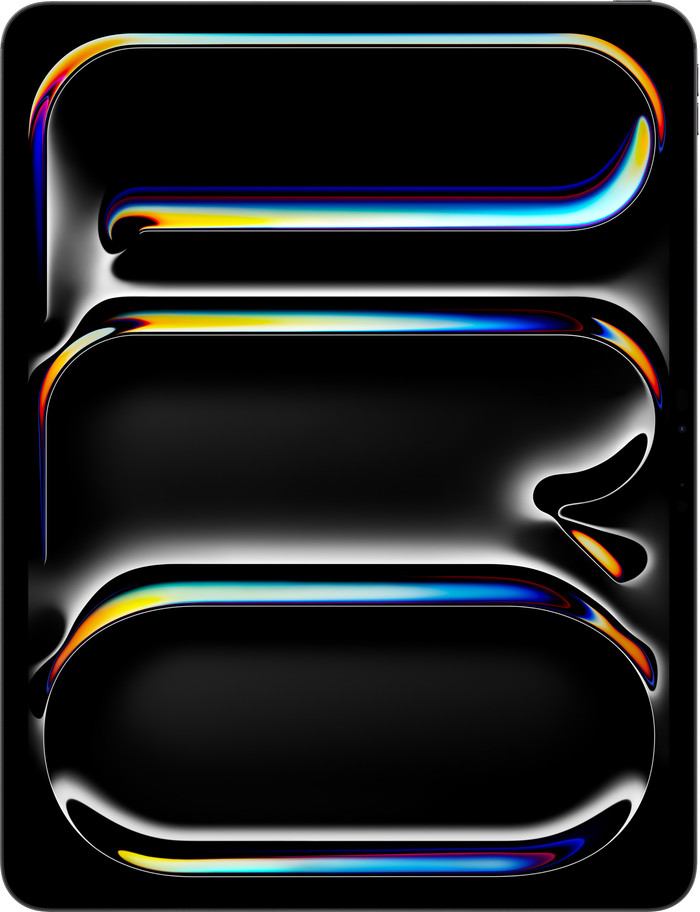
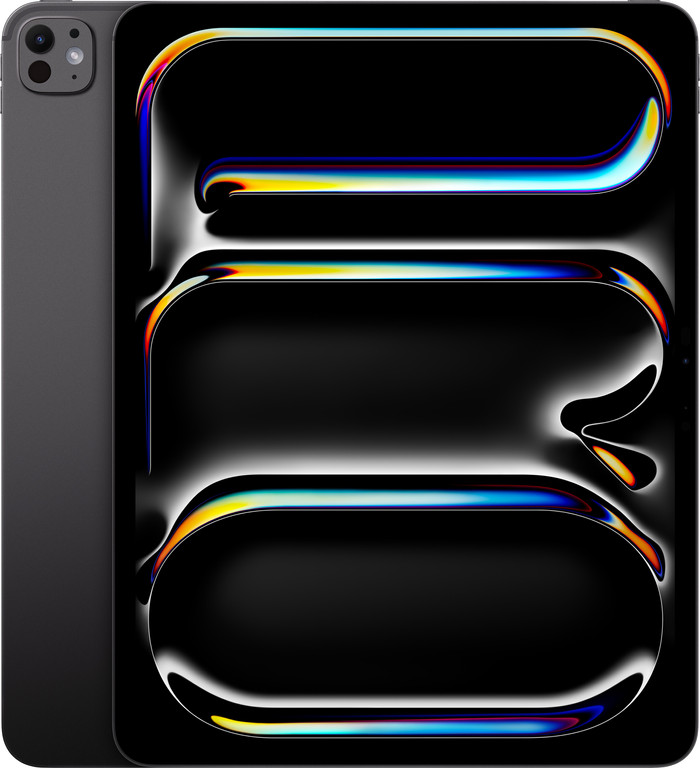
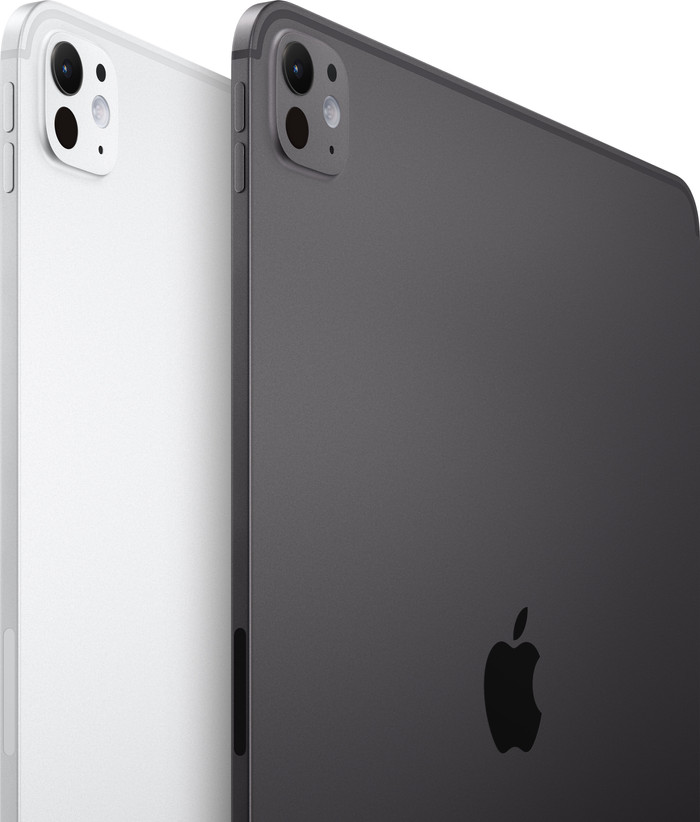
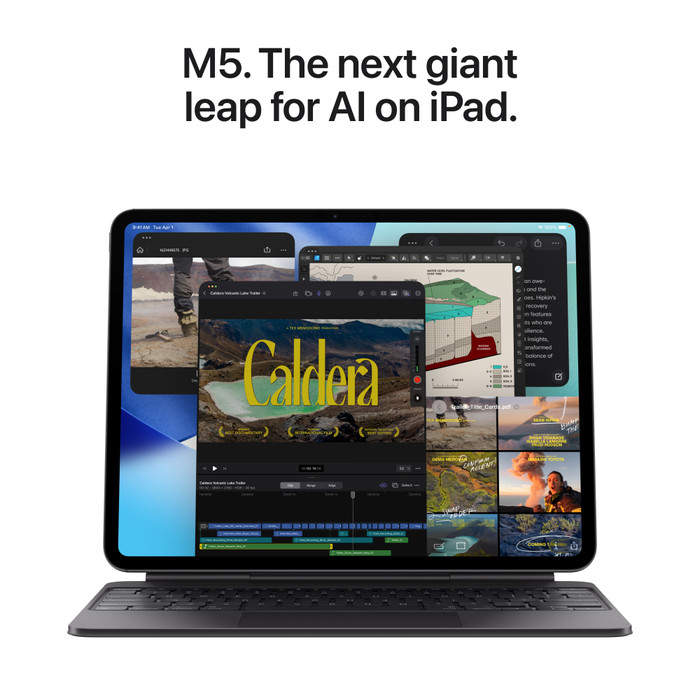
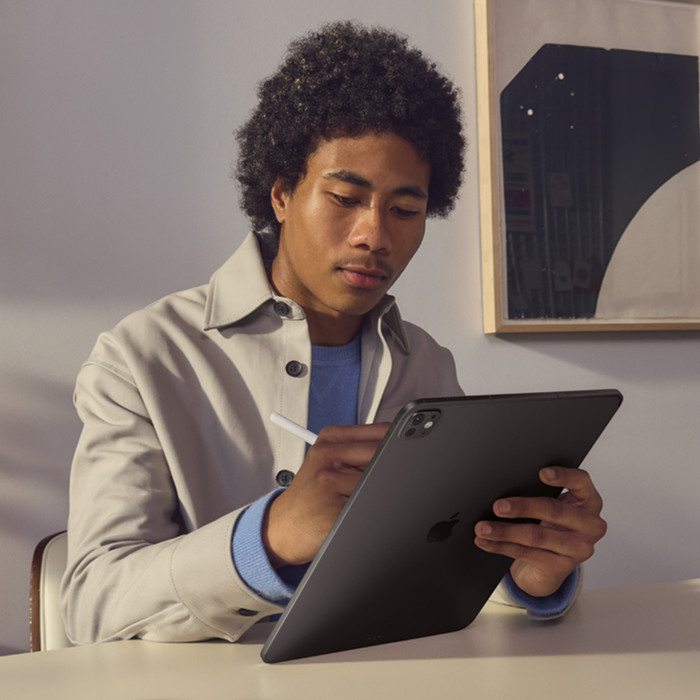
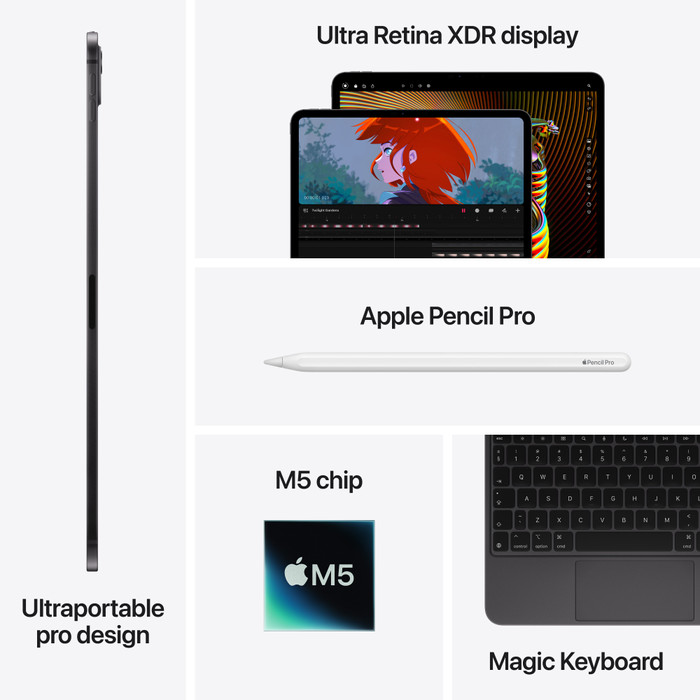
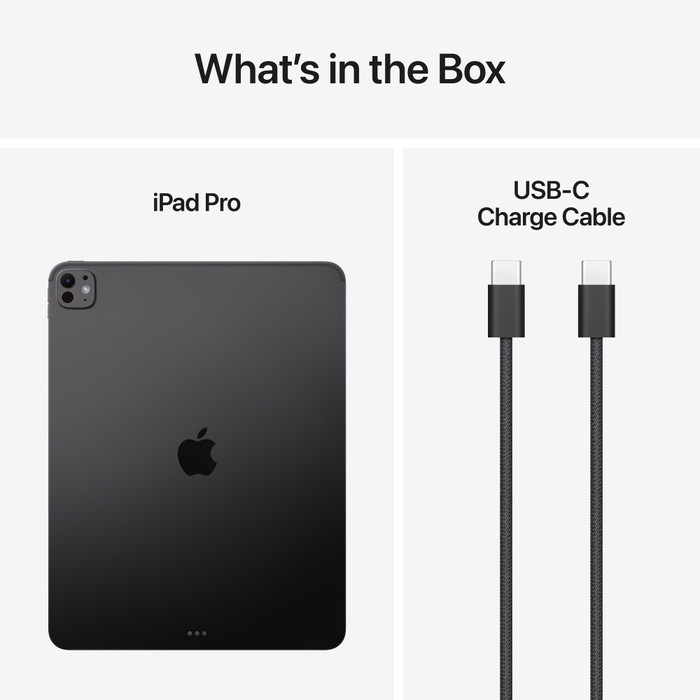
The Apple iPad Pro is the most powerful iPad at the moment, featuring a fast M5 Processor and a razor-sharp Liquid Retina XDR display. Unfortunately, I did not receive a charger, Apple Pencil, or (keyboard) case, which makes using some apps and tasks a bit awkward.
Razor-sharp image and bright colors
When I watch my favorite series, Severance, on Apple TV, I enjoy the sharp image and bright, natural colors. This allows me to see every detail, even in vast landscapes, and the beautiful locations truly come into their own. I enjoy smooth visuals without stuttering, thanks to the high 120Hz refresh rate. This ensures that every action is easy to follow, even during busy scenes, and the image does not stutter for a second.
On the large 13-inch screen, I certainly don't miss a thing. Due to its large size, the iPad Pro is less easy to hold. Therefore, I recommend a case so that you can also place the iPad upright on the table. I also found it more difficult to take the 13-inch version with me on the go, because the iPad Pro does not fit well in my bag. If you often work on the go, I would recommend the 11-inch version.
Runs the heaviest apps effortlessly
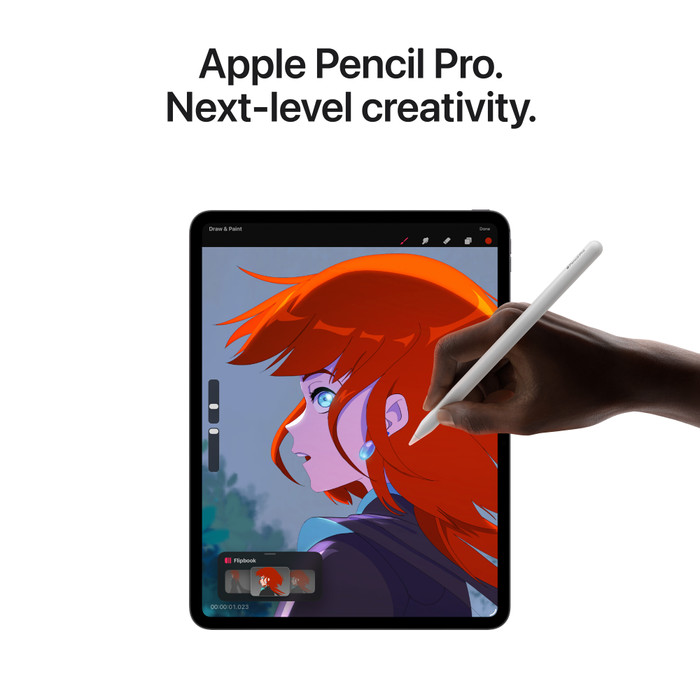
I don't notice any lag while gaming. For instance, I play a few rounds of the 3D game League of Legends: Wild Rift, and my favorite card game, Balatro. The games load quickly, the visuals are fluid, and the action is uninterrupted. Even when I do graphic editing in apps like Procreate and Canva, the iPad Pro continues to run fast and smoothly. Unfortunately, I do this without an Apple Pencil: it wasn't included. Because of this, precise adjustments are sometimes a bit difficult, and I don't work as fast as I would have if I had used an Apple Pencil.
A handy replacement for my laptop
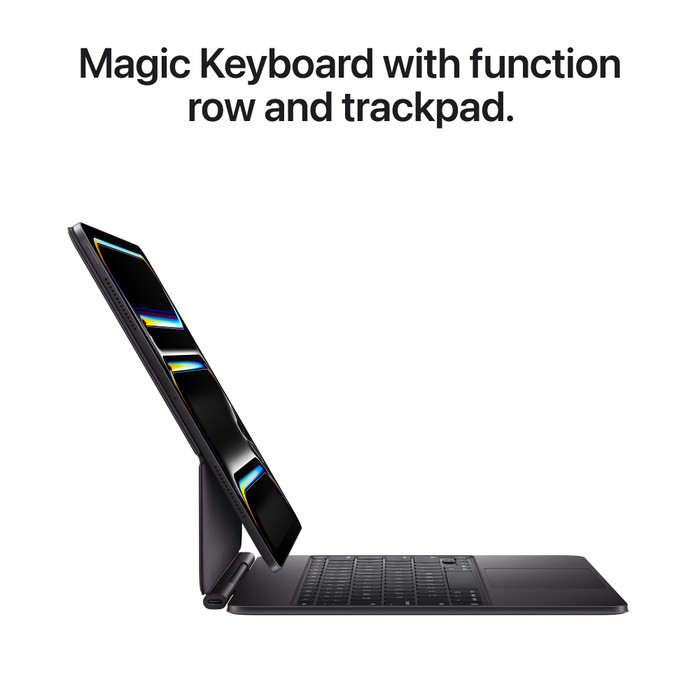
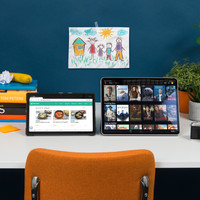
Thanks to the Apple apps Pages, Notes, and Numbers, I actually work just as smoothly on the iPad Pro as on my MacBook. For example, I use it to write this review, keep up with my email, and do some light editing of the photos for this review. I do all of this without any problems. Only when typing longer texts do I not work as comfortably as with a real keyboard. I can solve this with an Apple Magic Keyboard case, but I have to buy it separately. Apart from this problem, the Apple iPad Pro is a great replacement for my MacBook.