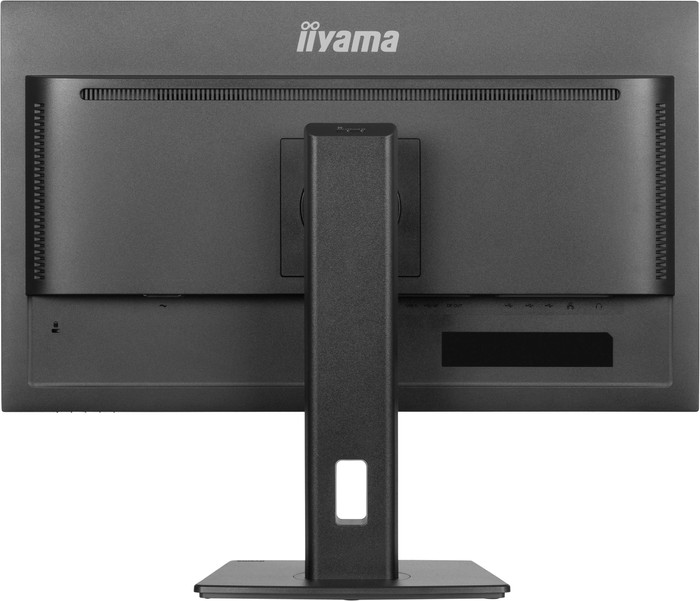
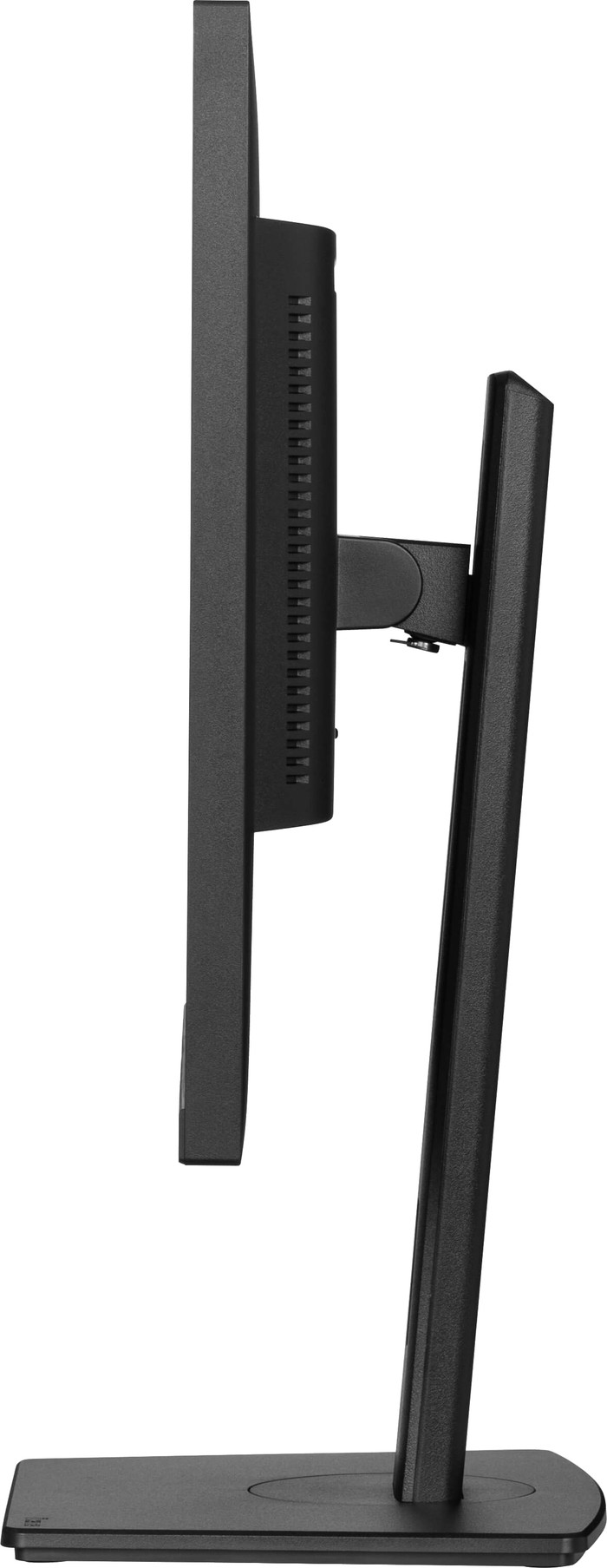
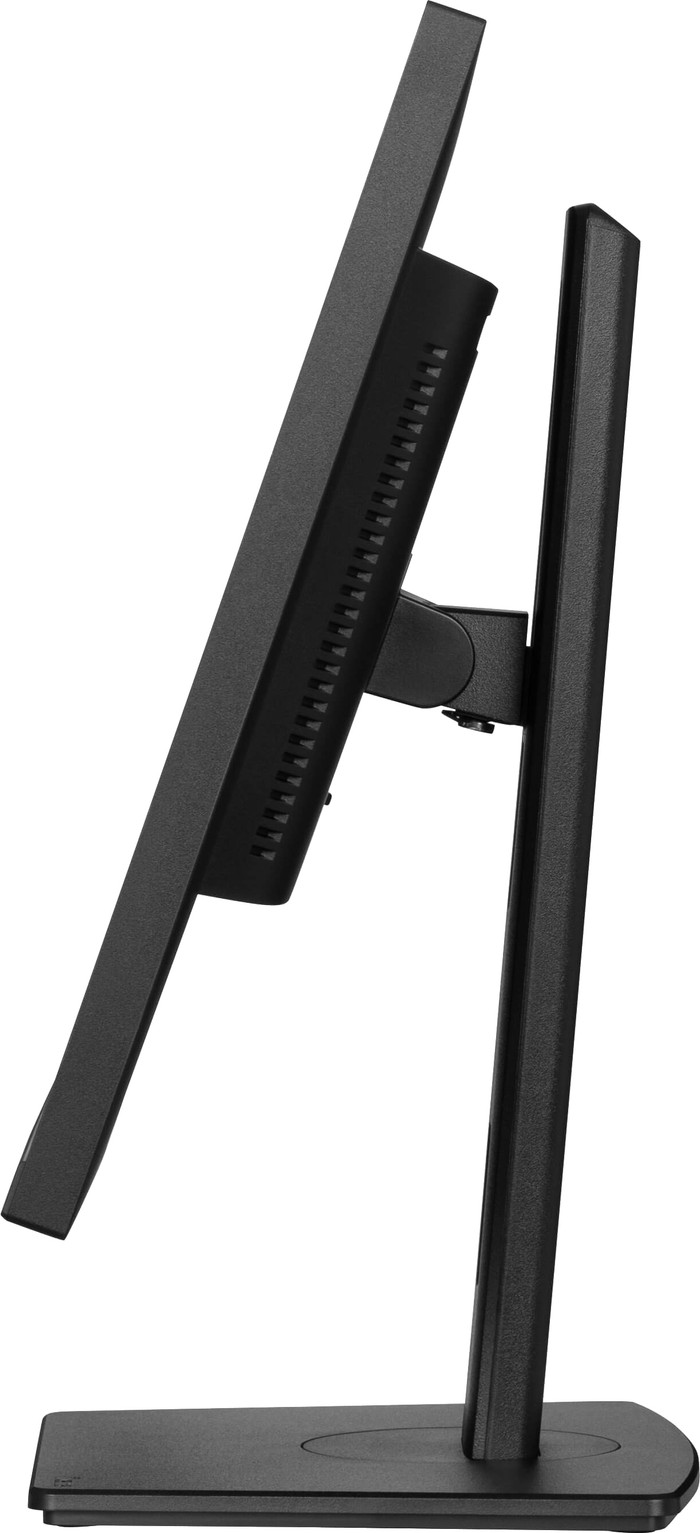
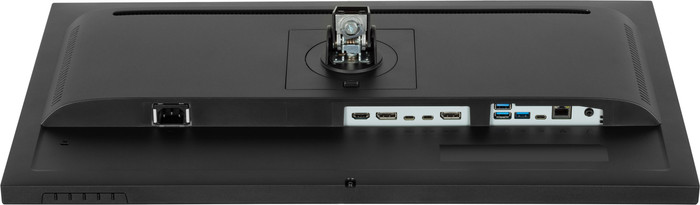
This is the one
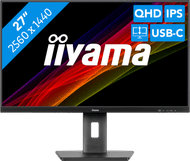
Iiyama ProLite XUB2797QSNP-B1
According to our monitor expert
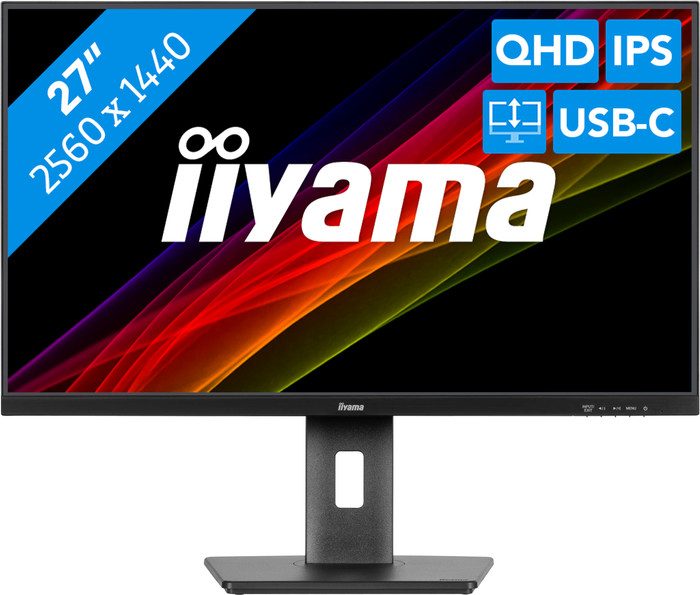
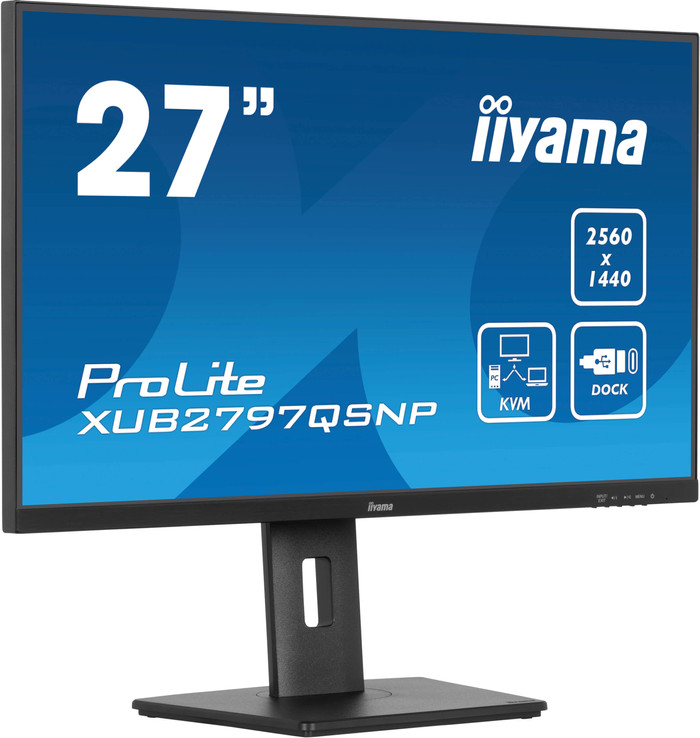
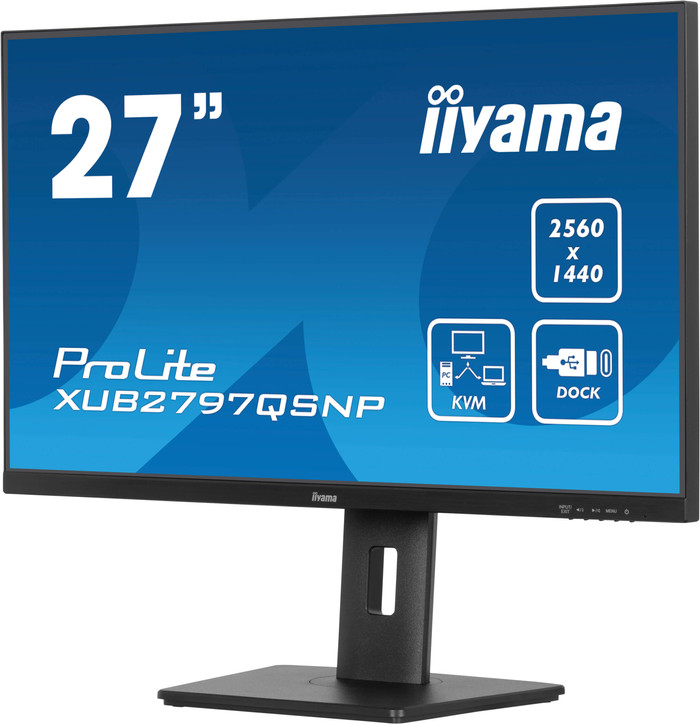
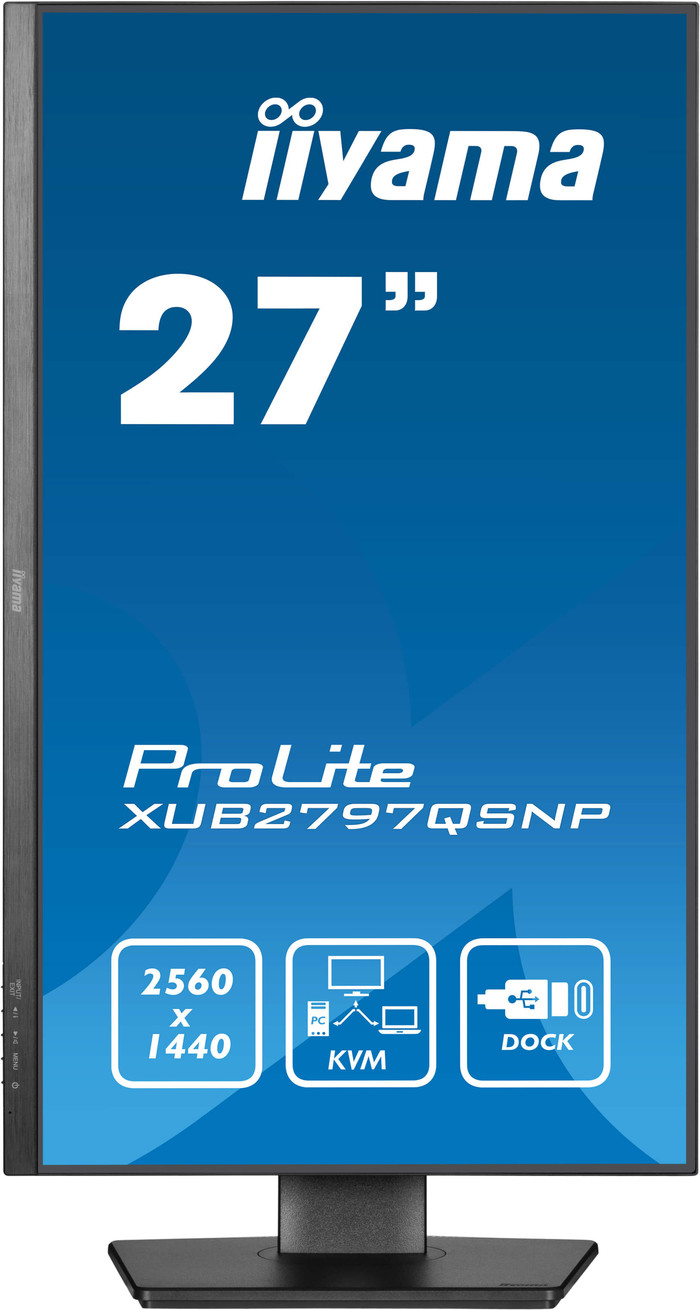
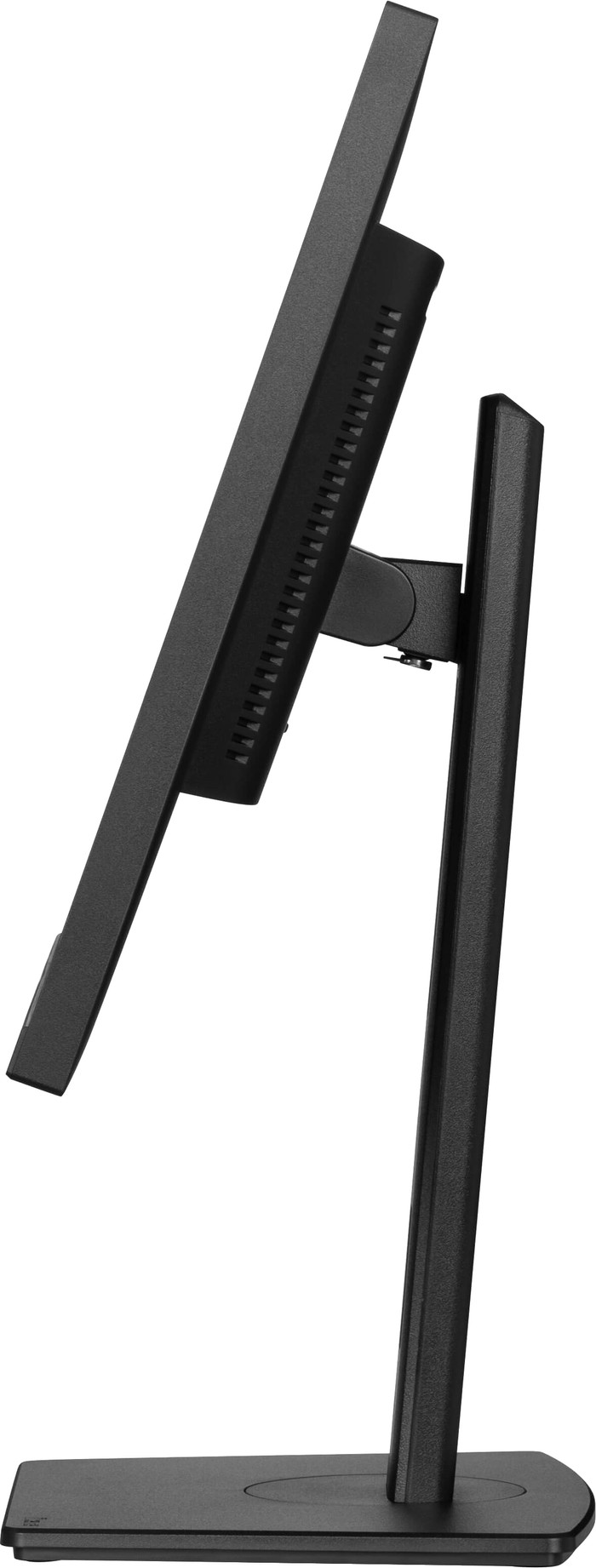
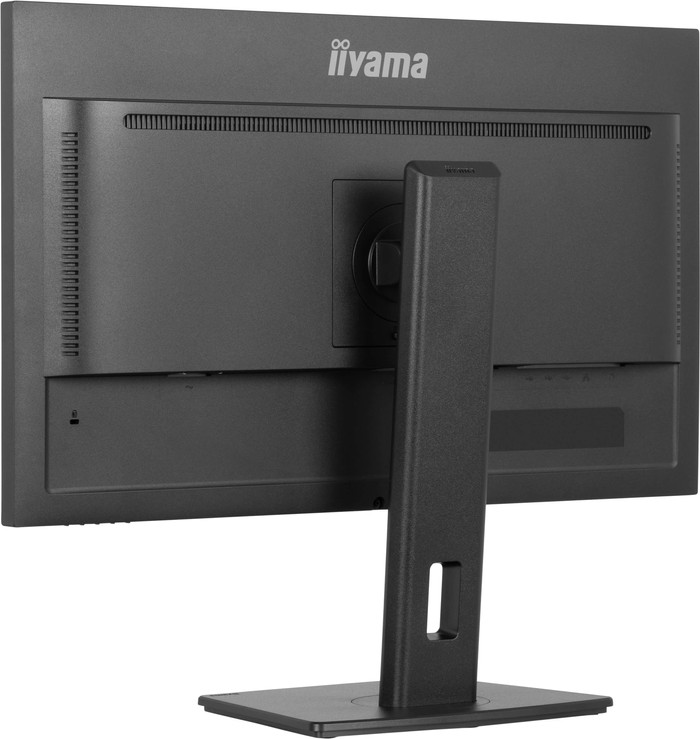
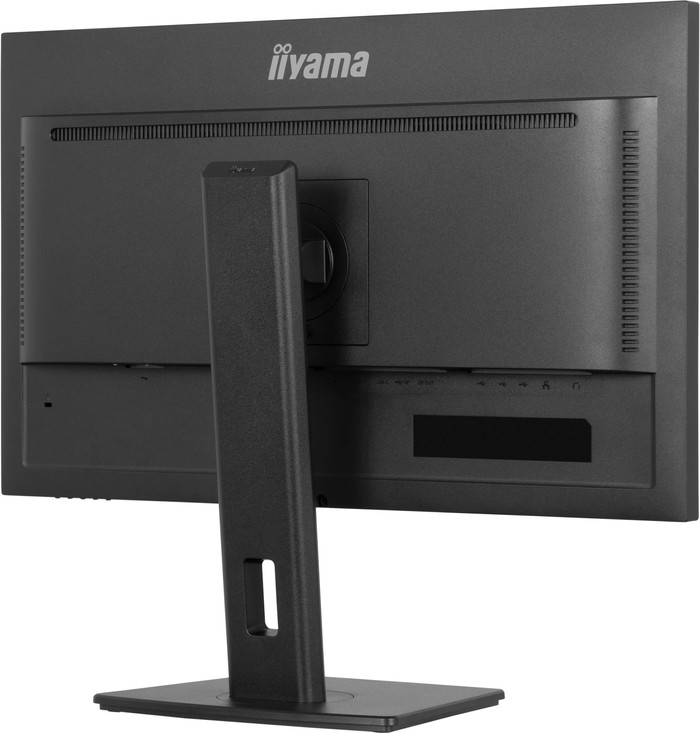
Perform your daily tasks with the iiyama ProLite XUB2797QSNP-B1 27-inch monitor. Thanks to the QHD resolution, the images are razor-sharp. The monitor also has an IPS panel, so you can experience realistic colors from every viewing angle. That's useful for when you're working with multiple colleagues on the screen. Thanks to the high 300-nit brightness, you can see the screen in brightly-lit rooms. You can also connect multiple devices with the 4 built-in USB ports and USB-C port. Working long days? Tilt, rotate, or adjust the monitor in height for an ergonomic sitting posture to prevent neck and back problems. Thanks to the rotatable stand, you can easily show a document or presentation to a colleague. You can also work longer without strained eyes because of the blue light filter.
Sharpness | Quad HD (1440p) | |
Curved | ||
Aspect ratio | Standard (16:9) | |
Refresh rate | 100 Hz | |
Response time | 1 ms | |
Panel type | IPS panel | |
Color depth | Less than 17 million colors (less than 8-bit) | |
Built-in speakers |
5 stars
9
4 stars
0
3 stars
0
2 stars
0
1 star
0
I bought this monitor to declutter my overcrowded desk. My goal was a clean setup with as few cables as possible. This was perfectly achieved thanks to the USB-C port.
The biggest advantages:
A small learning experience that made the purchase even better: Initially, I had some issues with a stuttering keyboard on my laptop's login screen, and the battery wouldn't charge past 81%. It seemed like a glitch, but it turned out to be a simple setting in the monitor itself. I changed the USB setting from USB 2.0 to USB 3.0, and all the problems were immediately resolved. This proved to be the key to smooth communication between the monitor and the laptop. It also unintentionally solved other issues, such as a somewhat sluggish mouse and unstable video quality in Teams.
I highly recommend this monitor. The image quality, the numerous connection options, and the ability to completely transform your workspace with a single cable make this an excellent investment.
Irshaad
17 September 2025
Automatically translated from Dutch
This is a very nice monitor. The image is fine, with a very nice color reproduction. I use the screen as a USB-C dock for my laptop. Ideal to not have to connect the mouse, keyboard, headset, etc. separately every time, but just be ready with a cable. I first doubted the size, but in the end I am very happy with it. The resolution is fine for a 27 inch screen. 4K would be too much.
PietKonijn
9 October 2024
Automatically translated from Dutch
Nice monitor of good quality.
Dermot
4 July 2025
Automatically translated from Dutch
Current product
282,-
354,-
279,-
249,-
401,-
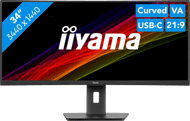
Quad HD (1440p)
WQHD
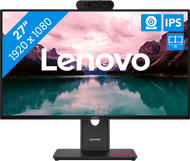
Full HD (1080p)
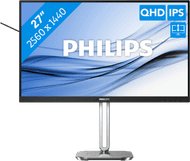
Quad HD (1440p)
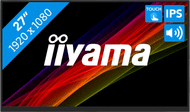
Full HD (1080p)
No
Yes
No
No
No
Standard (16:9)
Ultrawide (21:9)
Standard (16:9)
Standard (16:9)
Standard (16:9)
100 Hz
120 Hz
120 Hz
100 Hz
60 Hz
Coolblue takes care of everything, from taking out an insurance to repairs
For almost all accidents
More coverage in case of damage than your standard warranty
No deductible
First, add your monitor to your shopping cart. On the next page, choose the Protection Plan below. You always have a 30-day return window and pay no deductible in case of damage.
2-year Protection Plan
28,99
one-time3-year Protection Plan
46,99
one-time
Product number | 952499 | |
Manufacturer code | XUB2797QSNP-B1 | |
Brand | Iiyama | |
Warranty | 5 years | |
Processing of your defect | Via Coolblue | |
Old product returned for free |
Recommended display resolution | 2560x1440 | |
Sharpness | Quad HD (1440p) | |
Aspect ratio | Standard (16:9) | |
Refresh rate | 100 Hz | |
Response time | 1 ms | |
Panel type | IPS panel | |
Local dimming | ||
HDR support | ||
Contrast ratio | 1300 | |
Touchscreen | ||
Screen reflection | Anti-glare | |
Blue light filter | ||
Flicker-free technology | ||
Color space | sRGB | |
sRGB color coverage percentage | 99 % | |
Color depth | Less than 17 million colors (less than 8-bit) | |
Adaptive Sync | ||
Type of adaptive sync | FreeSync | |
Resolution width | 2560 pixels | |
Resolution height | 1440 pixels | |
Anti-reflection type | Matte | |
Viewing distance | 43 - 115 cm | |
Horizontal viewing angle | 178 ° |
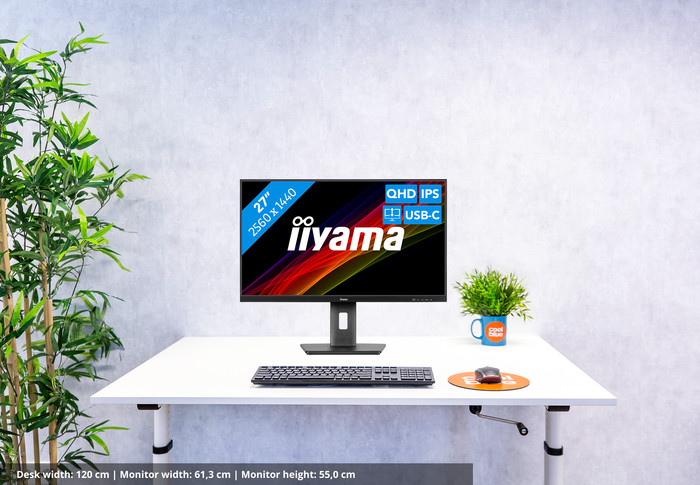
Height | 55 cm | |
Width | 61,3 cm | |
Depth | 20,9 cm | |
Weight | 6,1 kg | |
Color | Black | |
Including stand | ||
Material | Plastic | |
Cable management | ||
Appearance | Business, Neutral | |
Curved |
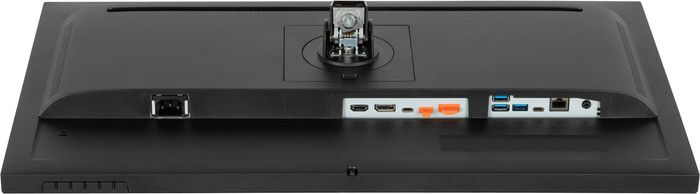
Number of HDMI connectors | 1 | |
Number of Female HDMI type A 2.0 ports | 1 | |
Number of headphone jacks | 1 | |
Type of headphone connection | 3.5mm (TRS) | |
Number of USB-C ports | 3 | |
Number of USB 3.0 Female USB-C ports | 1 | |
Number of Female Standard DisplayPort 1.4 ports | 1 | |
Number of female standard USB-A ports | 3 | |
Female standard USB-A port version | 3.0 | |
Number of female 3.5mm TRS Audio Jack ports | 1 | |
Number of Female RJ-45 ports | 1 | |
Type of USB port | Standard USB-A, USB-C | |
Number of USB ports | 6 | |
Suitable for daisy chaining | ||
USB-C dock | ||
Maximum USB-C dock power | 96 W |
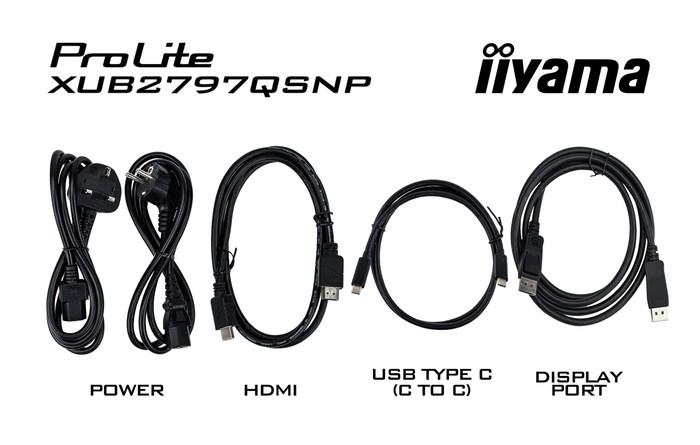
Included by default | DisplayPort cable, HDMI cable, USB-C cable |
Adjustable in height | ||
Tiltable | ||
Pivotable stand | ||
Pivot function | ||
VESA mount option | ||
VESA mount | 100x100mm |
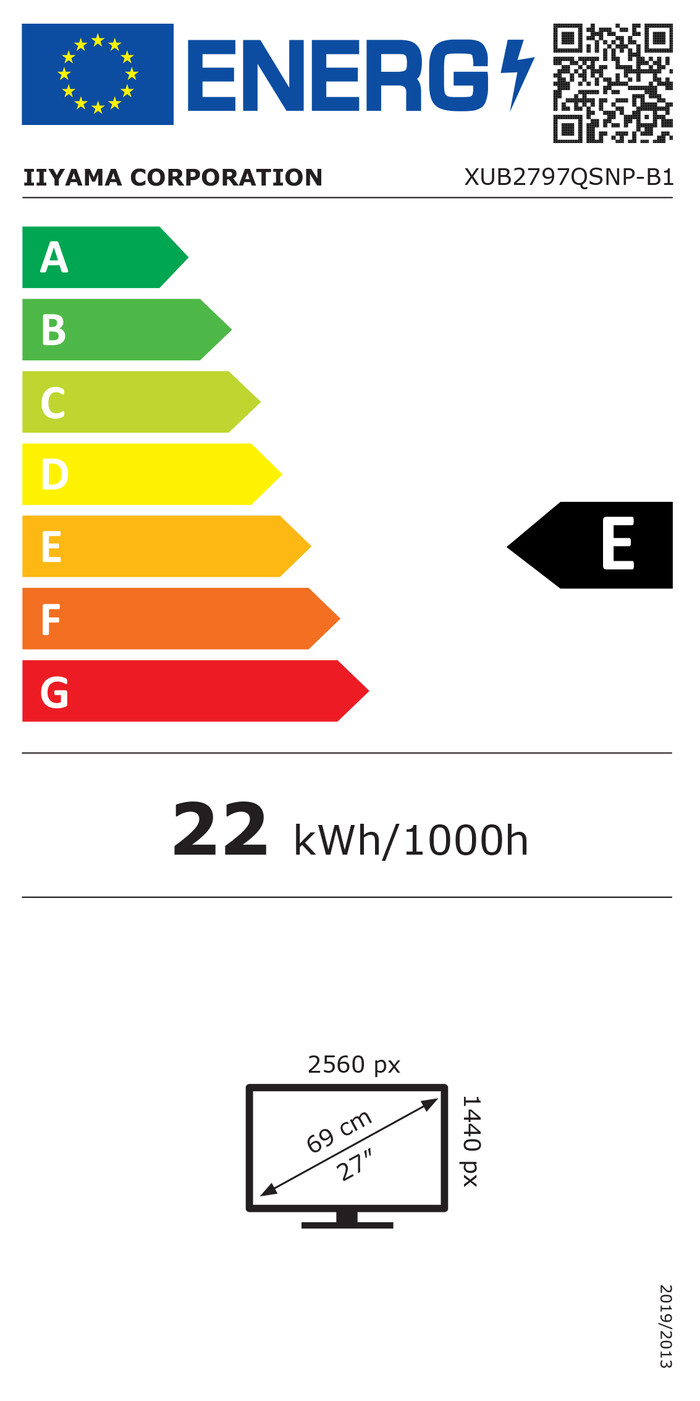
Energy label | E | |
Energy consumption standby | 0,5 W | |
Energy consumption active | 26 W | |
Energy consumption per 1000h | 22 kWh | |
Annual energy consumption | 32,12 kWh | |
Annual energy costs | 12,85 euros |
Built-in speakers | ||
Webcam | ||
Split screen | ||
Kensington lock |
Recommended for use | Image editing and graphic design, Internet, email, and text processing, Office work, Watching movies in Full HD |