Samsung monitors
Find the Samsung monitor that suits you
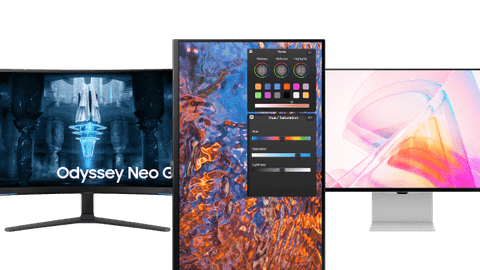
All Samsung monitors
Samsung monitors deals
Compare the most popular Samsung monitors
Stream entertainment and work wirelessly
You can also use the monitor as a television thanks to the Smart Hub support, so you can stream movies and series when you're done working.
Thanks to the built-in blue light filter, you're not bothered by strained eyes while you work.
You can edit your footage in great detail thanks to the high image quality.
Thanks to the Samsung Smart Hub function, you can wirelessly stream content to the monitor from your smartphone, laptop, or tablet.
From
to224,-
1.569,-
Edit photos and videos with sharp images
Thanks to the high resolution and HDR support of these monitors, your photo and video files look sharp.
Thanks to the built-in blue light filter, you're not bothered by strained eyes while you work.
You can edit your footage in great detail thanks to the high image quality.
From
to225,-
1.079,-
Comfortably perform your daily work
You don't get strained eyes in the evening thanks to the blue light filter in the screen.
Thanks to the built-in blue light filter, you're not bothered by strained eyes while you work.
From
to127,-
229,-


Choose the Samsung monitor for your usage situation
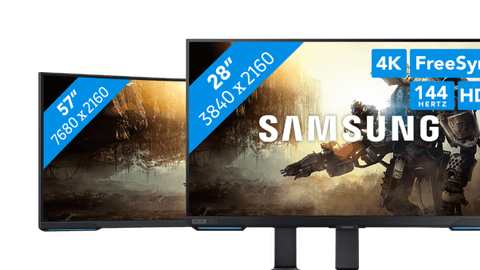
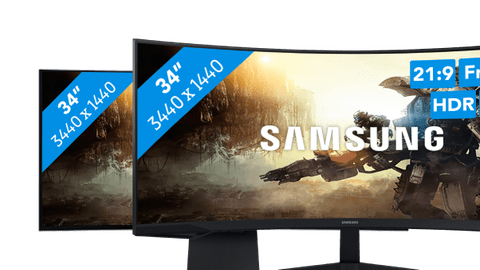
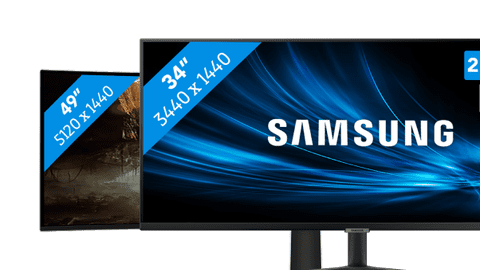
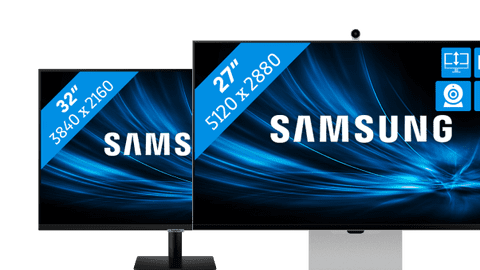
Choose a Samsung monitor
How do you choose the Samsung monitor that suits you?
There are Samsung monitors for every usage situation. We'll help you to make the right choice.Everything on the ViewFinity monitor
Want to know more about the advantages of a ViewFinity screen? We'll explain it here.
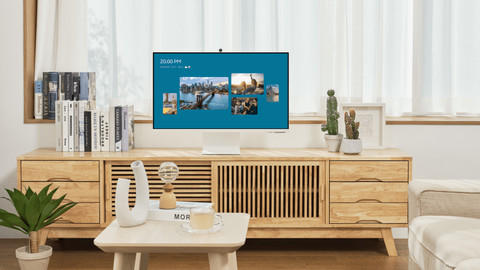
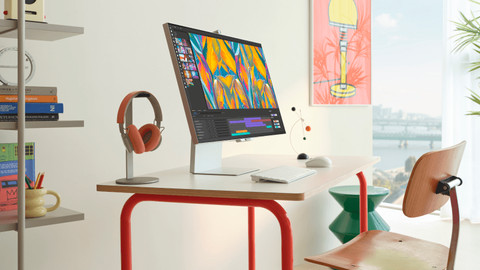
Highlighted Samsung monitor

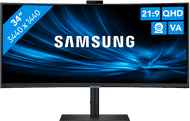
Samsung ViewFinity LS34C652VAUXEN
Edit photos and videos in Adobe programs on the Samsung ViewFinity LS34C652VAUXEN 34-inch curved monitor. With the QHD resolution, the screen of this monitor is 2 times sharper than Full HD.
View which setup fits your usage situation the best here
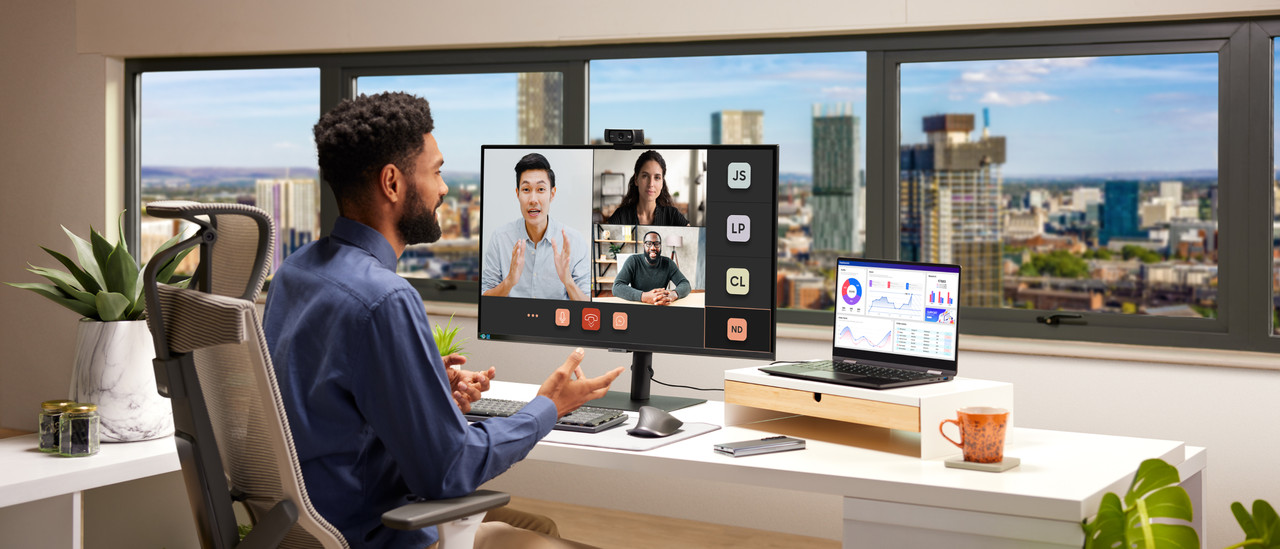
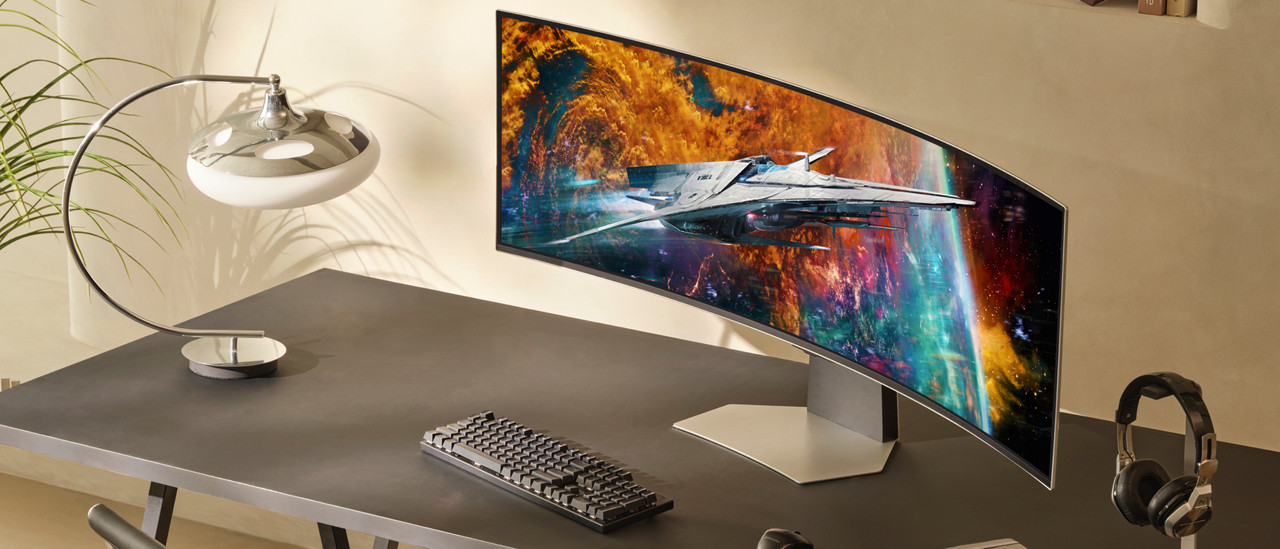
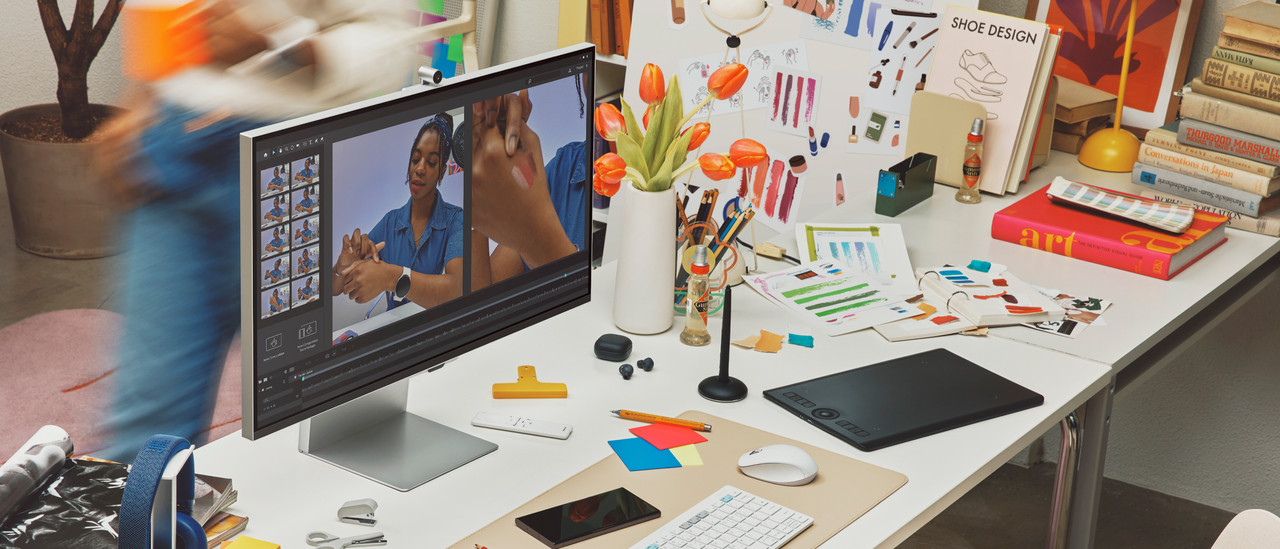
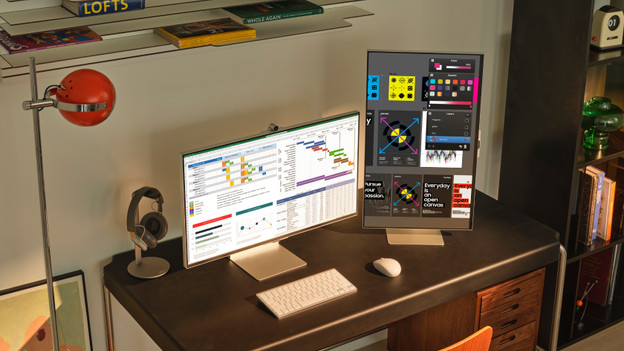
Complete your Samsung monitor
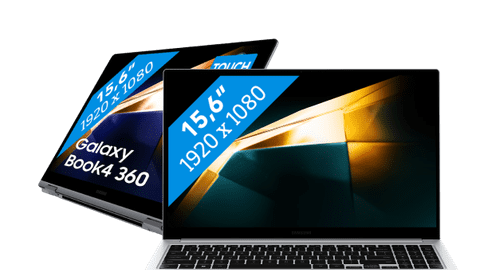
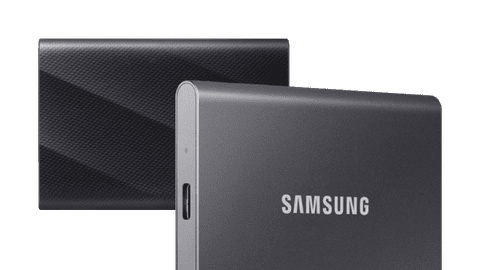
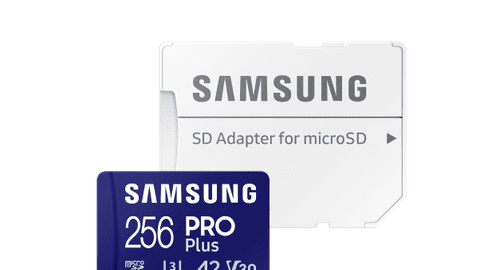
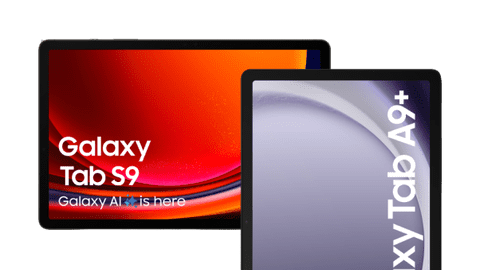
You can complete your setup with a Samsung laptop or tablet. With a laptop, you can increase your screen space so you have an even better overview of your work. Want to always have your important files near? Choose an external SSD or memory card. You can easily connect it with your laptop or computer.
FAQ
What are the differences between the Samsung product series?
Choose a Samsung Home office monitor if you work from home. These monitors are ergonomically adjustable, so you can keep working longer. You can use a Viewfinity screen for photo and video editing thanks to the high resolution and the good color depth. Choose an Odyssey if you game a lot.
What should I keep in mind when buying a Samsung gaming monitor?
It's important that you know what type of games you're going to play on the monitor. If you play fast online games like shooters, a high refresh rate and a low response time is more important than having the best resolution. If you like to play open world games with a powerful desktop, a high image quality is better.
Which connectors does my new monitor require?
This depends on your usage situation. You can use HDMI for all purposes, but DisplayPort is more suitable for gaming and image editing thanks to the higher bandwidth. With a USB-C port, you can organize your desk in one go and also charge your external appliance directly.

Advice on Samsung monitors
Can't choose? View the advice from our expert.