Samsung tablets
Compare the Samsung Galaxy Tab tablets
The fastest tablets with an excellent screen
The colors stand out on the screen of tablets from the Tab S series. Demanding apps and games work smoothly thanks to the powerful and fast processor.
You can watch movies and series in high quality thanks to the good screen.
You have more screen space on the large screen, so you can work or study more easily.
Thanks to the powerful processor, you can easily perform demanding tasks.
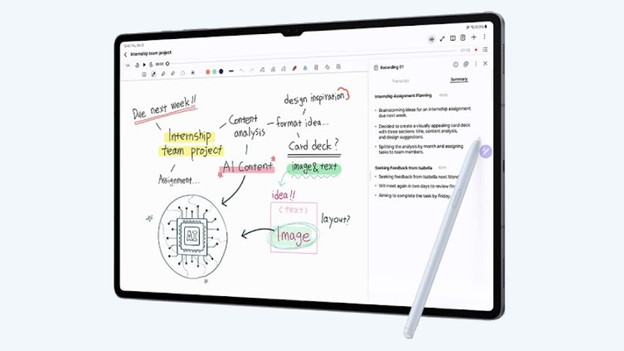
With the included stylus, you can quickly take notes.
From
to395,-
2.139,-
Fast tablets with a good screen
On the larger screen of the Tab S FE, images look smooth and bright. This way, you can comfortably watch your favorite series.
Thanks to the better image quality, movies and series look bright and colorful.
Thanks to the high brightness, you can see realistic colors, even in bright sunlight.
With the included stylus, you can quickly take notes.
From
to395,-
2.139,-
Faster tablets with a reasonable screen
On the medium-sized screen, you can see images better than with the Samsung A series. You can comfortably watch a YouTube video.
On the medium-sized screen, you can easily open 2 apps at the same time.
With the included stylus, you can quickly take notes.
From
to395,-
626,-
Tablets with a decent screen
Tablets from the Tab A series are suitable for basic tasks. You can browse the internet and play light games like Candy Crush.
You can easily hold your tablet thanks to its small screen.
From
to149,-
363,-


Which Samsung tablet suits you?
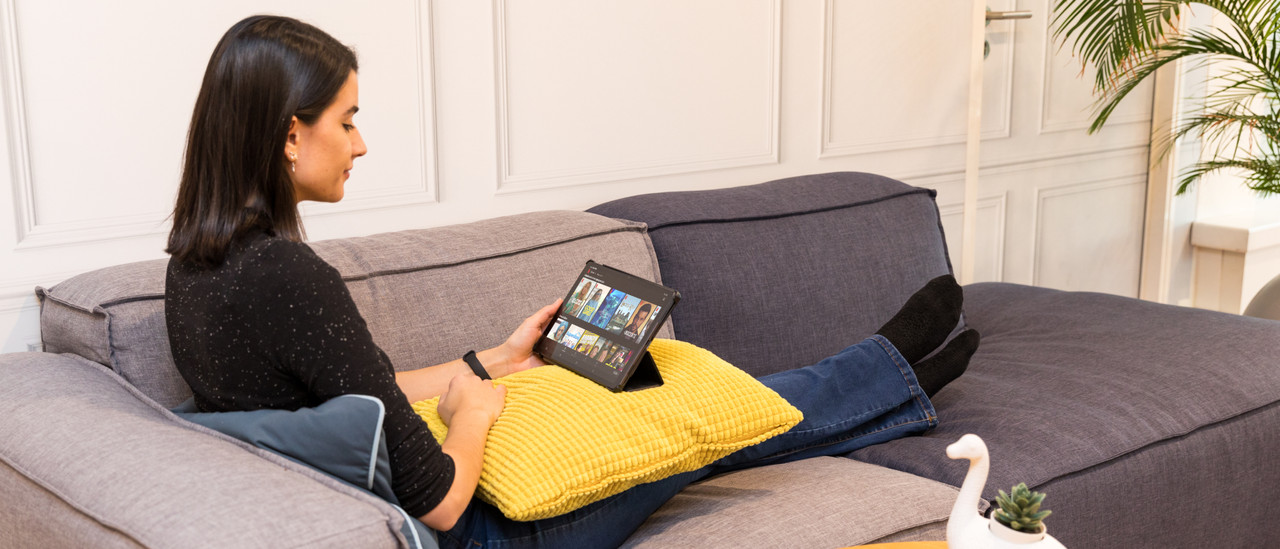
Samsung tablets for movies, series, and games
You can enjoy your favorite movies or games on the bright and sharp screen of the Tab S12 Plus or Tab S12 Ultra.Samsung tablets for study and business use
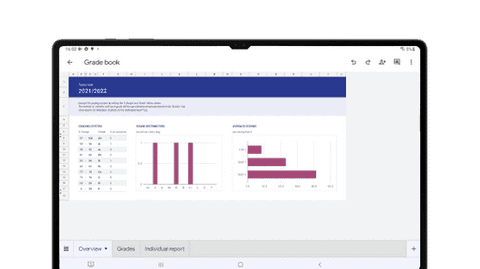
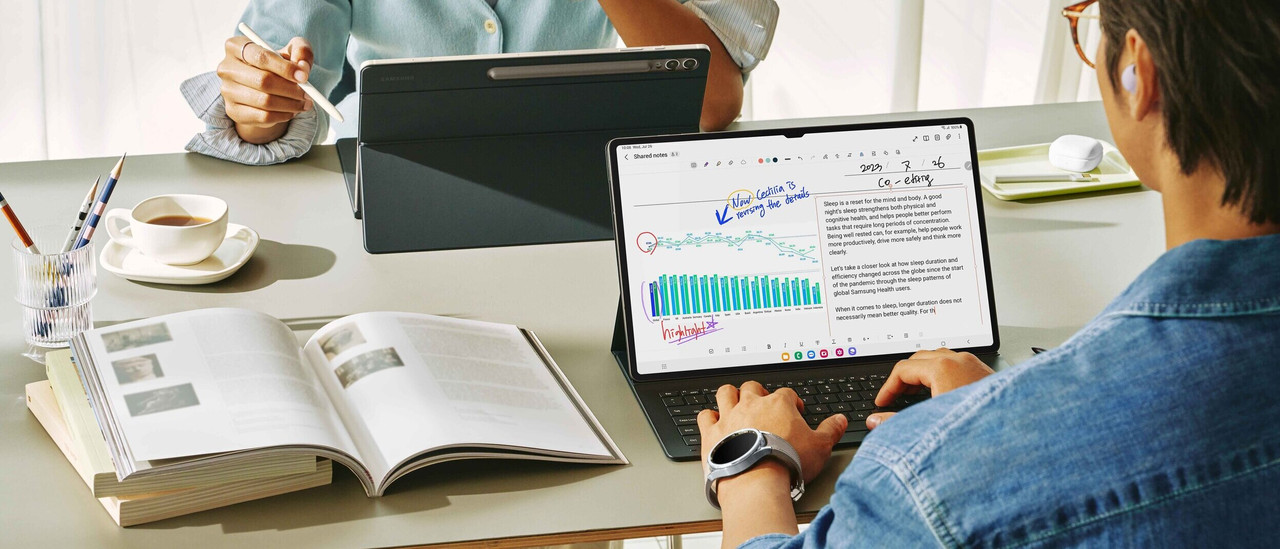
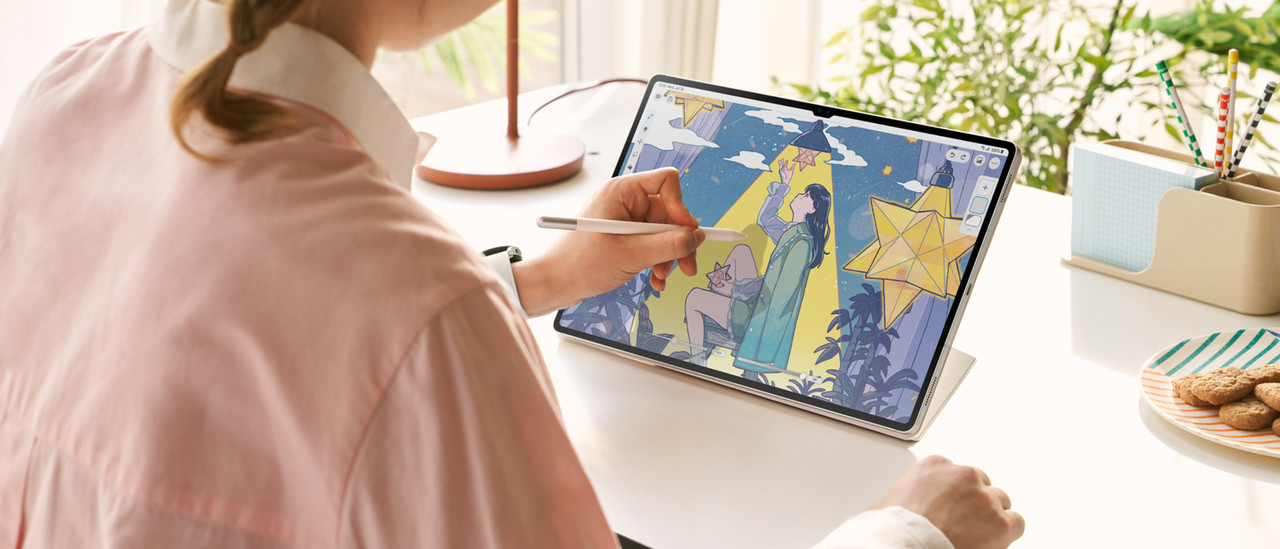
Effortlessly work on your reports and presentations thanks to the fast processor of a tablet from the S series.Samsung tablets for simple tasks
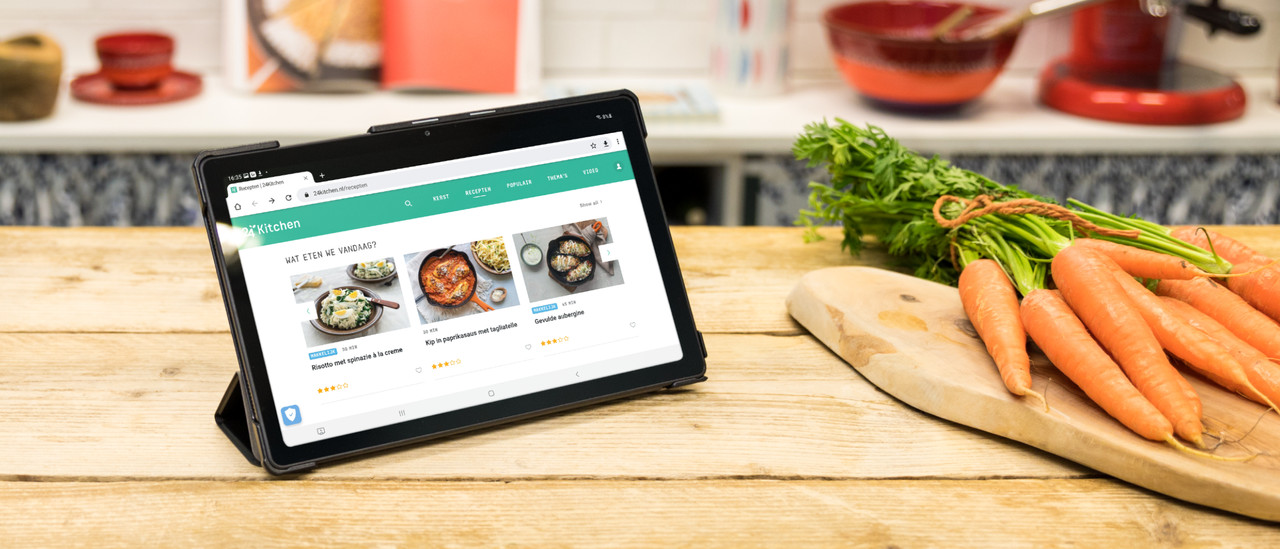
Browse the internet and play light games like Candy Crush with the Tab A11 of Tab A11 Plus.Samsung tablet for the whole family
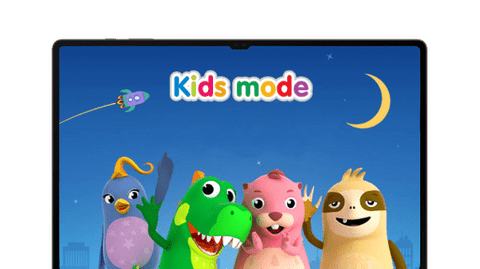
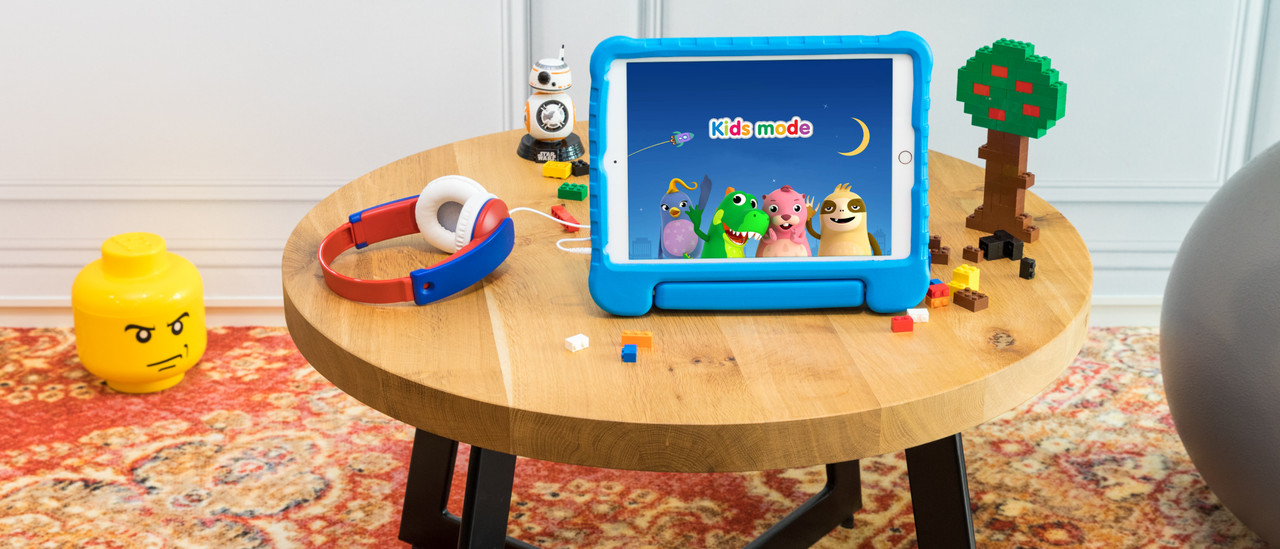
Your children can safely play on a Samsung children's tablet. You can also use it yourself and browse the internet.

Galaxy AI on your Samsung tablet
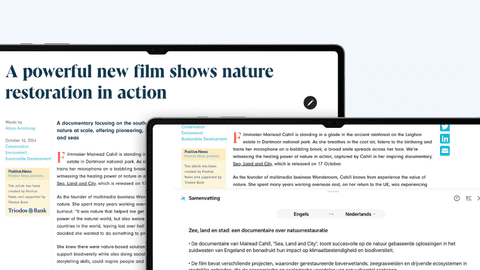
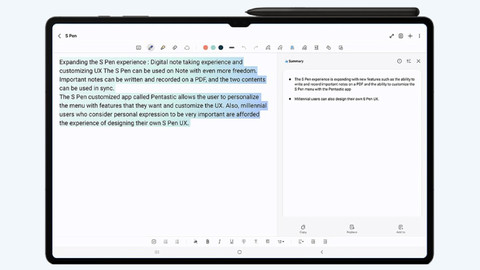
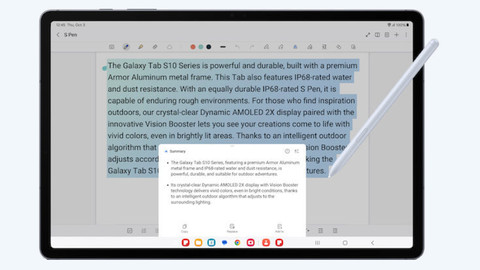
Galaxy AI is the Samsung smart assistant. The smart assistant makes your everyday tasks easier. You can easily edit photos or summarize long texts, for example. AI can also help translate audio and turn your audio into text. Galaxy AI is available on the Samsung Galaxy Tab S12 Ultra, S12 Plus. Want to read more on Galaxy AI? Click on one of the articles below.
Quickly navigate to
Advice on Galaxy tablets
How large do you want your Samsung tablet to be?
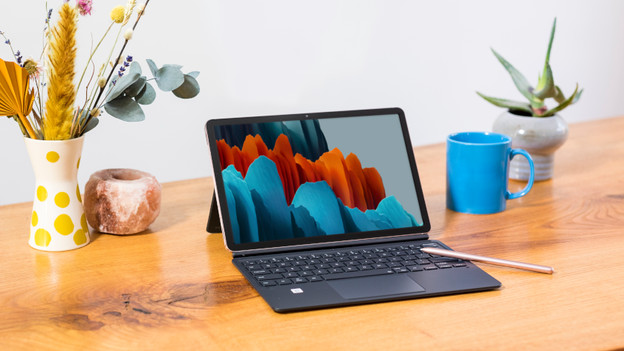
You can hold the small Tab A11 in 1 hand. On the medium-sized 11-inch tablets like the Tab A11 Plus, Tab S11, or Tab S10 FE, you can watch movies comfortably. Choose the large Tab S12 FE Plus, Tab S10 Plus, or the very large Tab S12 Ultra for work or school.
How fast do you want your Samsung tablet to be?
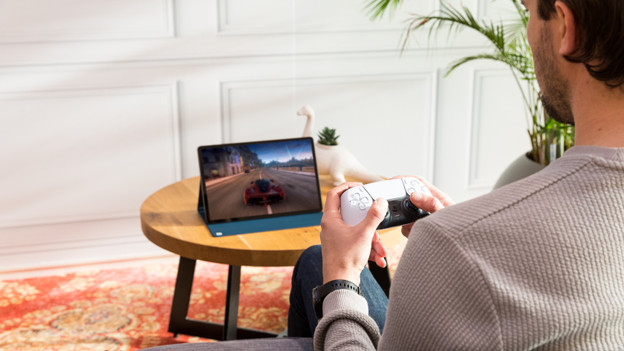
You can use tablets from the Tab A series for light tasks like browsing the internet. The tablet slows down when you use more demanding apps. You can smoothly open multiple apps at the same time with the faster Tab S FE series. Do you play demanding games or edit photos? Choose a tablet from the Tab S series, because those are the fastest tablets.
How much storage do you need on your Samsung tablet?
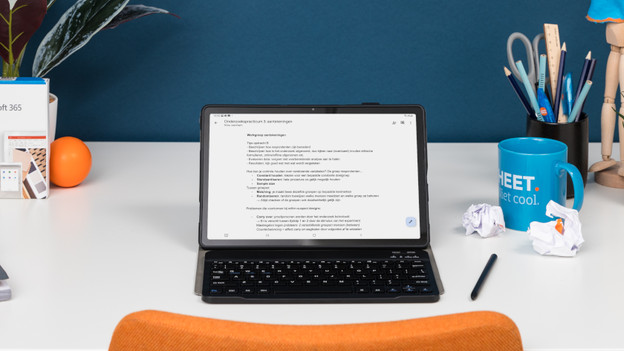
If your storage is full, you need to delete apps. With 128GB, you need to do this after around a year. Choose a Galaxy tablet with 256GB if you often download new apps. You need to delete apps after 2 years. With 512GB, you don't need to delete apps the next few years.
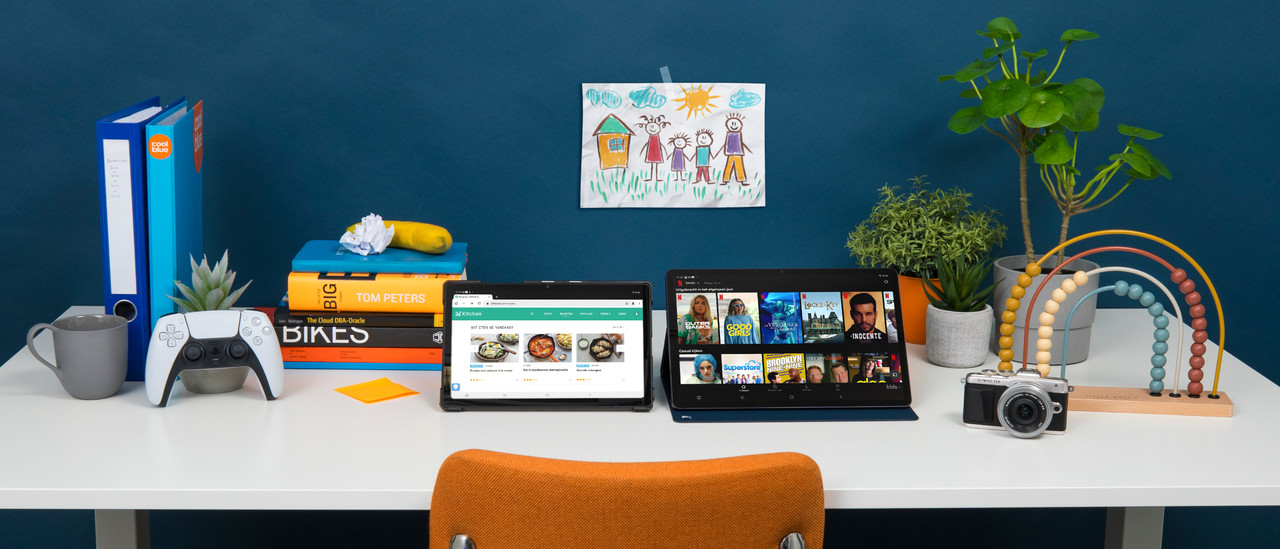
What do you use your Samsung tablet for?
Frequently asked questions
Which Samsung tablet is the best?
The best Samsung tablet to watch movies and series in the highest quality is a tablet from the Tab S series. Want to use it for work or school? Choose a fast tablet from the Tab S FE series. A tablet from the Tab A series is the best for simple tasks.
What's the difference between the Samsung Galaxy Tab S11, the S12 Plus, and the S12 Ultra?
You can easily take the compact Tab S11 anywhere and watch movies and series. Choose the S12 Plus if you want a slightly larger screen for your work or studies. Want to get to work creatively or play 3D games? The large and powerful S12 Ultra is the best tablet for you.
What's the difference between the Tab A series and the Tab S series?
Tablets from the Tab S series have the sharpest screen and are the fastest. You can watch movies and series in the highest quality on it. You can use a tablet from the Tab A series for simple tasks like browsing the internet or playing a light game like Candy Crush.
What's Samsung Kids Mode?
Samsung Kids Mode is a free app for children up to 7 years old. This app allows you to determine which apps your children may use and how long they're allowed to play on the Samsung tablet.
Can I trade in my old Samsung tablet for a discount?
Yes. With Samsung Upgrade, you can trade in your old tablet for a discount on a new Samsung tablet. It's good for your wallet and the environment. We'll give your old tablet a second life.
What's the newest Samsung tablet?
In September 2026, Samsung launched their latest tablets: the Tab S12 and the Tab S12 Ultra. At the end of 2025, the Tab A11 and Tab A11 Plus were released. In March 2025, the Tab S10 FE and Tab S10 FE Plus were released.

Advice on Samsung tablets
Can't choose? View the advice from our expert.