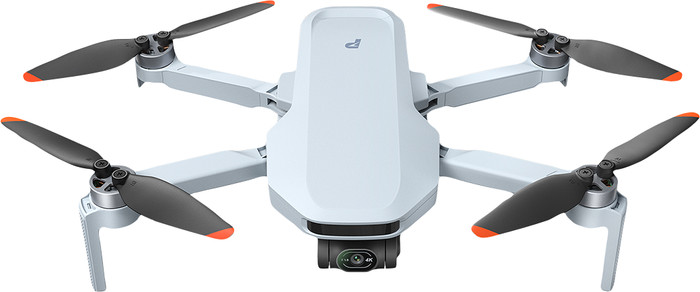
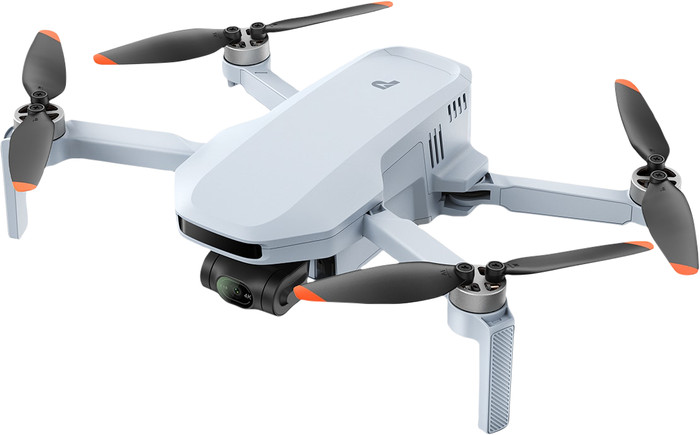
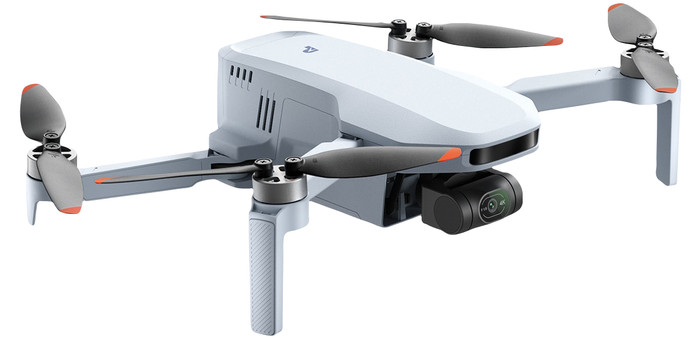
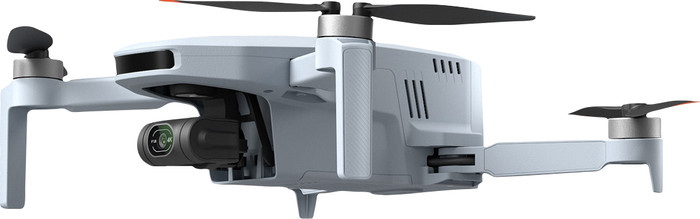
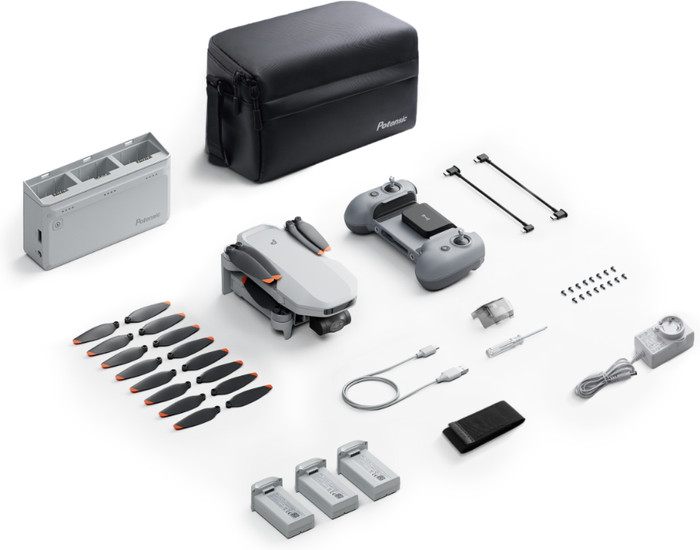
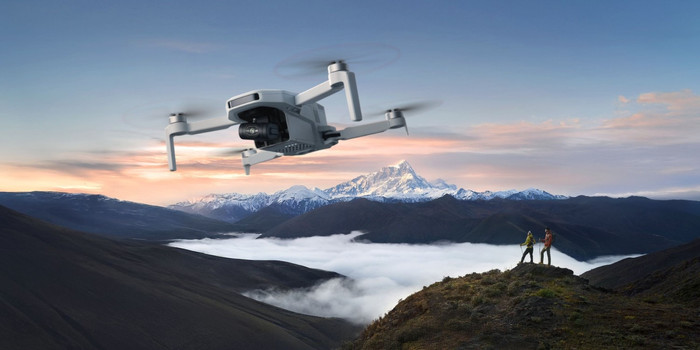
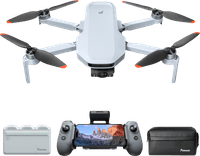
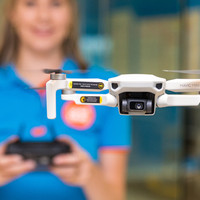
The Potensic ATOM 2 is a great drone if you have little experience with drones. I take razor-sharp images and control it easily with functions such as AI tracking. The drone does not have obstacle detection, so I have to pay close attention to where I fly.
User-friendly controls
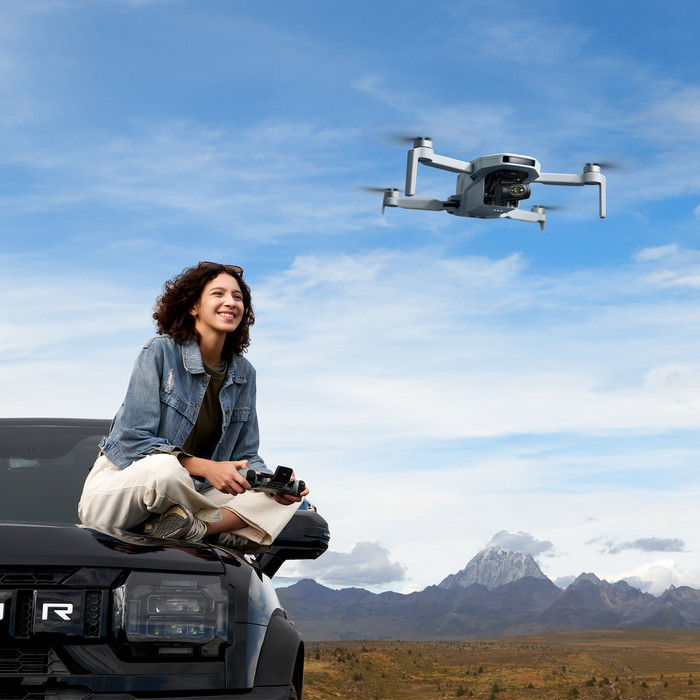
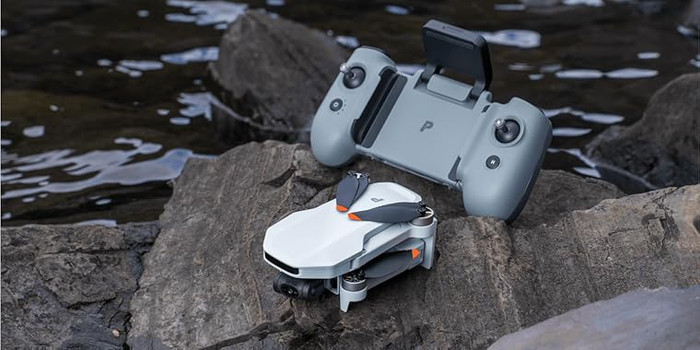
Even if you have never flown a drone before, the Potensic ATOM 2 is easy to control. The remote control looks like a game controller, with joysticks on both sides. I click my phone into the controller, connect the drone to my phone via the app and fly away immediately. There are various buttons on the remote control. For example, I use a turning wheel to control the gimbal while filming. I think this works easily.
Useful functions
The ATOM 2 has various functions that make flying even easier. I often use the AI tracking myself. I select a subject on the screen of my phone, after which the drone itself follows the movements of this subject. In this way, I make a video of myself walking on the beach, for example. I don't have to steer the drone, but I do have to be careful that it doesn't fly into obstacles. It doesn't have obstacle detection. When I film my surroundings, I prefer to use the automatic flight modes. For example, it flies in a circle around a special building. The advantage is that the drone flies in a stable movement, which makes the images look cinematic.
High image quality
The images that I film with the drone are clear and sharp. I use this video footage for my social media channels, for example. The quality is high enough for this. The drone takes photos with 48 megapixels, which means that they have a lot of detail. This allows me to zoom in on a subject in the distance afterwards without loss of quality. I find this useful if I can't get close with the drone. When I fly the drone on the beach, it's windy. I'm not afraid that the drone will blow away, it hangs stably in the air. However, I do see a lot of vibrations in my videos afterwards that the gimbal didn't catch. This is why I prefer not to film in strong winds.