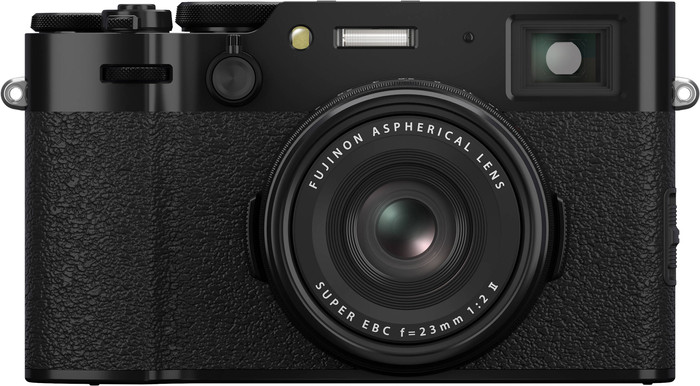
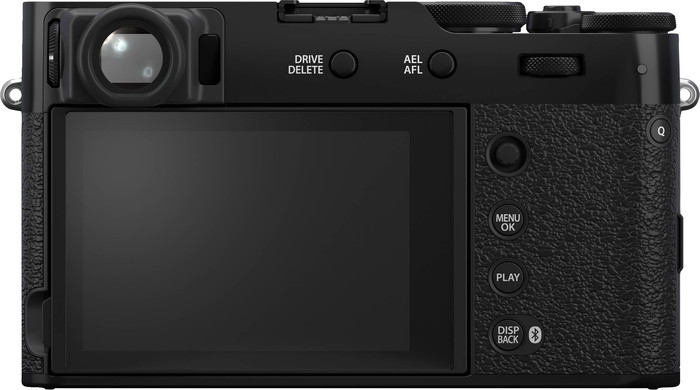
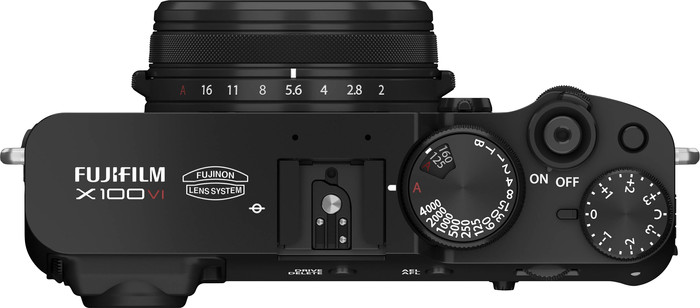
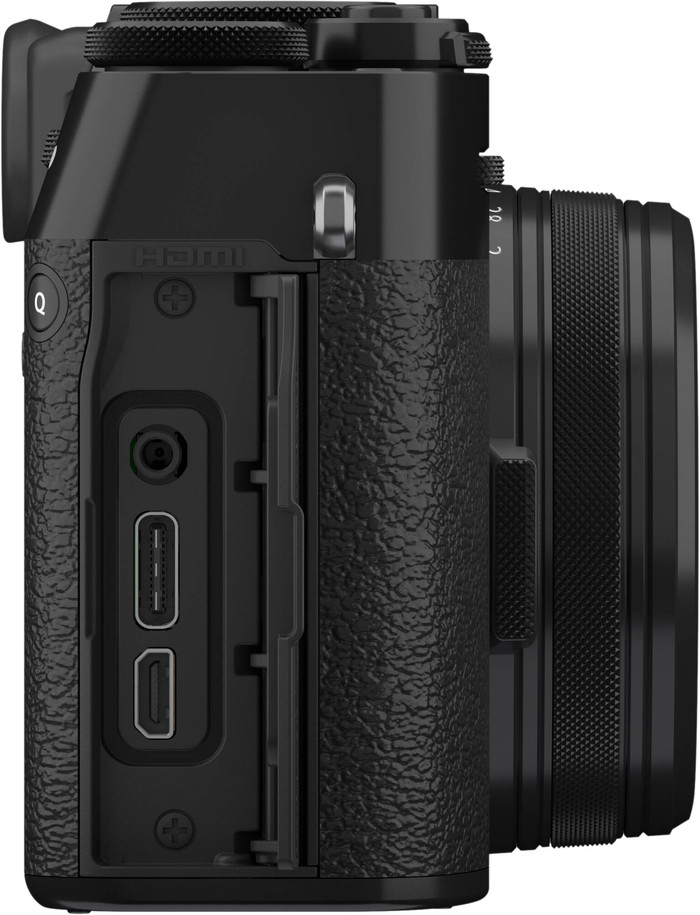
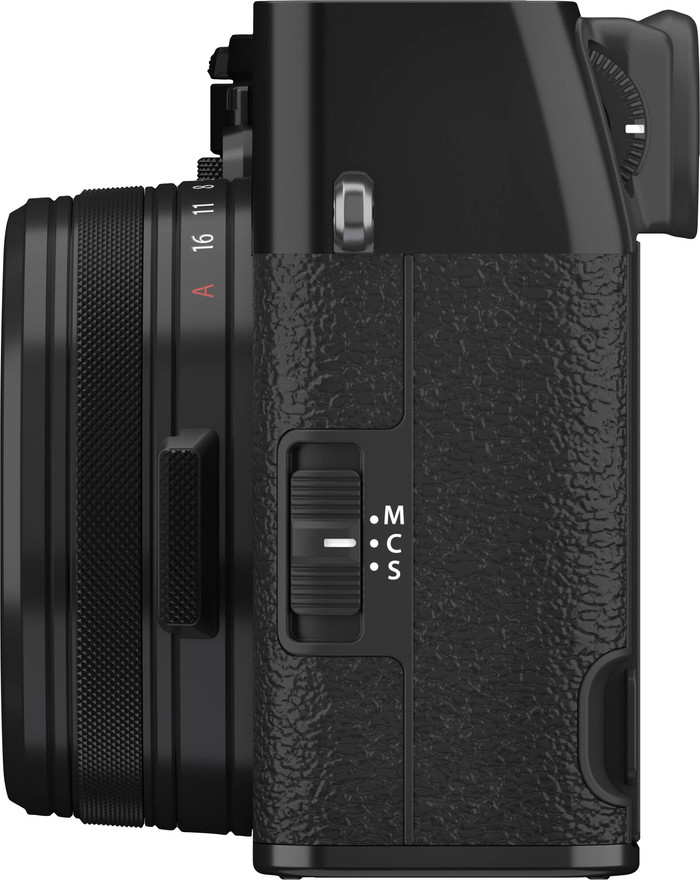
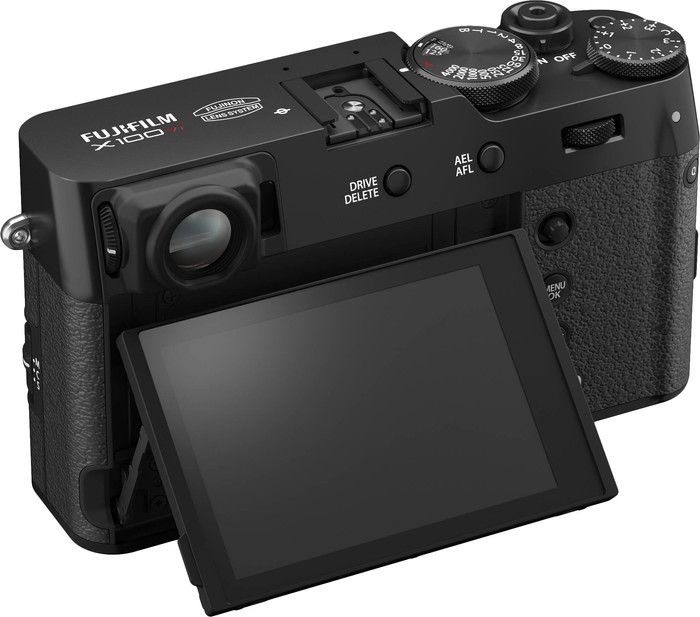
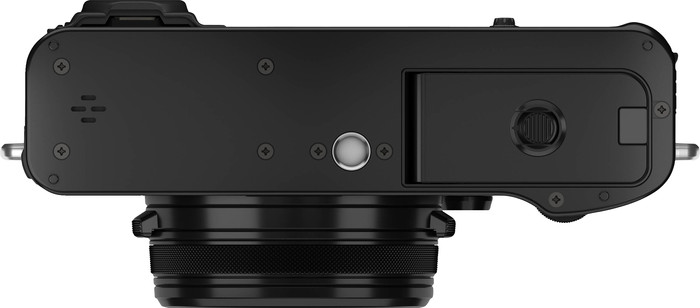
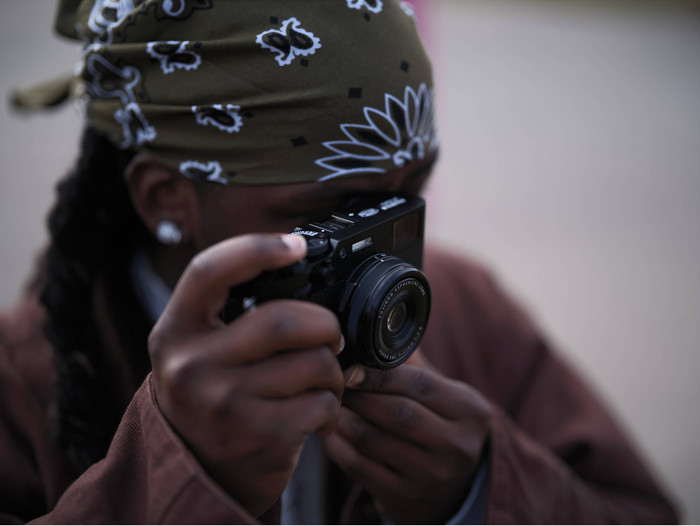
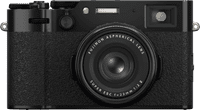
With the Fujifilm X100VI I can take sharp and creative photos with little effort, which is why I like to take it with me on the road. I just don't zoom in and out with the fixed 23mm lens.
Compact model with large sensor
I best describe the Fujifilm X100VI as a system camera in the jacket of a compact camera. This makes it the ideal camera for me when traveling. It is small and light, which makes it easier to take with me than my large system camera with different lenses. I am very satisfied with the image quality. The camera has a large 40 megapixel APS-C sensor. This has 2 advantages for me: I take clear photos in low light and I crop the photos without loss of quality. If I am not satisfied with the frame, I can easily crop the photo afterwards. I do think it is a shame that the camera does not have a zoom lens. It has a wide 23mm wide-angle lens, which means I always have to stand close when I photograph details. For example, I do not capture animals in the distance because of this.
Sharp images and image stabilization
A big advantage of the X100VI is the built-in image stabilization. Its predecessor, the popular X100V, did not have this. Thanks to the image stabilization, I can photograph with longer shutter speeds without motion blur. I especially like this when I go out with my camera in the evening. This way, I can still take clear photos. While filming, I also record smooth images. You do not see any vibrations from my hands. This way, I can walk around with the camera and film the surroundings, for example when I make an aftermovie of my trip. Due to the high video resolution, I also find the camera suitable for vlogs. I film razor-sharp images with lots of details in 6.2K.
Film Simulations
The Film Simulations are indispensable on a Fujifilm camera. The X100VI has 3 new Film Simulations. In total, I can choose from 20 different filters. I really like the effect of the different simulations. My photos have a vintage look because of this. The new Reala Ace simulation is my favorite. This filter provides realistic colors with high brightness. I also like to use the popular Classic Chrome filter, which makes my photos look like they were taken with an analog camera. Thanks to the Film Simulations, I post my photos directly to Instagram, I don't edit them on my laptop. I also like to use the Film Simulations for videos, which makes my images look less flat.