Written by Lucas
Edited on
1 May 2023
·
13:07
Get started with the Powerbeats Pro
With the Powerbeats Pro, you ensured of a high sound quality. With the fully wireless design, you can enjoy your favorite music without cables when you're working out. In this article, you can read more about the fastest way to get started with your new earbuds.
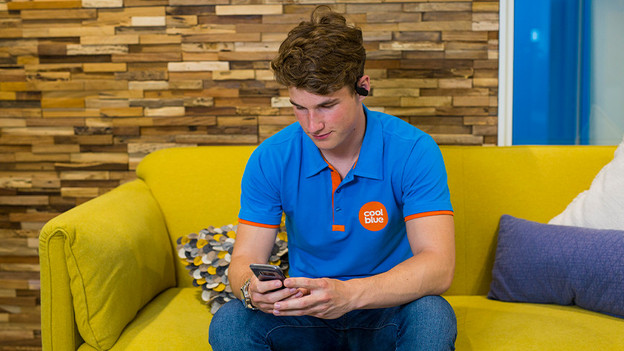
Get started in 3 steps
Find out how to get started with the Powerbeats Pro in 3 steps.
Step 1: connect to your phone
Step 2: put in your earbuds
Step 3: ensure a good connection
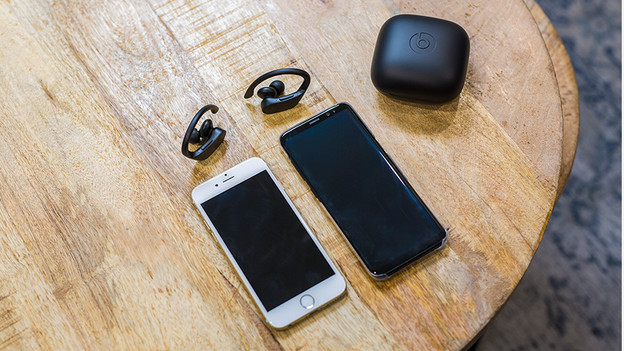
Step 1a: connect to iPhone
You can connect the Powerbeats Pro to your phone wirelessly via Bluetooth. If you use the earbuds with an iPhone, you can make the connection even faster. Read how to connect the earbuds to your iPhone below.

Step 1b: connect to Android
Though the Powerbeats Pro work well with Apple products, you can also use them with your Android device. Find out how to connect the earbuds to your smartphone wirelessly via Bluetooth below.
Step 2: put in the earbuds
The Powerbeats Pro go in your ears and around your ears with an ear hook. The ear hook is adjustable, but it can still be tricky to find the right fit. You can put the ear hook behind your ears. Next, put the ear tip in your ear canal.

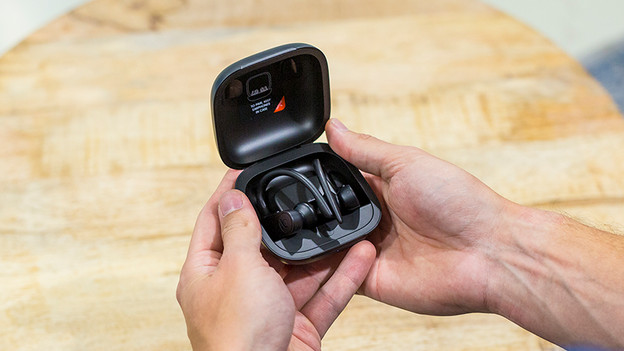
Step 3: how do you ensure a good connection?
With fully wireless earbuds, it's important to have a stable connection. If you have any problems in with the connection that affect your audio experience, we have some tips for you. Read how to ensure a good connection in the article below.
Article by Lucas
Audio Expert.