Written by Jesper
Edited on
7 August 2025
·
13:03
How do you set up the ringtone of a Gigaset?
You can decide what the ringtone of your landline phone sounds like. You can choose your favorite ringtone and increase or decrease the volume. In this article, we'll explain how to do this.

Change the ringtone
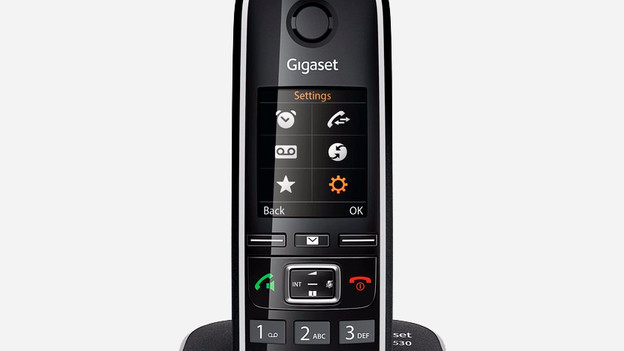
You can easily choose your own ringtone for your Gigaset phone. This is how:
- Open the menu.
- Go to Settings.
- Choose Sound options.
- Select Ringtones handset
- Choose Ringtones.
- Select your ringtone of choice and save it by pressing OK.
Change the ringtone volume
You can set the volume of your Gigaset landline phone to one of 5 different levels. Follow the steps below to decrease or increase the volume:
- Open the menu.
- Go to Settings.
- Choose Sound options
- Select Ringtones Handset.
- Choose Alarm signal volume.
- Select your volume level of choice and save it by pressing OK.

Turn the ringer volume on or off
Perhaps you don't want to hear any ringtones for a while. Choose to set the handset to 'silent'. You do this by pressing the button with the asterisk for 3 seconds. You do the same thing to turn the ringer volume back on.
Article by Jesper
Landline Phone Expert.