Written by Sanne
Edited on
7 April 2023
·
07:14
How do you set the aperture of your SLR camera?
In order to make a portrait photo, you need to use a different aperture than you would for a landscape photo. In this article, you can read how to adjust the aperture in such a situation. Pay close attention, and you'll quickly get the hang of it.
Set the aperture in 4 steps
Go through the following steps to set the aperture of your SLR camera. In the video to the side, vlogger Jesse will explain it to you.
Step 1: choose the right setting
Step 2: determine the right aperture
Step 3: turn the dial
Step 4: take a photo
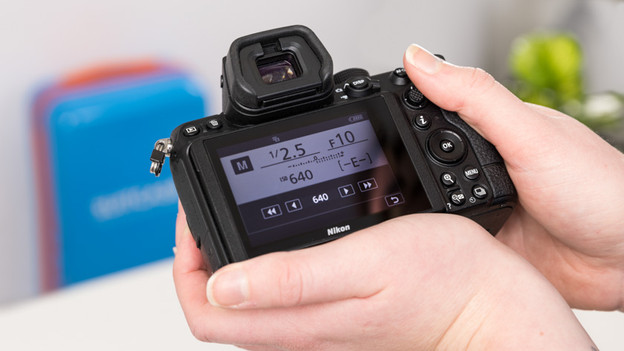
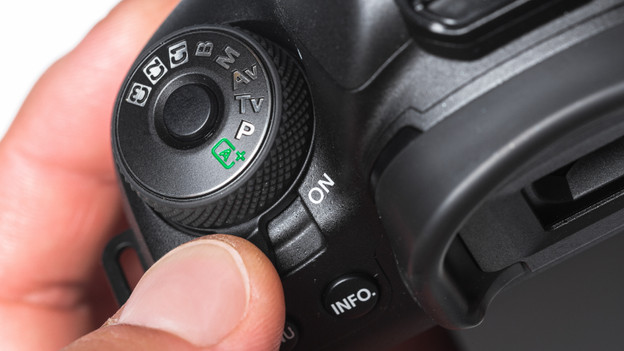
Step 1: find the right setting
Grab your SLR camera and turn it on. Turn it so the top of the camera faces you. You'll find the control dial with all of the different settings on top of the camera. If you own a Canon, turn to dial to the Av setting. If you own a Nikon, set the dial to the A setting. The camera will then automatically adjust all of the other settings to the aperture you've set up.
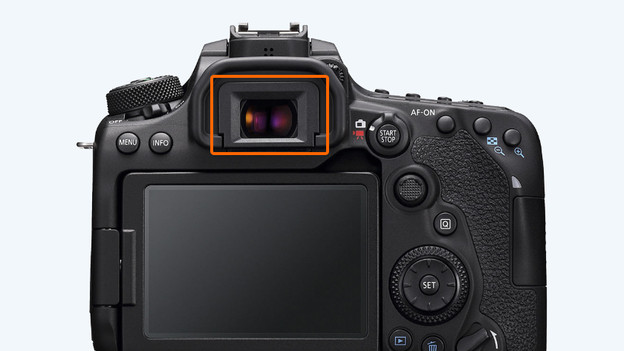
Step 2: determine the right aperture
Use the viewfinder to look at the subject you're taking a photograph of in order to determine the correct aperture. If you're making a portrait photo, select a wide aperture. You can recognize a wide aperture by its low aperture value. A landscape photo should be taken with a small aperture, which translates into a large number. The numbers usually range from 1 to 32. You can recognize aperture values by the letter 'f' that precedes it.
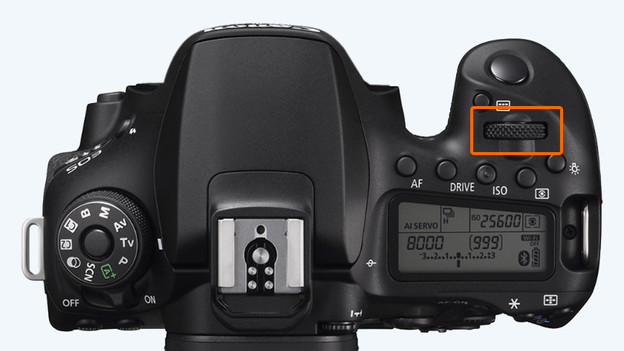
Step 3: turn the dial
Once you've found the correct aperture value for yourself, turn the dial that's located on top of the camera. For Canon cameras, this dial is often located on the front of the camera. For Nikon cameras, this dial is often located towards the back. Turn the dial left in order to increase the aperture, turn it to the right to decrease the aperture. Check the screen or the viewfinder to see whether you've selected the correct aperture.
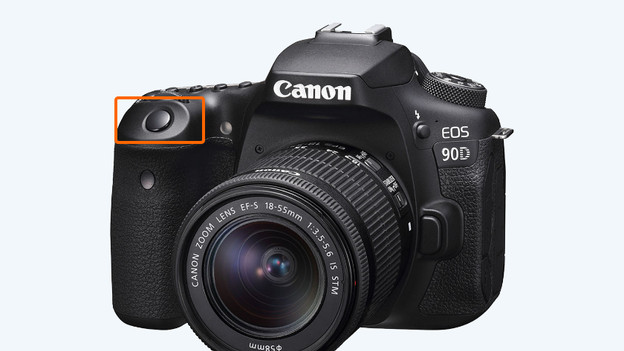
Step 4: take the photo
Do you have a good view of the subject and have you correctly adjusted the aperture? It's time to take the picture! You can do this by pressing the shutter button, like you normally would when taking a photo.