Written by Rowan
Edited on
20 April 2026
·
11:22
How much storage do you need in your MacBook?
Yay! You're going to buy a new Apple MacBook! You want to have it as soon as possible, of course. It might be good to slow down a bit. Make sure you think about the storage in your new MacBook, because you can't expand it later on. We'll tell you what else you should keep in mind here.
What type of MacBook?
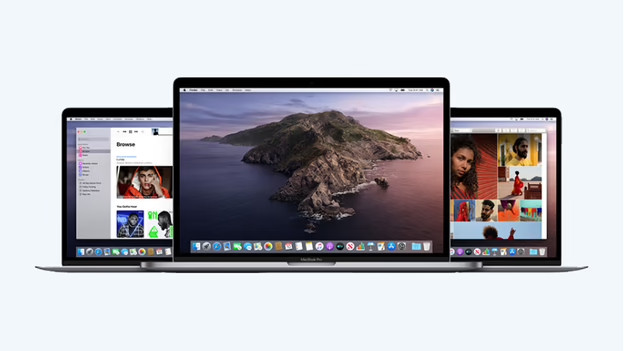
The MacBook you choose affects the available storage capacity. The Apple MacBook Pro 16 inches has the largest amount of storage. It's available with up to 8TB of storage capacity. To determine how much storage you need, it's good to think about what you'll use your MacBook for. Videos and large 3D files take up a lot of space. You'll use up a terabyte quickly that way. Do you mainly save a lot of text files and occasionally some images? You can manage with a little less storage.
How much data can you store on how much storage?
| 128GB | 256GB | 512GB | 1TB | 2TB | 4TB | 8TB | |
|---|---|---|---|---|---|---|---|
| Number of Full HD movies | 12 | 25 | 50 | 100 | 200 | 400 | 800 |
| Number of photos | 2550 | 5100 | 10,200 | 20,400 | 40,800 | 81,600 | 163,200 |
| Number of hours of music | 2125 | 4250 | 8500 | 17,000 | 34,000 | 68,000 | 136,000 |
Expand Apple MacBook storage
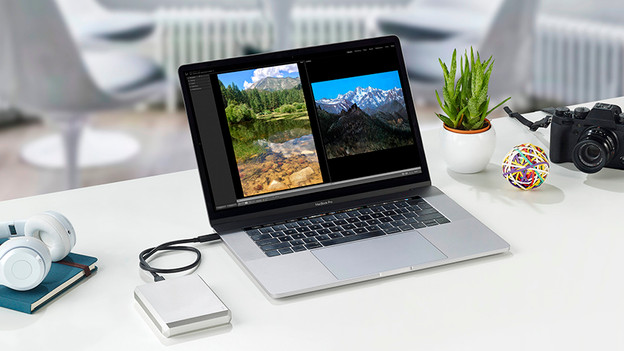
Unfortunately, it's not possible to expand the storage of your MacBook after purchase. That is why it's very important that you choose enough storage capacity when you buy your MacBook. This table is an indication, but it doesn't include everything. In addition, macOS already takes up at least 8GB of the available space. If you have a smaller drive, you'll need to switch to iCloud or an external drive. Don't want this? Choose a higher storage capacity.
Article by Rowan
Apple Expert.