Written by Laurence
Edited on
30 December 2024
·
08:50
How do you choose the right projector?
Projectors all look similar and have complicated specifications, so you may find it hard to make the right choice. No worries. On this page, we'll explain which projector suits your space and usage situation.
How can I help you?
Our digital expert will help you, but it can sometimes make mistakes, like humans do.
What do you have to know before you buy a projector?
Before you purchase a projector, you need to keep a few things in mind. We've listed them for you.
-
Light output: When choosing a projector, you need to keep the light output in mind. This is measured in ANSI lumen. The more ambient light there is in the space, the higher the light output has to be.
-
Placement: when you place the projector, the place is important for a good image. Place the projector at the right distance, depending on the throw ratio. Short and ultra short throw projectors are closer, so no one can walk through the projection. Keystone correction, lens shift, and zoom functions provide a straight and fitting image, even when there's a different placement. Determine first where you want to place the projector and then set everything.
-
Connectivity: with modern projectors, you can often stream directly via a built-in smart platform. With this, you have access to apps like Netflix or Videoland. Don't have a smart platform? Connect an external media player. Check beforehand if the device supports your desired apps.

Choose a projector
Projectors often look similar, while different specifications are important for each usage situations. We've listed them for you.
- Home cinema: good image quality
- Gaming: good image quality and low input lag
- Wireless streaming: good image quality and smart platform
- Projector for on the go: maximum 2.5kg
- Business use: high resolution and light output
- Education: high resolution, light output, and (ultra) short throw
- Basic use: lower resolution and no fuss
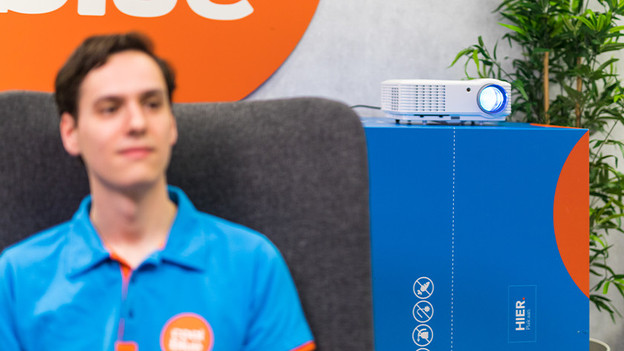
Personal advice
In this article, you can read about the various usage situations. Do you prefer to make a direct selection? We created a product filter for you. Based on a couple of questions, we'll select the best projectors for you. That's easy and fast.
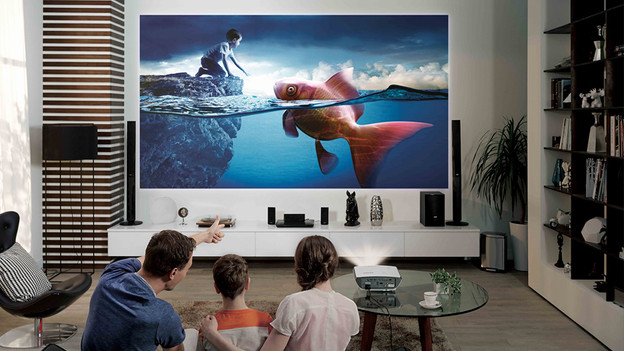
Home cinema: good image quality
For a realistic image reproduction, details are important. That's why we recommend a Full HD or 4K resolution for a home cinema projector. A 4K projector displays 4 times as many pixels as a Full HD projector. In addition, the contrast ratio plays a role. This is a number that expresses how many shades the brightest and darkest colors differ. With a contrast ratio of 20,000:1 or higher, both colors and black levels look deep and lifelike. In addition, you'll see more (color) detail in a shadow.
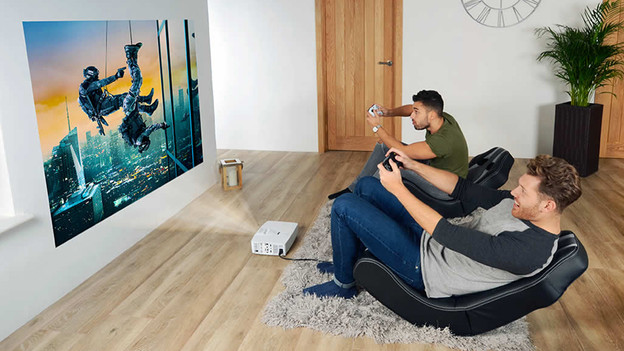
Gaming: good image quality and low input lag
The most important specification that affects your gaming experience is the input lag. With a low input lag of up to 16ms, there's hardly any delay between your controller and the action on the screen. Do you often play new games and value high image quality? Look for a Full HD, Wide UXGA, or 4K projector, preferably with HDR support. These properties ensure razor-sharp and colorful images.

Wireless streaming: good image quality and smart platform
Do you love streaming platforms and like to watch the latest Netflix movies, YouTube videos, or sports games via a live TV app? A smart projector is for you. These projectors have a smart platform, which consists of an overview of various popular apps. You can easily navigate through the system and change apps in no time with the remote. In addition, choose a projector with Full HD or 4K resolution, so you can watch your series and movies in good image quality.
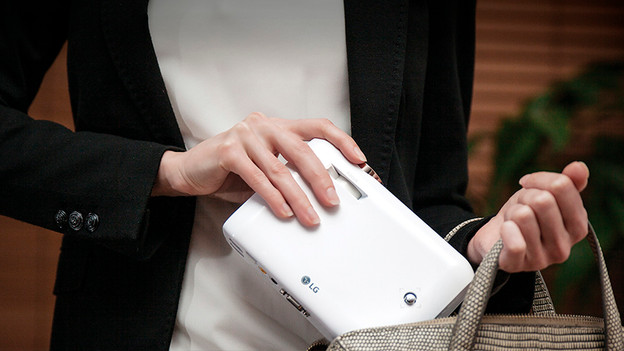
Projector for on the go: maximum 2.5kg
Don't you use your projector at home, but mainly at different locations? Choose a projector under 2.5kg. If the projector doesn't come with a carrying case, we recommend that you buy one separately. A bag provides extra comfort and reduces the risk of damage. Not every projector for on the go is the same size. Check the dimensions and choose the one that suits your needs.
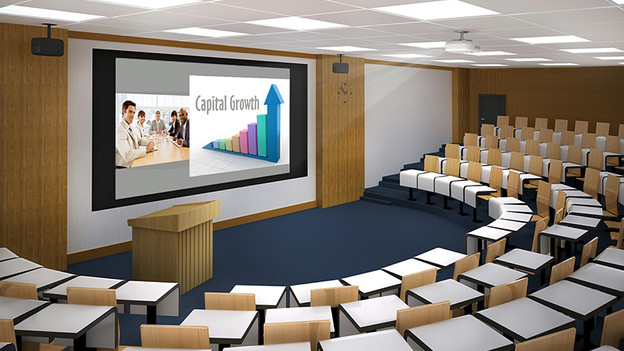
Education: high resolution, light output, and (ultra) short throw
There's usually a lot of light from outside in a classroom. Choose a projector that produces at least 3000 ANSI lumen, so the projection remains clearly visible. Do you often teach in a large space, such as a lecture hall? Choose at least 4000 ANSI lumen. In addition, we recommend a Full HD or 4K projector, so all students can easily read the lesson material. A lost student or enthusiastic teacher may accidentally walk through the projection in a classroom. In that case, an (ultra) short throw projector is useful. This allows you to place the projector 10 to 30cm from the wall.
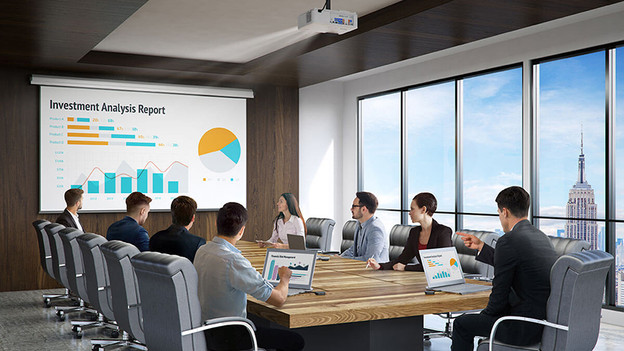
Business use: high resolution and light output
"What does it say there?", is the last thing you want to hear during your presentation. That's why we recommend a Full HD or 4K resolution, so everything on your presentation is clearly visible and readable. In addition, people work in the office during the day, so you have to deal with bright areas due to sunlight. That's why you should choose a projector that produces at least 3000 ANSI lumen, so your projection is always bright enough. Are you presenting in a large conference room? Choose a light output of at least 4000 ANSI lumen.
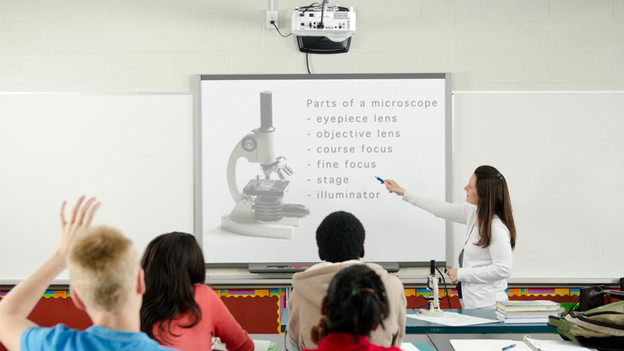
Basic usage: lower resolution and no fuss
Don't want to create a home cinema, but occasionally watch a movie or give a presentation? Don't choose a projector with high resolution, contrast ratio, or unnecessarily expensive extra features. A projector with the HD Ready resolution is enough for basic use. Other examples of low resolutions are Wide XGA, XGA, Wide VGA, HD+, and Super VGA. The mini projectors with Full HD are also suitable for this purpose. Keep in mind that the projector has an HDMI input. This allows you to connect a Blu-ray player or digital decoder to a projector.
Article by Laurence
Projector Expert.