Written by Sarieta
Edited on
22 December 2025
·
14:11
How do you solve problems with the HDMI port of your TV?
Doesn't the HDMI port of your TV work properly? In this article, you'll find some tips to easily solve these problems. Things like checking your cables and updating your software, for example. Follow these tips and you'll soon be watching your favorite series or movie again.
Tips to solve problems with your HDMI port
Tip 1: check your cables and connections
Tip 2: try different HDMI ports
Tip 3: check your TV and device settings
Tip 4: avoid extra devices
Tip 5: update the software of your TV and connected device
Tip 6: reduce interference
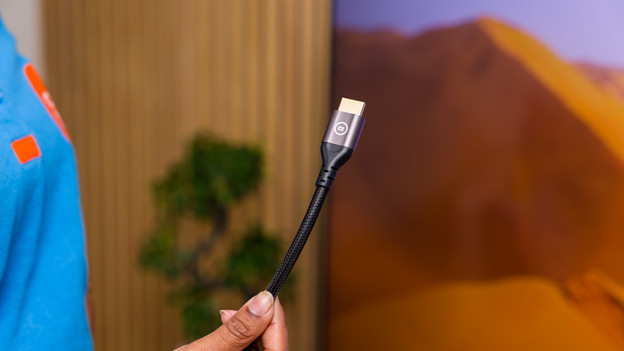
Tip 1: check your cables and connections
The first step is to check the cable. Find out whether the HDMI cable isn't damaged and if it's plugged in into the TV and the connected device properly. If the cable seems damaged, replace it with a new HDMI cable.
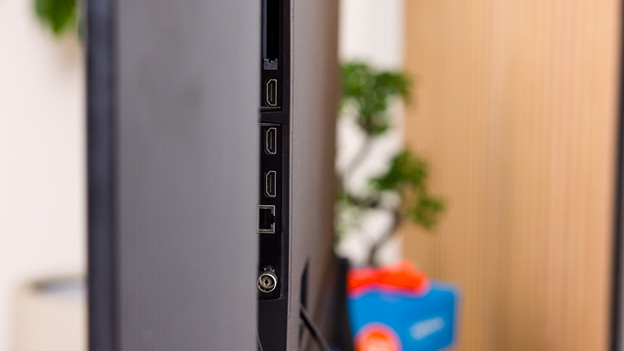
Tip 2: try different HDMI ports
Do you have multiple HDMI ports on your TV? Try to plug the cable into a different port. If this port does work, the other one might be unsuitable for audio and video signals. It's a good idea to use the port marked 'ARC' or eARC', because these ports transfer audio and video better.
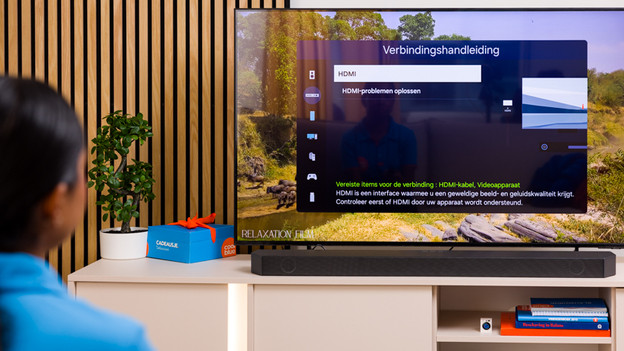
Tip 3: check your TV and device settings
Incorrect settings result in your TV not receiving images via the HDMI port. Check whether your TV selected the right input. Go to the settings menu of your TV and change the input if needed. Don't forget to check the settings of the connected device, such as a media box or game console. You should check whether the resolution and refresh rate are suitable for what your TV supports.
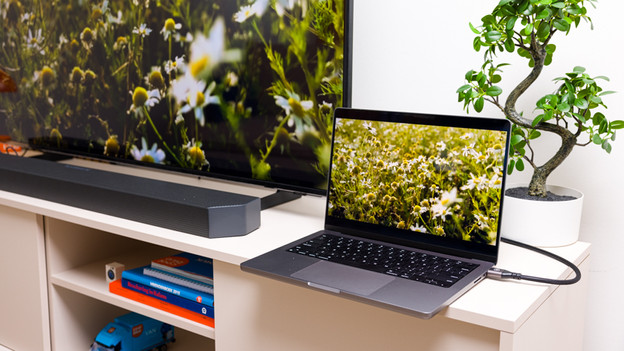
Tip 4: avoid extra devices
Are you using an AV receiver or switch for your TV and the device? Sometimes, these extra devices can cause interference. Connect the desired device directly to your TV to see if this solves the problem.
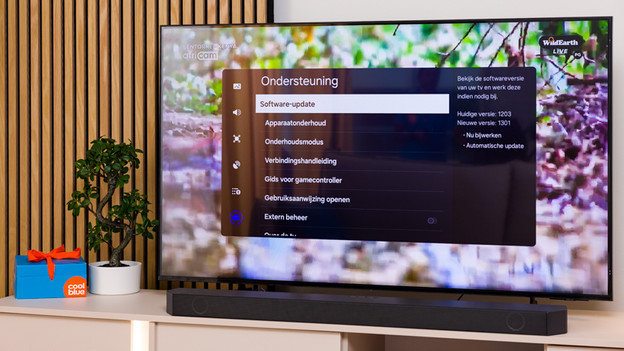
Tip 5: update the software of your TV and connected devices
Didn't the tips we suggested help? Outdated software can sometimes cause problems with your HDMI port. Check the settings menu of your TV to see if there are available updates and start them. The same goes for the connect device, so you can improve the performance.
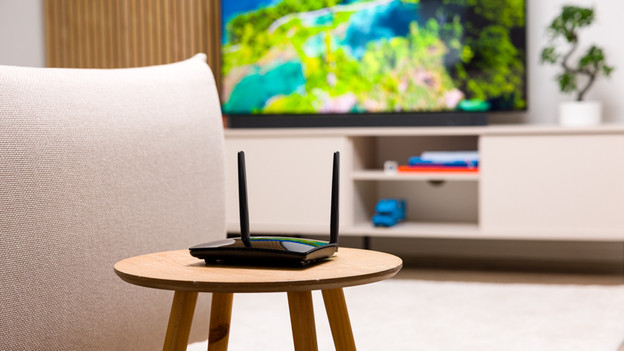
Tip 6: reduce interference
Electronic devices like WiFi routers disrupt the HDMI signal. Keep these devices away from your TV and cables. In addition, use HDMI cables that are protected against interference to ensure a stable signal
Article by Sarieta
Television Expert.