Written by Jesper
Edited on
26 May 2023
·
15:02
How do you reset a Motorola smartphone?
When you reset your Motorola smartphone, you delete all the information and you restore the factory settings on your phone. A reset can help when your phone is slow or crashes regularly. It's also a good idea to reset your phone before your trade it in or sell it. Go through these 7 steps to easily reset your Motorola phone.
Soft reset
In case of small problems, a hard reset isn't always necessary. Does your device crash often, or doesn't your keyboard respond anymore? A soft reset is often enough. With a soft reset, no data will get lost. You can perform a soft reset the following way:
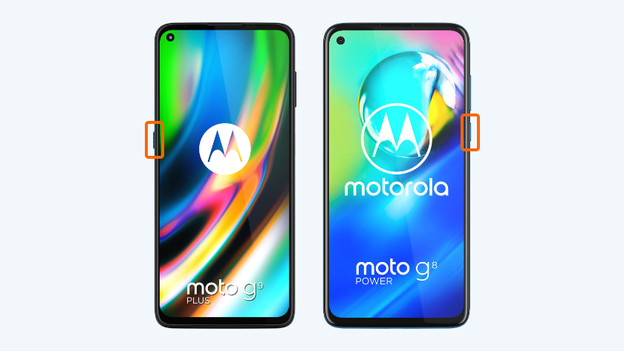
- Press and hold the standby button. Whether this button is located on the left or right differs per device.
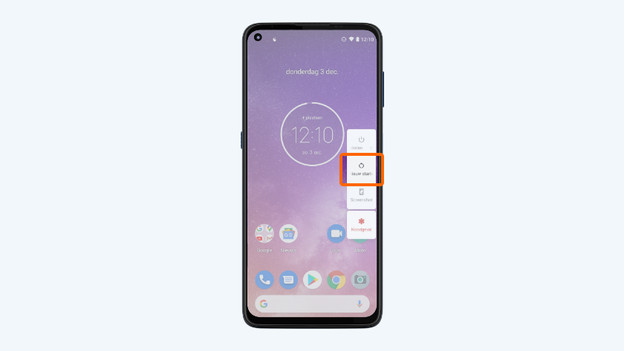
- Choose 'Restart' in the menu that appears.
1: press and hold the standby button.
2. Choose Restart
Before you start: create a backup
When you reset your Motorola smartphone, you remove all your personal information and files. Make a backup before the reset to avoid losing all your photos and contacts. You store all the information of your backup on a memory card or in the cloud.
Step 1: make sure the device is charged
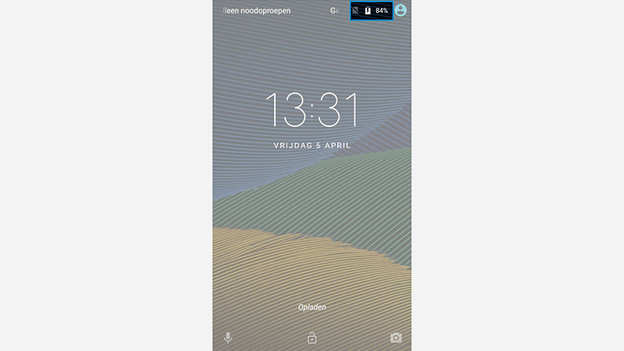
Resetting your device takes a lot of power. You don't want to run the risk that your Motorola smartphone shuts down during the reset. That's why you should make sure your phone is at least 60% charged. You can also choose to perform the reset while it charges.
Step 2: open settings
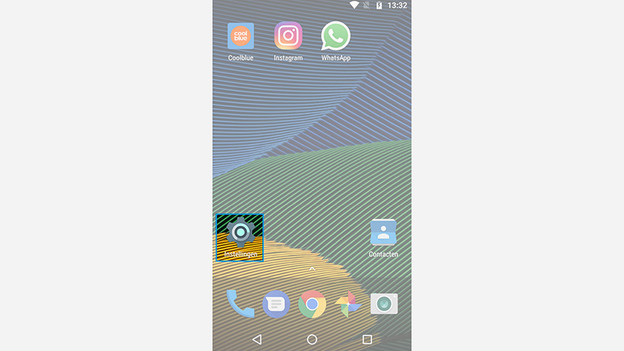
Go to 'Settings' by tapping the cogwheel icon.
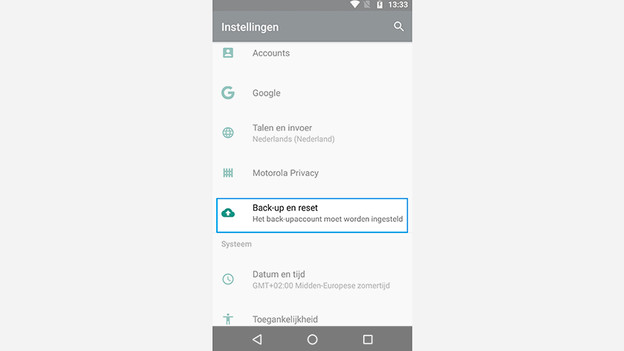
Step 3: backup and reset
Scroll down and choose 'Backup and Reset'.
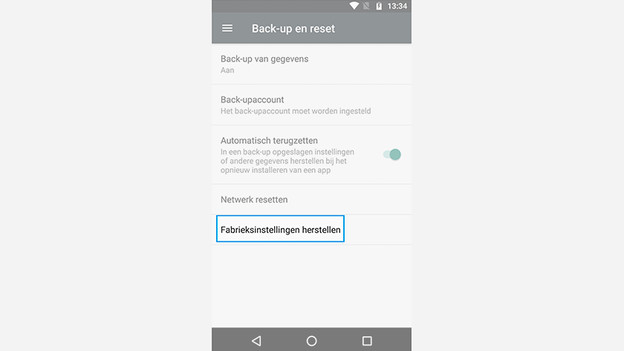
Step 4: restore factory settings
Choose 'Restore factory settings'.
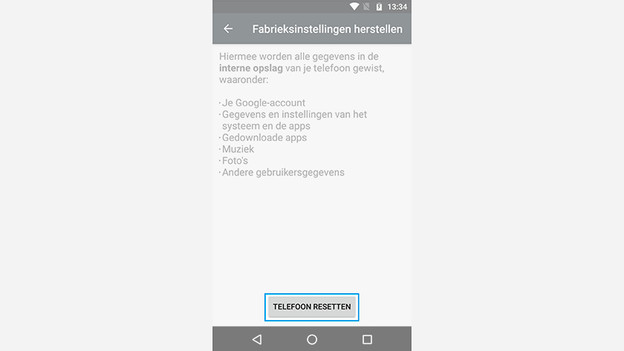
Step 5: reset phone
Tap 'Reset phone'.
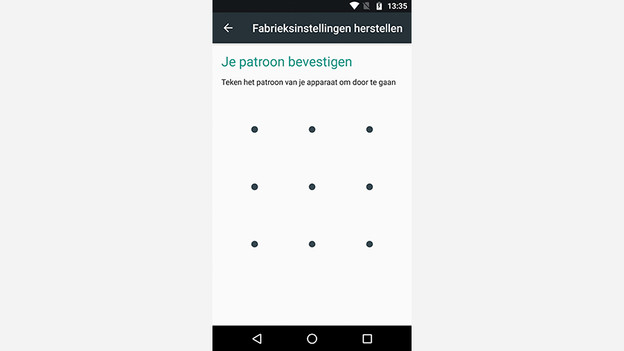
Step 6: enter password
Did you set up a fingerprint, password, or pattern to unlock your phone? Enter it here to continue.

Step 7: erase everything
Tap 'Delete all'. Your Motorola will start to reset right away.
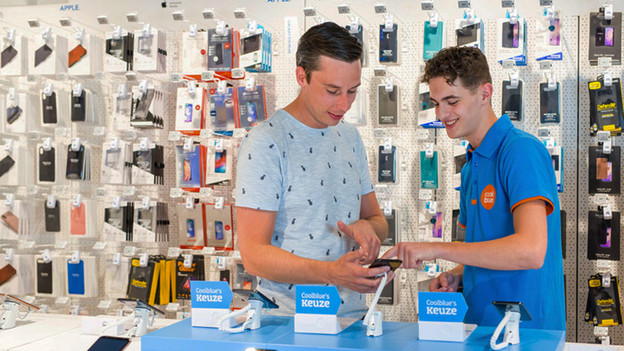
Help from an expert in the store
Couldn't reset your Motorola smartphone after reading this article? No worries. Our experts are ready for you in the Coolblue stores. They'll be happy to help you reset your Motorola. Come and visit one of our stores. You can also contact Coolblue for other questions about your device.