Written by Jesper
Edited on
6 June 2023
·
12:12
How do you secure an Android smartphone?
A new smartphone is often worth hundreds of euros. Naturally, you'll want to give your device the best possible protection against thieves, viruses, and eavesdroppers. There are many different ways of protecting your phone against these. With the tips in this article, you'll give your smartphone the best possible protection.
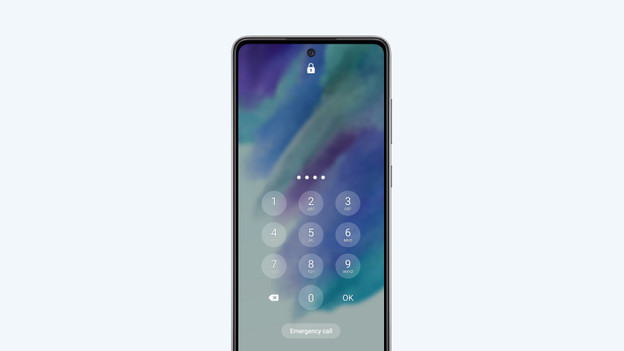
1. Set an access code
First, set an access code for the screen lock. A 6-digit code is safer than a 4-digit code. You can also choose a lock pattern. This isn't as secure as the digit code, because thieves can figure out your pattern from the greasy smudges. If your smartphone has a fingerprint scanner, you can use your fingerprint to unlock your device.
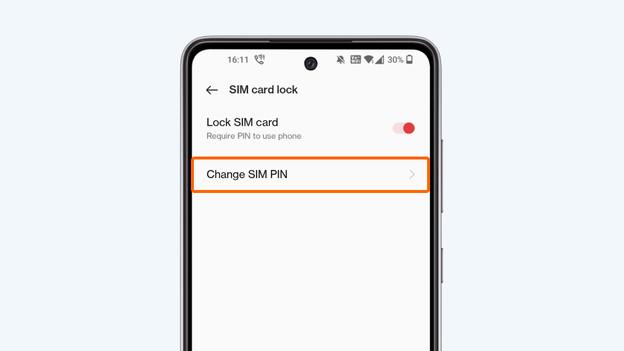
2. Change your SIM card PIN code
Your SIM card comes with a PIN code by default. This is often 0000. Change this code as soon as possible. That way, you'll make sure no one can access your SIM card. Nobody can make calls, text, or browse the internet at your expense.
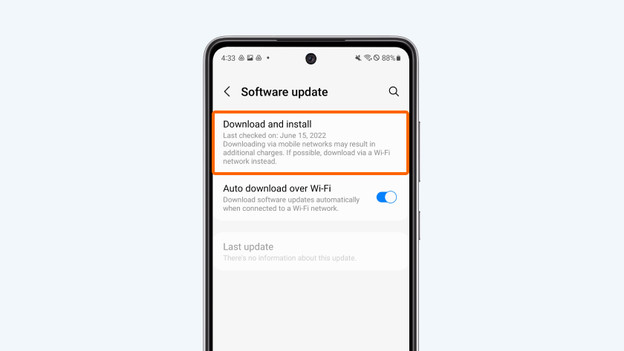
3. Keep updating Android and apps
Make sure your smartphone runs on the latest Android version and that your apps also have their latest update. Install updates as soon as you receive a notification on your smartphone. You'll receive these notifications automatically. It could be that the latest update fixes a security leak. Of course, you'll want to have it on your smartphone as quickly as possible.
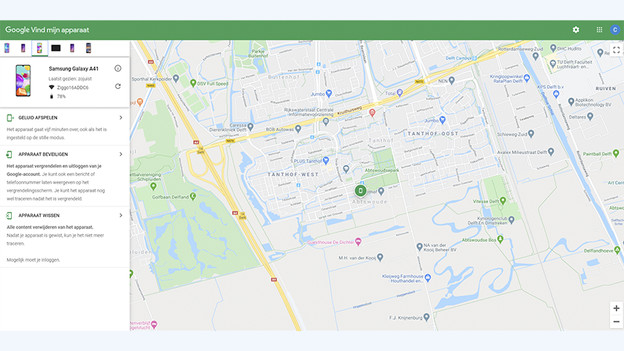
4. Turn on Android device manager
In the Google settings menu, you can turn on Android device management. With this function, you can call, find, lock, or wipte your smartphone remotely. When you've lost your device, you can use another device to look for it. You can also trigger your ringtone at maximum volume for 5 minutes. That's useful when you lost your smartphone at home. If your phone has been stolen, you can use another device to lock your smartphone remotely or to erase all data from your device and SD card.
5. Scan your device for viruses
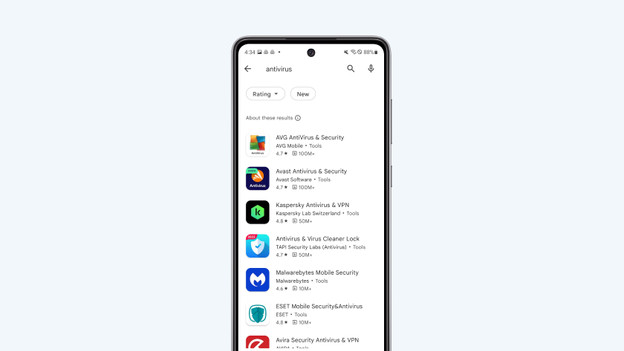
Regularly use an application to scan your device for viruses. That way, you'll be sure no harmful apps are working in the background. You won't need a paid app for this.
6. Only download apps from the Play Store
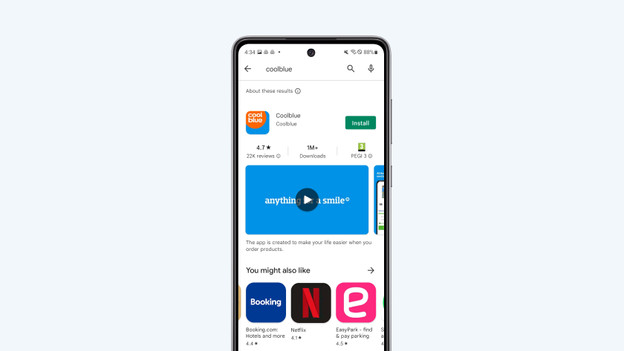
The apps from the official Play Store have been checked in advance, making them a lot safer than apps that aren't from the Google Play Store. Apps from the Internet that haven't been checked might contain viruses and malware. Avoid getting these on your phone by only downloading popular apps with positive reviews from the Google Play Store.
Help from an expert in the store
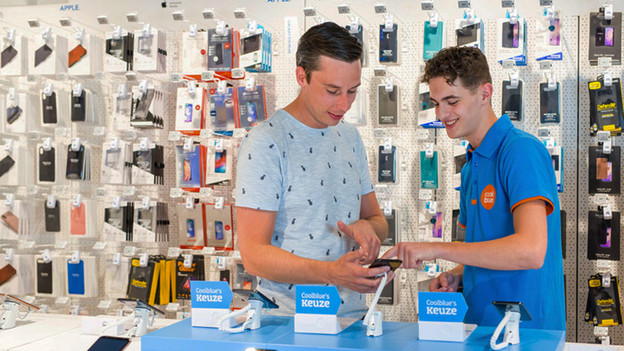
Do you think your Android smartphone can be better secured, but you don't know how? Visit one of our stores. Our experts are there for you. They're happy to help you to secure your smartphone even better. That way, you don't have to worry about viruses or hackers.
Article by Jesper
Smartphone Expert.