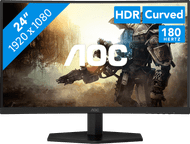
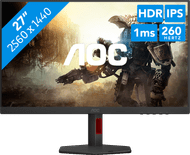
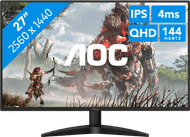
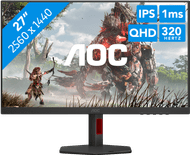
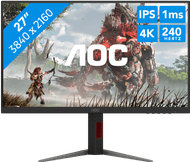
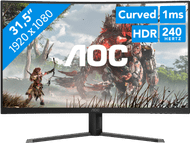
AOC monitors
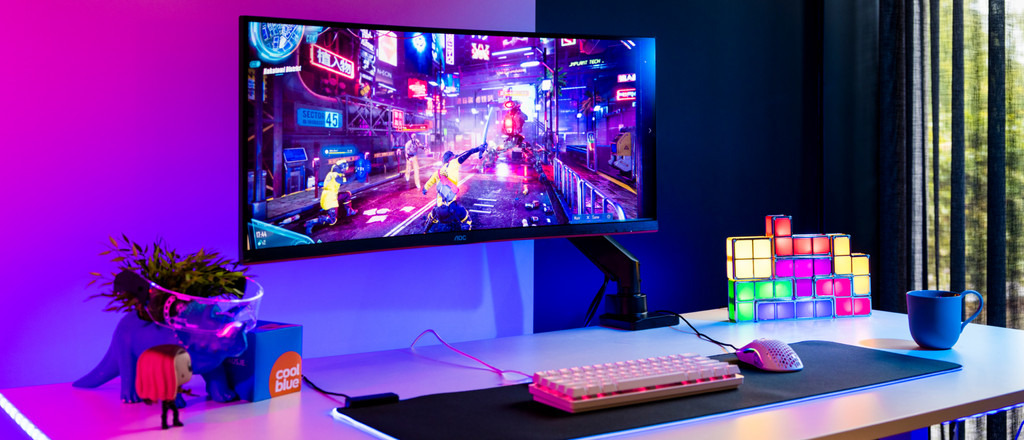
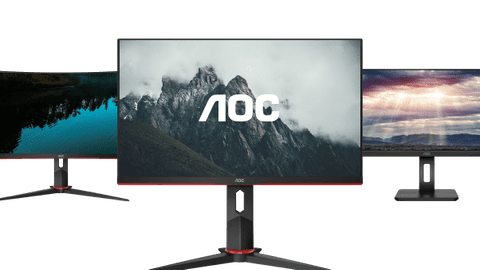
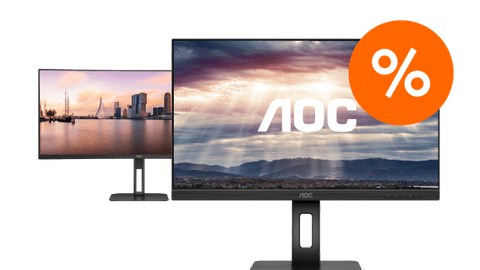
Which AOC monitor suits your usage situation?
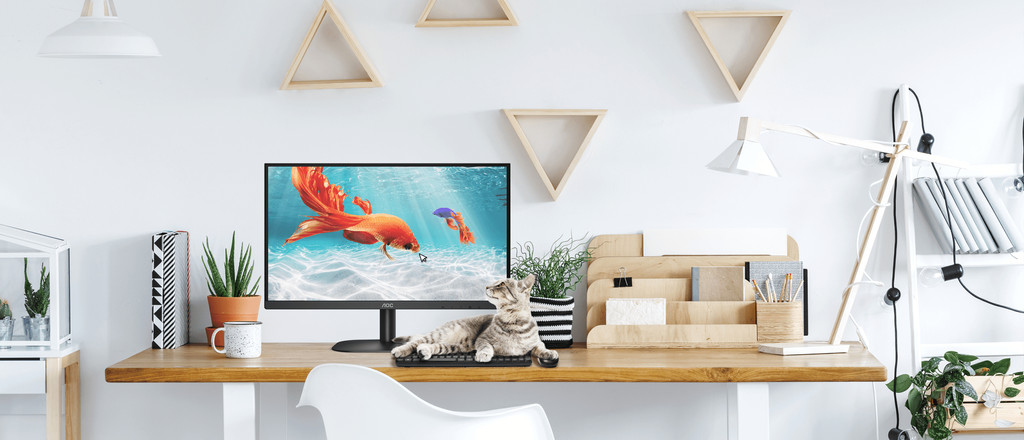
Home & office
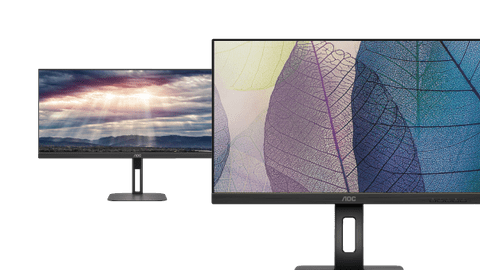
Perform your daily work with a business AOC monitor. You can tilt and adjust these monitors in height for an ergonomic sitting posture.Gaming
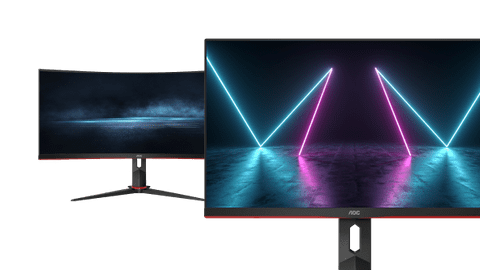
The AOC gaming monitors have a minimum refresh rate of 144Hz. This allows you to take on every online battle.Photo or video editing
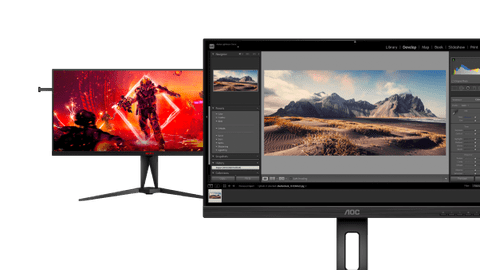
You can edit your photos and videos in great detail with an AOC monitor for image editing and graphic design.
AOC computer monitors
Advice on AOC monitors
There are AOC monitors for various usage situations. There are screens for business use, gaming, or graphic design. Check which properties are important for you. Choose a large monitor if you need a better overview of your work. Like to game after work? Choose a monitor with a high refresh rate and low response time. You can read everything on the different AOC monitors here.
Advice on business AOC monitors
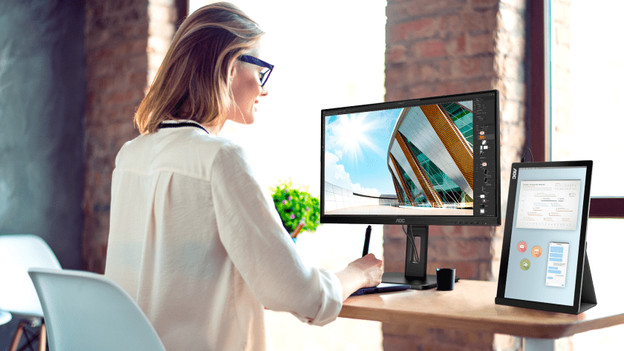
You can use the AOC business monitors at home and at the office. Thanks to the thin bezels, you can easily place multiple monitors side by side. Keep the size of the screen in mind. That way, you know for sure it fits on your desk. It's also important to consider the image quality.
Advice on AOC gaming monitors
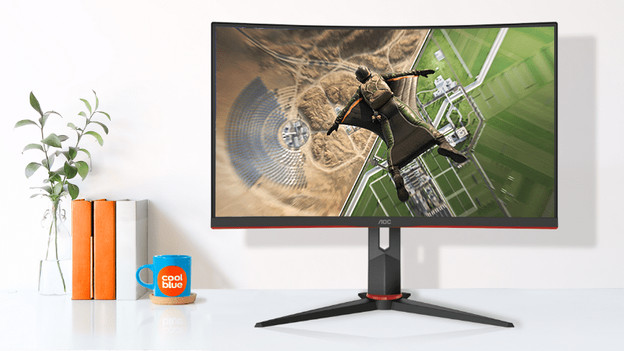
Always want to be on top of the leaderboard? We'll help you to choose the right AOC gaming monitor. There are monitors with a 240Hz refresh rate and screens with sharp colors from every viewing angle, thanks to the IPS panel. Choose an AOC monitor with a high resolution if you want to play open world games with detailed graphics.
Complete your AOC setup
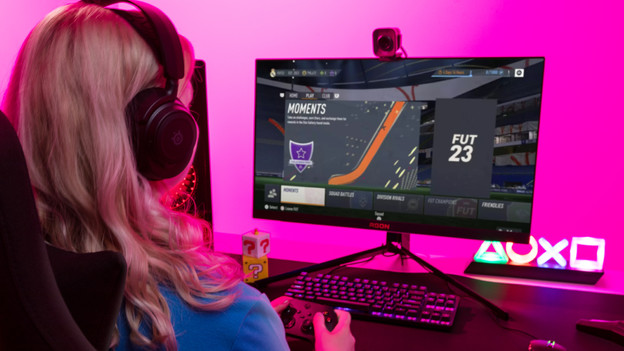
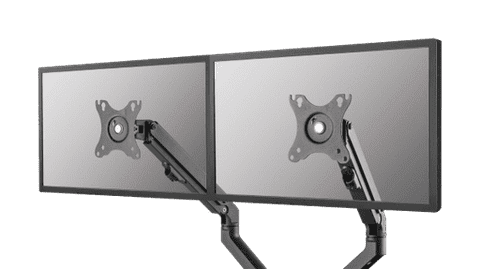
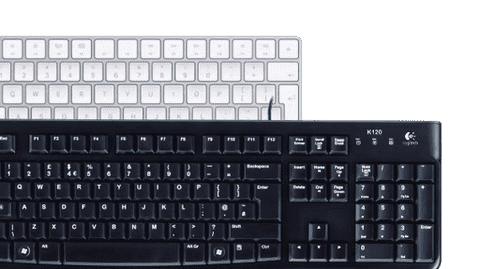
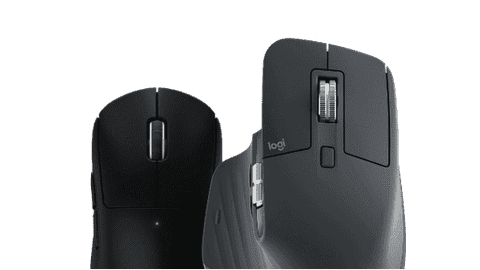
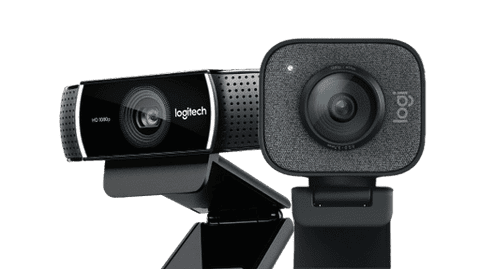
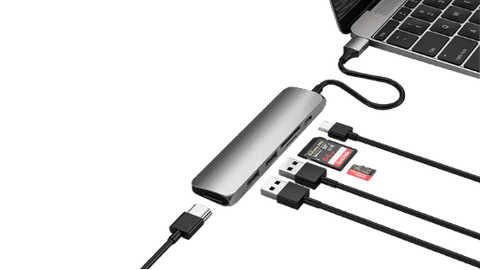
Work comfortably with an accessory for your computer. Choose a webcam if you often have online meetings, for example. With a docking station, you can connect a second monitor or other peripherals. Want an ergonomic workplace? Take a look at a monitor arm, for example.
Frequently asked questions
Which connectors does my new monitor require?
This depends on your usage situation. HDMI is sufficient for all purposes, but DisplayPort is more suitable for gaming and image editing thanks to the higher bandwidth. With a USB-C port, you can organize your desk in one go and also charge your external appliance directly.
Which size monitor suits my usage situation?
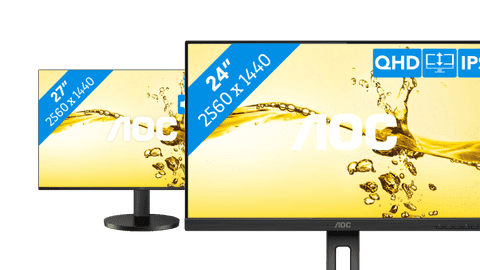
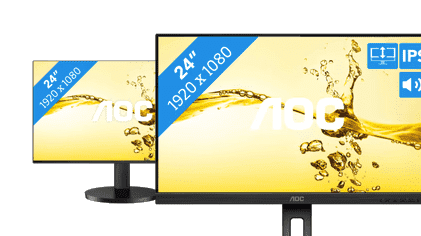
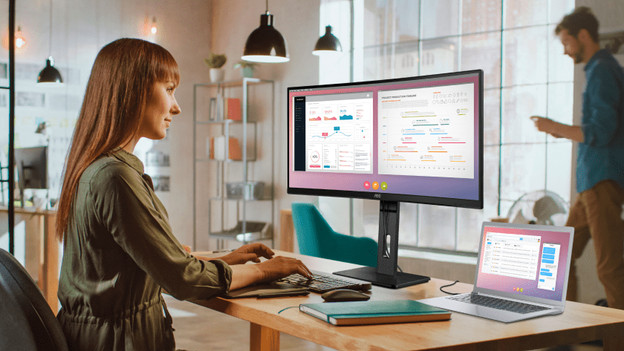
Your usage situation is important for the right size. Both 24-inch and 27-inch monitors are suitable for every situation. A 34-inch ultrawide screen is better for photo and video editing. Do keep the size of your desk in mind.
Which specifications should you keep in mind when you buy a computer screen?
If you buy a computer screen, keep the most important properties of the screen in mind. Consider the size, screen quality, panel type, or the refresh rate. This way, you can be sure you choose the best screen for your usage situation. In the article below, we'll help you with your choice.
What are the advantages of a 2-screen setup?
Using 2 screens side by side has a number of advantages. For example, you'll have extra screen space for your browser, spreadsheets, or photo and video editing at the office or at home thanks to a double screen.
How do I choose the best panel for my gaming monitor?
IPS has the best image quality with wide viewing angles. TN offers the highest refresh rate, but looks a little faded. VA is a good average, but the slow response time is a disadvantage.
View our top AOC deals here
Retail price AOC
269,-239,-
Retail price AOC
199,-179,-