Business monitors
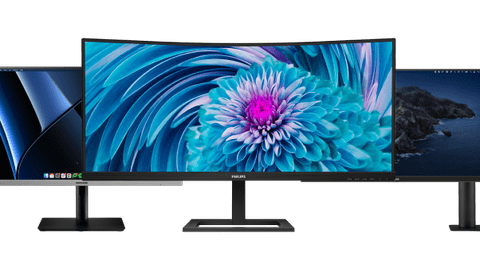
All business monitors
All business monitors deals
Business monitors per usage situation
Business monitors for administrative tasks
With business monitors for administrative tasks, you can smoothly work in Excel or Google Sheets.Business monitors for data and finance tasks
Perform data analyses and work in large spreadsheets with a business monitor for data and finance tasks.Business monitors for photo and video editing
You can edit your photos and videos down to the smallest detail with a business monitor for photo and video editing.


Choose the business monitor for you
Business monitors for a flexible workspace
Easily connect your laptop to your business monitor thanks to the built-in USB-C dock.Business monitors for a dual setup
Increase your screen space and keep an overview of your work with a business monitor for a dual setup.Portable monitors
You can easily take a portable monitor on the go to a customer or your office thanks to its convenient size. That way, you can continue working on the go.public display
With a public display, you can show presentations, commercials, and other media on a large screen. This helps convey your message.











The benefits of Coolblue as a business partner
As a business customer, you get the same great service you're used to from us as a consumer. We offer many different business services. You can discuss all things related to orders, deliveries, warranties, and repairs with us directly. That way, you always know what's going on.
- Personal account managers
- Custom advice and solutions
- Request a quote by phone or via email
- Order on credit
- Delivery where and when suits you
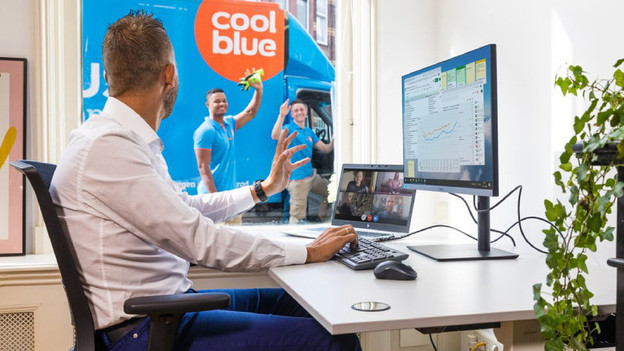
Everything on the collaboration between Nikhef and Coolblue
Coolblue supplied the Nikhef research institute with workplace equipment for its employees. We provided monitors, laptops, and other IT devices to suit the needs of each employee. Thanks to our extensive business product assortment, the Nikhef staff received IT equipment they could start using right away. As Nikhef puts it: “As a business customer, you benefit from even more service and flexibility than you’re used to from Coolblue as a consumer.” Find out more about what we can do for your organization here.
Complete your workspace
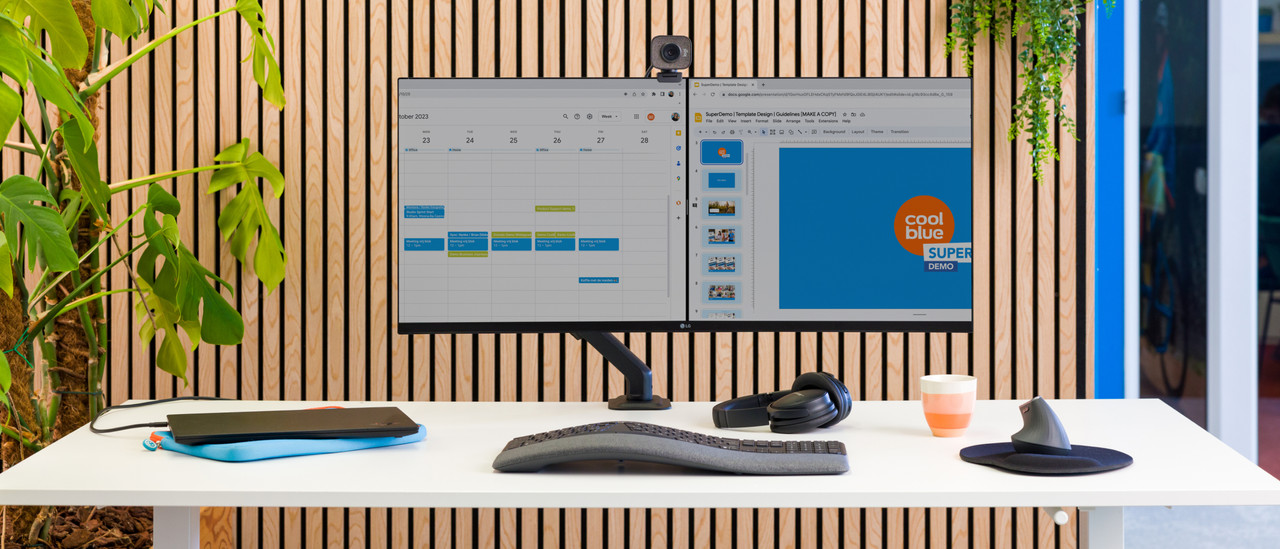
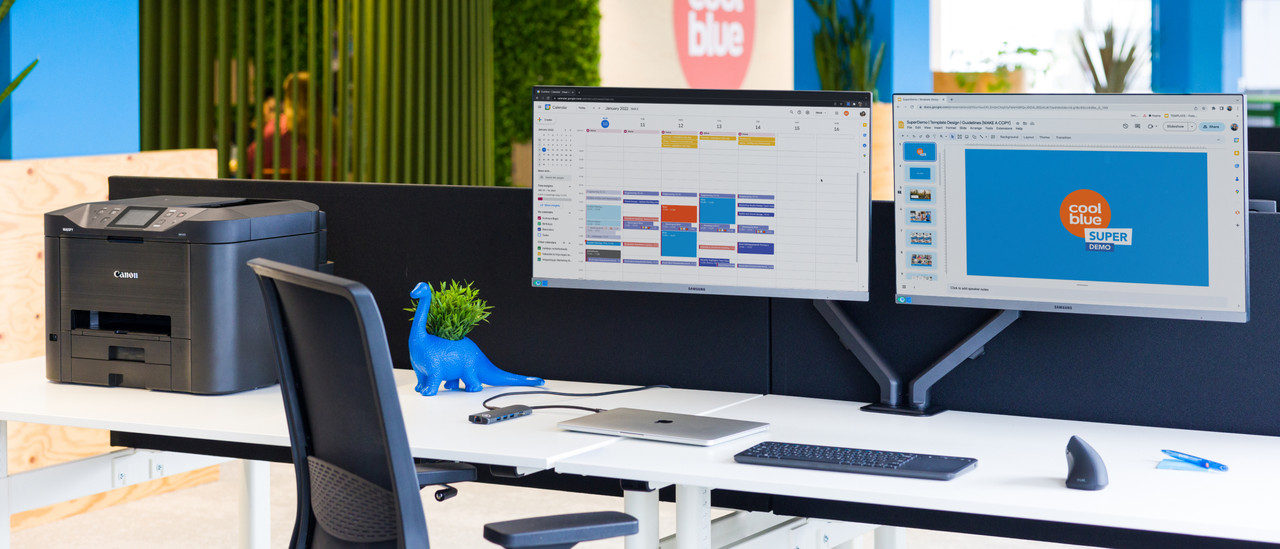
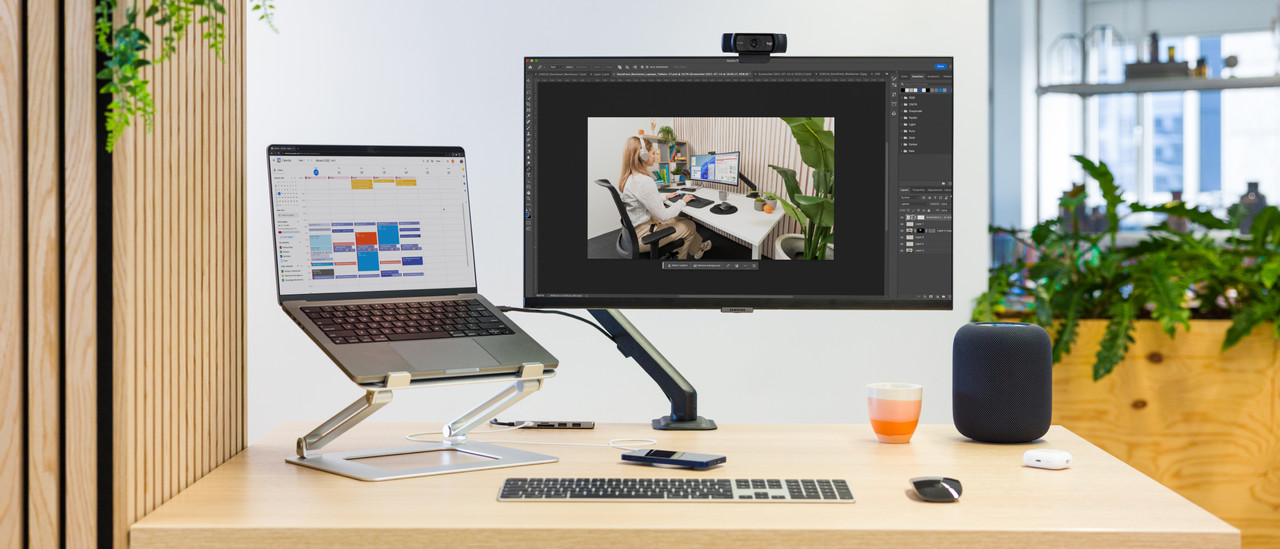
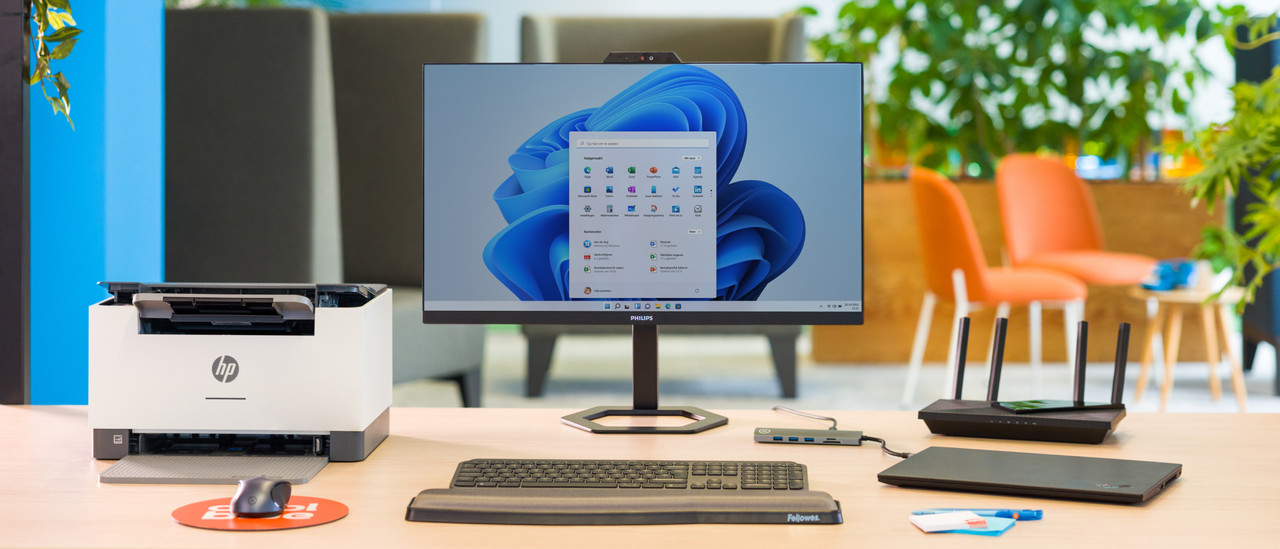
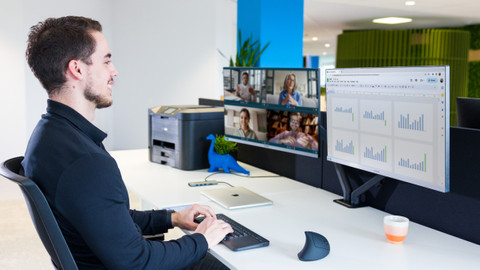
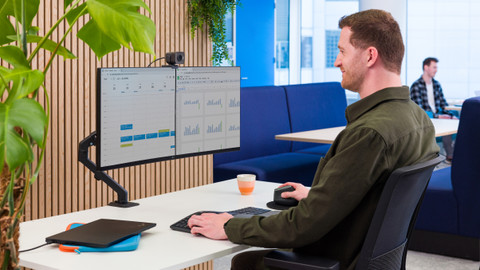
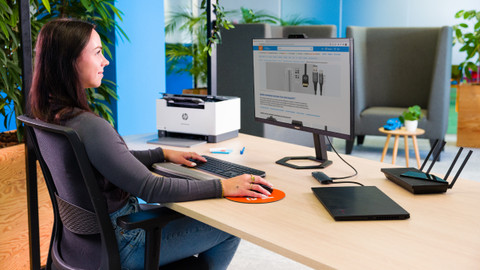
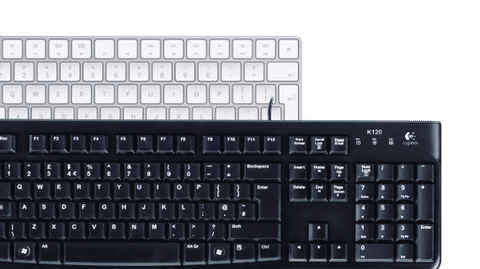
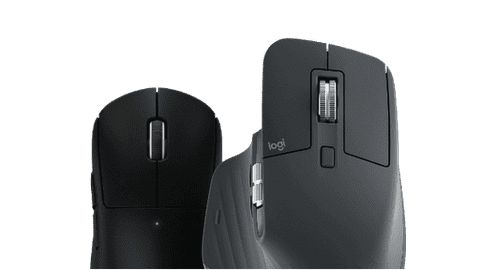
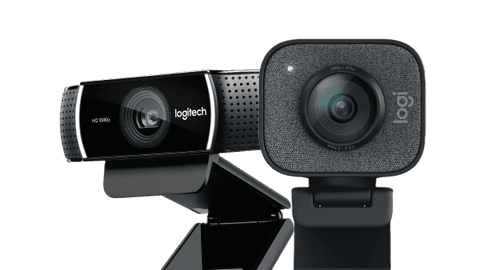
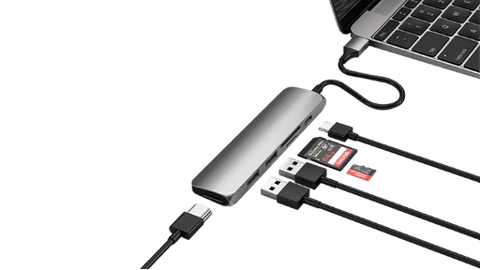
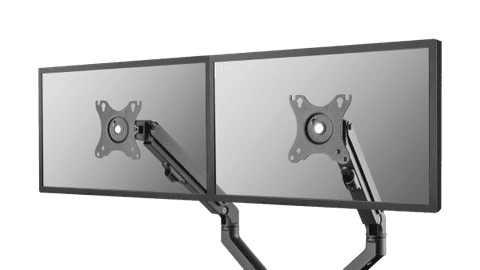
Accessories for your workplace
Frequently asked questions
How do you choose the right business monitor?
The choice for a monitor depends on your usage situation. Business photo and video editing need different specifications than text processing or programming. In the following article, we help you to make the right choice.
What's the right connector for my monitor?
Choose a connector that you can find on your laptop and monitor, such as HDMI or USB-C. The image of your laptop usually appears on the monitor right away. In the following article, we explain this process step by step.
How do I connect my laptop to my business monitor?
You can connect your laptop to your business monitor with an HDMI or USB-C connector. With a USB-C port dock with at least 65W power, you can charge your laptop via the monitor as well. You can also transfer images quickly.
What are the advantages of a dual screen setup?
With 2 screens side by side, you double the screen space you can work with. This allows you to open multiple windows and programs next to each other, without switching tabs. In this article, we explain more advantages.
How do I set up my home office?
The setup of your workplace is very important for how efficiently you can work. Is your monitor on eye level? Do you have enough space for your accessories? We're happy to help you get started.

Discover our business monitors
With a business monitor, you can perform your daily work or edit photos and videos. Choose an adjustable monitor if you spend a lot of time behind your screen. That way, you don't get a sore neck or back. With a 24 or 27-inch monitor, you can work with up to 2 windows side by side. Want more screen space? Choose a 32-inch monitor or larger. If you connect your laptop to your monitor, you need a screen with a USB-C dock and at least 65W power.
Advice on Business monitors
Can't choose? View the advice from our expert.