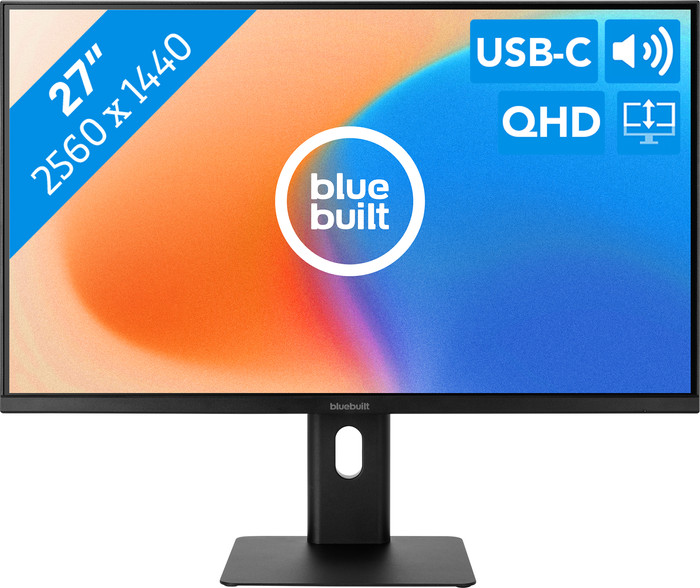
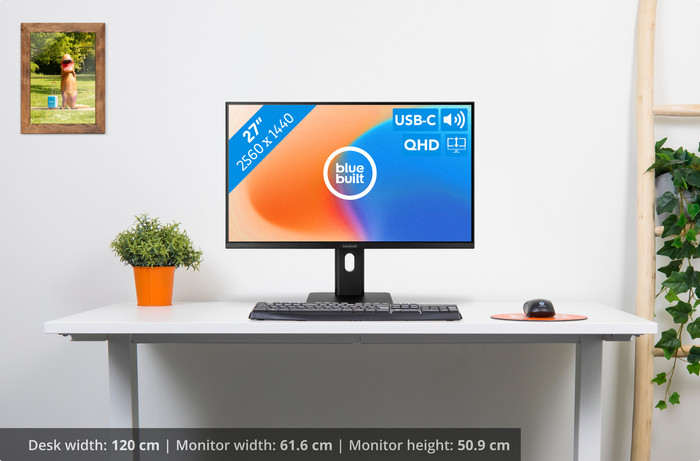
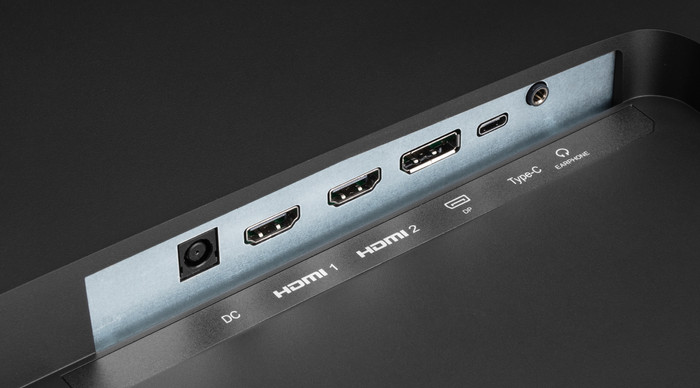
The BlueBuilt 27 inch Quad HD Monitor with USB C is a large screen with sharp images. Due to the large size, I work in multiple windows at the same time, making the monitor suitable for multitasking. The monitor does not have a USB A port, but I do connect peripherals to this monitor with the USB C connection.
Sharp images
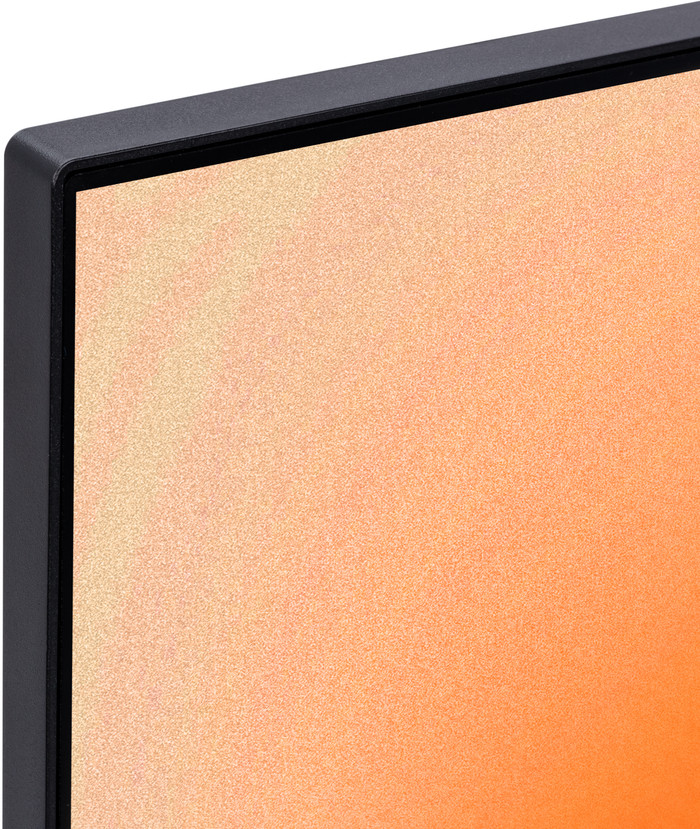
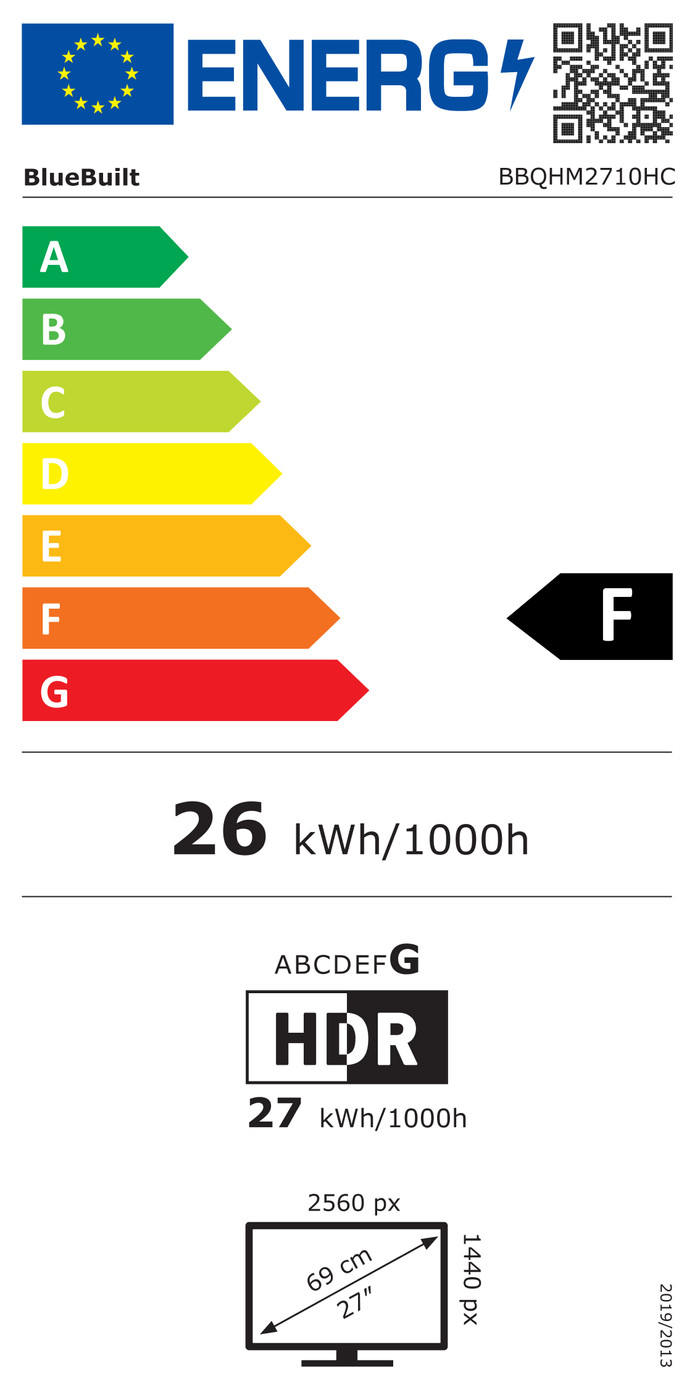
I see sharp details on the screen due to the quad HD image quality. This makes photos look lively and realistic. Due to this high resolution and the Adobe RGB color space, I edit light photos with many color contrasts. I also open multiple windows or programs simultaneously on the monitor due to the large 27 inch (approximately 69 centimeters) screen size. This gives me a better overview of my work. The quad HD screen also has more pixels than a full HD screen, so I still see a lot of details when I open 2 or 3 windows next to each other.
Ergonomic
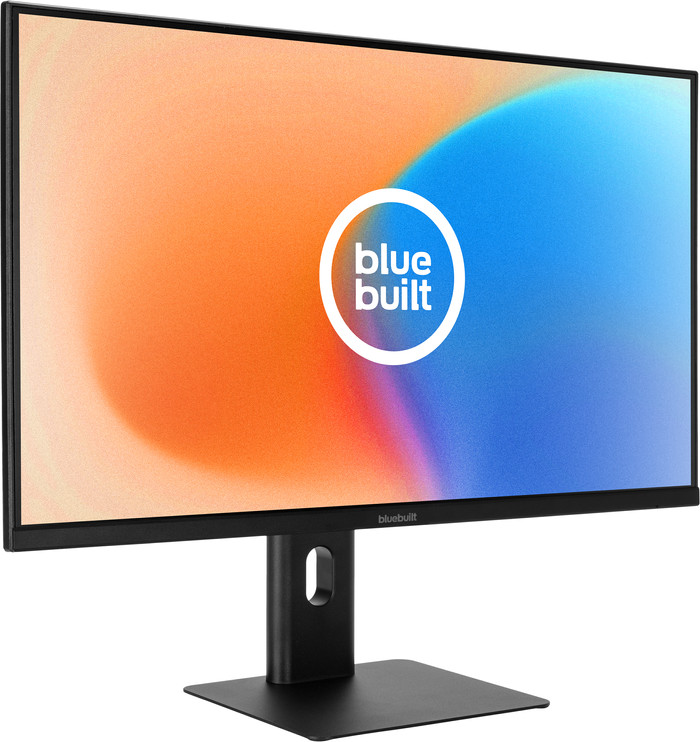
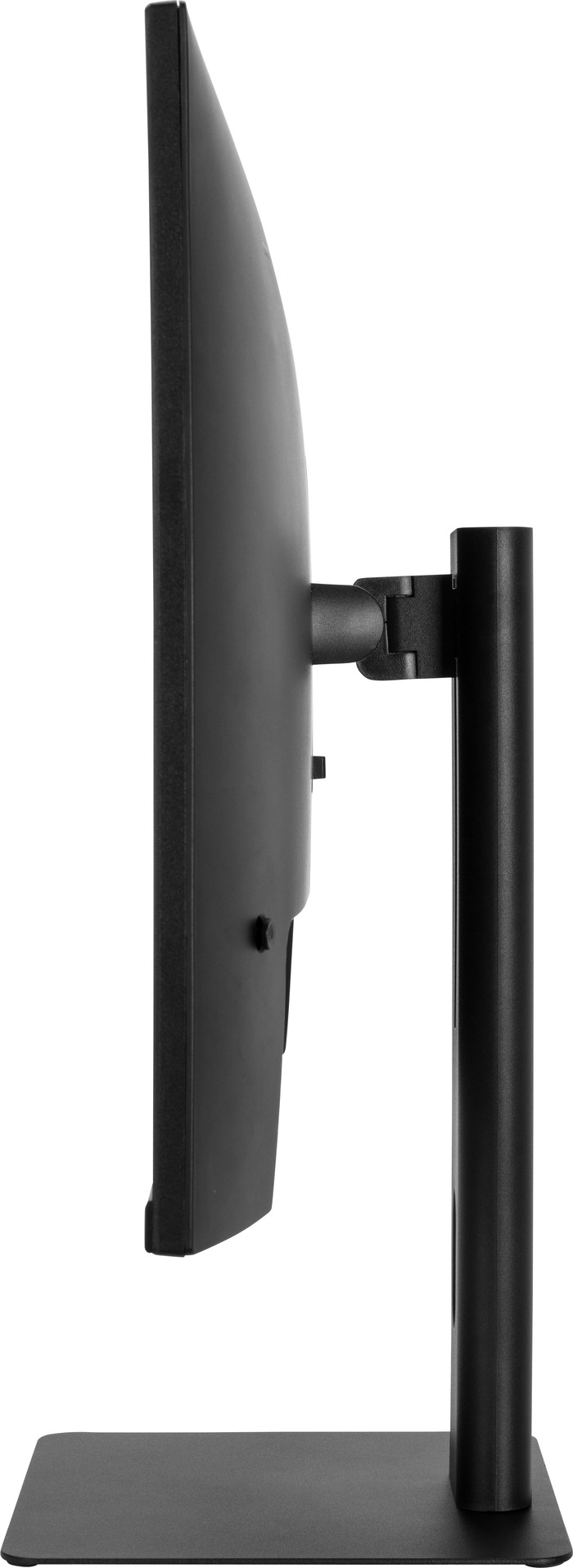
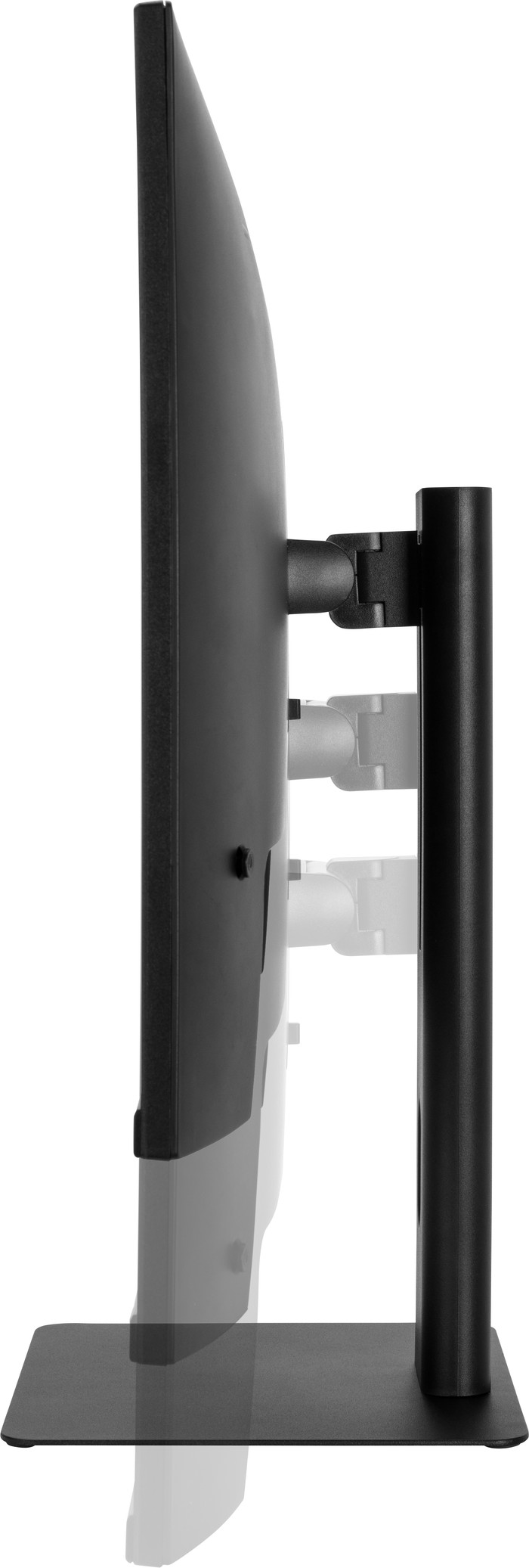
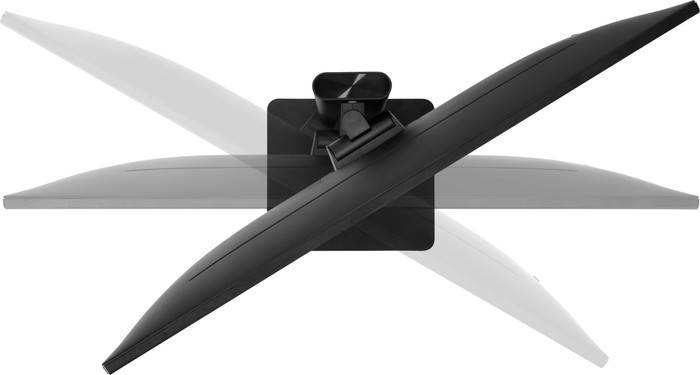
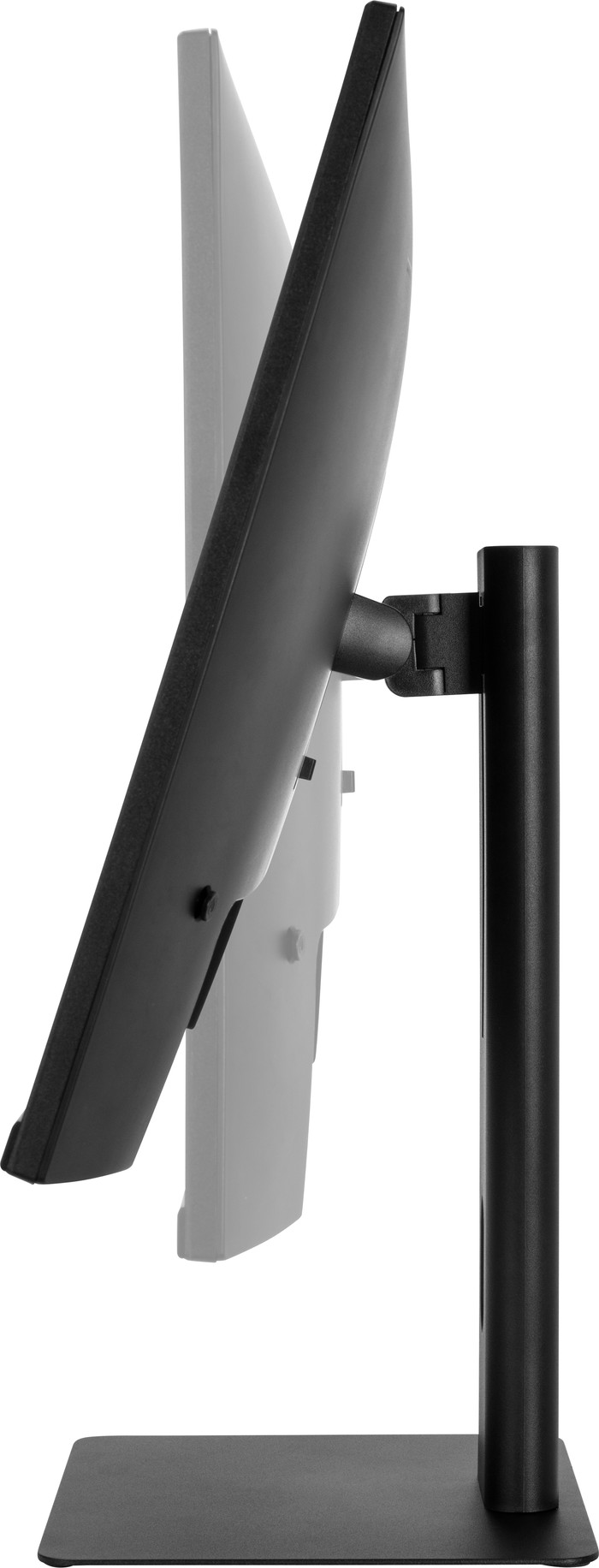
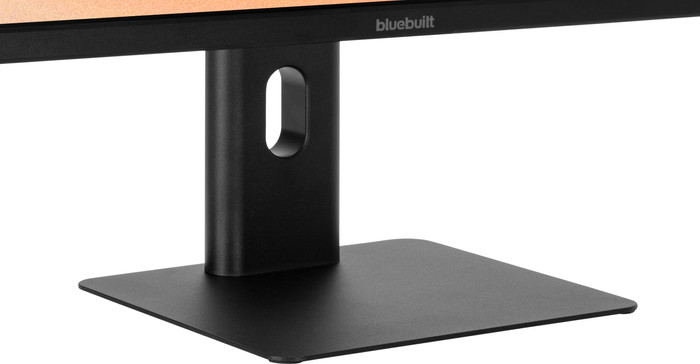
The monitor has a flat monitor base that looks sleek and takes up little space. In addition, I tilt, rotate and adjust the monitor in height without using force. This way I can easily show my work to my colleagues. I also set the screen to a comfortable height, so that I do not suffer from neck or back pain when I sit in the office all day. The pivot function allows me to turn the screen to a portrait view. This allows me to read long PDFs without scrolling a lot.
Handy connections
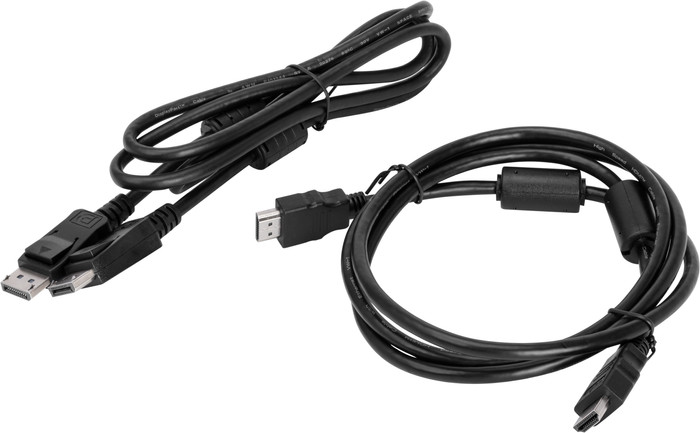
Although the monitor does not have USB A connections, I can connect peripherals to the screen through the USB C port. With this USB C dock you can also charge a laptop or transfer files quickly with one cable. This means I do not use other cables, so my desk stays tidy. The monitor also has a headphone connection. This allows me to listen to music and work in a concentrated manner. Thanks to the built-in speakers, I also listen to music with my colleagues after work.