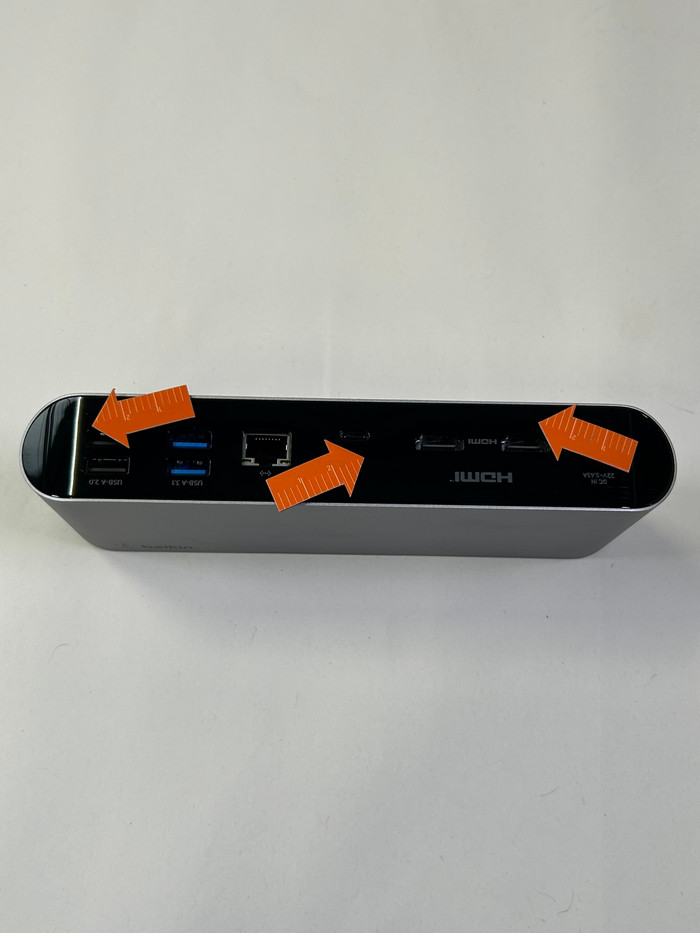
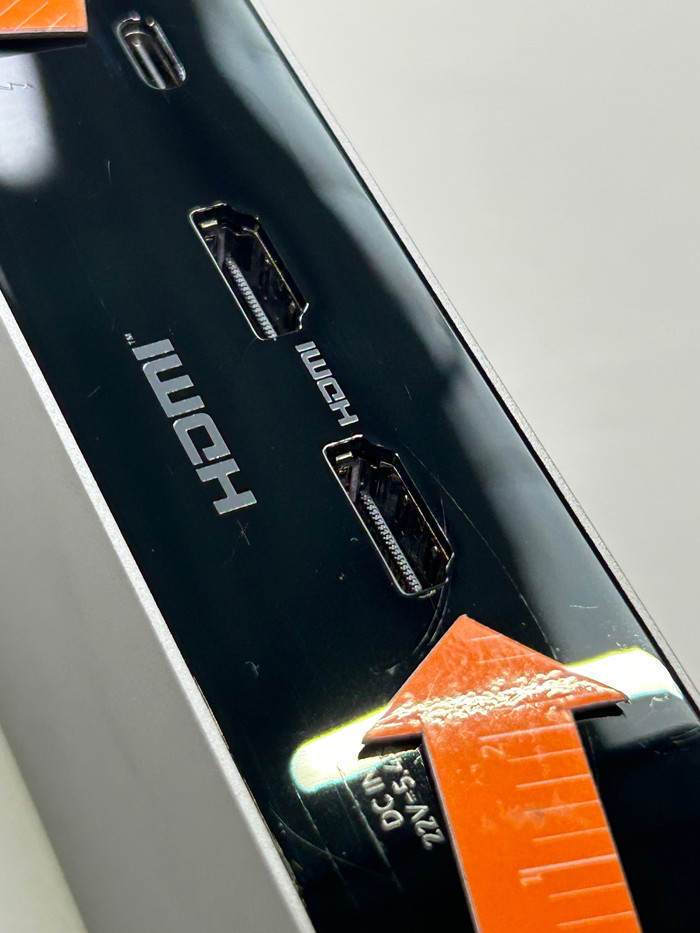
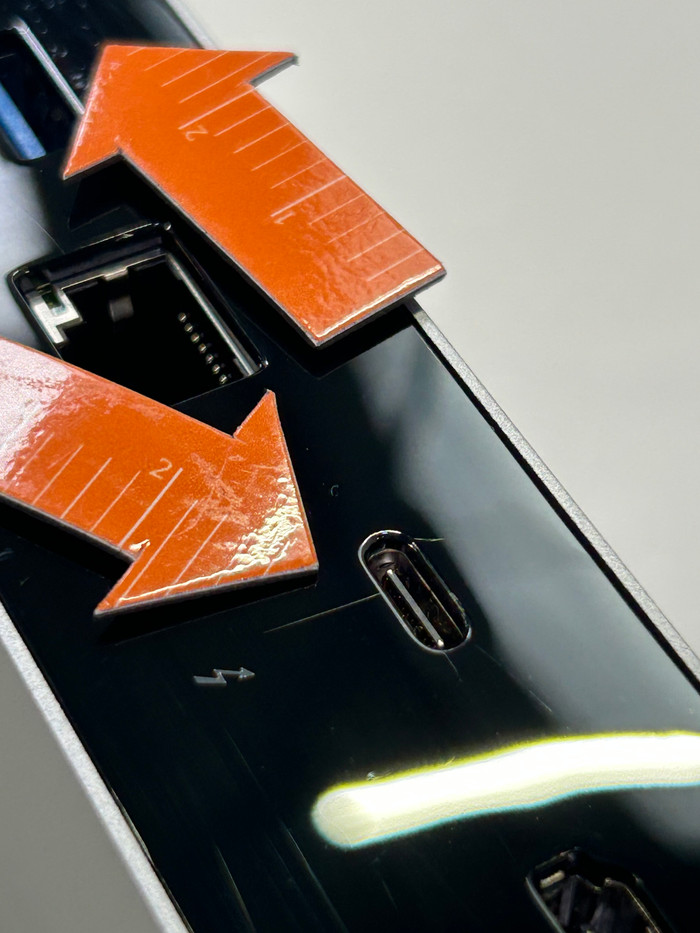
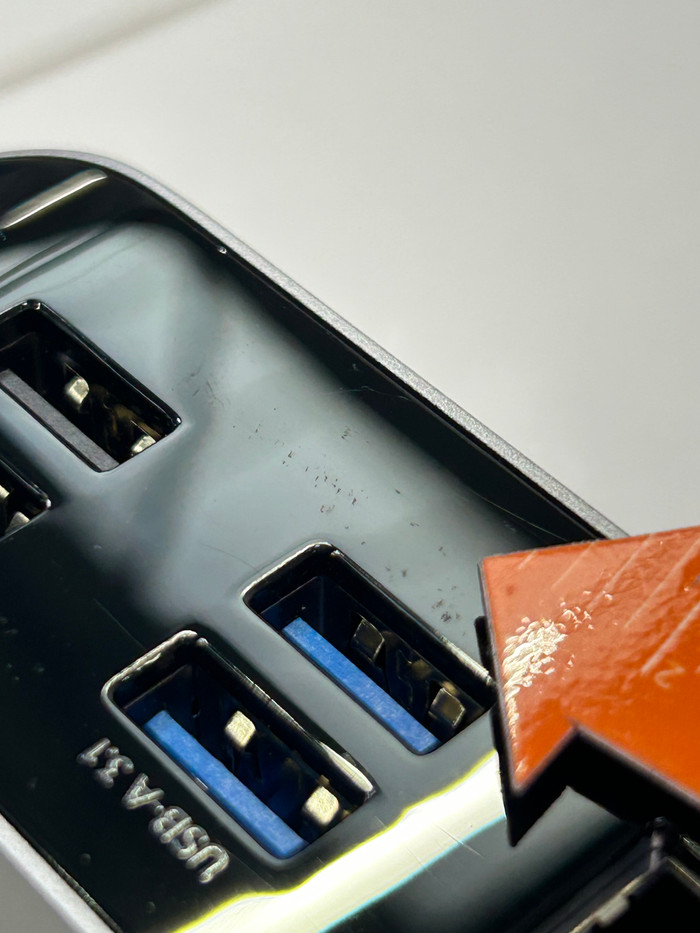
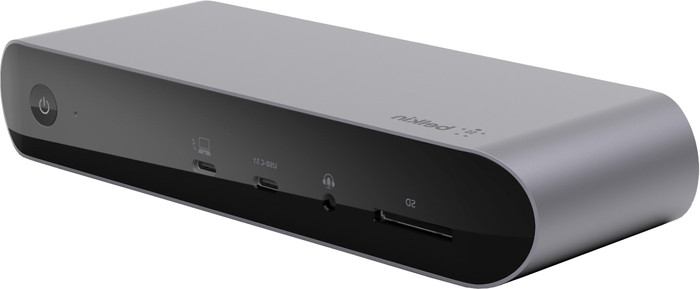
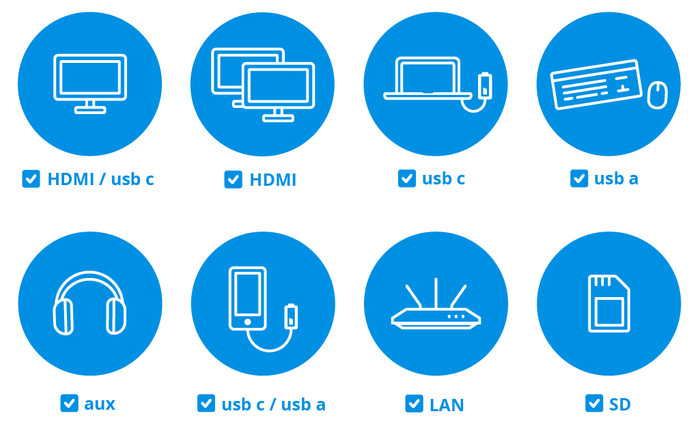
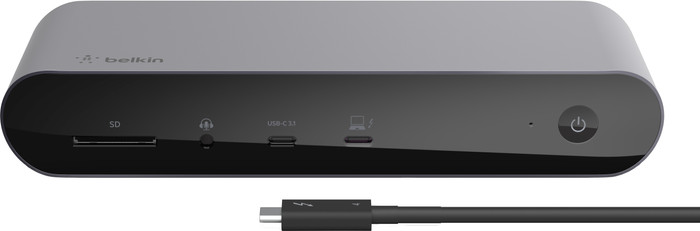
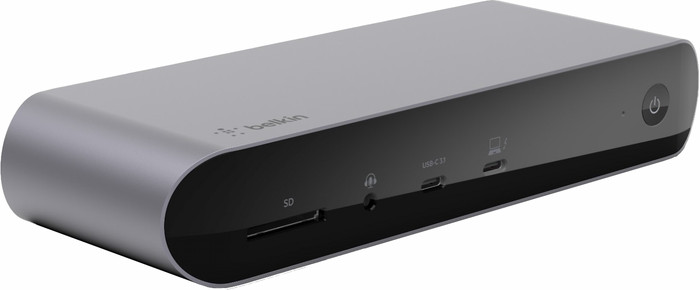
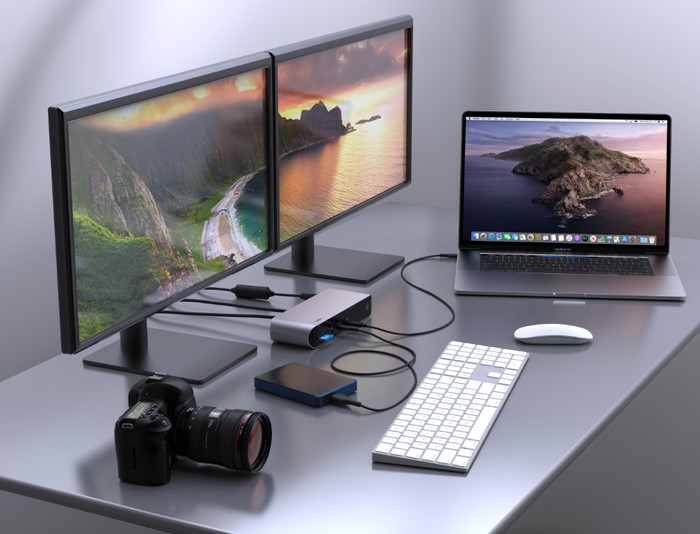
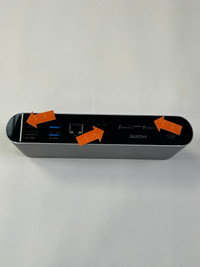
Complete your workspace with the Belkin Thunderbolt 4 Pro Dock. This docks uses powerful Thunderbolt 4 technology, so you can connect more monitors to your laptop at the same time. With this dock, you can expand your laptop with up to 3 monitors, depending on your laptop model. You also have enough USB-A and USB-C ports for all your peripherals, like a mouse or keyboard. Is your wireless internet not stable enough? Connect an Ethernet cable to this Belkin dock and use stable, wired internet right away. With this dock, you can charge your laptop and other connected devices at the same time with a charging capacity of up to 90W. This way, you won't have to look for a socket while you work anymore.
The Belkin Thunderbolt 4 Pro Dock works on all Windows laptops and MacBook models with a USB-C port that transmits a video signal. This is how you can check if your laptop has a suitable USB-C port.
How many monitors can you connect to your laptop?
- Windows laptop: 3 monitors
- Apple MacBook without M1/M2 chip (2020 and older): 2 monitors
- Apple MacBook with M1/M2 chip: 1 monitor
- Apple MacBook with M1 Pro chip: 2 monitors
- Apple MacBook with M1 Max chip: 2 monitors
- Apple iPad: 1 monitor
If you connect
1 monitor to this docking station, you can reach a maximum resolution of
4K at 60Hz.
If you connect
2 or 3 monitors to this docking station, you can reach a maximum resolution of
4K at 60 Hz.