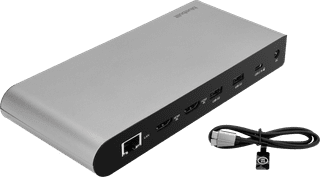
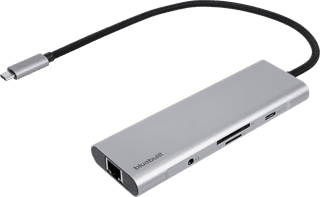
With a BlueBuilt docking station, you can connect all of your peripherals to your laptop. This way, you can truly complete your workplace. With extra monitors, a keyboard, mouse, and wired internet, you can immediately get started with your daily work. When you choose a docking station, make sure your laptop has a USB-C port. On this page, we've listed all BlueBuilt docking stations for you.
  • Keyboards
BlueBuilt 9-in-1 Dual HDMI Docking Station with USB-C
5-year warranty
BlueBuilt 9-in-1 Dual HDMI Docking Station with USB-C
Our choice for a docking station for 1 extra monitor with your laptop|2x HDMI|4 USB ports|100 W

87,-

In stock

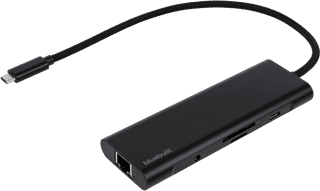
BlueBuilt 8-in-1 Docking Station with USB-C Silver
Our choice for a docking station for a flexible workspace with 1 extra monitor|1x HDMI|3 USB ports|65 W

59,-

In stock

Affordable Second Chance

from

56,-

Advertentie
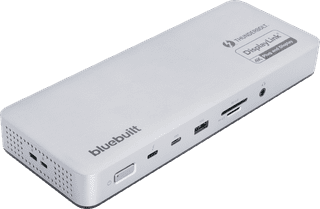
BlueBuilt DisplayLink Docking Station with USB-C
2x HDMI|6 USB ports|100 W

132,-

In stock

BlueBuilt 8-in-1 HDMI Docking Station with USB-C Black
1x HDMI|3 USB ports|65 W

67,-

In stock

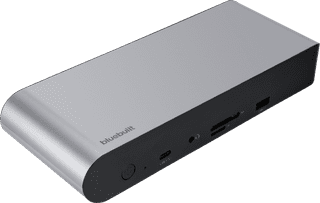
BlueBuilt DisplayLink Docking Station Pro with USB-C Silver
Our choice for a docking station for up to 2 extra monitors with your laptop|2x DisplayPort, 2x HDMI|6 USB ports|100 W

173,-

Temporarily sold out

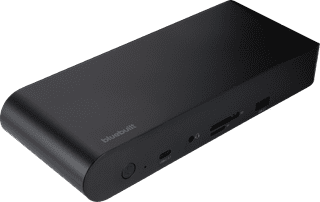
BlueBuilt DisplayLink Docking Station Pro with USB-C Black
2x DisplayPort, 2x HDMI|6 USB ports|100 W

173,-

Temporarily sold out

BlueBuilt DisplayLink Docking Station Pro with USB-C Black
2x DisplayPort, 2x HDMI|6 USB ports|100 W

173,-

No longer available

BlueBuilt DisplayLink Docking Station with USB-C
2x HDMI|6 USB ports|100 W

148,-

Temporarily sold out