Note: the docking station works best if you install the DisplayLink driver before use. You can easily download it from the DisplayLink website.
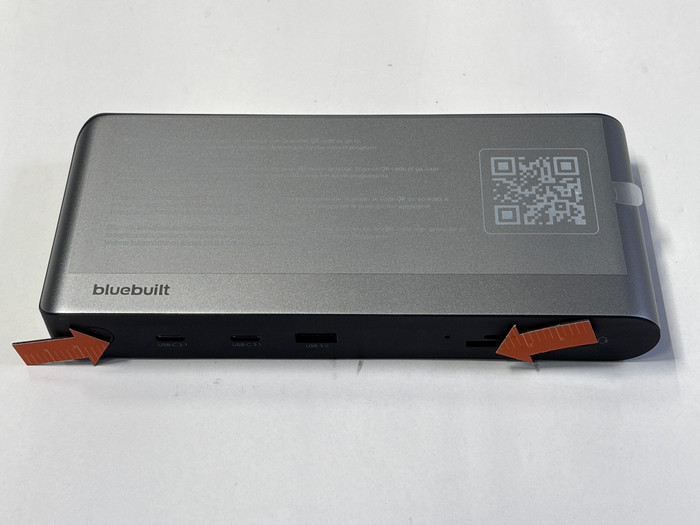
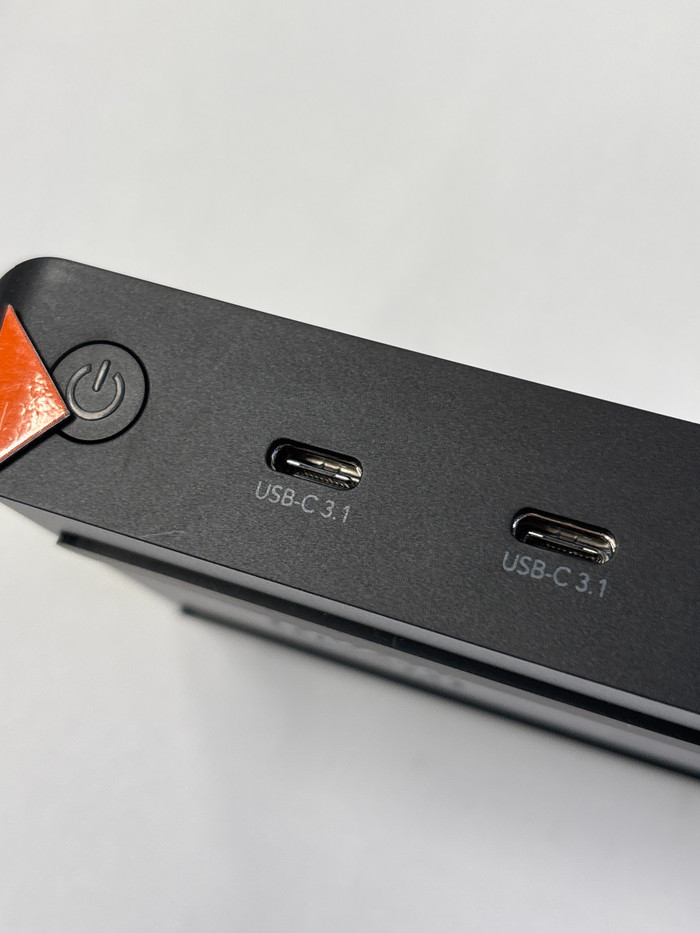
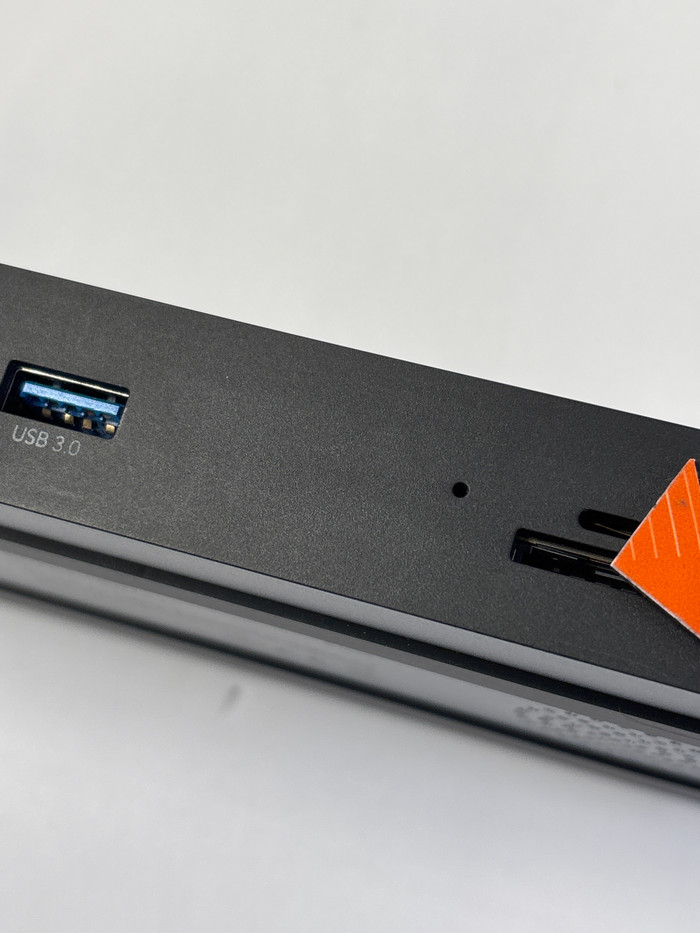
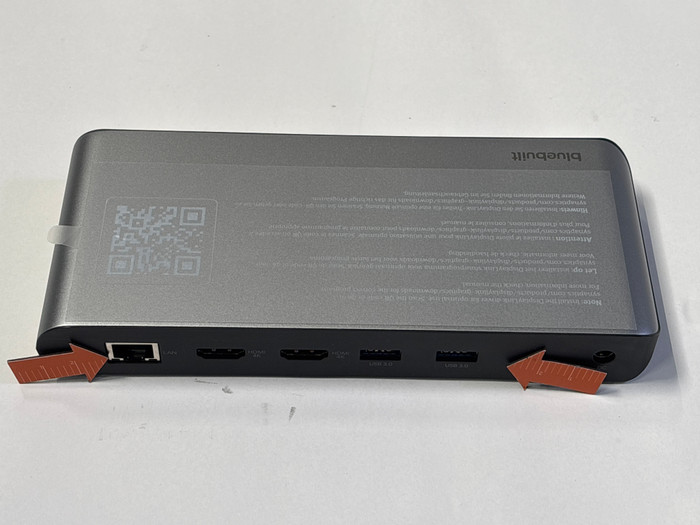
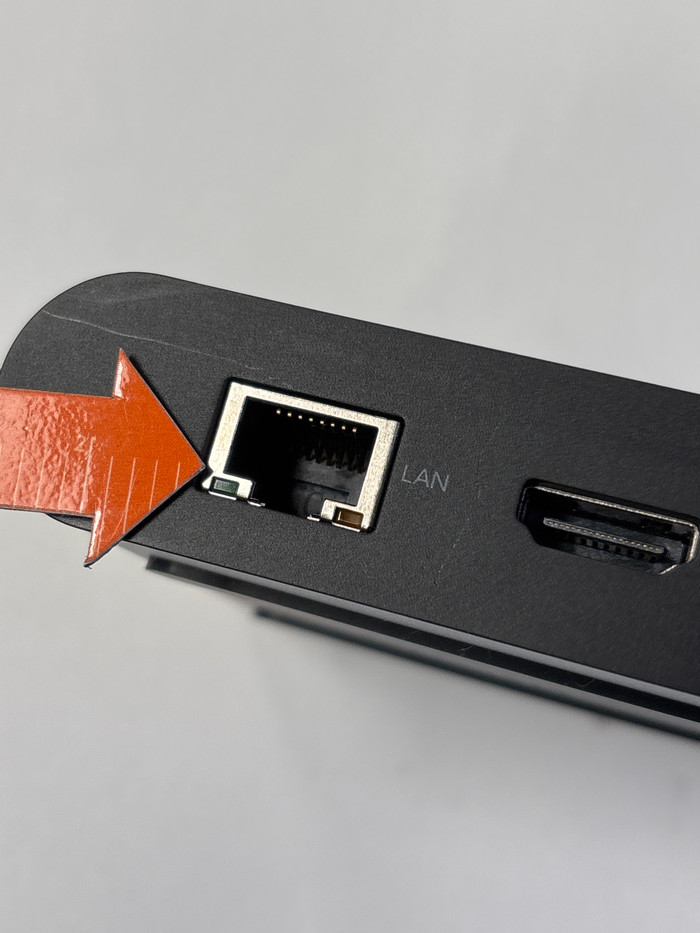
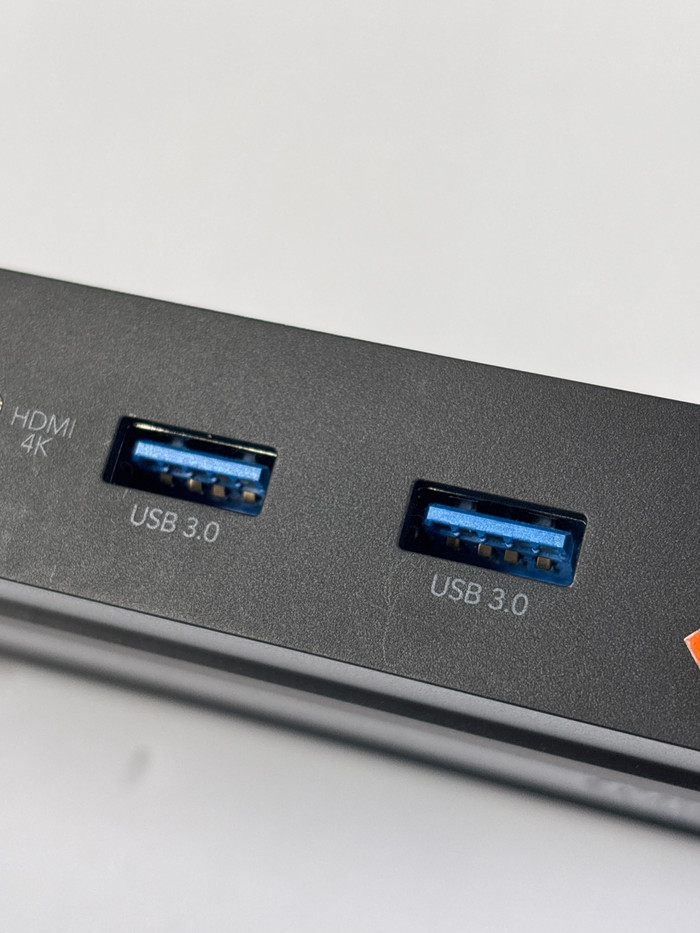
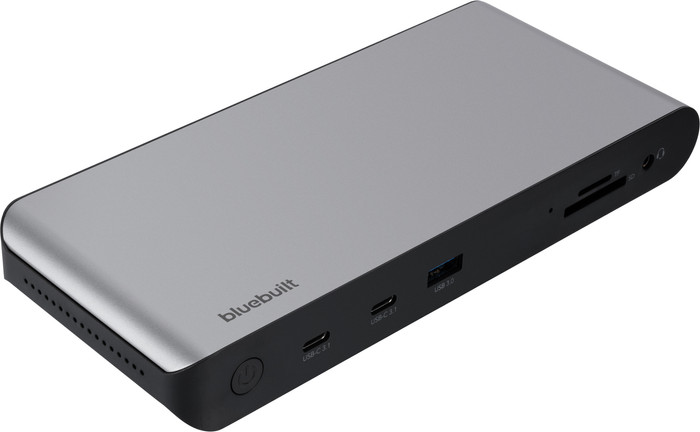
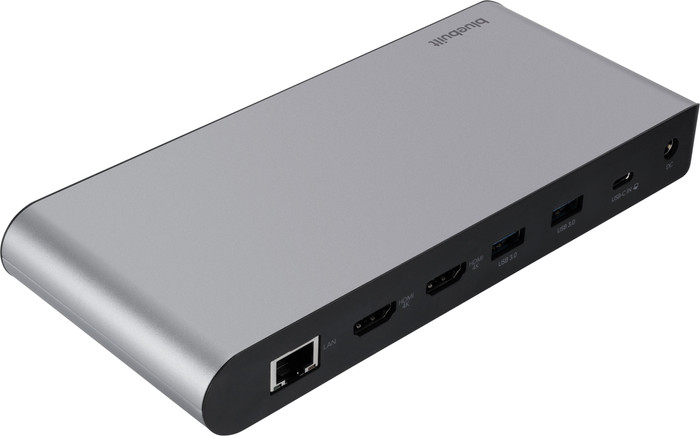
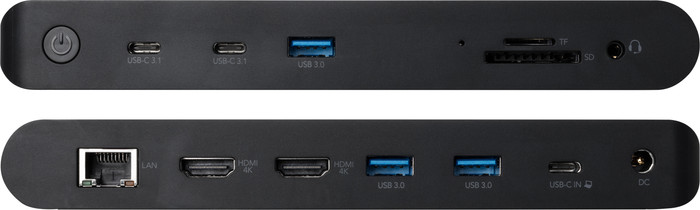
You can easily expand your workplace with the BlueBuilt DisplayLink Docking Station Pro with USB-C Black. With this docking station, you can connect up to 2 monitors via DisplayPort or HDMI. You can get a maximum resolution of 4K at 60Hz. This allows you to create more space for all your windows. You also have enough USB ports for peripherals and memory cards. You can easily and quickly connect your mouse, keyboard, and USB flash drive. Does your laptop support Power Delivery? Charge your laptop while you work. This way, you don't have to look for a socket. Via the Ethernet port, you can also connect a cable for a stable wired internet connection. With the included USB-C to USB-A adapter, you can connect the dock to every laptop. The BlueBuilt DisplayLink Docking Station with USB-C Black works on all Windows laptops and MacBook models with a USB-C port that transmit a video signal. This is how you check if your laptop has a suitable USB-C port.
What can you do with this docking station?
- Connect up to 2 monitors
- Charge a laptop with Power Delivery up to 100W (if your laptop supports Power Delivery)
- Work with wired internet
- Connect a mouse and keyboard
- Charge a phone
- Read a memory card
- Connect headphones
If you connect
1 monitor to this docking station, you have a maximum resolution of
4K at 60Hz.
If you connect
2 monitors to this docking station, you have a maximum resolution of
4K at 60Hz.