Written by Steven
Edited on
27 February 2025
·
15:41
How do you choose RAM for your Windows laptop?
Your laptop barely functions at all, so you're looking for new RAM. But how do you know which type of RAM is suitable for your laptop? To provide your laptop with speed again, we'll explain what you should consider when choosing RAM for your Windows laptop.

SODIMM form factor
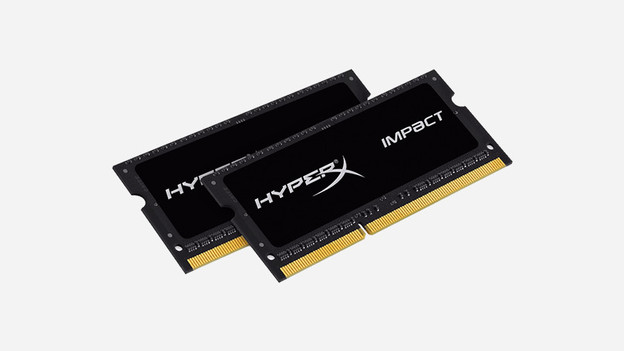
A RAM module for a laptop is always of the form factor type SODIMM. This form factor is more compact than DIMM, making it suitable for laptops. This is the first thing you should consider in your choice of RAM for your laptop.
Note the DDR standard
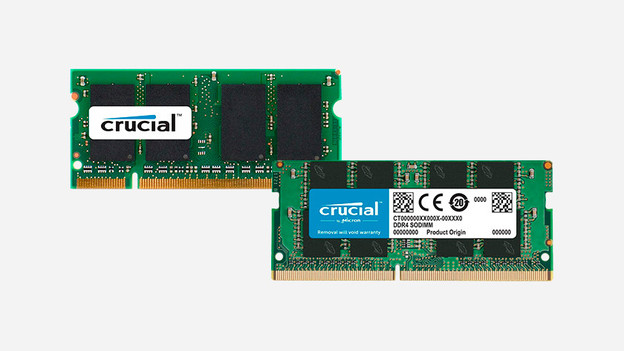
There are currently 2 RAM standards available: DDR4 and DDR5. This tells you something about the RAM speed and whether the laptop motherboard supports the RAM. DDR4 doesn't work with DDR5. Support for DDR4 RAM is mainly found in older laptops. The faster DDR5 was introduced in 2020 and can be found in most laptops from that year onwards.
Clock speed of the RAM
The speed of the RAM also plays a role in your choice. This is called the clock speed and is expressed in Megahertz (MHz). This must match the speed that the laptop's motherboard supports. For example, if your laptop supports a RAM with a speed of 1600MHz, inserting 2100MHz RAM is no use. Always make sure that these speeds match.
Check how much space you have for extra RAM
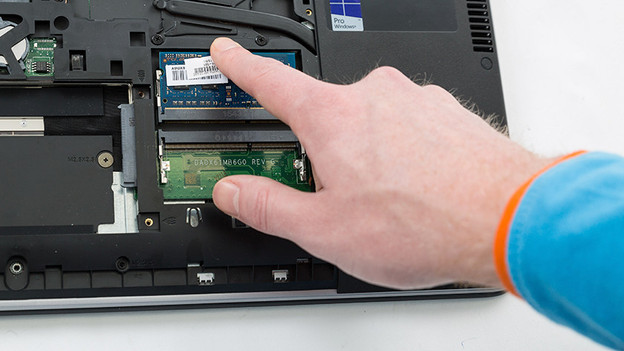
Laptops have space for 1 or 2 memory slots that can fit a RAM module. If a laptop has 2 slots, there's often only 1 in use. You can expand this with a second (similar) RAM module. If a laptop only has 1 slot and you want more RAM, you'll have to replace the module.
Article by Steven
Components Expert.