
Written by Gijs
Edited on
19 January 2023
·
10:29
The Apple Pencil 2 versus the Apple Pencil 1
The Apple Pencil 2 is the successor to Apple Pencil 1. There are a lot of differences between these 2 styli. For example, the Apple Pencil 2 can be charged wirelessly and the Apple Pencil 1 is charged via a Lightning connector. In this article, we'll tell you all about the differences and similarities.
Comparison of the Apple Pencil 2 and Pencil 1
- Apple Pencil 2
Quickly switch between the pen and eraser by tapping
Pressure-sensitive tip
Wireless connection and charging
Palm rejection
From
100,-
- Apple Pencil 1
Can't quickly switch between functions by tapping
Pressure-sensitive tip
Palm rejection
Wireless connection but wired charging
From
119,-
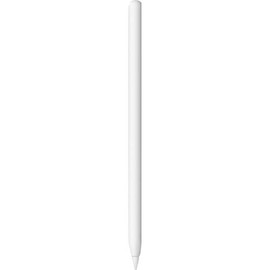

Look
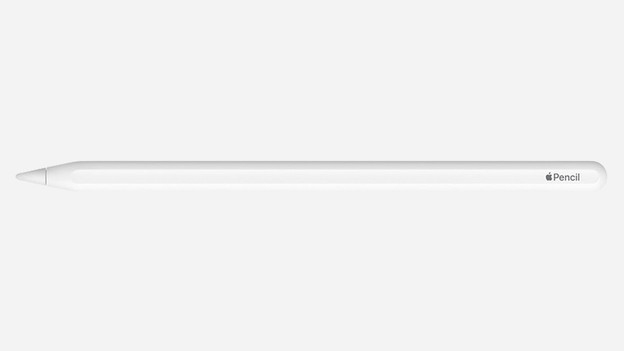
The appearance of the Apple Pencil 2 (2018)
The Apple Pencil 2 looks like its predecessor, but there are differences. For example, its thinner and shorter, so it feels more like a real pencil. In addition, the Apple Pencil 2 isn't completely round. It has 1 flat side. This provides better grip, but the digital pen won't roll of the table all the time. The silver edge has been replaces by a subtle logo at the end of the pen.
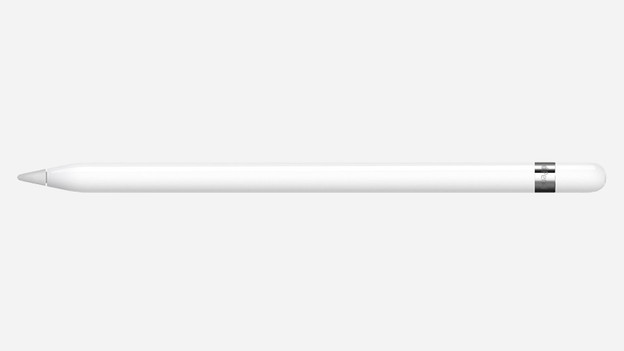
The appearance of the Apple Pencil 1 (2015)
The first digital Apple pen is completely round and has a silver strip at the end. The Apple Pencil 1 is heavier on one side, so it won't roll off the table. In practice, this doesn't always work, so it does roll of the table sometimes. When the digital pen is at rest, you'll always see the Apple logo pointing upwards. When you hold the Apple Pencil in your hand, it feels more like a felt-tip pen than a pencil, because of the thickness.
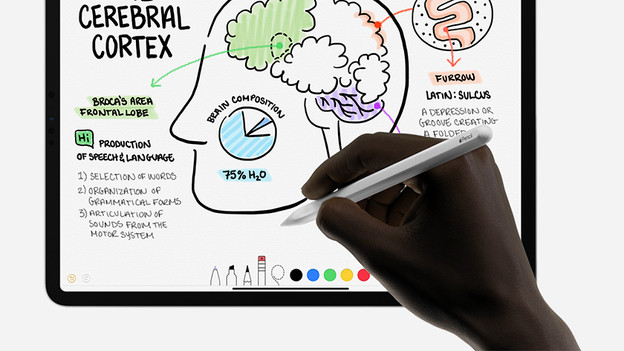
Double tap
The most important change is the support for movements on the Apple Pencil 2 itself. If you tap the digital pen twice, you switch between tools. That's useful, because you can quickly switch between a pen and eraser this way. That's useful for programs like Adobe Photoshop or Notes and for Ferrite, professional audio editing software. In Ferrite, you can bind all sorts of actions to the double tap, so you can work faster and more efficiently.
Charging
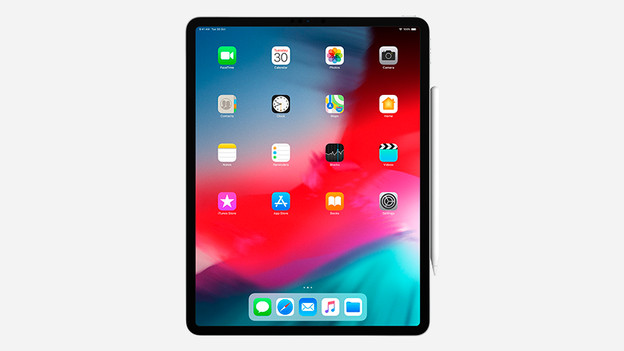
Charging the Apple Pencil 2
Apple had thought well about charging the Apple Pencil 2. You can simply place the Apple Pencil 2 on the right side of your iPad. Not all Apple iPad models are suitable for this. If your iPad is suitable, you can charge the Pencil 2 wirelessly while it's stored away. The magnets on the right side of your iPad keep the Apple Pencil 2 firmly in place. Even when you take your iPad in your backpack.
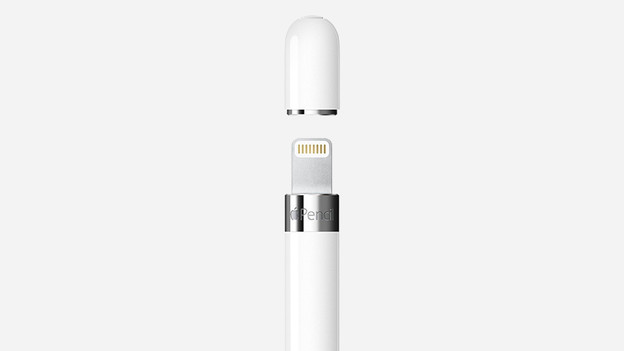
Charge the Apple Pencil 1
You can charge the Apple Pencil 1 by removing the cap from the top and putting the Pencil 1 in the Lightning port of the iPad. You have to make sure you don't loose the cap, and you must make sure you don't damage the Lightning connector of the Apple Pencil 1 by making a wrong movement with the iPad or Pencil when it's connected.
Suitable for iPad version
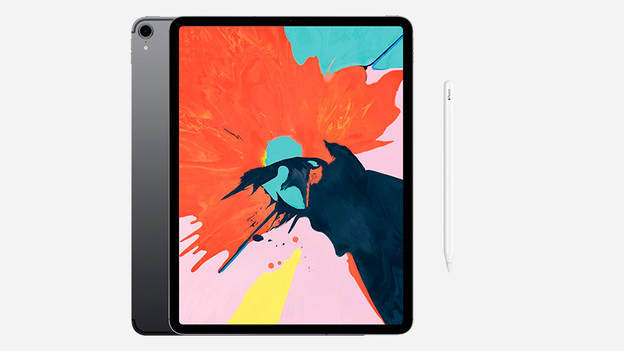
The Apple Pencil 2 is suitable for:
- iPad Pro 12.9 inches (2022 / 2021 / 2020 / 2018)
- iPad Pro 11 inches (2022 / q2021 / 2022 / 2018)
- iPad Pro 10.5 inches (2017)
- iPad Air (2022/2020)
- iPad Mini 6 (2021)
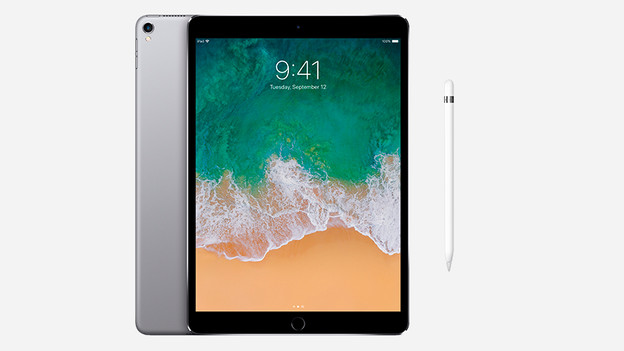
The Apple Pencil 1 is suitable for:
- iPad Pro 12.9 inches (2017)
- iPad Pro 19.5 inches (2017)
- iPad 10.2 inches (2021)
- iPad (2018 / 2019 / 2020 / 2022) *iPad Air (2019) *iPad Mini 5
Replaceable Pencil points
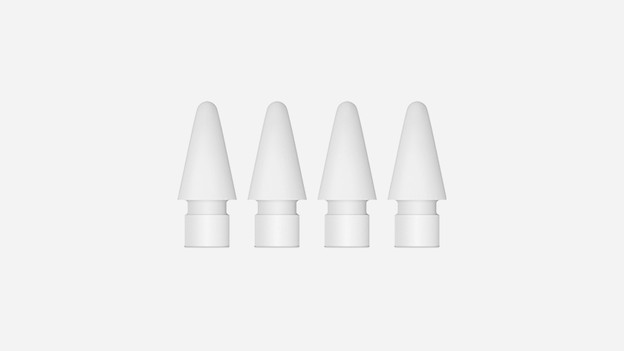
If you have an old Apple Pencil 1, it's not completely redundant. The pointer of the Apple Pencil 1 also fits on the Pencil 2. When you need to replace it, you can simply take the pointer of the Pencil 1. The Apple Pencil 2 sadly doesn't come with an extra pointer anymore. You have to buy these separately per 4 units.
Conclusion
The Apple Pencil 2 is a must-have accessory if you have an Apple iPad Pro. The improvements to the look, the way it charges, and the extra functions make the Apple Pencil 2 more than just a fun gadget.
