Written by Deanne
Edited on
10 August 2026
·
07:54
What are the differences between the ASUS laptops?
ASUS has many different types of laptops. For example, an ASUS Vivobook is ideal for daily tasks and an ASUS Zenbook is useful for demanding programs. ASUS also has gaming laptops and business laptops, but which ASUS laptop suits you best? And what even is an ASUS Vivobook or Zenbook? In this article, we'll tell you all about the various ASUS laptops.
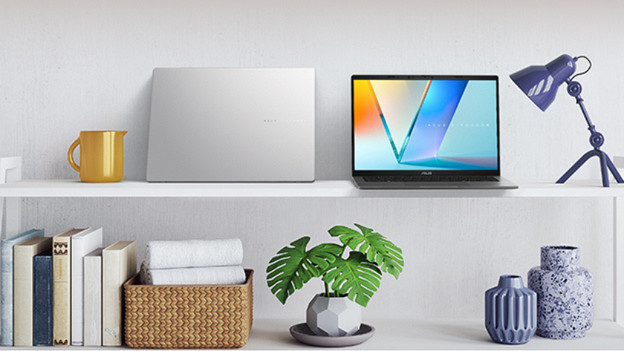
ASUS Vivobook: ideal for various tasks
The ASUS Vivobook is ideal for various tasks. For example, there's a Vivobook with a less powerful processor that's suitable for your everyday tasks. There's also a Vivobook with a powerful processor that you can use for more demanding tasks, like photo or video editing. A large Vivobook is ideal if you often work in 1 spot.
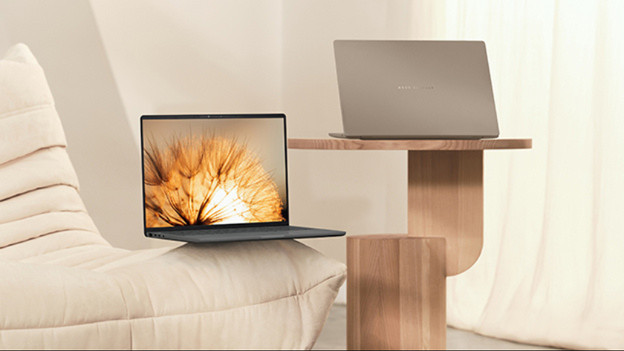
ASUS Zenbook: for demanding tasks
The ASUS Zenbook is a powerful ASUS laptop. These laptops have a strong processor that allows you to smoothly perform demanding tasks, such as photo and video editing. All the details appear on the screen vibrantly, because these laptops have an OLED panel. This makes colors stand out more. In addition, the Zenbook has a sturdy aluminum casing. As a result, the laptop is better protected against bumps and scratches.

ASUS ProArt: for graphic design and AI tasks
The ASUS ProArt is a laptop with a powerful AI processor. With this laptop, you can easily perform demanding AI tasks like generating new images or texts. There's an ASUS DialPad on the touchpad of the ProArt laptops. It's a round button you can control your settings with and allows you to navigate programs like Adobe Photoshop more easily. For example, quickly adjust the size of the brush or undo a sketch in no time. The ProArt laptops have a 4K Lumina OLED display, so you won't miss a single detail.
Business, gaming, and Chromebook models

ASUS ExpertBook: business use
The ASUS ExpertBook is ideal for business work. These laptops work on Windows Pro, which was specially made for business use. The ExpertBook never weighs more than 2kg, so it's easy to take with you. After a meeting, you can cover your camera with a privacy switch. That way, you're sure no one can secretly watch you.
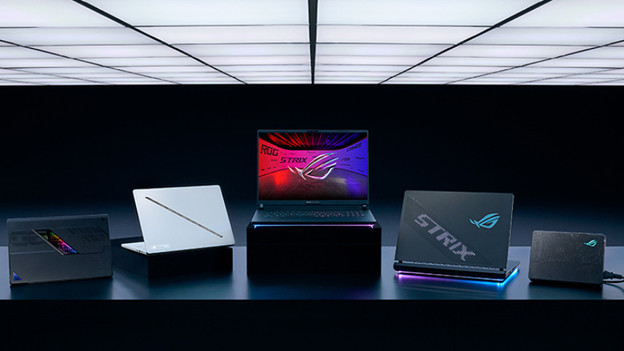
ASUS TUF and ROG: gaming laptops
With an ASUS TUF gaming laptop, you can play many different light games. If you often play more demanding games, an ASUS ROG Strix is a good fit for you. These laptops have better cooling, so you can easily continue playing in the heat of the battle. And with the ASUS ROG Zephyrus, you can game in style thanks to the display on the back of the laptop.
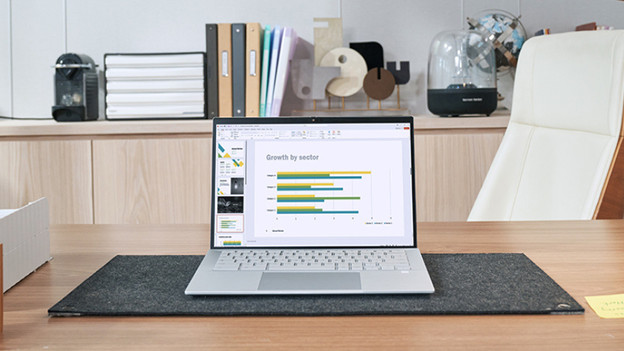
ASUS Chromebook models: everyday use
An ASUS Chromebook works with ChromeOS. This operating system is well-protected from viruses as you can only download apps from the Google Play Store. You can perform everyday tasks as well as more demanding tasks with a Chromebook. You mostly work in the cloud and use Google services. You can use a 2-in-1 Chromebook as a tablet as well.
Article by Deanne
Laptop Expert.