Written by Sarieta
Edited on
22 December 2025
·
14:02
How do you solve problems with the Bluetooth on your TV?
Are you having trouble with Bluetooth on your TV? Don't worry, you can solve most problems with a few simple steps. Whether you want to connect a soundbar, headphones, or another device, this article will help you.
Getting started with Bluetooth on your TV
With these tips, you can easily solve Bluetooth problems.
Tip 1: check whether Bluetooth is enabled
Tip 2: restart the TV and Bluetooth device
Tip 3: delete old Bluetooth connections
Tip 4: ensure a stable connection
Tip 5: reset the Bluetooth settings of your TV
Tip 6: use a Bluetooth transmitter
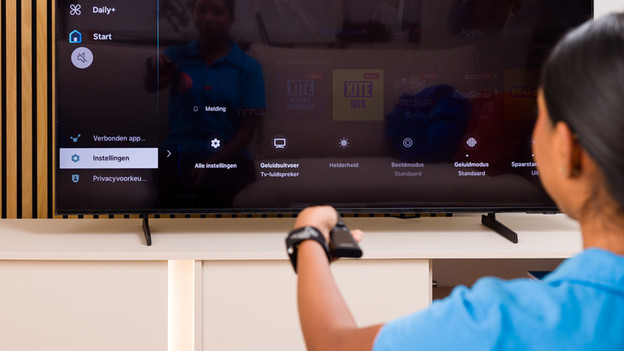
Tip 1: check whether Bluetooth is enabled
Bluetooth only works if it's enabled on your TV. Go to the settings menu and open audio output. Check whether you see the option Bluetooth speaker list. If not, read the manual of your TV. Make sure to check whether your TV is compatible with Bluetooth as well.
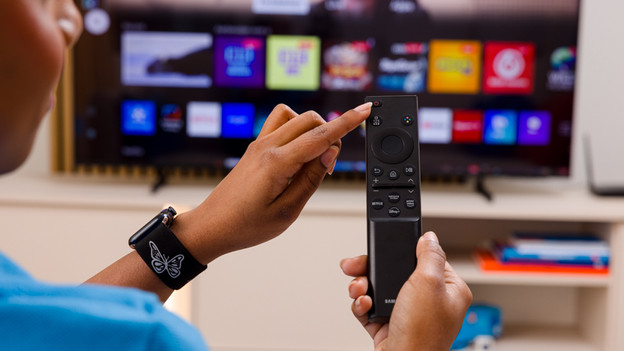
Tip 2: restart the TV and the Bluetooth device
You can often solve problems by restarting both devices.
- Turn off your TV.
- Disconnect the Bluetooth device from the speaker list and unplug it from the socket.
- Turn on your Bluetooth device, and then your TV.
- Go back to the Bluetooth speaker list and try to reconnect it.
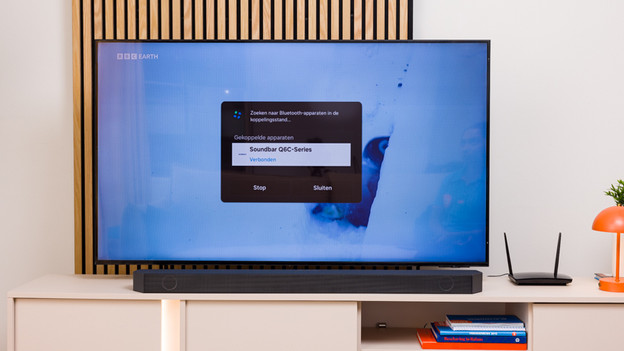
Tip 3: delete old Bluetooth connections
A list with many Bluetooth devices can cause issues. Delete all the devices you're not using from the speaker list in your settings. Then, reconnect the desired device. This prevents the TV from trying to connect to a different device.
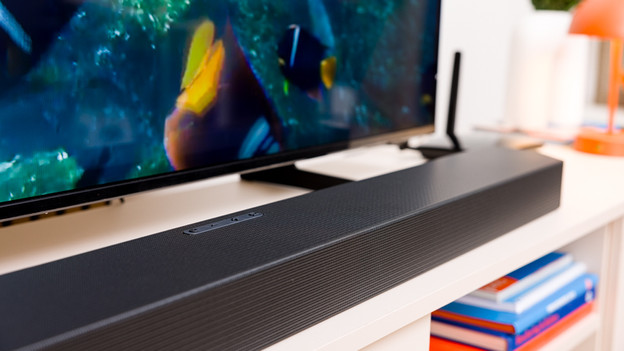
Tip 4: ensure a stable connection
Place your Bluetooth device close to the TV, without obstacles like walls or other electronic devices in between. Bluetooth works best within a 10m range. Don't forget to check whether other devices like WiFi routers aren't causing interference.
Tip 5: reset the Bluetooth settings of your TV
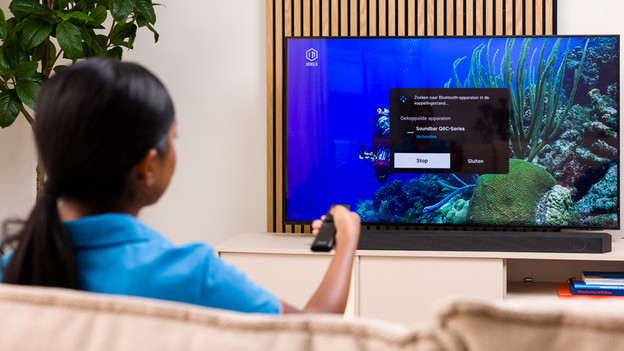
Still can't connect? Reset the Bluetooth settings. You can do so via the settings menu under 'General' or 'Support'. Note: this deletes all connected devices. After the reset, set up Bluetooth again and reconnect the device.
Tip 6: use a Bluetooth transmitter
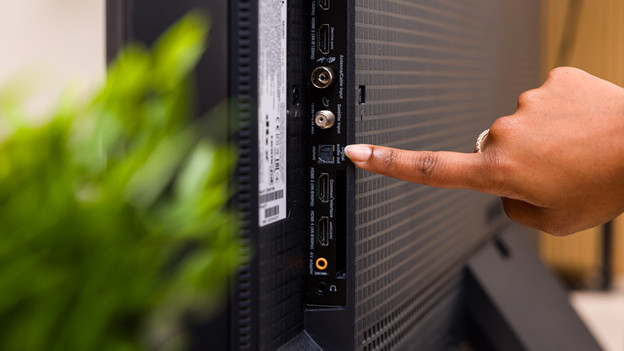
Doesn't your TV have built-in Bluetooth or are you still having issues with Bluetooth on your TV? We recommend a Bluetooth transmitter. Plug it into the audio output of your TV (such as RCA, AUX, or optical) and follow the instructions of the transmitter to connect devices. This often solves connection issues.
Article by Sarieta
Television Expert.