
Written by Bonne
Edited on
27 January 2025
·
13:10
OLED in technical language
OLED televisions have a technology that other TV types don't have. In this article, we'll explain how an OLED TV works and what you notice of this technology while watching TV.
Technology
OLED is an emissive image technique that releases light. An OLED panel consists of image pixels made of 4 sub-pixels. The sub-pixels are made of organic material that releases white light if power runs through it. Thanks to a color filter, every sub-pixel can have their own color, like red, green, or blue. You can find a fourth, white sub-pixel to enlarge the light intensity and color accuracy, and extend the lifespan of other pixels. The OLED screens displays dark images by disabling the pixels. You'll get great black levels that way. A fun fact is that it's vacuum sealed to protect the organic material from oxidizing.


Viewing experience
OLED televisions have a very good image quality. That's partially because of the great black levels, which ensure a strong contrast. This is the most visible aspect of a good image quality. You can enjoy rich, natural colors and see a lot of details in dark parts of the screen thanks to the combination of the strong contrast and 10-bit color panel of OLED televisions. An OLED TV has a wide viewing angle, so you have the same, good image quality from any angle.
Displaying fast movements
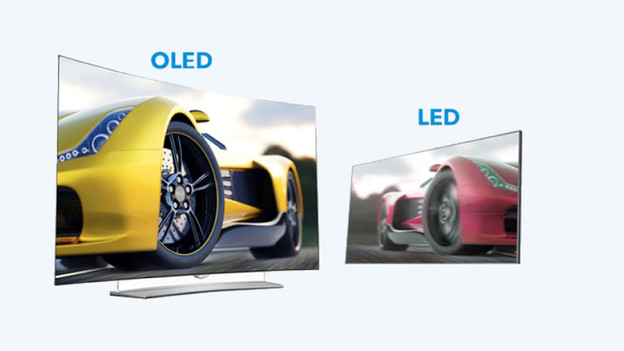
Another special feature is the way an OLED screen displays motion. The OLED pixels switch within a millisecond. The image is built up so fast, you won't see 'panel smearing'. This is something cheap LED TVs do have. With this, you'll see a streak of color after a moving object. A disadvantage of the very fast image buildup is the blur due to the 'persistence of vision'. A video with a frequency of 50Hz stops every image for 20ms. Every eye movement leads to blurs. OLED TVs solve this by adding image interpolation, also known as adding extra frames to the video.