
Written by Frank
Edited on
10 January 2025
·
15:56
What is the Xbox Game Pass app for TVs?
With an Xbox Game Pass subscription, you can play hundreds of different games on your Xbox console, PC, or via the cloud. The latest Samsung televisions have this app. It allows you to play tons of games without an Xbox console. In this article, we'll explain what the service provides and how it works.
What's Xbox Game Pass?
Xbox Game Pass is a streaming service like Netflix. For a fixed monthly fee, you can play hundreds of different games on your Xbox console, your PC, or online in the cloud. New games are added to the game assortment on a monthly basis. In addition, you can play lots of new games from day 1 via the Xbox Game Pass service.
Which subscriptions does Xbox Game Pass have?
The Xbox Game Pass has 3 different subscriptions. If you only play on the PC or Xbox console, you pay € 9.99 per month. If you want to play on both your PC and console and/or want to use the cloud service, you pay € 12.99 per month. To use Game Pass on your TV, choose the € 12.99 subscription.
Game Pass on Samsung TVs
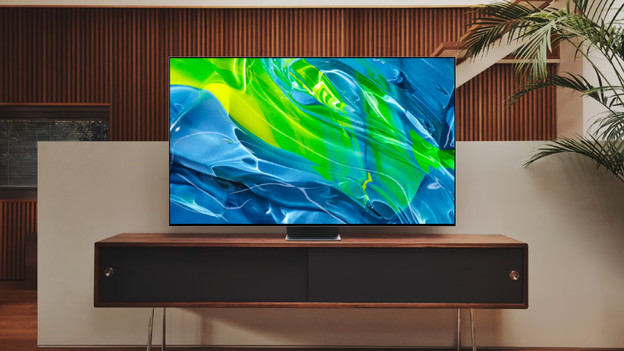
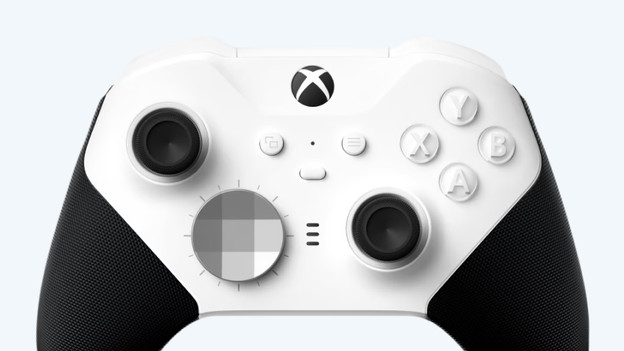
The Game Pass service was added to the latest Samsung Neo QLED and QD OLED televisions. It allows you to stream all available games on your TV via the cloud. All you need to game is your new Samsung Neo QLED or QD OLED TV, a working internet connection, and a controller or keyboard and mouse. You don't need a console. You pay a fixed monthly fee to use the service. It's not possible to download games.
Why is streaming a good idea?
The Xbox Game Pass cloud service is useful for people that want to game occasionally, but don't want a console. That's because a monthly subscription is all you need to game. It's very important to have a good internet connection. If your internet connection isn't strong enough, you'll experience lags. This affects your gaming experience. Connect a network cable to the Samsung TV via the network connector for the best possible streaming experience.
Article by Frank
Television Expert.