Samsung monitors
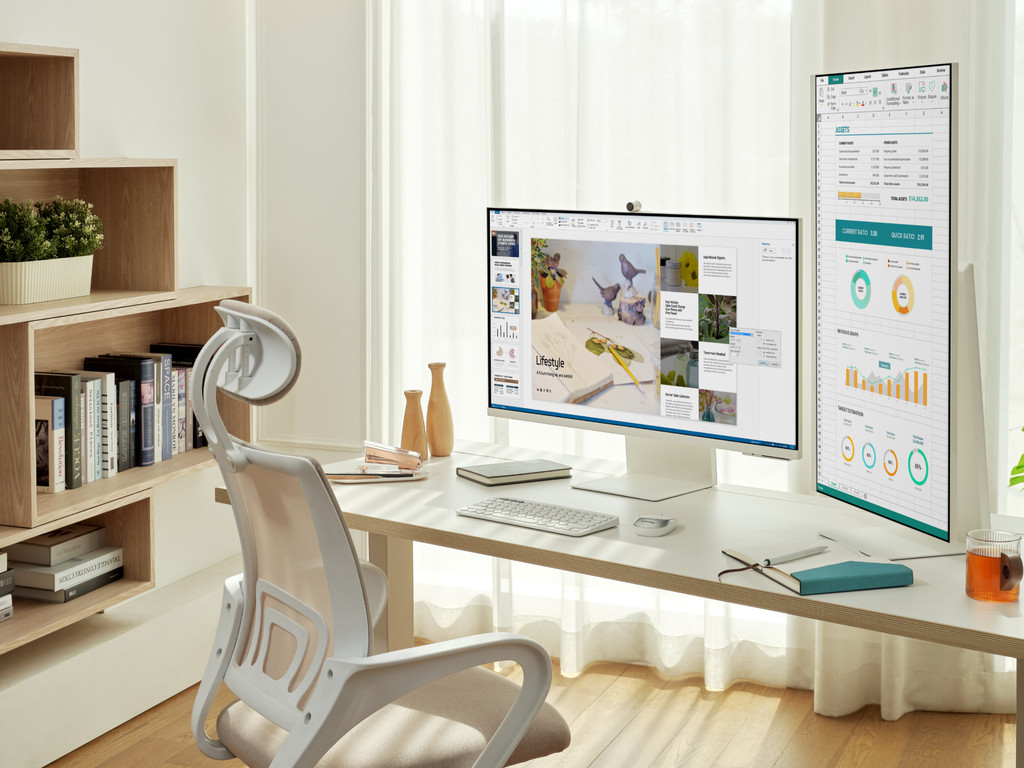
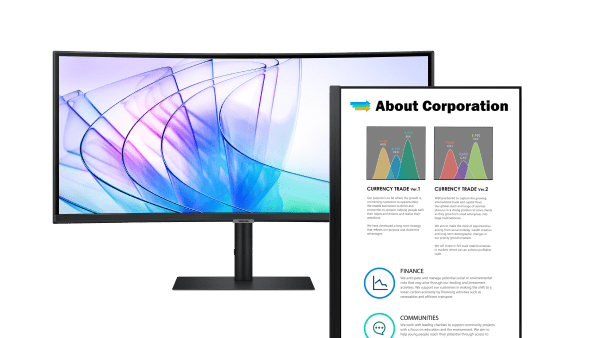
All business Samsung monitors
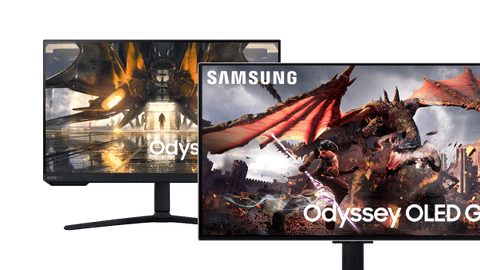
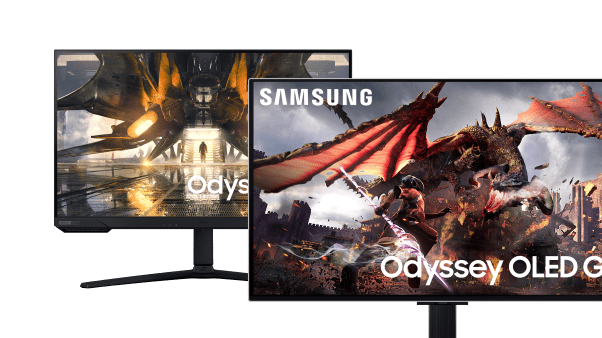
All Samsung gaming monitors
All Samsung monitor deals
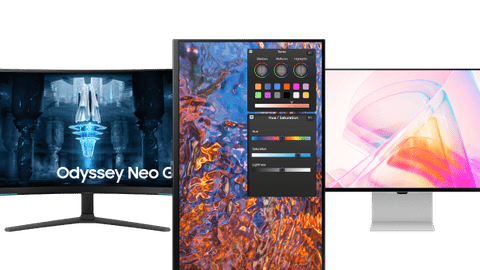
All Samsung monitors
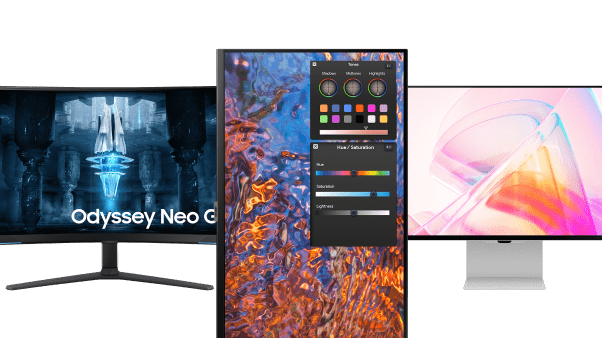
View all Samsung product series here
Essential
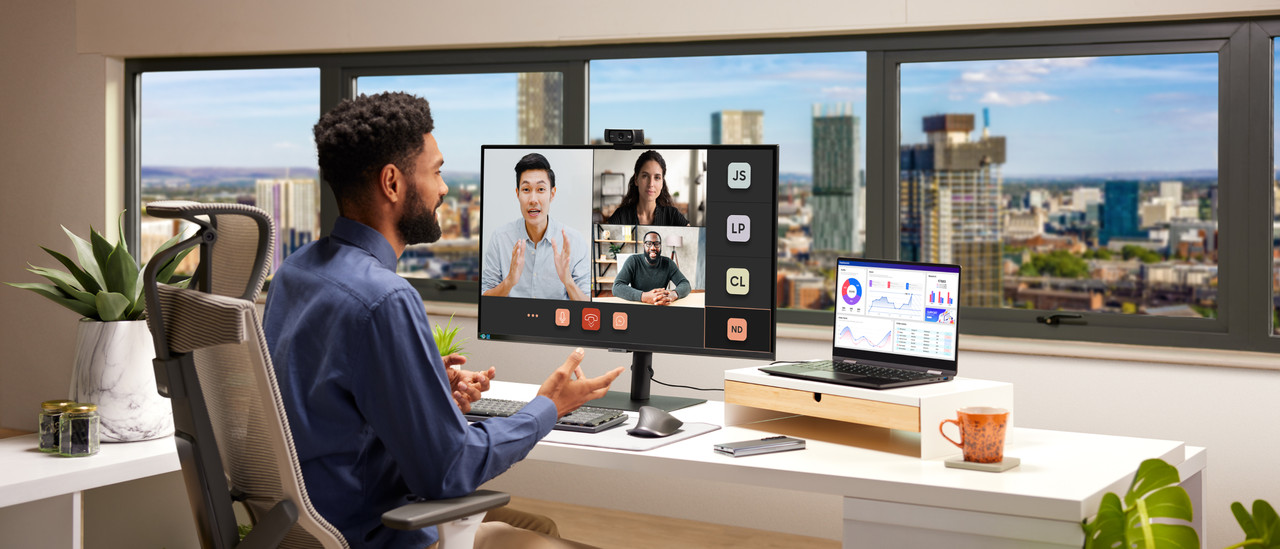
The Samsung Essential monitors are suitable for working from home thanks to the built-in HDMI ports. This way, you can connect more monitors to the screen.Viewfinity
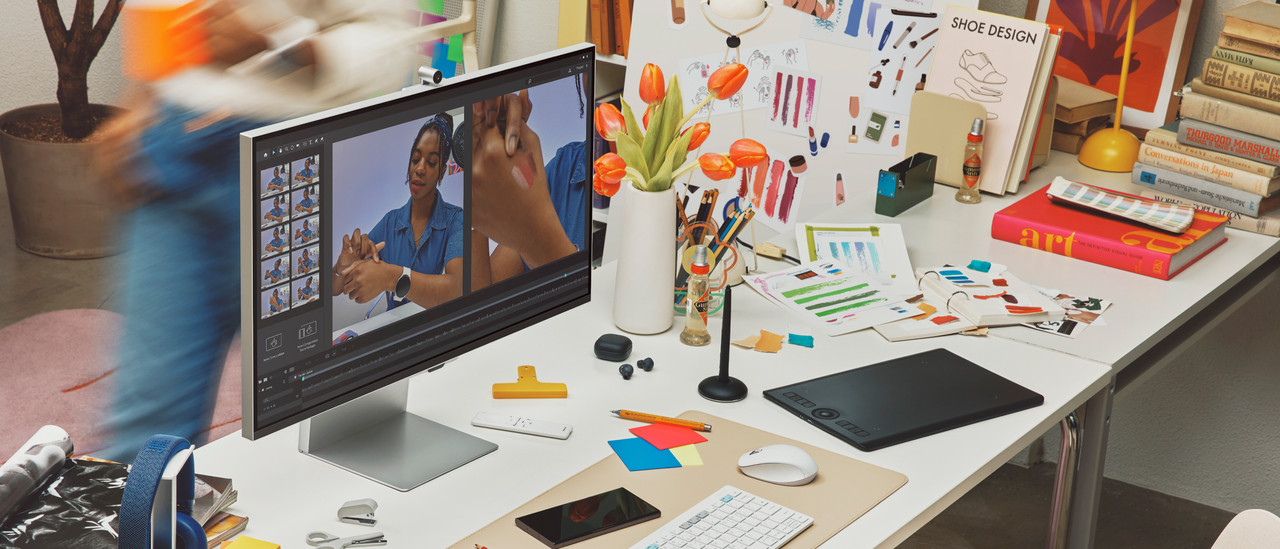
You can use ViewFinity monitors for photo and video editing. Thanks to the HDR support, you work with bright and realistic colors.Smart
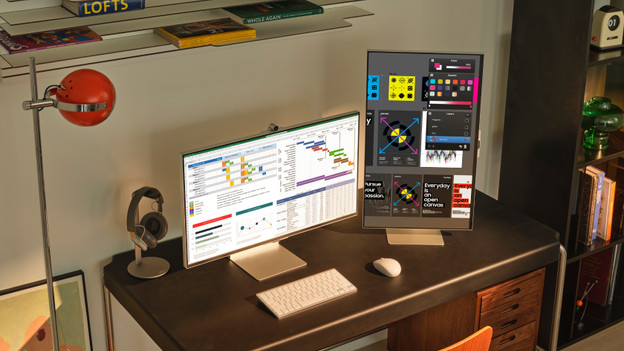
Samsung smart monitors have television functions. You can stream movies, series, and Office 365 documents to your monitor, for example.Odyssey
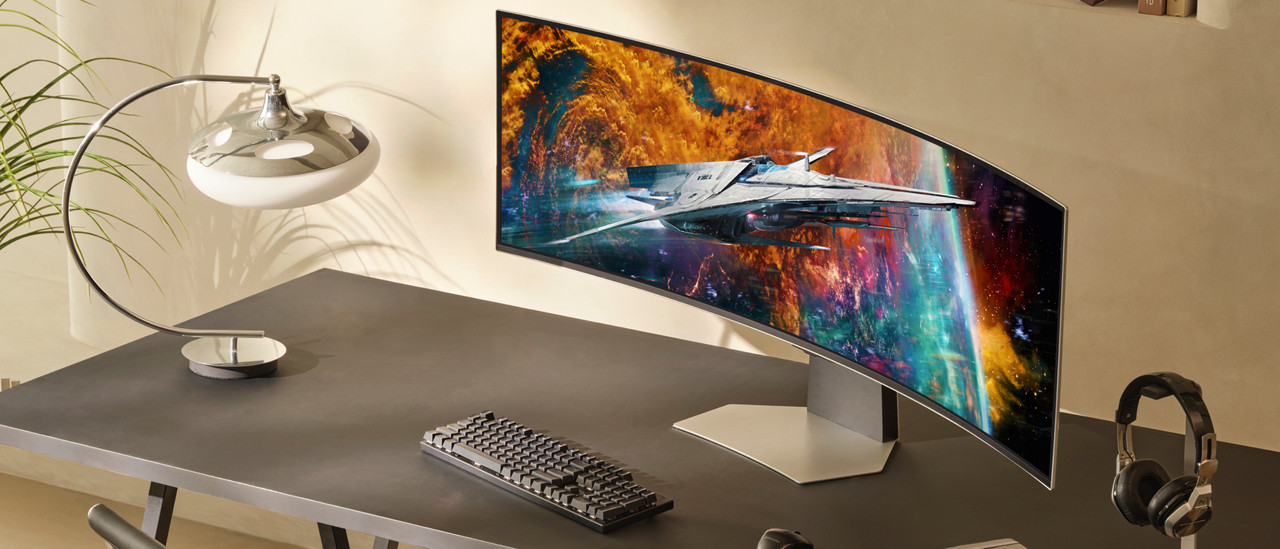
As a gamer, chose an Odyssey monitor for its large screen, high refresh rate, and low response time. That way, you can see opponents come into frame quickly and sharply.
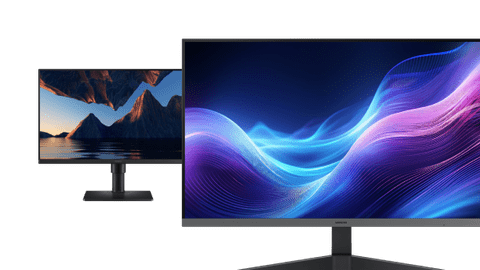
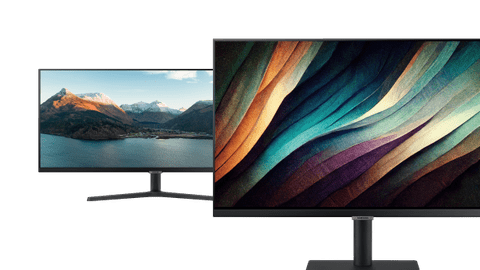
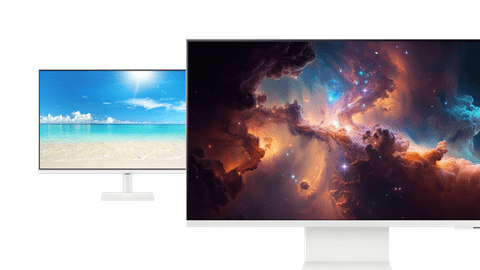
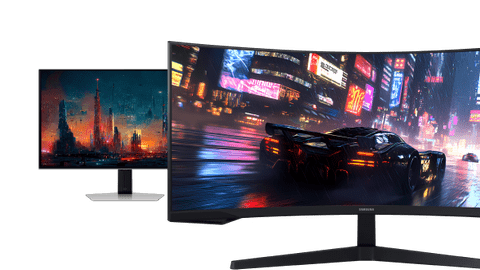
Choose the Samsung monitor for your usage situation
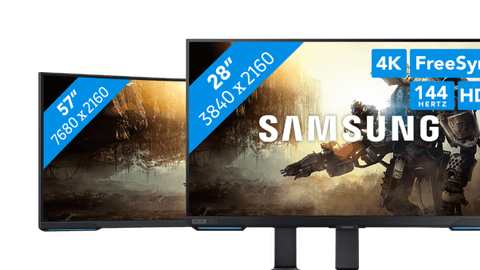
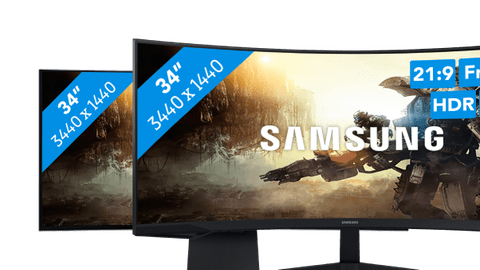
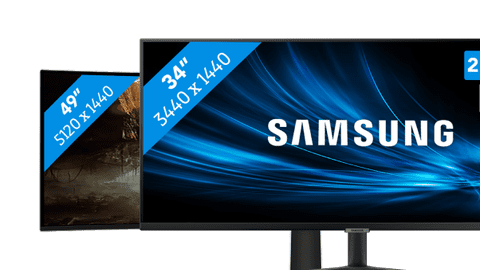
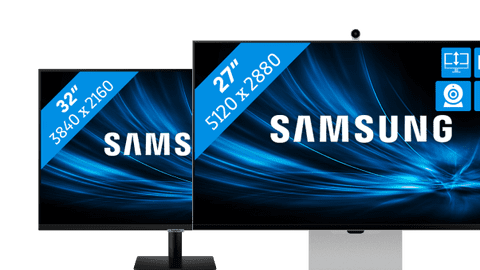
Choose a Samsung monitor
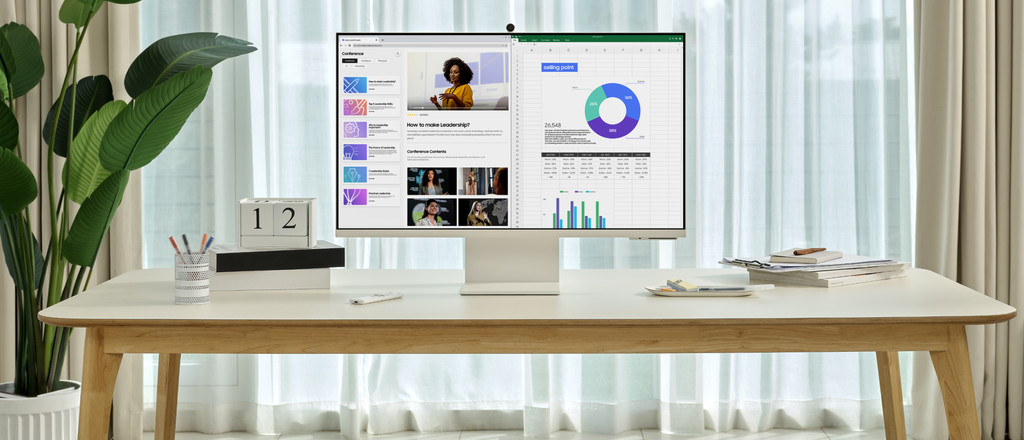
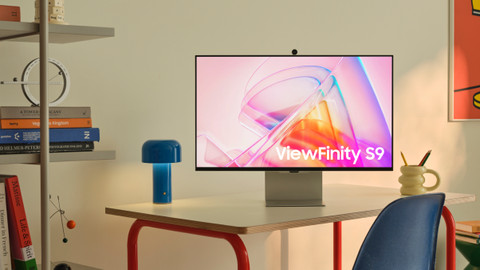
How do you choose the Samsung monitor that suits you?
Help choosing
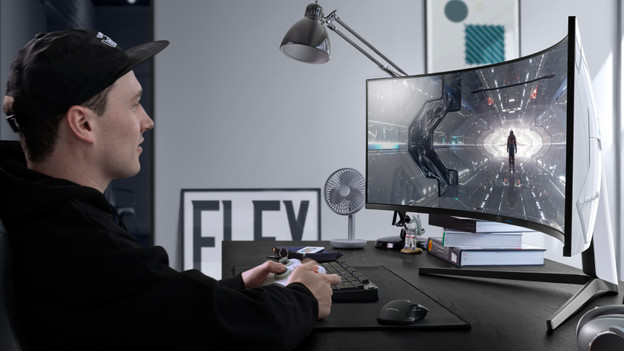
How do you choose the right Samsung gaming monitor?
The Odyssey series are the gaming monitors by Samsung. You can choose a Samsung gaming monitor based on which games you play on there. Do you play shooters or racing games? Choose a monitor with a high refresh rate. If you like open world games, a screen with a high resolution is the best choice. We'll explain what to keep in mind.
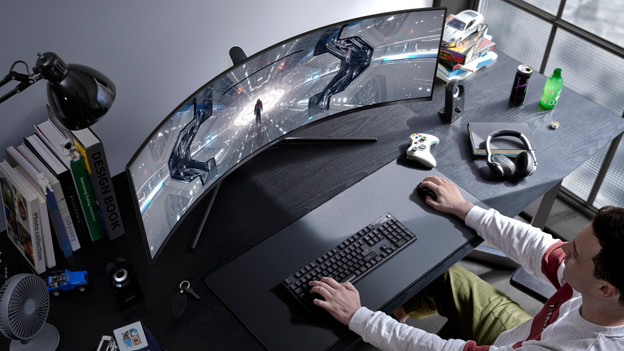
Compare the Samsung Odyssey G7, G85 OLED, and G9 OLED gaming monitors
The G7, G85 OLED, and G9 OLED are 3 Odyssey monitors that provide a unique gaming experience. Choose the G7 if you game with 4K images. This is great if you play open world games. The G85 and G9 have an OLED panel, so the colors of your game are lifelike. There are more differences to keep in mind. You can read which of these 3 monitors suits you here.
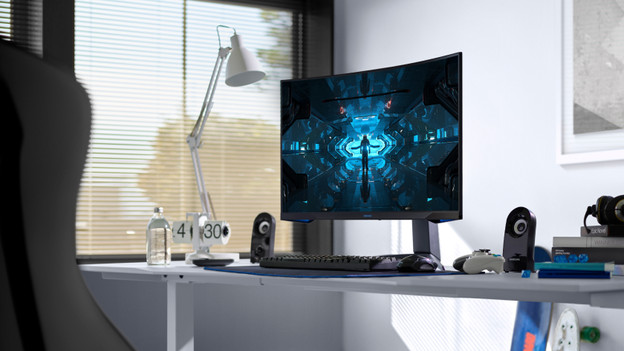
Everything on Samsung Odyssey G9, G7, and G5 monitors
There are different Samsung Odyssey series. For example, the G9 monitors that have a 49-inch screen size. These are super ultrawide monitors that allow you to see the complete playing field. The G7 monitors have a smaller size between 27 and 32 inches and have a 4K resolution. The G5 is the same size as the G7 and has a Quad HD or Full HD resolution. Curious about all differences between the Odyssey monitors? We'll list them for you.
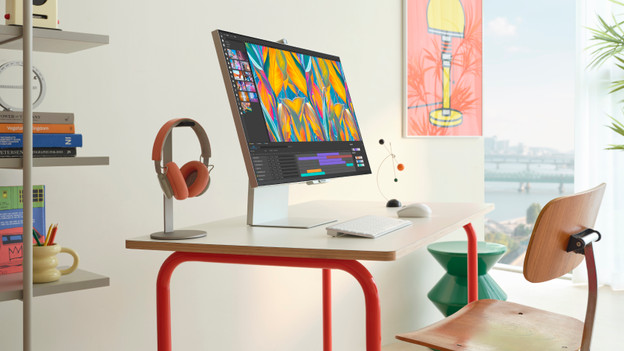
Everything on the ViewFinity monitor
If you edit photos or videos, a Viewfinity monitor is the choice for you. These screens have a resolution up to 5K. Thanks to this, you can edit photos and videos up to the smallest details and they look razor-sharp. The ViewFinity monitors are large, so you can open multiple programs at the same time side by side. This way, you can keep an overview of your work. Want to know more about the benefits of a Viewfinity screen? We'll explain it for you.
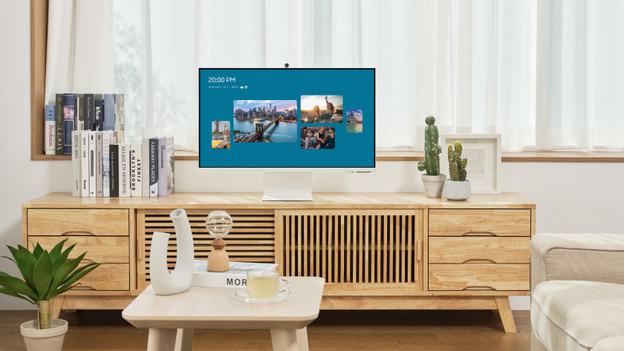
How do you choose a Samsung monitor that suits you?
There are several types of Samsung monitors for every usage situation. That's why you have to keep in mind what you use a monitor for. Choose a business model if you do you daily work on a monitor. The Odyssey monitors are the screens for gamers because of the high refresh rates. There are enough options. We'll give you advice on what to keep in mind when you choose a Samsung monitor.
Highlighted Samsung monitor

Samsung ViewFinity LS34C652VAUXEN
Edit photos and videos in Adobe programs on the Samsung ViewFinity LS34C652VAUXEN 34-inch curved monitor. With the QHD resolution, the screen of this monitor is 2 times sharper than Full HD.
View which setup fits your usage situation the best here
Complete your Samsung monitor
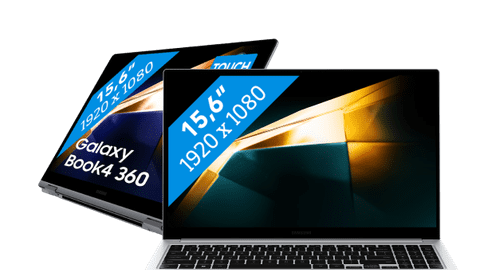
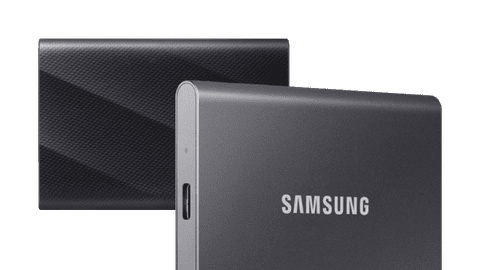
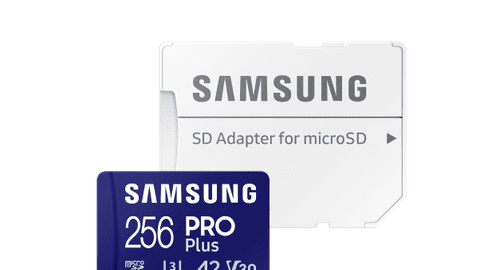
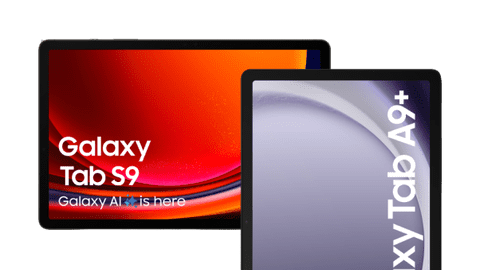
You can complete your setup with a Samsung laptop or tablet. With a laptop, you can increase your screen space so you have an even better overview of your work. Want to always have your important files near? Choose an external SSD or memory card. You can easily connect it with your laptop or computer.
FAQ
What are the differences between the Samsung product series?
Choose a Samsung Home office monitor if you work from home. These monitors are ergonomically adjustable, so you can keep working longer. You can use a Viewfinity screen for photo and video editing thanks to the high resolution and the good color depth. Choose an Odyssey if you game a lot.
What should I keep in mind when buying a Samsung gaming monitor?
It's important that you know what type of games you're going to play on the monitor. If you play fast online games like shooters, a high refresh rate and a low response time is more important than having the best resolution. If you like to play open world games with a powerful desktop, a high image quality is better.
Which connectors does my new monitor require?
This depends on your usage situation. You can use HDMI for all purposes, but DisplayPort is more suitable for gaming and image editing thanks to the higher bandwidth. With a USB-C port, you can organize your desk in one go and also charge your external appliance directly.

Advice on Samsung monitors
Can't choose? View the advice from our expert.