Written by Isa
Edited on
9 October 2026
·
10:04
Compare the Philips Hue Bridge Pro to the Bridge
The Philips Hue Bridge Pro is the new internet bridge from Philips Hue. It allows you to connect 150 lights to the internet, which is 3 times as much as with the regular Philips Hue Bridge. You can also turn your lights into smart sensors. In this article, you can read all about the differences between the old and new Philips Hue Bridge.
Comparison Philips Hue Bridge Pro and Philips Hue Bridge
| Philips Hue Bridge Pro | Philips Hue Bridge | |
|---|---|---|
| Number of connected lights | 150 | 50 |
| Number of connected accessories | 50 | 12 |
| MotionAware function | Yes | No |
| Connection with Matter | Yes | Yes |
| Connection to the internet | Wired via Ethernet cable, wireless via WiFi | Wired via Ethernet cable |
| SpatialAware function | Yes | No |
Connect devices

Bridge Pro: 150 lights and 50 accessories
Via the Philips Hue app on your smartphone, you can connect your Hue lights and other accessories to your smartphone. You can connect 150 lights to the Bridge Pro. You can also add up to 50 accessories. Switches, sensors, and smart plugs, for example.
Bridge: 50 lights and 12 accessories
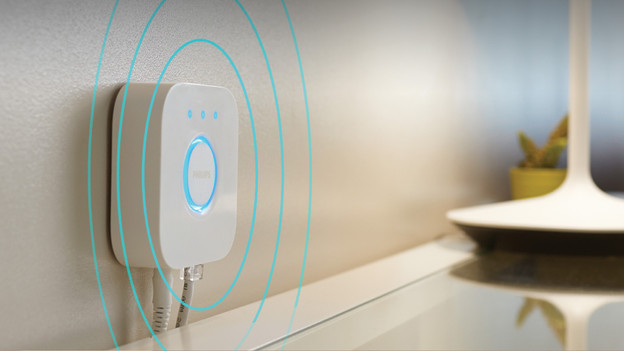
With the regular Bridge, you can connect up to 50 lights and 12 accessories to your smartphone. Do you have more devices? You can add an extra bridge via the Hue app You can do so via the settings. You don't need an extra Philips Hue subscription.
Smart sensors

Bridge Pro: built-in sensors
With the Bridge Pro, your lights get the Hue MotionAware function. That way, you can turn the lights into motion sensors. When you walk by, the lights turn on automatically. If there's no movement, they'll turn off again. That way, you never get home in a dark house and you never leave the lights on unnecessarily. This function is also useful to scare off intruders. MotionAware works best with 3 to 4 Philips Hue lights per room.

Bridge: only separate sensors
The MotionAware function doesn't work with the regular Hue Bridge. You need separate motion sensors. These sensors work on batteries, so they drain after some time. If you have more than 12 sensors because you want multiple sensors per room, you can't connect all of them to 1 bridge. You need an extra bridge for that.