Written by David
Edited on
16 July 2025
·
10:32
Everything on ASUS ROG gaming laptops
Gaming laptops often differ from 'normal' laptops in terms of a number of features that are supposed to make you a better gamer. This is also the case for the ROG (Republic of Gamers) laptops by ASUS. In this article, you can read what's unique about ASUS ROG laptops. That way, you'll know if an ASUS ROG laptop is suitable for you.
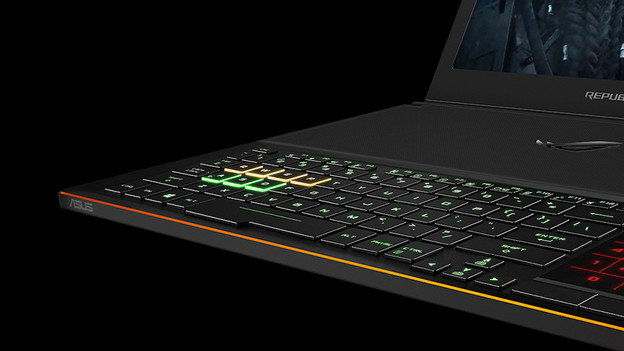
Gaming keyboard
The WASD keys on a ROG keyboard come out even better thanks to the distinguishing colors. This allows you to quickly see where you should place your fingers and you're less likely to make mistakes. More expensive models also have macro keys and an anti-ghosting keyboard. Thanks to the anti-ghosting technology, the keyboard responds to multiple keystrokes at the same time. As a result, no input is ever skipped.
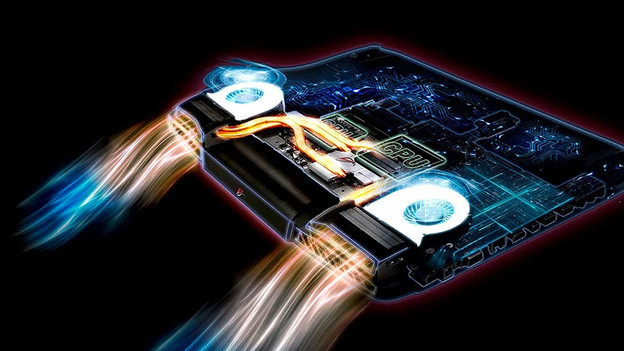
HyperCool technology
HyperCool is a system with fans and heatsinks that keeps the processor and video card cool. This ensures a better gaming performance and makes sure the laptop doesn't overheat during long sessions with graphically demanding games. A laptop won't stay really cool while you play a graphically intensive game, but the HyperCool technology makes sure the temperature stays within limits.
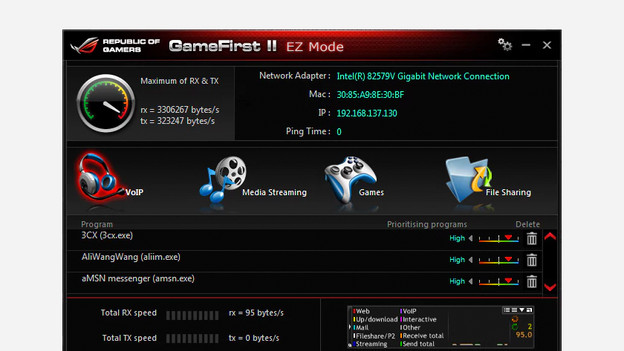
GameFirst
You don't want a faltering internet connection during online gaming. ASUS came up with GameFirst as a solution. This is a system that lets you prioritize gaming data over other data going through your Ethernet or WiFi connection. You can also keep track of the internet usage and the signal.
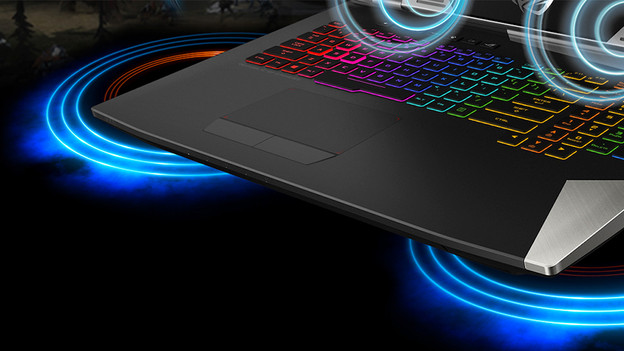
SonicMaster
ASUS SonicMaster speakers produce a relatively purer and clearer sound than regular laptop speakers. While playing an exciting mission or watching an epic movie, this is a great advantage. It allows you to immerse yourself into the game or movie better.
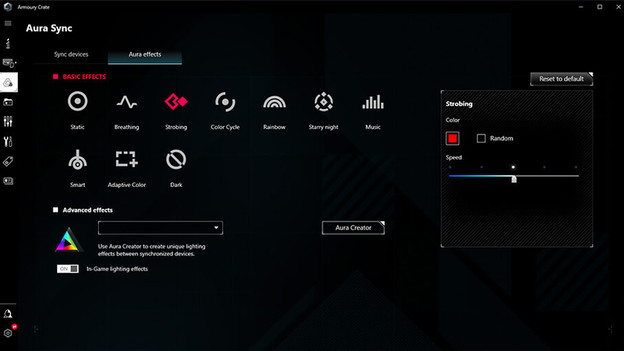
Armoury Crate
Armoury Crate is specially developed for gamers. With this free software by ASUS, you can track the performances of your gaming laptop. You can also adjust the settings, like the RGB lighting of your laptop. That way, you can decide the way you want to game.
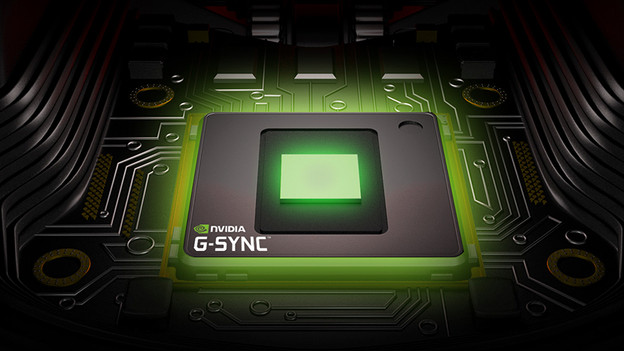
G-Sync screen
G-Sync makes the monitor and video card work together better, so you'll no longer experience tearing or stuttering. G-Sync has proved its value for gamers a long time ago already. It really helps to prevent your gameplay from being interrupted. The more expensive ROG laptops have G-Sync, which is a great advantage.
Conclusion
The extras and features of the ASUS ROG are good, but the video card and a fast screen are the things that count. Especially when playing shooters or graphically demanding games, these are important properties of a gaming laptop. I recommend you to choose based on these 2 properties when you consider purchasing a gaming laptop. If you often play this type of fast or demanding games, an ASUS ROG gaming laptop is something you should consider. If you mostly play lighter singleplayer games, you won't necessarily need the benefits of an ASUS ROG.
View the different ASUS ROG models
- ASUS ROG for light games
On this laptop, you can play light games and stream your gameplay in Full HD.
Thanks to the refresh rate, you can play fast shooters and racing games.
A GTX video card is less future-proof than an RTX video card.
From
1.399,-
- ASUS ROG for medium demanding games
On this laptop, you can play medium demanding games and stream your gameplay in Full HD.
Thanks to the refresh rate, you can play fast shooters and racing games.
Due to its size, a 17-inch laptop is less easy to take with you.
From
1.249,-
- ASUS ROG for demanding games
On this laptop, you can play demanding games, game in VR, and stream your gameplay in Full HD.
Thanks to the refresh rate, you can play fast shooters and racing games.
To stream your gameplay in 4K quality, we recommend 32GB RAM.
From
2.599,-
Article by David
Laptop Expert.