Gaming laptops
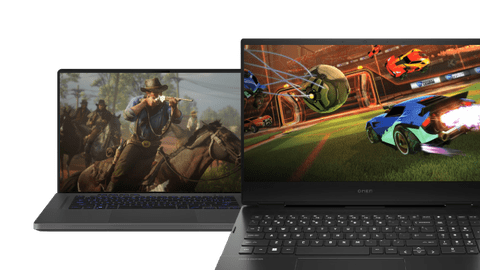
Which gaming video card do you need?
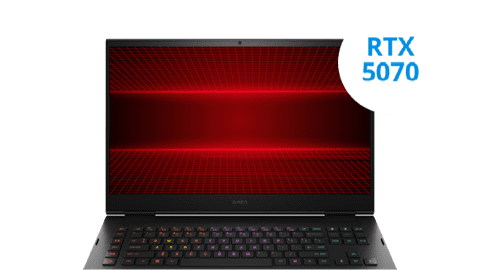
Gaming laptops with NVIDIA GeForce RTX 5070
A gaming laptop with an NVIDIA GeForce RTX 5070 video card is suitable for playing demanding games in Full HD quality with DLSS support on. For example, games like Microsoft Flight Simulator 2024 and Starfield.Gaming laptops with NVIDIA GeForce RTX 5060
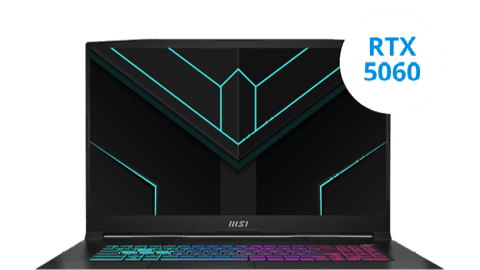
You can smoothly play medium demanding games without DLSS support with an NVIDIA GeForce RTX 5060 gaming laptop. This video card has more power, so you can play more smoothly and you don't need extra support.Gaming laptops with NVIDIA GeForce RTX 5050
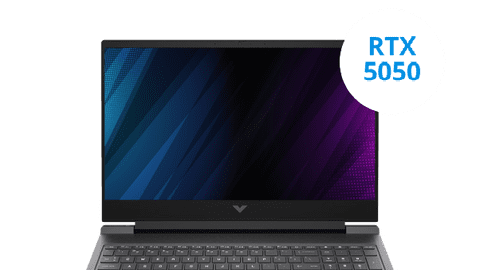
With an NVIDIA GeForce RTX 5050 video card, you can smoothly play your favorite medium demanding games in Full HD with DLSS support turned on. For example, games like Hogwarts Legacy and Cyberpunk 2077. You can play all light games without DLSS on.Gaming laptops with NVIDIA GeForce RTX 5070 Ti
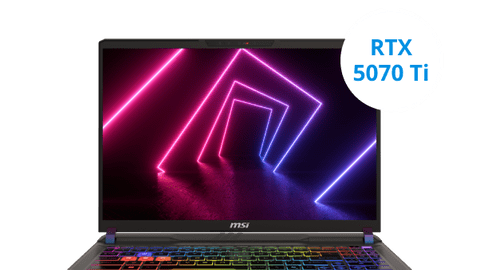
You can play your favorite demanding games in Full HD and enjoy all details with a gaming laptop with an NVIDIA GeForce RTX 5070 Ti video card. Thanks to the larger RAM and more power, you can smoothly play these demanding games without DLSS support. You can also play games in Quad HD with DLSS turned on. This way, you can see even more details.Gaming laptops with NVIDIA GeForce RTX 5080
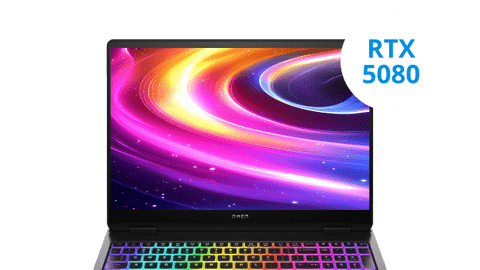
With an NVIDIA GeForce RTX 5080 gaming laptop, you can smoothly play all games in Quad HD. You can also get started with light 4K gaming with DLSS support turned on and add graphic packs to your games. This way, you can smoothly keep gaming at at least 60 fps and enjoy more details in your games.Gaming laptops with NVIDIA GeForce RTX 5090
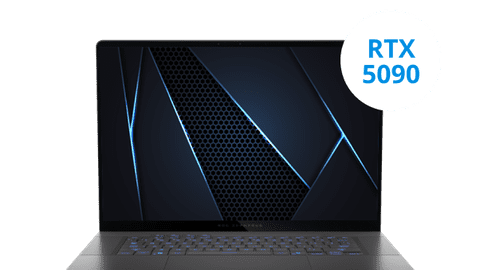
With an NVIDIA GeForce RTX 5090 gaming laptop, you can get everything out of your games and you can even play the most demanding games at 60 fps in 4K. Thanks to the large RAM and the high power, you can play all games with the highest settings. With demanding graphic packs, you can also enjoy a stable number of fps.NVIDIA GeForce RTX 5000 series
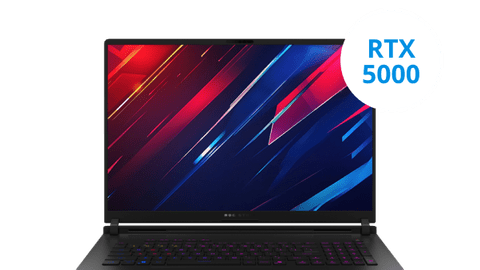
With an NVIDIA RTX 5000 video card in your gaming laptop, you can play your favorite games with sharp and smooth images.






Free CONTROL Resonant with your gaming laptop
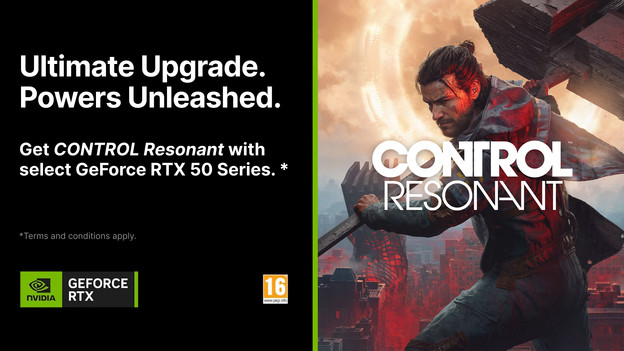
If you buy a gaming laptop with an NVIDIA GeForce RTX 5090, 5080, 5070 Ti, or 5070 video card, you receive the game CONTROL Resonant for free. This promotion is also valid if you buy a separate video card or gaming PC with one of these video cards. In this article, we'll explain how you get CONTROL Resonant for free and what the Terms and Conditions of the promotion are.
Which games do you want to play on your gaming laptop?

Light games
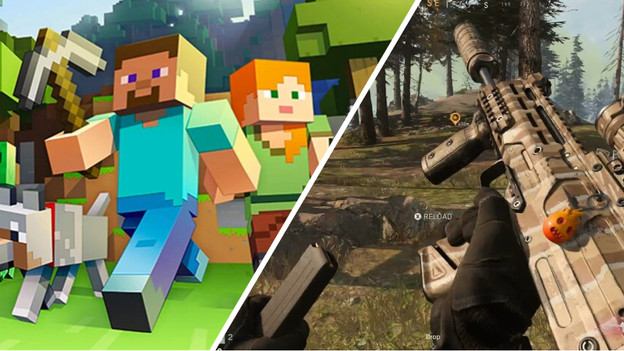
For light games like Fortnite and Minecraft, you don't need a demanding video card or processor. An RTX 3050 or RTX 4050 is powerful enough when you play these games in Full HD at at least 60 fps. You can also play older games smoothly at higher settings, like GTA V in Quad HD. Want to start streaming as well? Choose a gaming laptop with at least 16GB RAM. This way, you can smoothly run multiple programs without slowing down.
Medium demanding games
Medium demanding games like Hogwarts Legacy and Cyberpunk 2077 need a more powerful video card. That's because of the larger number of details and visuals in the game. We recommend an RTX 5050 or RTX 5060 gaming laptop for this. Also play older games? Easily add graphic packs and enjoy more realistic images. You can also use the laptop for graphic design and streaming. The large RAM of these laptops is powerful enough for that.

Demanding games
We recommend gaming laptops with an RTX 5070 video card or higher for the most demanding games like Microsoft Flight Simulator and Starfield. These games have many detailed and moving images with a vibrant world around you. Because of this, your video card needs enough processing power for smooth gameplay. With an RTX 5080 video card, you can also play these games in 4K with DLSS turned on. Want to play every game at the highest settings? Choose an RTX 5090 gaming laptop.
What's the difference between RTX 5000 and RTX 4000?
In this video, our expert explains the differences between the RTX 5000 and 4000 video cards. Want more advice? Read in the articles below more about NVIDIA video cards.
Advice on gaming laptops
How do you choose a gaming laptop?
Read how to choose the best gaming laptop for you here.Everything on gaming laptops with RTX video card
We'll tell you everything about gaming laptops with an NVIDIA GeForce RTX video card here.Complete your gaming laptop setup
Read everything on completing your gaming laptop setup.More advice on laptops
You can find all our advice on laptops here.
View the NVIDIA Slim gaming laptops
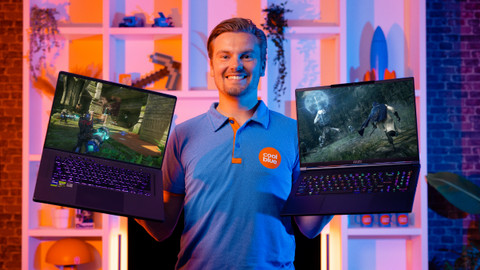
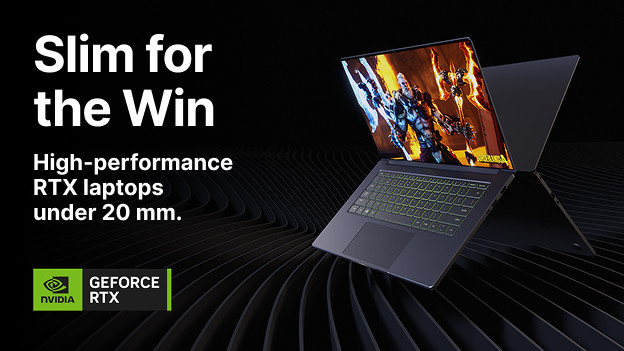
Combine the power of a gaming laptop with a thin and light design with an NVIDIA Slim gaming laptop. A 14-inch NVIDIA Slim gaming laptop doesn't weight more than 2kg, while a 16-inch laptop doesn't way more than 2.3kg. They keyboard isn't thicker than 2cm, so you can easily take these gaming laptops with you. This is useful when you also use the gaming laptop for your work, or wen you want to take it with you to a gaming tournament. You can enjoy bright colors thanks to the 300-nit minimum brightness. This way, you can make accurate edits in your photos and videos.
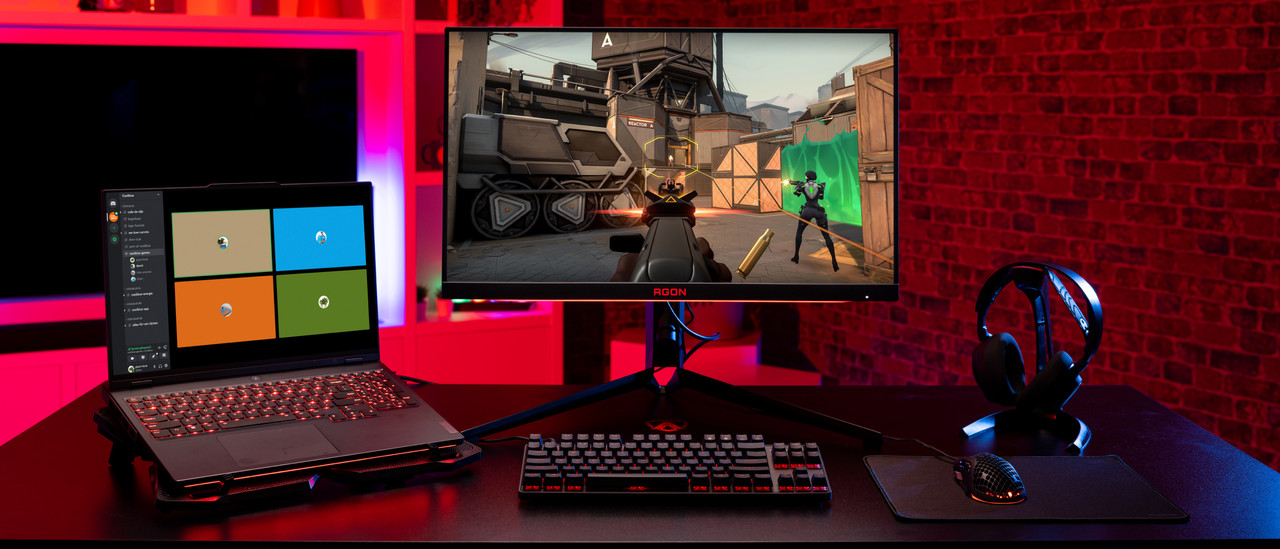
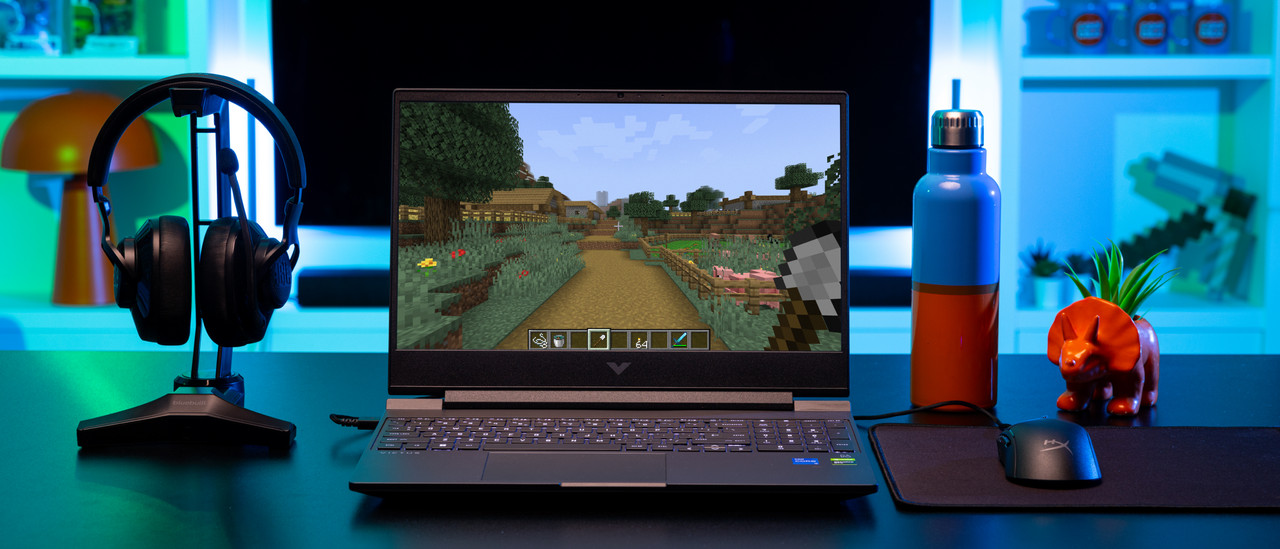
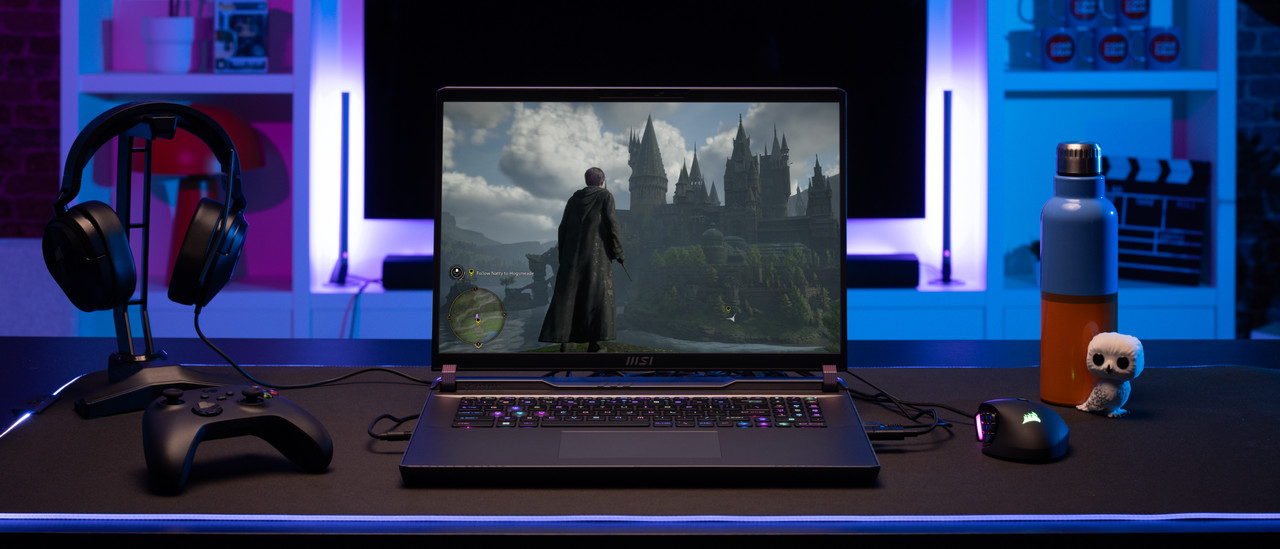
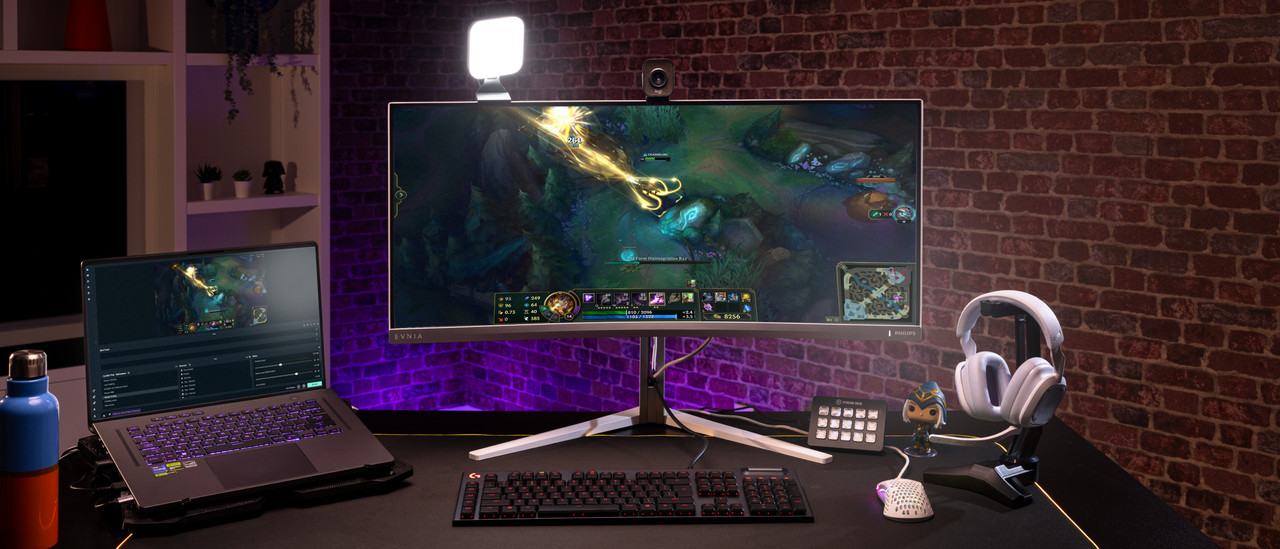
View which gaming laptop setup suits you best here
FREQUENTLY ASKED QUESTIONS
How do I choose a gaming laptop?
It's important to know what you're going to use your new gaming laptop for. Do you play light, medium demanding, or demanding games? And do you want to stream your gameplay as well to your followers and friends? Also think about the inch size you're looking for.
What video card do I need?
This depends on the game you want to play. If you only play light games, a GTX 1650 or RTX 2050 video card is sufficient. For medium demanding games, we recommend at least an RTX 3050 or RTX 4050 video card. If you also play demanding games, you need at least an RTX 3070 or RTX 4070. You choose an RTX 4090 if you want to play al games at the highest settings.
Which games can I play with my gaming laptop?
Which games you can play, mainly depends on the video card, the processor, and RAM of your laptop. Use the games filter on the page below, so you can see which gaming laptop you need for your games.
What size gaming laptop do I need?
Go for a 15-inch or 16-inch laptop if you use your laptop mostly on your desk, but do take it with you sometimes. Looking for a large laptop that you only use in a single spot like your desk? Choose a 17 or 18-inch laptop.
How do I complete my gaming laptop setup?
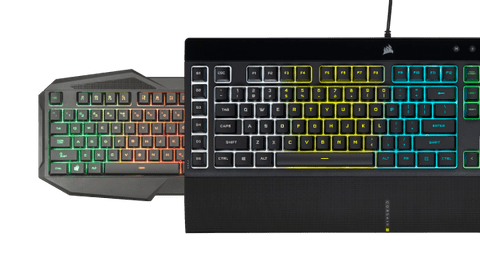
This depends on the type of gamer you are. If you are mostly a casual gamer, a gaming mouse and mouse mat are probably sufficient for you. Do you play online with friends? Go for a headset as well. For more avid gamers, we recommend a gaming monitor and keyboard as well.
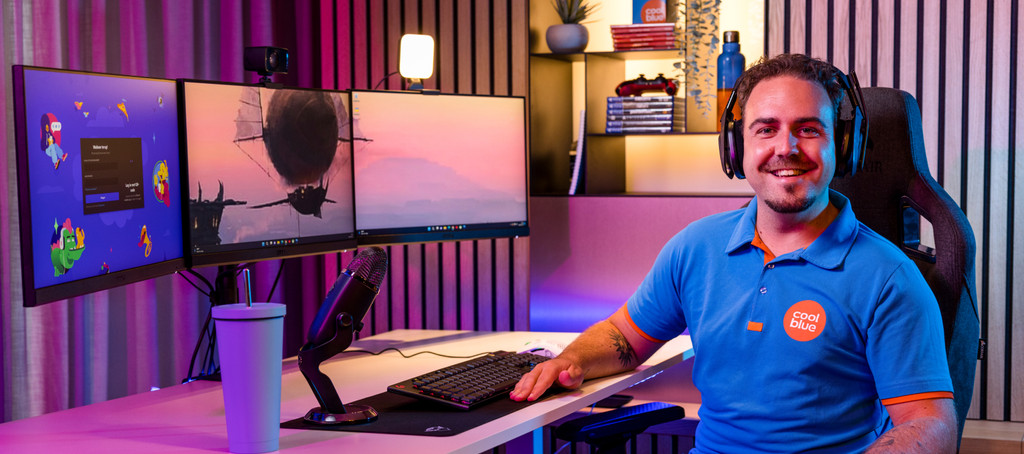
Complete your gaming laptop setup

Advice on Gaming laptops
Can't choose? View the advice from our expert.