Lenovo gaming laptops

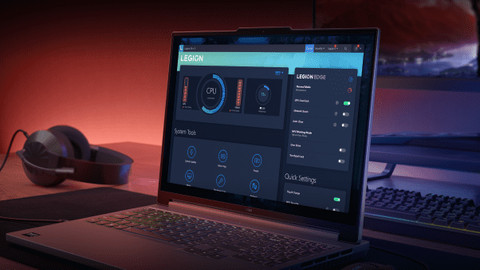
Our Lenovo gaming laptops assortment
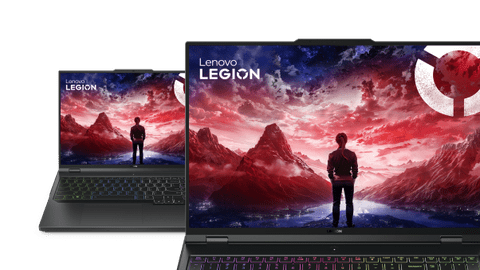

Compare the Lenovo gaming laptop product series
The best cooling and fastest refresh rate
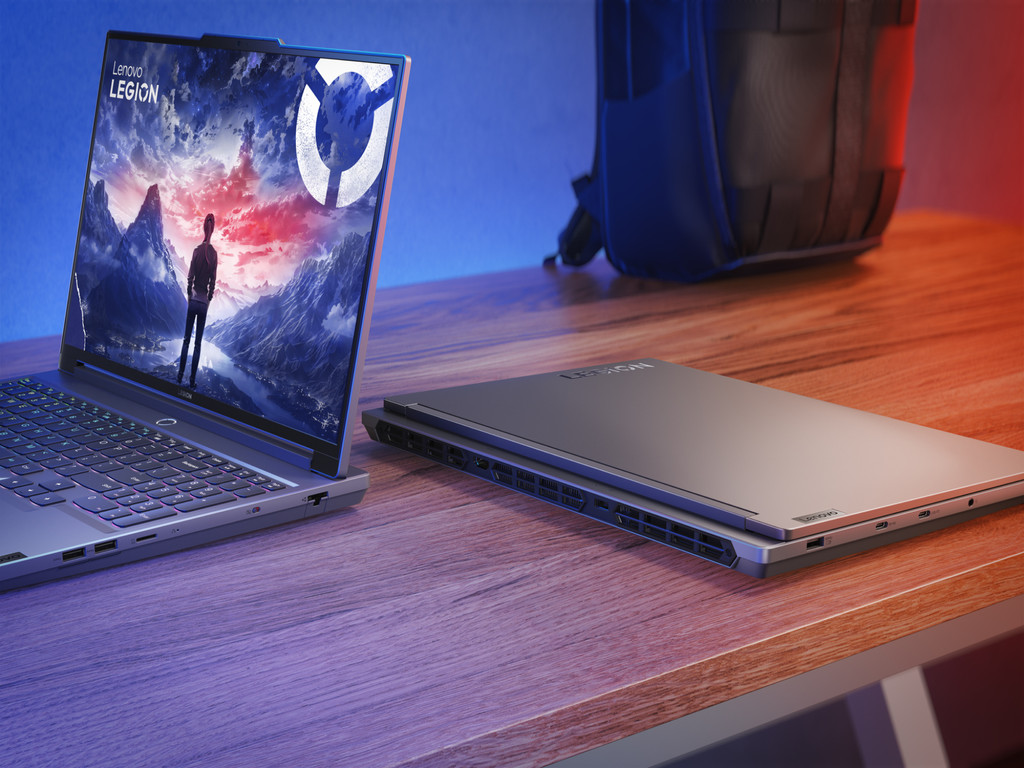
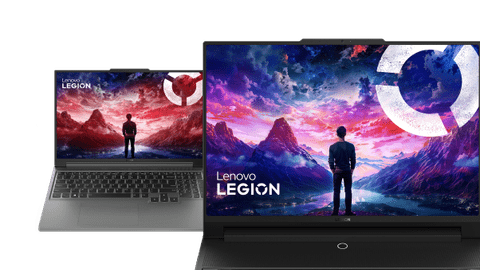
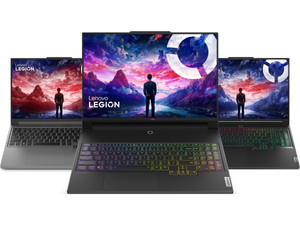
You can play in your own style and with the fastest images on a Lenovo Legion 7 gaming laptop, which also stays cool during demanding gaming.
You can see all details of your games colorfully on the OLED display.
Thanks to the fully metal casing, you don't have to worry about scratches and damage to the laptop even when it falls.
You can adjust the colors on the keyboard per key, so you can enjoy a true light show while you game.
Because the cooling system has special cooling chambers, the laptop remains cooled when you game at the highest settings.
Sturdier casing with backlit keyboard
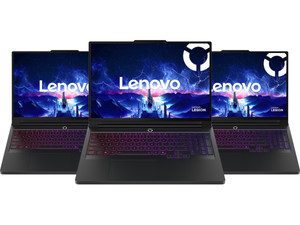
With a Lenovo Legion Pro 5 gaming laptop, you don't have to worry about scratches and can enjoy a light show while you game thanks to the backlit keyboard.
You can see all details of your games colorfully on the OLED display.
Thanks to the fully metal casing, you don't have to worry about scratches and damage to the laptop even when it falls.
The built-in RGB LED lighting in the keyboard gives your setup a full gamer look.
Gaming laptop with a sturdier casing
Don't miss any detail of your game and don't worry about scratches with the Lenovo Legion 5.
You can see all details of your games colorfully on the OLED display.
Thanks to the partially metal casing, you run less risk of scratches or damage.
From
to2.199,-
2.599,-
Starter gaming laptop
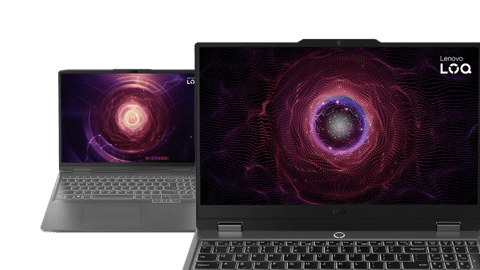
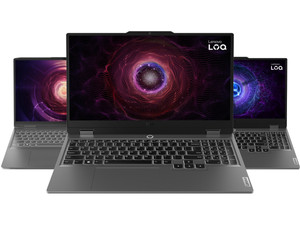
You can smoothly play your favorite light games with the Lenovo LOQ gaming laptop, but it struggles with demanding games.
With the high refresh rate, you can see fast-moving images smoothly while you game.
From
to1.299,-
2.199,-

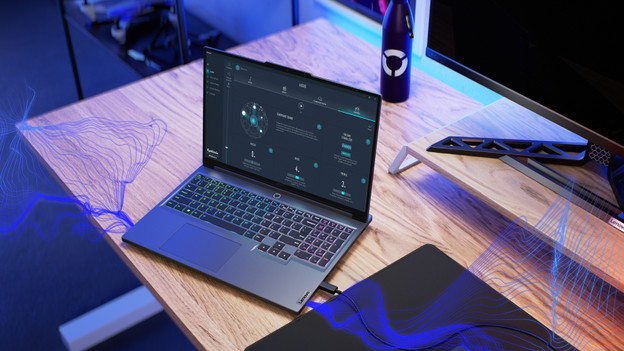
Lenovo Hyper Chamber cooling
Your Lenovo gaming laptop heats up quickly while you game, sometimes even up to 80°C. With the new Lenovo Hyper Chamber Cooling technology, this won't bother you anymore. This way of cooling lowers the temperature makes the fans in your laptop more silent, even when you game at the highest settings.

Lenovo LA chip: make your gaming experience smarter with AI
Enjoy an extra smart gaming experience with the new Lenovo LA AI chips. These AI chips automatically adjust the number of frames so you experience less lag while you game, for example. This chip also scans how demanding your use of the laptop is, after which it decreases or increases the energy consumption. The battery lasts longer this way, and you can keep on gaming undisturbed.
Our advice on Lenovo gaming laptops
Compare the Lenovo gaming laptops
View the differences between the Lenovo LOQ, Lenovo Legion, and Lenovo Legion Pro here.What's Lenovo Vantage?
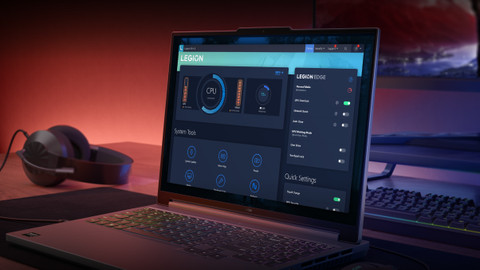
Read everything on the included gaming software names Lenovo Vantage hereWhat video card do I need?
The video card you choose depends on the games you want to play. On this page, we'll explain how you can make the best choice.All advice on Lenovo laptops
Read all our advice on Lenovo laptops here

You view Lenovo gaming laptops in the stores

View which stores have Lenovo laptops here
You can choose a laptop more easily when you actually see it in the store. Experience which size suits you best. We welcome you in Almere, Amsterdam, Arnhem, Breda, Den Bosch, The Hague, Eindhoven, Groningen, Haarlem, Hengelo, Leeuwarden, Leiden, Nijmegen, Rotterdam, Tilburg, or Utrecht.

Every month | Coolblue explains: Windows laptops
Visit our laptop presentation. During this product presentation, our laptop experts will tell you everything on laptops. Learn about the differences in performance, product series, and screens of Windows laptops. This can help you find the best laptop for you. Want to buy a laptop afterwards? We're happy to offer you a discount.

Laptops store event
During this product presentation, our laptop experts will tell you everything on laptops. Learn about the differences in performance, product series, and screens of Windows laptops and Chromebook models. This can help you find the best laptop for you. Want to buy a laptop afterwards? We're happy to offer you a discount.

Advice on Lenovo gaming laptops
Can't choose? View the advice from our expert.