Written by Bonne
Edited on
23 June 2025
·
13:49
Mount your TV and wall mount in 4 steps
You've bought a wall mount to mount your TV to the wall. How do you get started? To make it easy for you, I've listed all the steps you should take. Follow these instructions and your TV will be mounted to the wall in no time.
Collect the materials you need
Take everything out of the box of your wall mount. You'll probably have some installation materials left when you're done. That's because you usually get materials for various TV sizes. Do you have a large TV that you can't lift by yourself? Make sure there's someone in the room with you to help you.
These items aren't included in the box, but you do need them:
- Crosshead screwdriver
- Flat screwdriver
- Hammer
- Wrenches
- Drill or impact drill
- Vacuum
- Stone or wood drill bit in the same size as the wall mount plugs
- Spirit level (if not included with wall mount)
- Pencil
- Measuring tape
- Wall scanner (optional)

Step 1: attach the frame of the wall mount to the TV
Place the TV on a soft and stable surface with the screen facing down. Use a cloth or mat if you're placing the TV on the floor or on a table. Look for the right bolts in the wall mount's packaging and attach the strips or mounting interface to your television. Make sure that the strips or mounting interface doesn't stick out above, beneath, or on the sides from the TV.

Step 2: mark where you want to mount the TV
Mark the drilling holes on the wall. For the ideal height, mount the TV at eye level from your viewing position with the top third part of the screen. A convenient way to determine the exact height is to place the mount on the TV without attaching it. Afterward, you can measure the distance between the screw holes and the bottom of the TV. Mark this distance beneath the screw holes of the wall and you'll know exactly how your TV will be positioned on the wall. Check whether you've drawn the holes on right with the mount and a spirit level.

Step 3: attach the mounting system to the wall
Drill the holes now. The depth is equal to the length of the screw + 1cm. That way, there's always enough space left and the screws won't break. Vacuum the grit from the holes and push the plugs in. Use a hammer if they still stick out a bit. The plugs are always a bit shorter than the screws. After this, you can mount the wall mount with a screwdriver. Some wall mounts can still be moved after you've mounted them. Use a spirit level to get the mount straight.
Step 4: mount the TV to the system with the frame
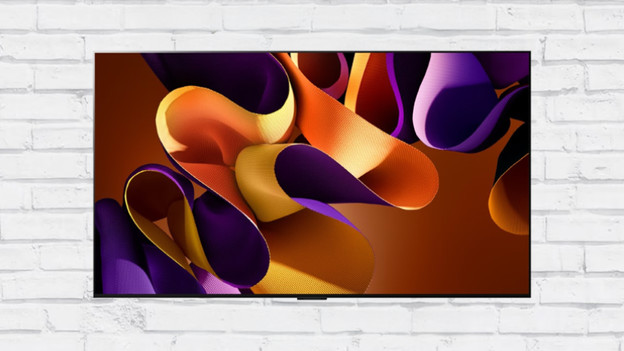
Pick up the television and bring it to the wall. Depending on the mounting system, you can attach the TV to the wall mount.
- Do you have a wall mount with strips? Place the television including strips,in the wall mount. Some systems will make a 'click' sound once you've mounted the television.
- You can mount a swivel arm wall mount by attaching your television to the arm with the adapter.
- Do you own a wall mount that requires you tighten the bolts after installation? Place the spirit level on top of the TV, straighten the screen, and tighten the bolts.

Installation and mounting service
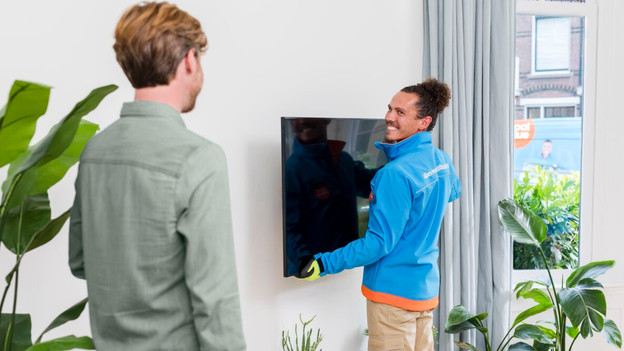
If you buy a television and a TV mount at Coolblue, you can select the installation and mounting service. Our trained delivery drivers are happy to mount the television for you. Click the button below for more information about the service.
Article by Bonne
Television Expert.