Written by Uhro
Edited on
12 March 2024
·
16:01
How do you install a Bold smart door lock?
With the Bold Smart Lock, you replace the cylinder in your front door. In this article, we'll explain how to do this in 5 steps. This way, you can get started with your Bold lock as quickly and easily as possible.
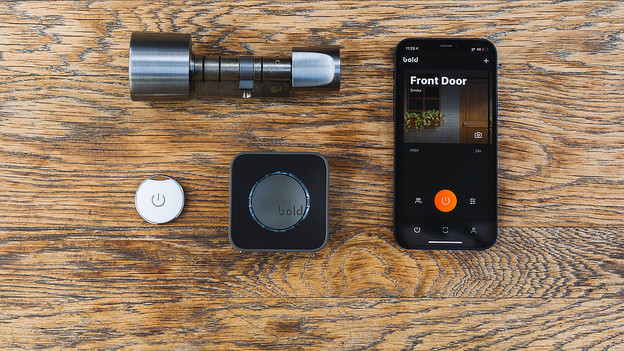
Install Bold door lock in 5 steps
With the Bold Smart lock, you can make the doors in your house smart as well. In this article, we'll explain how to install your new Bold door lock in 5 steps.
- Step 1. Connect to the app
- Step 2. Remove your door knob
- Step 3. Remove the cylinder
- Step 4. Place the smart Bold cylinder
- Step 5. Install the outer button
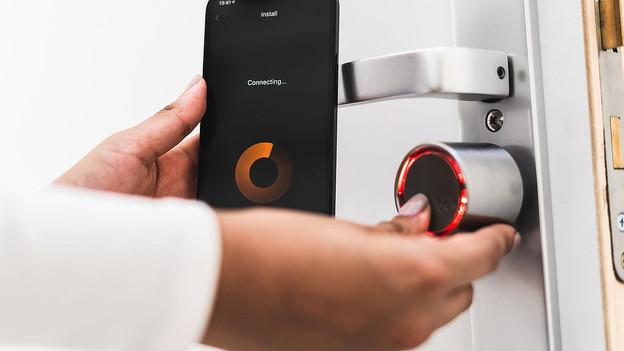
Step 1: connect the Bold lock to the app
You have to connect the Bold smart door lock to the app before the installation. First, download the Bold app in the Play Store or App Store. While it's downloading, remove the protective film from the battery. Once you're logged in in the app, press and hold the inner button of the smart door lock until you hear an audio and light signal. Now, tap the plus sign in the top right corner in the app and go through the steps. Your lock is now connected to your phone
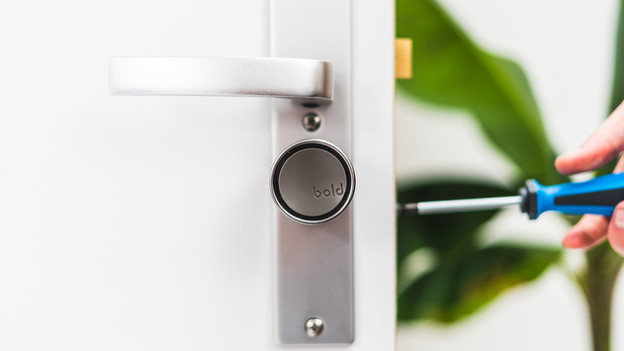
Step 2: remove the door knob
Only remove the door fitting if you have a separate door knob on the front of the door. Do you have a plate with a knob or handle? Skip this step. Loosen the screw to remove the door know. Doesn't that work? Clear the space between the knob and the plate with a Stanley knife. If it's an inside door, you don't have to remove the door fitting. The knob of the Bold Smart Lock covers the fitting.
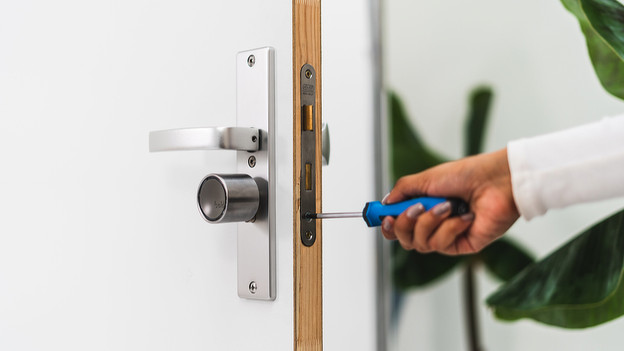
Step 3: remove the cylinder from your door
Loosen the screw of the cylinder to remove it from the door. You'll find this screw on the side of your door. It's more or less at the same height as the bottom of your keyhole. Once you've unscrewed it, put the key in the keyhole. Turn it from in both directions and pull the cylinder towards you. This loosens the cylinder. Do you have a rotary door knob? Follow the same steps, but with the knob.
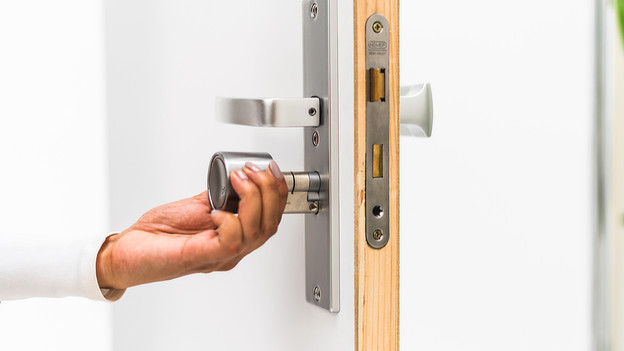
Step 4: place the Bold cylinder
You can now place the cylinder of your Bold Smart Lock in the door. Make sure that the large knob is on the inside. Check whether the cylinder on the outside fits seamlessly on your door fitting. If that's not the case, use one of the included adapters. Did you place the cylinder in your door properly? Turn the knob until you feel it's connected to the lock in your door. After that, tighten the cylinder screw in your door.
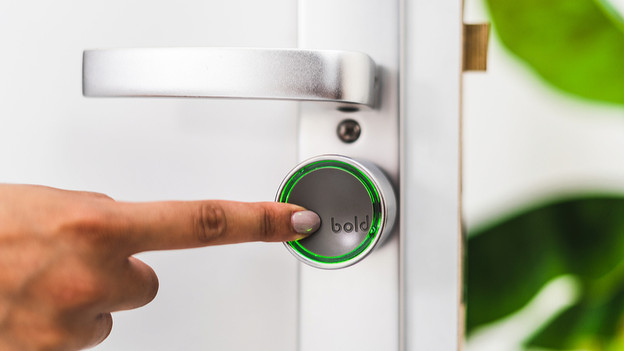
Step 5: install the outside knob
To complete the installation of your Bold lock, you have to install the outside knob. Place it on the cylinder on the outside of your door. Then, tighten the knob with the included hex key. Make sure you place the knob properly, but don't tighten it too much. Now, check whether you can open and lock the door with the app. Repeat this for the inside knob. Doesn't it work smoothly? Go back to step 4.
Article by Uhro
Door Lock Expert.