Written by Uhro
Edited on
12 July 2024
·
15:23
How do you install a Nuki smart door lock?
You've bought a Nuki smart door lock and want to install it as easily as possible. In this article, we'll help you with that. We'll tell you how to install your Nuki door lock in 5 clear steps.
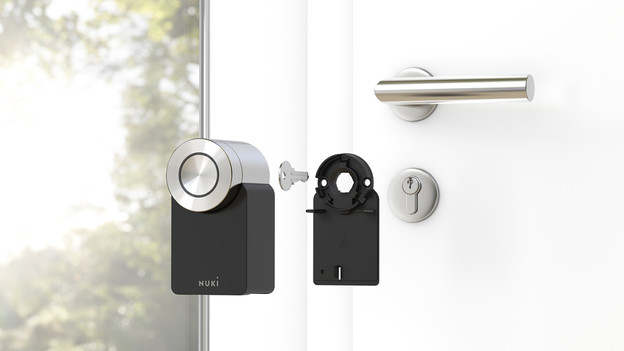
Install Nuki door lock in 5 steps
In this article, we'll explain the best way to install your Nuki door lock in 5 steps.
- Step 1. Determine how far your cylinder protrudes.
- Step 2a. Install the door lock with the clamp plate.
- Step 2b. Install the door lock with the adhesive plate.
- Step 3. Connect your Nuki door lock to the app.
- Step 4. Connect your Nuki door lock to a bridge.
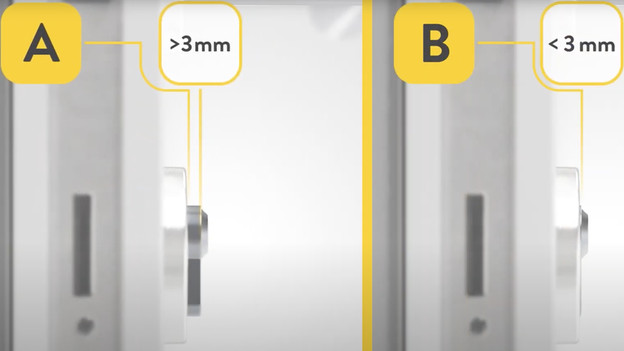
Step 1: measure how far your cylinder protrudes
In order to install your Nuki door lock, you have to know how far your cylinder protrudes. Place a ruler on the doorframe to measure it. Measure up to the end of the cylinder, which is where you put in the key. If the distance to the door less than 3mm? Install the smart lock with the adhesive plate. Does it protrude more than 3mm? Use the clamp plate for the installation.
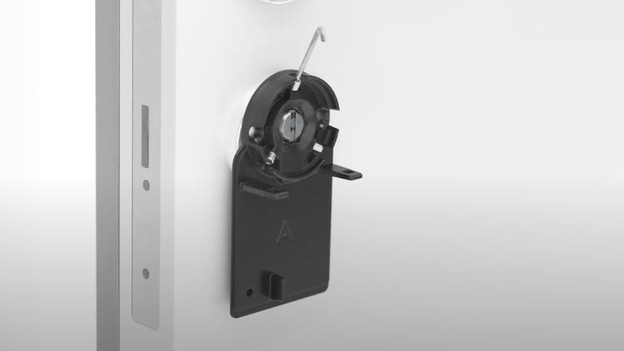
Step 2a: install the door lock with the clamp plate
If your cylinder protrudes more than 3mm, use the clamp plate. Place it over your door lock on the inside of your door. Then, tighten the screws with the included hex key. Note: don't tighten them too much, or you might damage the cylinder of your lock. If the mounting plate is attached, put the key in the lock. After that, click the Nuki onto the clamp plate. Finally, put the batteries in your Nuki door lock.
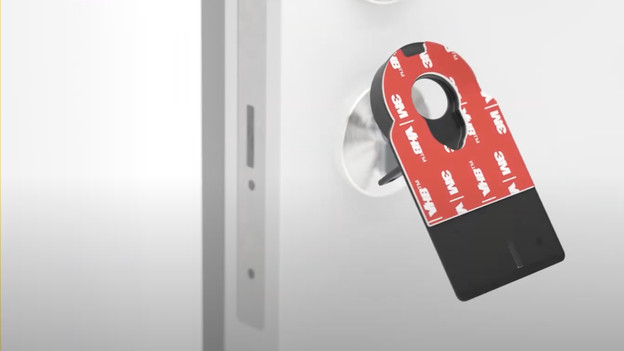
Step 2b: install the door lock with the adhesive plate
You don't need screws to install your Nuki door lock with the adhesive plate. You do have to clean and degrease the doorframe around the cylinder. After that, you can stick the mounting plate over your current lock. This only works on a flat surface. You can then stick the mounting plate around your cylinder. Now, put the key in the lock and click the Nuki door lock onto the mounting plate. And finally, put the batteries in your Nuki door lock.
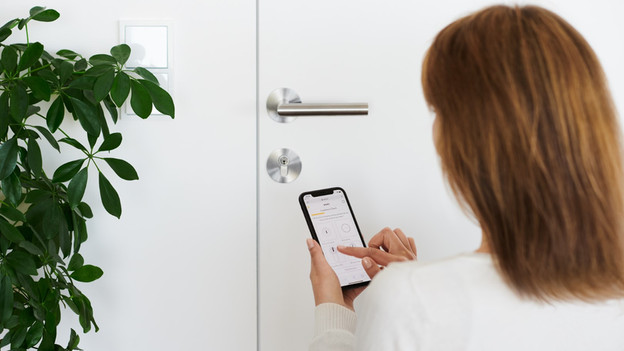
Step 3: connect the Nuki door lock to the ap
Download the Nuki app in the Play Store or App Store and open the app. Choose the 'Set up smart lock' option and hold the round button on your Nuki door lock for 5 seconds right after. the circle on your door is now constantly lit. As soon as your phone has found the door lock, you can open the door with your phone. Test this while the door is open, just to be sure. Doesn't it work? Check whether Bluetooth is switched on on your phone.
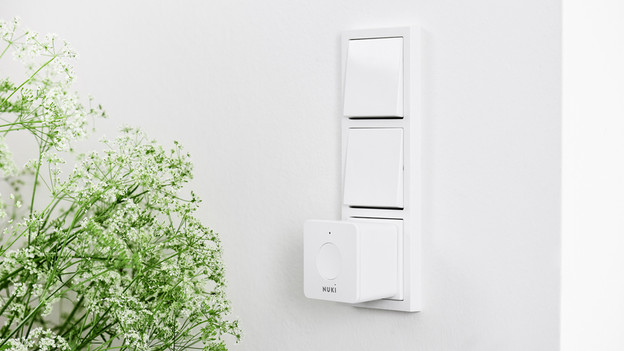
Step 4: connect your Nuki door lock to a bridge
With a Nuki bridge, you can control your Nuki door lock from all over the world. This way, you can open your door when you're not home. For example, if there's someone at the door who you know. You can connect your door lock to the bridge with or without the app. In the app, choose 'Add devices' and then 'Bridge'. As soon as your phone finds the bridge, you can connect it to your door lock. Without the app, hold the round button on the door lock and the button on the bridge at the same time for 5 seconds. This connects the door lock and bridge to each other automatically.
Article by Uhro
Door Lock Expert.