Written by Daniël
Edited on
7 October 2025
·
08:37
How do you make sure the Nest thermostat receives power?
You bought a Nest thermostat, but it's not getting any power. Depending on your situation, you either use a stand or place the thermostat on the wall. In this article, we'll explain how to solve this problem. Make sure you set up your Nest Heat Link first.
Get started with the Nest thermostat
- Step 1: install the Nest Heat Link
- Step: connect the Nest thermostat to the micro USB port
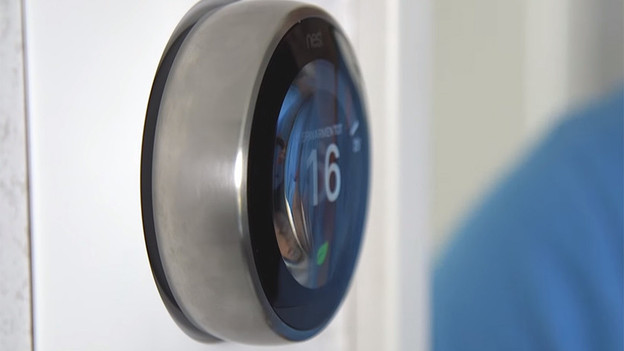
Step 1: install the Nest Heat Link
The Nest Heat Link is powered by your heating system. That's why you should turn off the power supply of the heating first. After that, you have to connect the right cables to your Heat Link. From the Heat Link, you can run the T1 and T2 cables to your thermostat. This provides your thermostat with the right power.
Setting it up can be difficult. It's even dangerous to work with electricity if you're inexperienced. That's why we recommend to have a professional technician come by.
Tip 2: connect the thermostat to the micro USB port
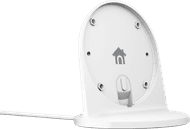
Nest thermostats have a micro USB port. You can't use it to connect a separate adapter. Want to provide the Nest with power via that port? Purchase the Nest Stand. This is a stand you can click your smart thermostat onto, and it's how you provide it with power. You can then place the thermostat on a table or cabinet.
44,99
Article by Daniël
Thermostat Expert.