Written by Mark
Edited on
12 July 2024
·
15:23
How do you reset the Sony 3D Pulse headset?
You want to enjoy the 3D audio on the PlayStation 5 with the Sony 3D Pulse Headset. But, you're having problems with the connection of your 3D Pulse headset. It often helps to reset your USB dongle. In this article, we'll explain how to do this. That way, you can play with the best possible sound again soon.
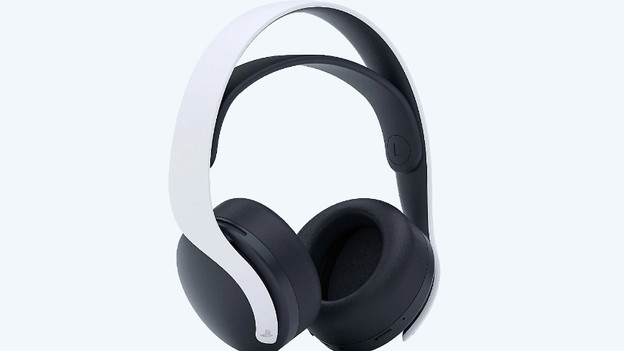
This is how you reset the 3D Pulse headset
You reset the headset in 2 simple steps.
Step 1. Reset the USB dongle
Step 2. Reconnect your headset
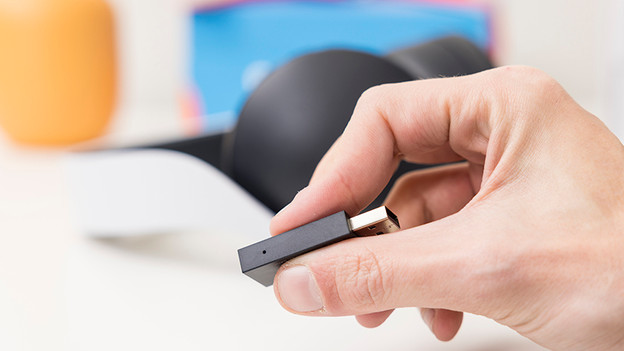
Step 1: reset the USB dongle
Resetting the USB dongle is the first step to solving your problem. Go through the following steps to reset the USB dongle.
- Make sure the USB dongle is plugged into your console or PC.
- Use a needle to press the button on the side of the dongle.
- Wait until the light of the USB dongle blinks in white.
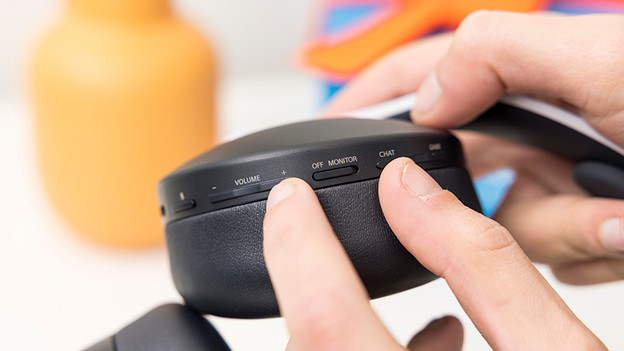
Step 2: reconnect the headset
Grab the 3D Pulse headset and go through the following steps to reconnect it.
- Press and hold the 'Chat' and 'Volume +' button.
- Press the 'on' button.
- Wait until the 3D Pulse headset beeps.
The 3D Pulse headset has now been reconnected to the USB dongle.