Written by Julia
Edited on
15 November 2024
·
11:10
How do you set up your Ewent or ACT phone mount?
The Ewent/ACT phone mount opens via an automatic clamp. If you want the clamp to open and close automatically, you have to connect the mount to your car in the right way. We'll explain how to connect the phone mount in 3 steps.

Connect your mount in 3 steps
Read how to connect the Ewent phone mount to your car in the right way here.
- Step 1: attach the phone mount
- Step 2: connect the cable
- Step 3: open the mount

Step 1: attach the phone mount
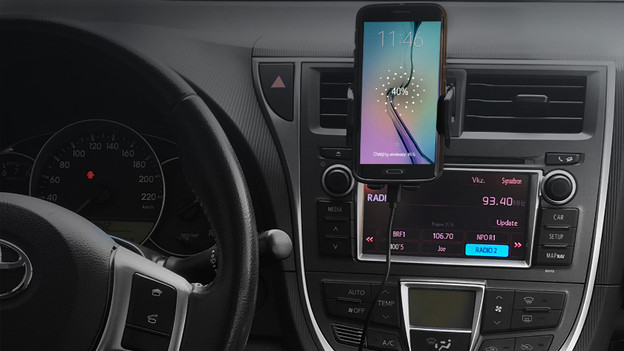
You can place the Ewent/ACT phone mount in your car in 2 different ways. You can stick it to your dashboard with the suction cup, or you can use the clamp to attach the phone mount to the air vent.
Step 2: connect the cable
The phone mount includes a USB-A to USB-C cable. Connect the USB-C side to the phone mount, and connect the USB-A side to your own car charger or to the USB port in your car.

Step 3: open the mount
You've now provided the phone mount with power and it'll turn on automatically. Hold your phone in front of the sensor to open the mount. If you want to take your device out of the mount, simply press the buttons on the side and the mount will pop open.
Article by Julia
Phone Mount Expert.