Written by Mark
Edited on
2 July 2024
·
15:05
3 tips to solve problems with the battery of your Nintendo Switch
You're experiencing problems with the battery of your Nintendo Switch and want to play Mario really bad. For example, your battery life is indicated incorrectly or your console doesn't charge. In this article, we'll give 3 tips you have to go through to solve these kind of problems. That way, you can play your favorite game soon again.

Solve battery problems
Go through these 3 steps to solve problems with your Nintendo Switch battery.
Tip 1. Restart your Nintendo Switch.
Tip 2. Check your battery life.
Tip 3. Check your cable.

Tip 1: restart you Nintendo Switch
The first possible solution is to restart your Nintendo Switch. Go through the following steps:
- Take the Nintendo Switch out of the dock.
- Press and hold the power button for at least 10 seconds.
- Check if your Nintendo Switch is charging again.
Tip 2: check your battery life
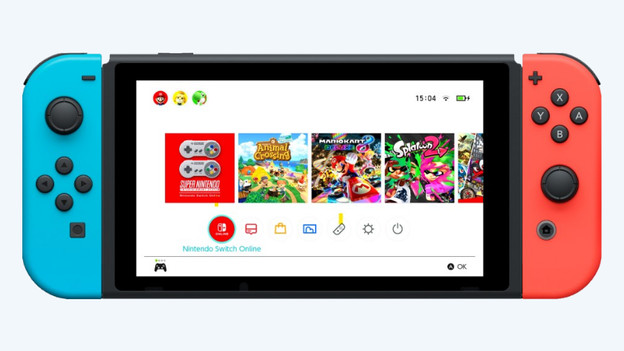
Your Nintendo Switch displays your battery capacity incorrectly and your battery is actually almost empty. Go through these steps a couple of times until the battery life is displayed correctly.
- Check if you've installed the most recent update.
- Go to system settings, scroll down, and select 'Sleep mode'.
- Set 'Automatic sleep mode' to 'Never'.
- Charge your console for 3 hours and leave the console for 1 hour in the dock or charger without touching it.
- Let the battery run out completely by leaving the console set to the Home screen continuously.
- Repeat these steps until the battery life is correct.
Tip 3: check your cable
An incorrect battery life is annoying, but a Switch that doesn't want to charge is a larger problem. Luckily, this solution often solves the problem.
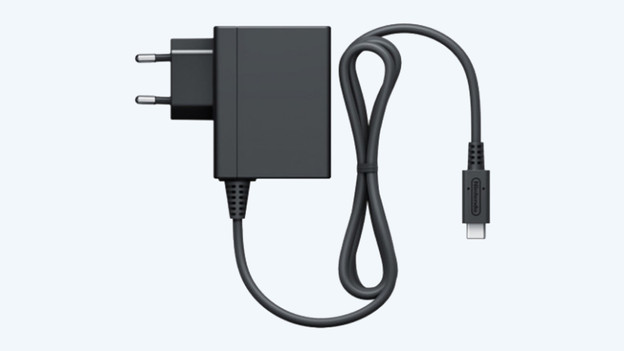
- Take the power cable out of the dock and leave it for 30 seconds.
- Plug the Nintendo Switch into a socket with the power cable.
If you see the charging icon on the top left, you've solved the problem. If not, replace the power cable and try again.