Written by Mark
Edited on
12 July 2024
·
15:23
How do you solve connection problems with your Astro A50?
Doesn't your Astro A50 connect? In this article, we'll tell you how to solve connection problems. You'll read how to reset the headset and the base station, and more useful steps for connecting. Before you know it, you'll be gaming online again with the best possible sound.
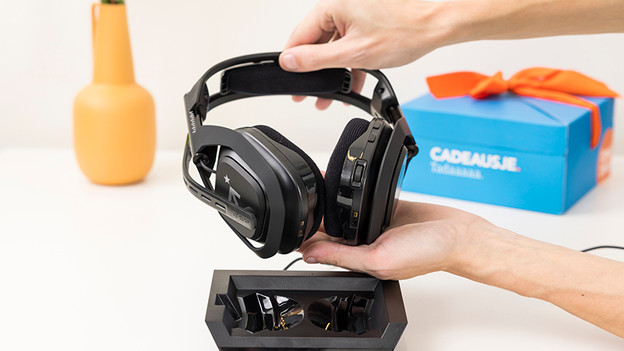
Solve connection problems
Go through these 3 steps to solve charging problems with your Astro A50:
Step 1. Reset your base station
Step 2. Reset your gaming headset
Step 3. Connect your Astro A50
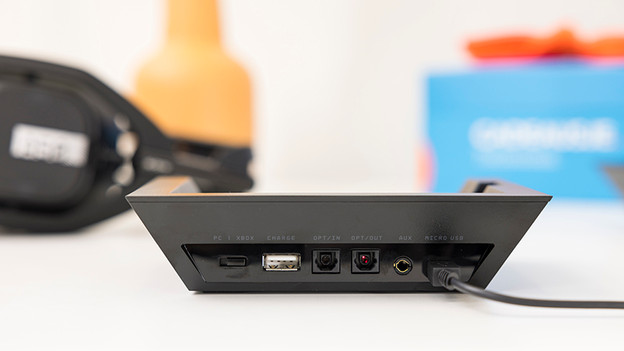
Step 1: reset your base station
The base station is important for connecting your headset. Resetting your base station can solve connection problems. Disconnect the power source for 20 seconds to do this. Your base station has now been reset and is ready for use again
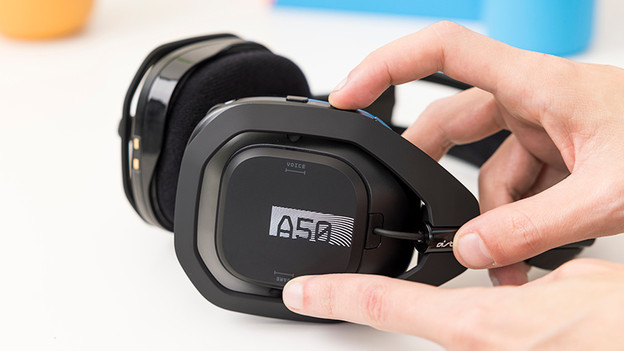
Step 2: reset your Astro A50 headset
Go through the following steps to reset your headset.
- Turn on your Astro A50 via the 'on' button on the left ear cup.
- Press and hold the 'Dolby' button and the 'Game' button for 25 seconds.
The Astro A50 has now been reset. This will solve most problems with your gaming headset.
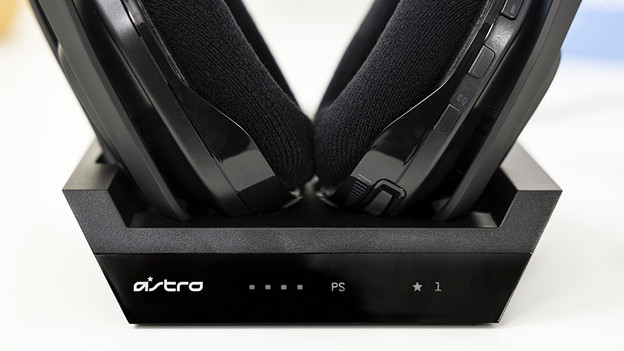
Step 3: reconnect your Astro A50
Go through the following steps to connect your headset.
- Connect the base station to the power grid.
- Collapse the microphone and place the headset on the base station.
- The LED indicator will turn orange if the headset is charging. If this isn't the case, place the headset on the base station again.
- If you see the charging status on the base station, the connection was successful.
- Move the switch to the console or PC.
All connection problems should be solved now. Isn't your headset charging? Read the following article.