Written by Deanne
Edited on
9 September 2026
·
15:16
How do you choose a student laptop?
As a student, you often need a laptop for school to work on your thesis, exams, and other assignments. But what requirements should your laptop meet? Do you want to work with specific software, or should it be easy to carry with you in your bag? We're happy to help you find the laptop that suits you best.
How can I help you?
Our digital expert will help you, but it can sometimes make mistakes, like humans do.
Choose a student laptop
There are many types of laptops, but how do you choose the best student laptop that suits your studies and wishes? Ask yourself the following questions:
- What are you going to study?
- Which programs are you going to use?
- Do you mainly use your laptop in 1 spot or do you want to take it to class often?

What laptop inch size do you need?
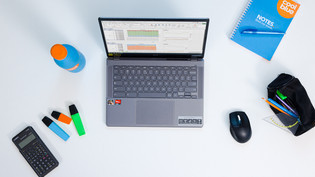
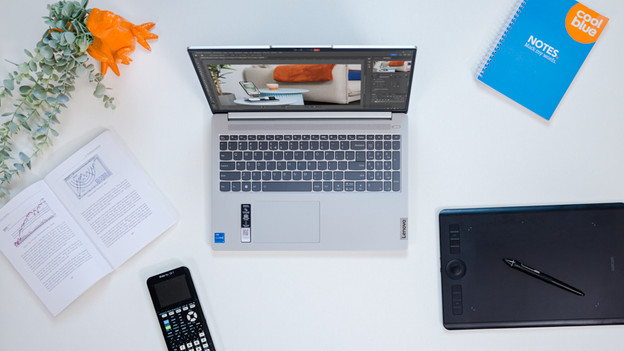
Which laptop size is the most suitable for you depends on a couple of things. Do you want to bring your laptop to class often? A 13 or 14-inch laptop is the best choice for you. You'll have enough screen space to see details. Do you often work in 1 spot and do you only bring your laptop with you occasionally? A 15 or 16-inch laptop is ideal for you. On these screens, you'll see many details. This is useful for graphic design.

Choose the laptop that suits your studies
Social, cultural, and economics studies
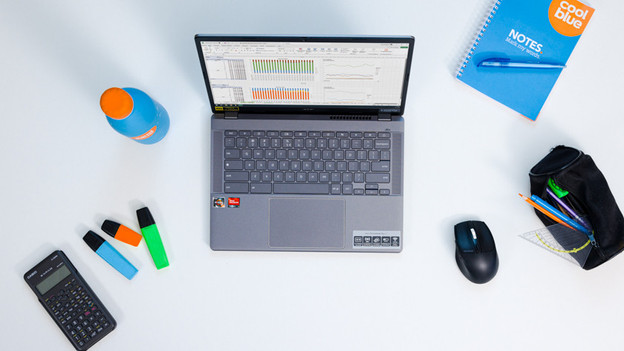
Do you study for a social, cultural, or economics degree? We recommend at least an Intel Core (i)5, Ultra 5, or AMD Ryzen (AI) 5 processor with 16GB RAM or higher for a Windows laptop. For an Apple, choose at least an MacBook Neo with an A18 Pro chip. This allows you to easily do research in your browser while you process all your information in your Microsoft Office programs. You can smoothly switch between Microsoft Excel, your browser, and various other programs without your laptop slowing down. This way, you can effortlessly finish all your reports.
Creative studies
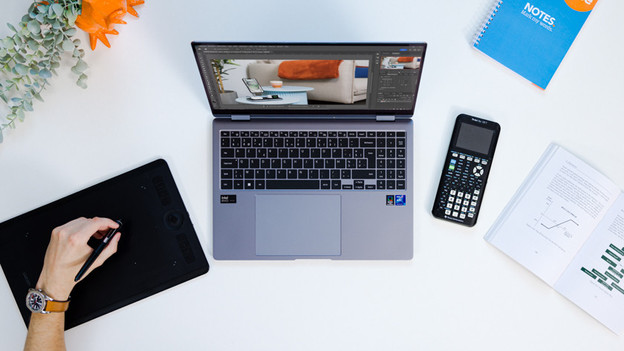
With creative studies, you often work on image editing. For photo editing, we recommend an Intel Core (i)5, Ultra 5, or AMD Ryzen (AI) 5 processor with 16GB RAM for Windows. For video editing, we recommend an Intel Core (i)7, Ultra 7, or AMD Ryzen (AI) 7 processor. For industrial design, you need a laptop with a dedicated video card. With Apple MacBook, an M5 chip is strong enough for light photo and video editing. For more demanding video files, choose the M5 Pro chip. For app development, you need the M5 Max chip.

Technical studies
You need a powerful laptop for game designs and 3D animations. That's why we recommend a laptop with at least an Intel Core (i)9 or AMD Ryzen (AI) 9 processor with 16GB RAM for Windows. You also need a dedicated video card. This allows you to easily work with demanding programs like AutoCAD and your designs render faster without your laptop slowing down. Do you want to work with multiple demanding programs at the same time? Choose a laptop with 32GB RAM. If you want an Apple MacBook, choose an M5 Pro or M5 Max chip.
High school
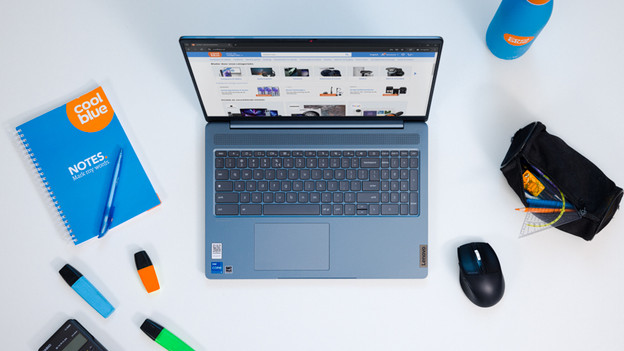
If you write reports and make presentations, a Chromebook or affordable laptop is the ideal choice for you. You can easily work in the browser version of Google Docs or Word and watch a YouTube video at the same time. You don't need a powerful laptop for these daily tasks. A Chromebook lasts a working day before you have to recharge it. in addition, a Chromebook is less susceptible to viruses thanks to the built-in security. You can safely download programs via the Play Store.
Using AI during your studies?
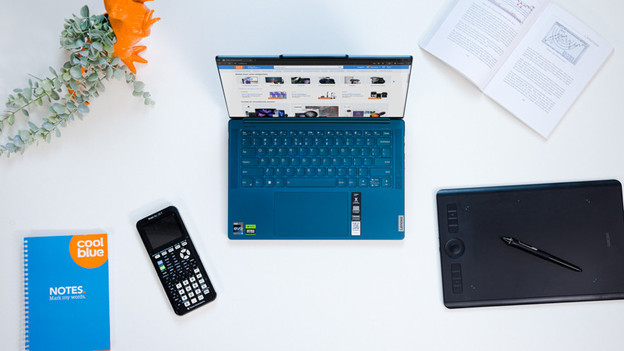
Want to get started with AI during your studies? It's important that your laptop has enough power to perform demanding AI tasks. You need many TOPS (trillions of operations per second), so your laptop doesn't slow down while you work with AI. You can create new images with AI, such as photos and videos in Adobe Photoshop, or use AI to develop code. The AI laptop ensures a better division between the power of your processor and video card. This way, you can switch between multiple demanding tasks without slowing down.
How does Coolblue ensure that the laptops meet my needs?
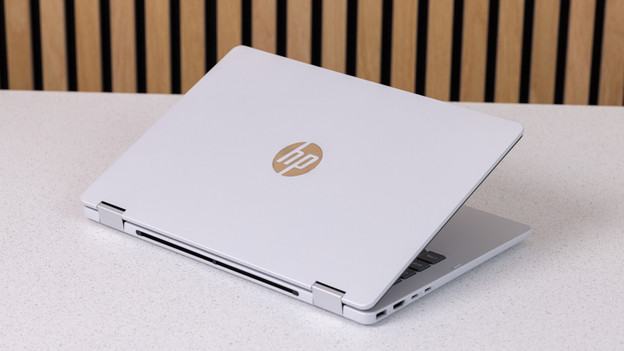
At Coolblue, we sell the best Windows student laptops for your studies. Thanks to our expert knowledge, we know which specifications suit your student laptop best. We build laptops based on data and customer feedback, so they completely align with your wishes. This way, you always have a student laptop that suits your wishes. You can only find these laptops at Coolblue.