Written by Bob
Edited on
16 April 2025
·
13:33
Which iPhone model is waterproof?
As of the iPhone 7, all iPhone devices are waterproof. The newer your iPhone, the better your device can withstand water. For example, the iPhone 15 is waterproof up to 6m deep for 30 minutes. We'll explain how waterproof the various iPhone models are and what you should do when the iPhone gets wet.
These iPhone models are waterproof
| IP rating | Time and depth | |
|---|---|---|
| Apple iPhone 16, 15, iPhone 14, iPhone 13, iPhone 12 | IP68 | Up to 30 minutes and 6m deep |
| Apple iPhone 11 Pro (Max) | IP68 | Up to 30 minutes and 4m deep |
| Apple iPhone 11, Xs | IP68 | Up to 30 minutes and 2 meters deep |
| Apple iPhone SE (2022/2020), Xr, X, 8, 7 | IP67 | Up to 30 minutes and 1 meter deep |
| Apple iPhone 6 and older | Not waterproof | Not waterproof |
The difference between IP67 and IP68
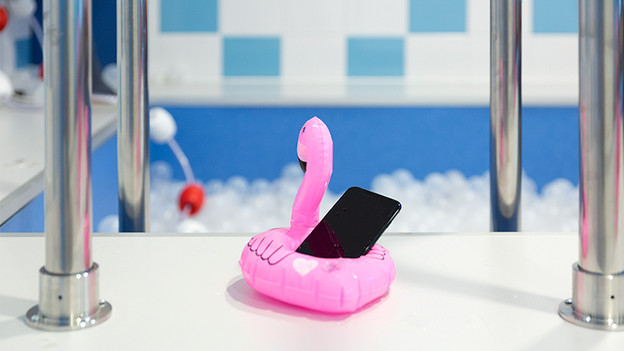
The dust resistance and water resistance of the iPhone are indicated in Ingress Protection (IP). Behind IP, you can see 2 numbers which tell you how dustproof and water-resistant the device is. The first number says something about the dust resistance. A 6 is the highest. The second number says something about the water resistance. The higher, the better. The iPhone models with an IP67 value are waterproof for 30 minutes up to a 1m depth. Models with IP68 are waterproof up to 30 minutes down to a 2m depth or more. Currently, the IP68 is the highest IP value.
Prevent water damage to your iPhone
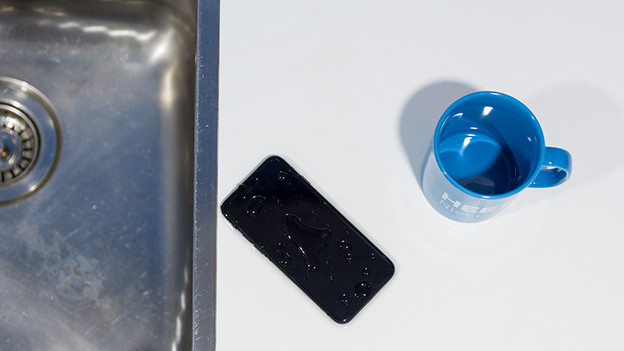
It's inconvenient if your iPhone has water damage. In this case, it's easier to prevent it than to repair it. Are you going to do water sports or mountain biking in a muddy area? Put the device in a waterproof bag with a seal, or purchase a special waterproof iPhone case. With the case, you protect your device from falls and bumps right away as well.
What can you do if your iPhone is wet
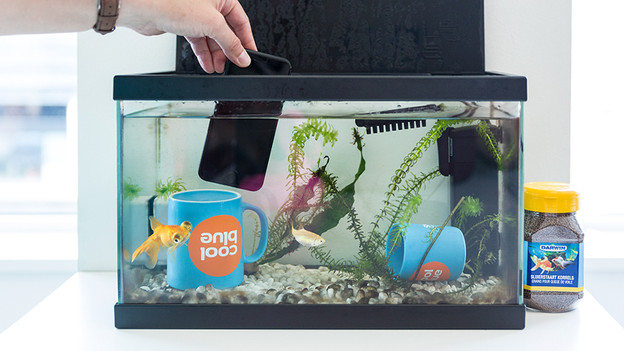
Did you accidentally spill water over your iPhone, or did it fall into a puddle? Dry the device as soon as possible with a lint-free cloth. Check if the device is really dry before you turn it back on. Check the Lightning port and the mini jack connector, if your iPhone has one. If your iPhone doesn't turn on anymore, let us check your device.
Note: In Germany, we only repair your iPhone if you purchased it at Coolblue.
Article by Bob
Phone Expert.