Imou
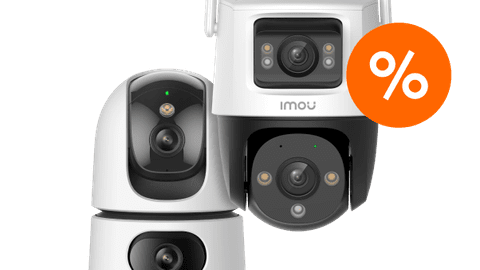
Compare the Imou Cruiser cameras
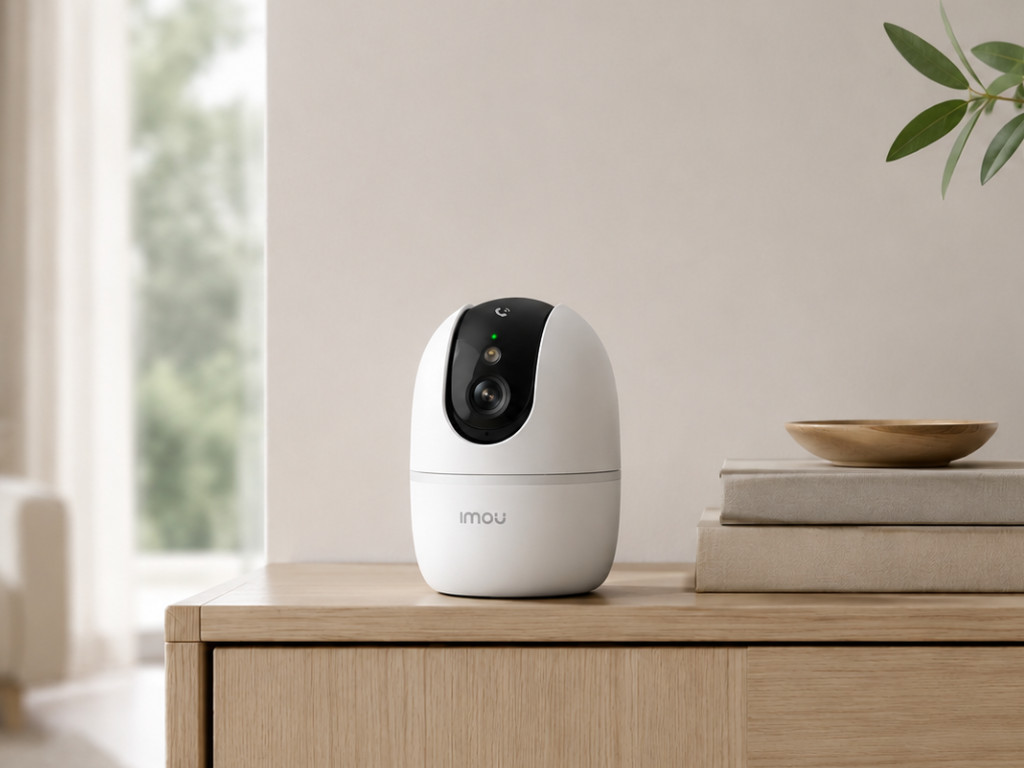
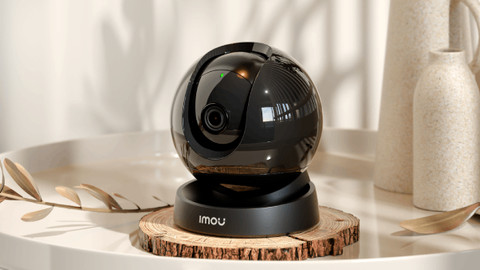
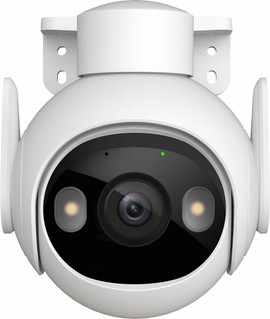
- Imou Cruiser 2 3K
This camera is rotatable and tiltable, so you can secure a large area with 1 camera.
Thanks to the 3K resolution, you can see more details and you lose less sharpness when you zoom in on details.
You store images locally on a microSD card or in the cloud.
It doesn't have a PoE connector, so this camera only works via WiFi.
You can't keep an overview of the entire space when the camera follows movement, because the camera has only 1 lens.
From
60,-
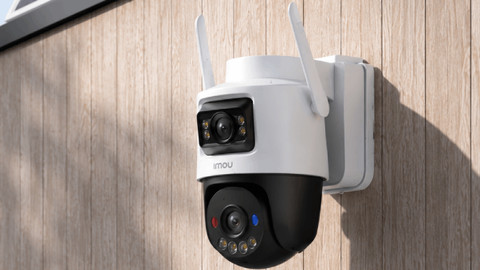
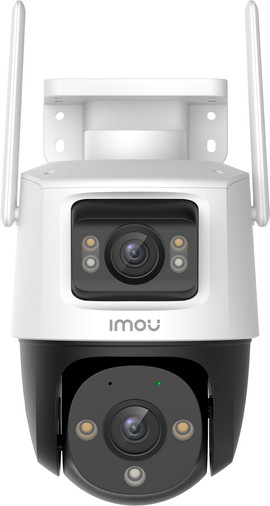
- Imou Cruiser Dual 2x5MP
You can secure 2 spots at the same time, because this camera has 2 lenses.
This camera is rotatable and tiltable, so you can secure a large area with 1 camera.
You store images locally on a microSD card or in the cloud.
It doesn't have a PoE connector, so this camera only works via WiFi.
Due to the 2K resolution, you lose sharpness when you zoom in on the details of the image.
From
97,-
- Imou Cruiser Triple 11MP
You can secure 3 spots at the same time, because this camera has 3 lenses.
This camera is rotatable and tiltable, so you can secure a large area with 1 camera.
Thanks to the 4K resolution, you can see every detail and your image stays sharp when you zoom in on details.
The camera works via WiFi and has a Power over Ethernet (PoE) connector.
You store images locally on a microSD card or in the cloud.
From
113,-
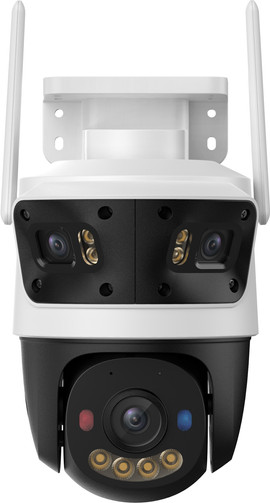
- Imou Cruiser Pano Z
You can secure 3 spots at the same time and have an extra large overview of your garden thanks to the 4 built-in lenses.
This camera is rotatable and tiltable, so you can secure a large area with 1 camera.
Thanks to the 4K resolution, you can see every detail and your image stays sharp when you zoom in on details.
The camera works via WiFi and has a Power over Ethernet (PoE) connector.
You store images locally on a microSD card or in the cloud.
From
180,-
Manage all your devices in 1 app
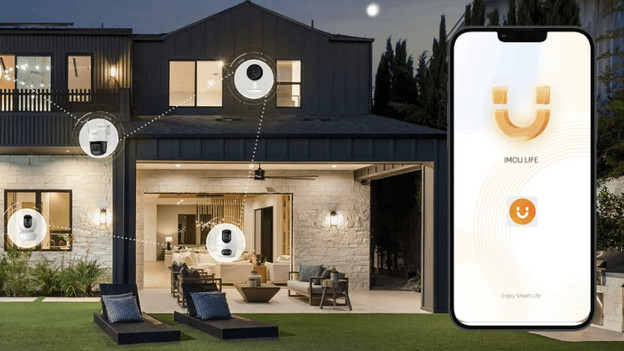
Via the Imou Life app, you can control all your Imou smart devices from 1 place. The app works on your smartphone and computer. The app works anywhere you have a good (mobile) internet connection, so you can even control your devices when you’re not at home. This way, you can talk to a visitor who rings the doorbell while you’re at work or buying groceries. You receive security alerts, so you always know what’s happening at home.
Capture every moment
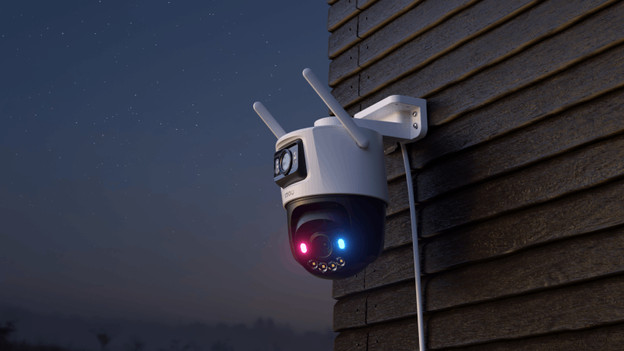
Some Imou cameras with a battery have the Always On Video (AOV) function. This allows you to record video all day without draining the battery quickly. The camera captures a single frame every 3 seconds and stitches these images together. During an event, it records for longer. This gives you a timeline of the entire day. Imou cameras without AOV only record short clips when an event occurs. As a result, you know what’s happening, but not always what the cause of the event was.
Choose your storage method
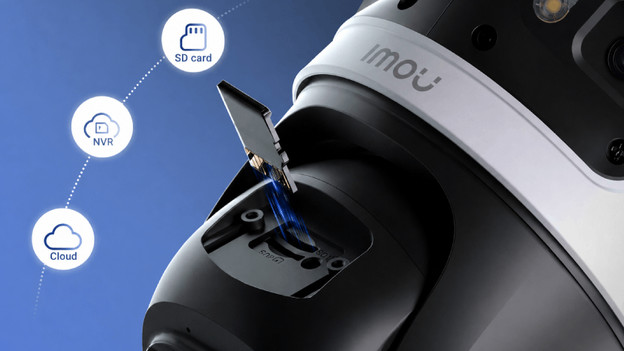
There are 2 storage options for the footage of your Imou IP cameras and doorbell. With an Imou Protect subscription, you can store all your footage in 1 place in a secure cloud environment. You do pay a fixed monthly fee, but you don’t need a separate SD card for each device. Your devices also have better AI recognition, and you receive a security report every day. Don't want to have monthly costs? You can store the footage from each camera on a microSD card.
Keep an eye on the entire garden
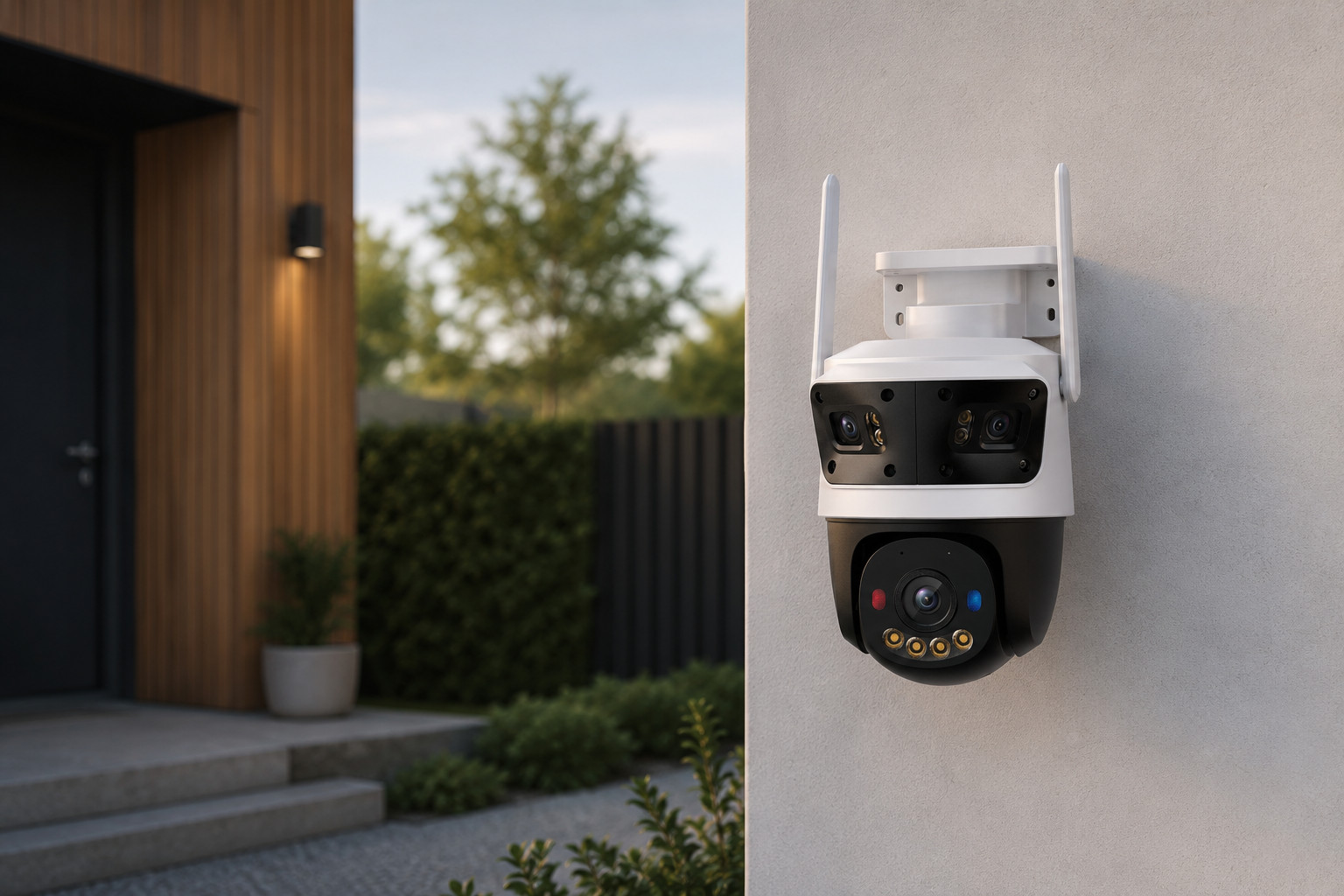
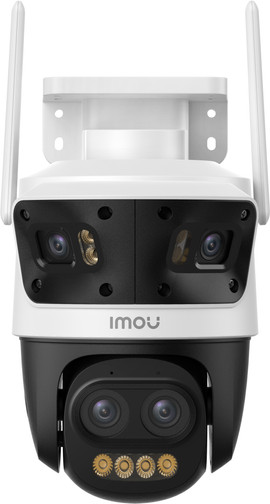
Secure your garden with 4 lenses
This security camera has 4 lenses. The 2 pan-tilt-zoom (PTZ) lenses automatically track movement and zoom in up to 12 times to capture details. Meanwhile, the 2 fixed panoramic lenses give you a clear view of the entire garden.
View these Imou products as well
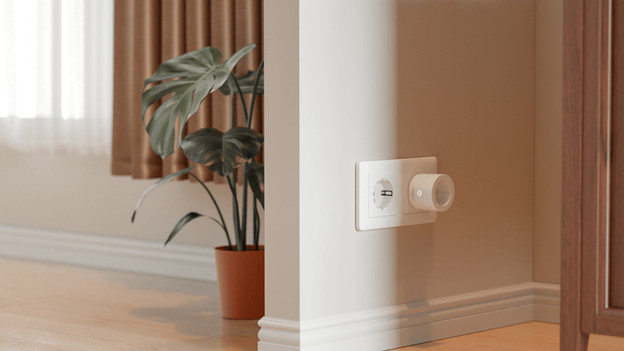
Smart plugs
Make all your devices smart with an Imou smart plug. Simply plug it into a socket and connect the cord or cable of your device. You can then use the Imou Life app to set schedules and timers, so your connected device turns on and off automatically. You can also see exactly how much power you’re consuming. You can control the plug even when you’re not at home. This is useful if you want to turn on a light in advance or check if the iron is turned off, for example.
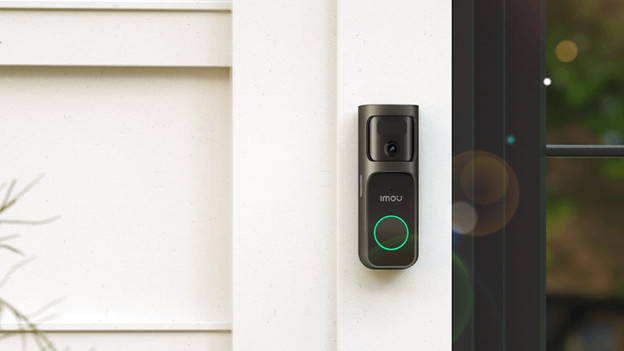
Smart doorbell
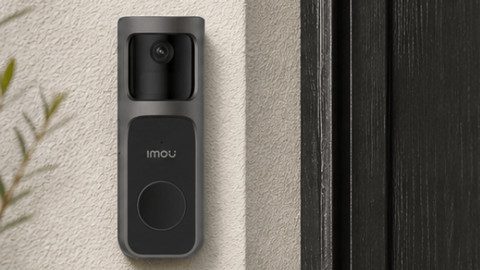
The Imou 2S smart doorbell has a built-in camera that pans back and forth, which gives it an extra-wide viewing angle. This means you can also use it as a security camera for your front yard. It records in sharp 2K resolution and runs on a battery. This means you can place the doorbell anywhere without having to deal with wiring. You do need to charge it occasionally. Through the Imou app, you can talk to visitors and see exactly who's at the door.
FAQ
Do I need a subscription for Imou?
That’s an option, but it’s not required. You can store footage on a microSD card without any monthly costs. With cloud storage, you can keep all your recordings in 1 place and you don't need a separate SD card for each device. In that case, you do pay a fixed monthly amount.
What's Imou Always On Video?
Always On Video is a function available on some Imou cameras with a battery. The camera captures an image every few seconds throughout the day and puts them together. This gives you a timeline of the day, instead of just individual recordings triggered by movement.
Which app do I need for Imou?
To control your Imou devices, download the free Imou Life app. Here, you can view live footage from your doorbell and IP cameras and talk to visitors. You can also view the energy consumption of your smart plugs and set up schedules for them.
What's the difference between a fixed Imou camera and a PTZ camera?
A fixed camera records a single spot. With a PTZ (pan-tilt-zoom) camera, you can control the camera remotely, which allows you to keep an eye on a larger area. This also helps to reduce blind spots. That's useful for a larger garden or room.
Can I use an Imou camera indoors and outdoors?
Not every camera is suitable for outdoors. Outdoor cameras are waterproof and can withstand bad weather, but indoor cameras can't. Not sure? Choose a waterproof model, because you can use it indoors and outdoors.